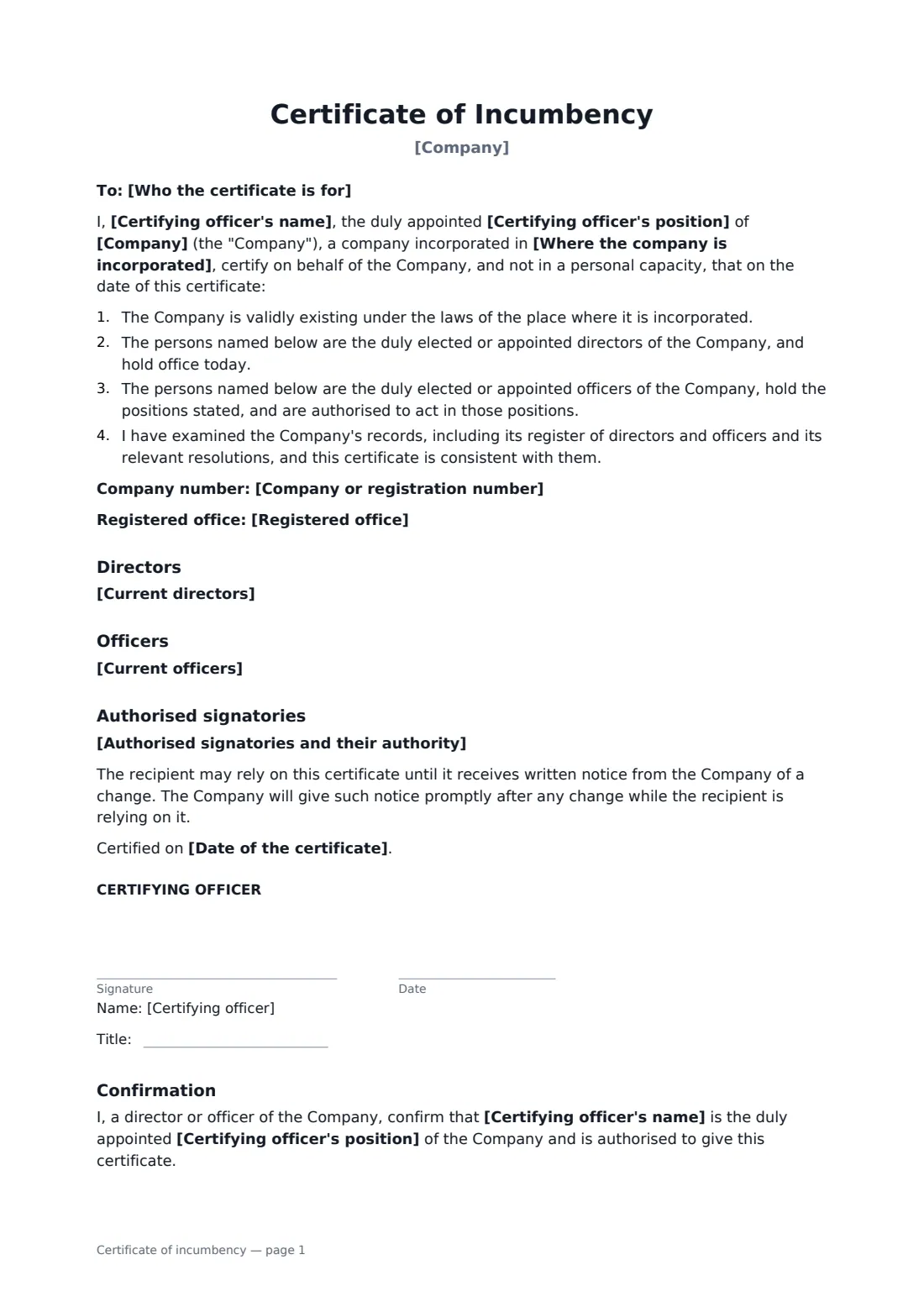

What is a certificate of incumbency?
A company officer certifies who currently holds the company's director and officer positions, often for a bank, lender or foreign registry, and a second officer confirms the certifying officer's own position. Start from this template in FileIt eSignature: fill in the blanks, add the people who sign, and send it. Everyone signs online and the signed PDF is filed in your vault.
What you fill in
11 blanks, then the name and email of each person who signs: certifying officer, confirming officer.
1 The company
- Date of the certificate*
- Company*
- Where the company is incorporated*
- Company or registration number
- Registered office
2 The certifying officer
- Certifying officer's name*
- Certifying officer's position*
3 Positions held
- Current directors*
- Current officers*
- Authorised signatories and their authority
- Who the certificate is for
4 Who signs
- Certifying officer signature and date, job title · Usually the company secretary.
- Confirming officer signature and date, job title · A different director or officer who confirms the certifying officer holds their position.
What the certificate of incumbency covers
- Directors
- Officers
- Authorised signatories
- Confirmation
Sign it online in minutes
- Fill in the blanks. Names, dates and amounts go straight into the agreement — the preview shows exactly where.
- Name who signs. Tick “This is me” for your own part. FileIt builds the PDF with every signature, date box on the right line, and you can check or move anything before sending.
- Send it. Each signer gets a secure link and signs from any device — no account needed. The signed PDF, with an audit trail and a Certificate of Completion, is filed in your vault and emailed to everyone.