What is Modello 730/2026?
The Modello 730 is Italy's simplified income tax return (dichiarazione dei redditi) for employees, pensioners and the other taxpayers listed in its instructions. The 730/2026 edition declares income earned in 2025. Its advantage is that any refund is paid, or any tax due is withheld, directly through your pay or pension by your employer or pension fund — the sostituto d'imposta — in the adjustment called conguaglio.
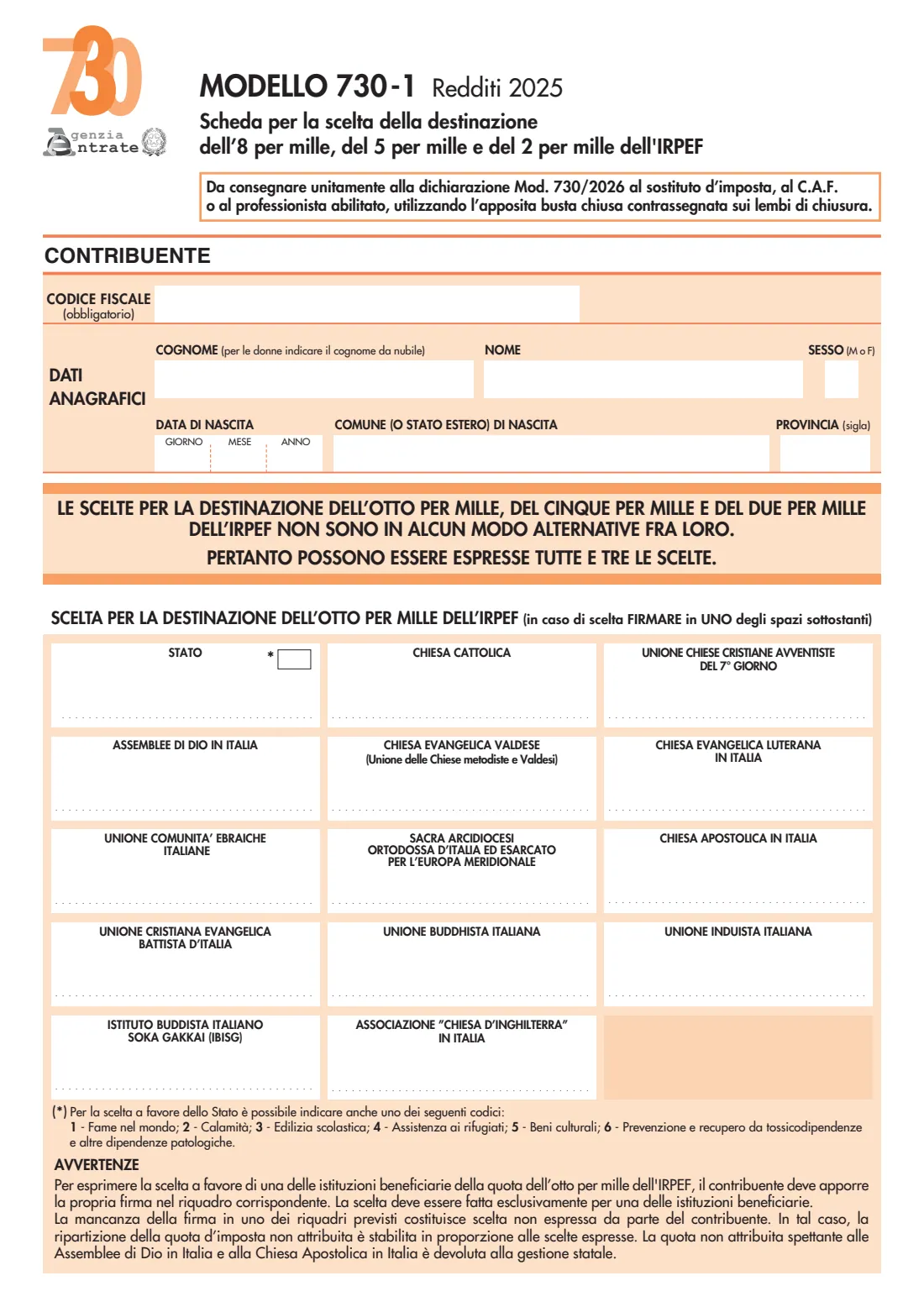
The Agenzia delle Entrate publishes an editable PDF of the form, which is what FileIt fills in. It is handed, signed, to the sostituto d'imposta or to a CAF (centro di assistenza fiscale) or an authorised professional, together with the 730-1 for the 8, 5 and 2 per mille choices. The agency also offers a pre-filled 730 online.
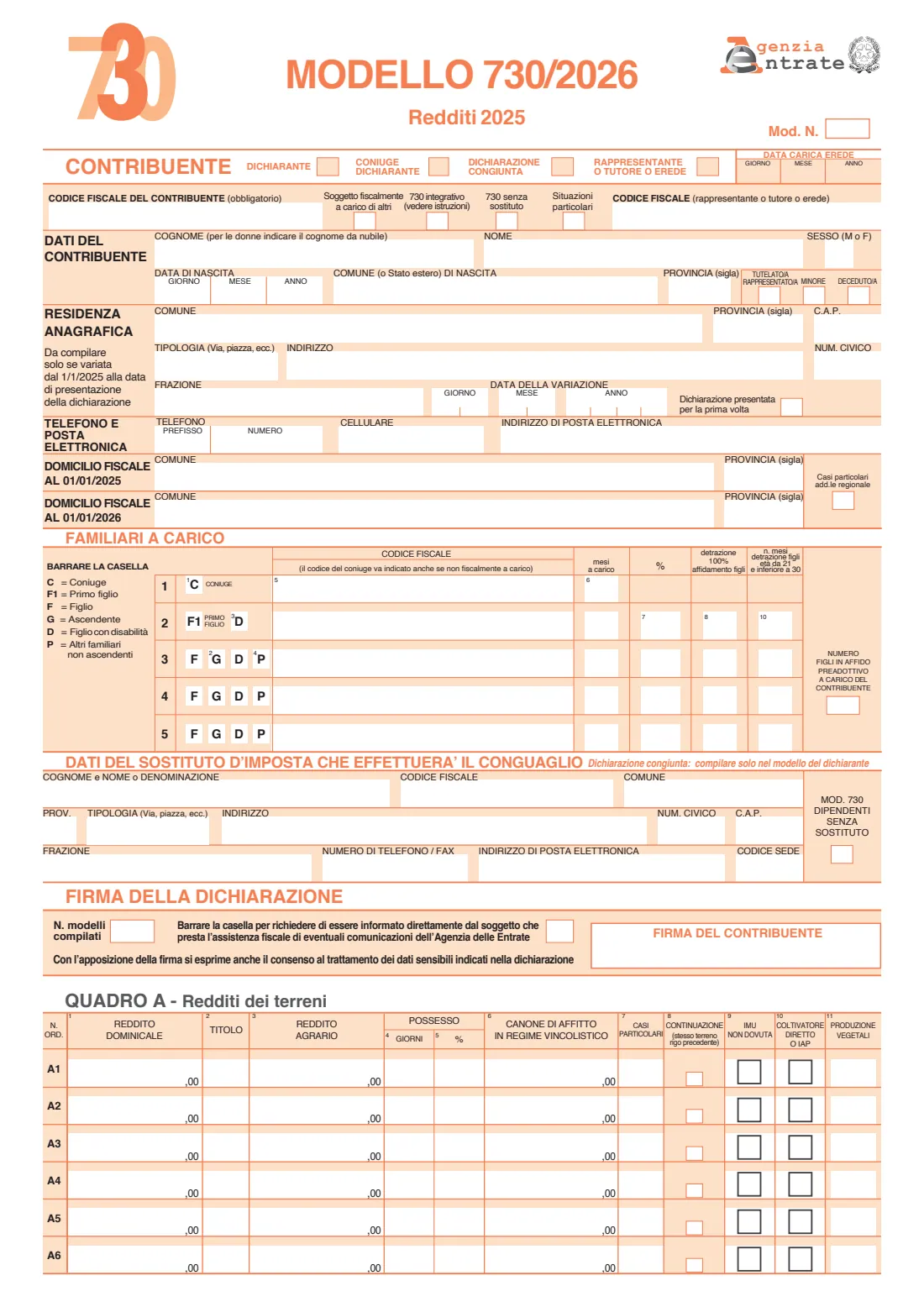
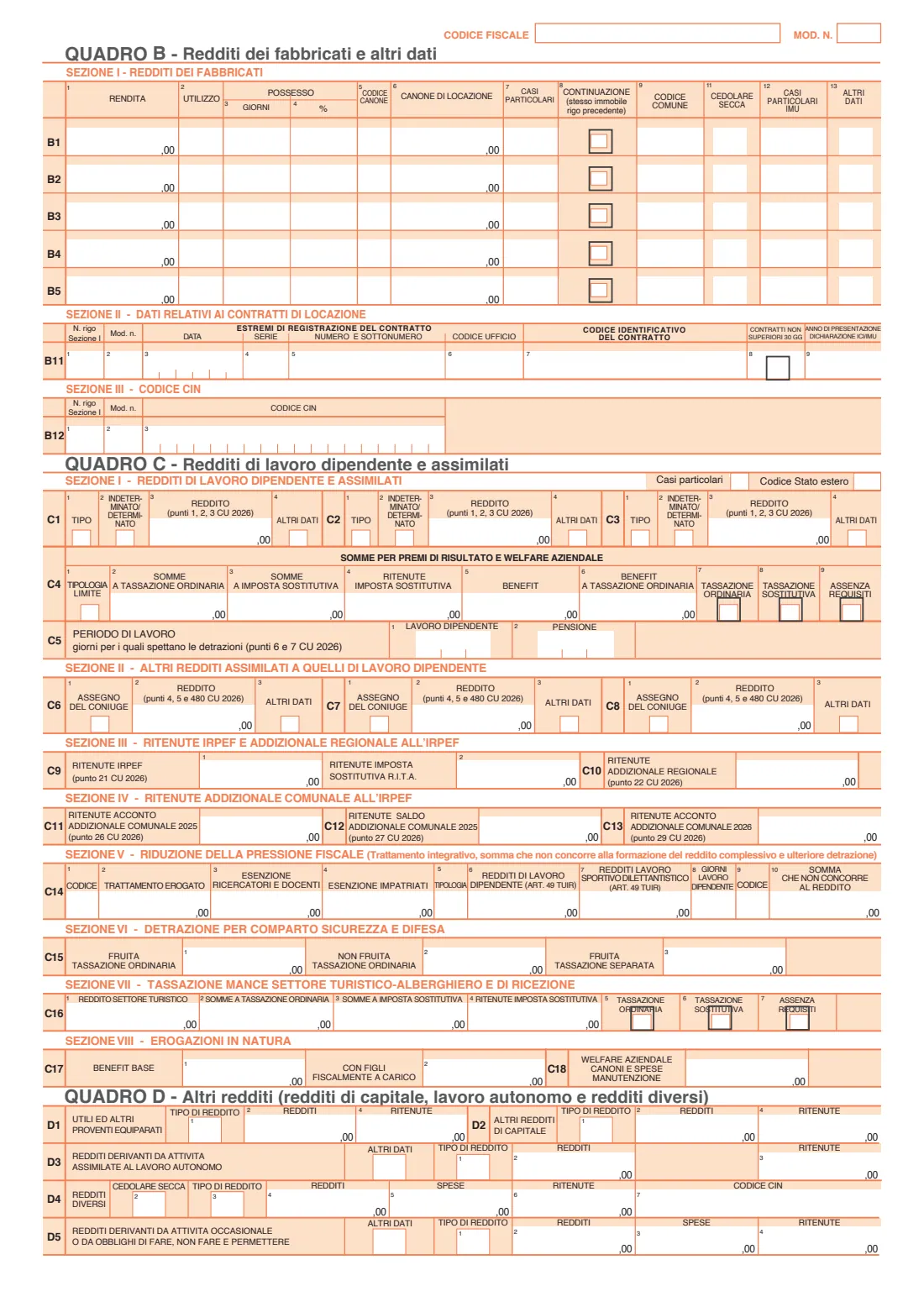
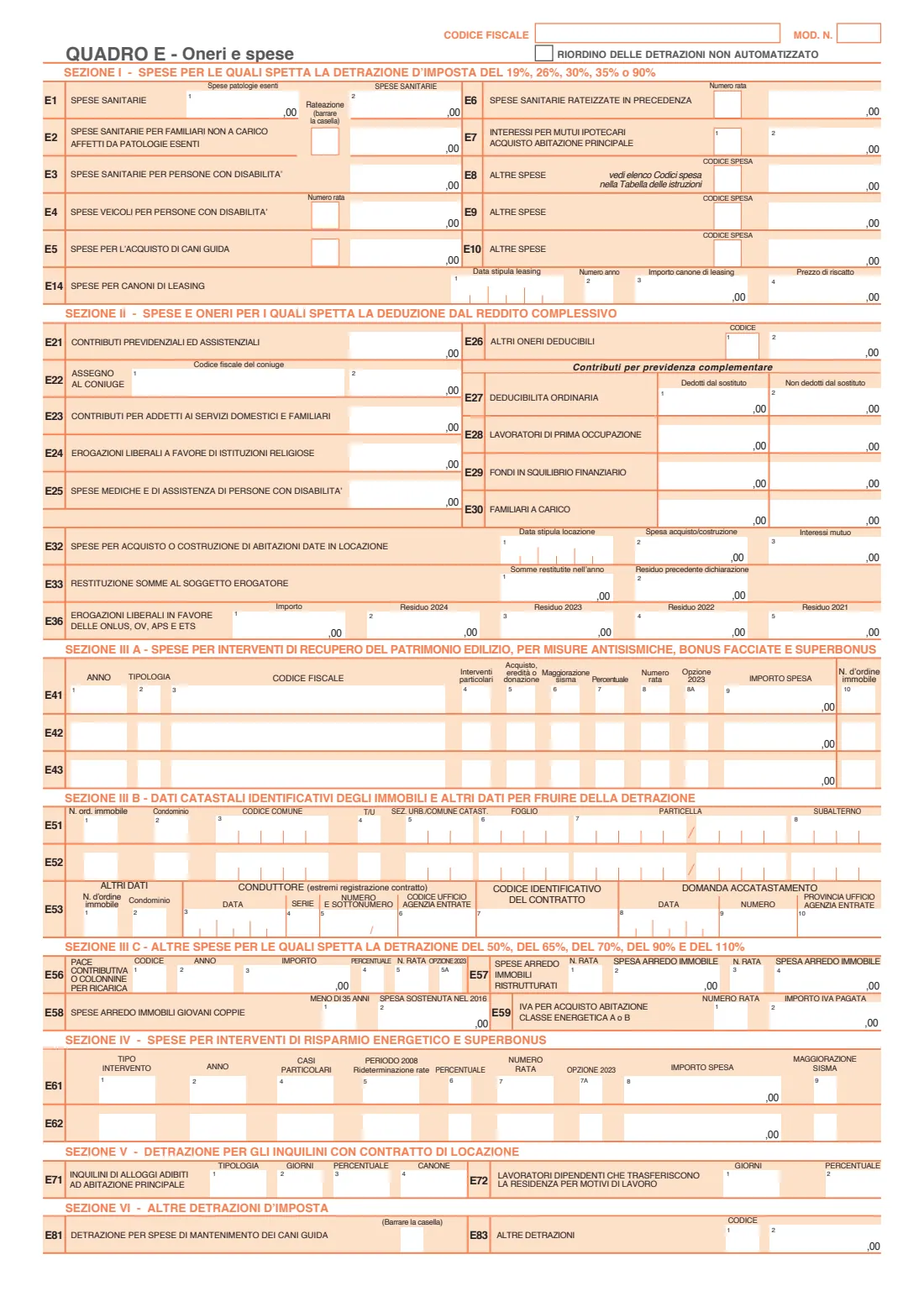
FileIt covers the parts most employees and pensioners need: the front page (you, a representative if any, your registered address if it changed, contacts, tax domicile, spouse and dependants, the withholding agent and the signature boxes), rows C1–C3, C5 and C9–C13 of quadro C copied from your Certificazione Unica (CU) 2026, and the most common deductible expenses in quadro E. The rest of the form is left blank for you to complete by hand if it applies. FileIt never files anything with the Agenzia delle Entrate.
- Who fills it
- Employees, pensioners and the other taxpayers the instructions allow; spouses may file jointly
- Given to
- Your employer or pension fund (sostituto d'imposta), a CAF or an authorised professional
- Income year
- 2025 (Modello 730/2026)
- Filled by FileIt
- Front page, quadro C (rows C1–C3, C5, C9–C13), common rows of quadro E, and the 730-1 personal data
- Signatures
- The taxpayer signs on page 1; the 730-1 choices are signed by hand
- Edition
- Modello 730/2026, editable version published by the Agenzia delle Entrate
Who needs to fill out Modello 730/2026?
- Employees and pensioners in Italy who want to claim deductions — medical expenses, mortgage interest, school and university fees, insurance and more — and get the refund through their pay.
- Taxpayers with dependants (spouse, children aged 21 to under 30, parents and other relatives) who need them recognised for 2025.
- People with income from more than one employer or pension in 2025 whose withholding needs to be reconciled.
- Couples who want to file a joint 730 (dichiarazione congiunta), where one spouse's withholding agent makes the adjustment for both.
- Legal representatives, guardians and heirs filing for someone else.
When to use Modello 730/2026
- In 2026, to declare 2025 income, within the filing period set in the 730/2026 instructions.
- When your employer or pension fund gave you a Certificazione Unica (CU) 2026 and you want to claim deductions or credits on top of it.
- To correct a 730 already filed, tick the 730 integrativo box with the code the instructions give.
- If you have income that the 730 can't handle, the instructions say which other return (Redditi Persone Fisiche) to use instead.
What you need before you start
- Your codice fiscale and those of your spouse and dependants.
- Your Certificazione Unica (CU) 2026 from each employer or pension fund — quadro C copies its points 1–3, 6–7, 21–22, 26–27 and 29.
- Your tax domicile on 1 January 2025 and 1 January 2026, and your registered address if it changed since 1 January 2025.
- The name, codice fiscale and address of the withholding agent that will make the adjustment.
- Receipts and statements for deductible expenses: medical bills, mortgage interest statements, school fees, social security contributions, maintenance paid to a former spouse, donations and so on.
- The 730/2026 instructions, for the codes (income type, expense codes) and the rules on dependants and deductions.
What’s on Modello 730/2026
The 2026 edition has 11 pages. FileIt asks for it in 10 parts, and it is signed by Taxpayer:
- Contribuente — youTaxpayer
- Representative, guardian or heir (rappresentante o tutore o erede)Taxpayer
- Residenza anagrafica — only if it changed since 1/1/2025Taxpayer
- Phone, email and tax domicile (domicilio fiscale)Taxpayer
- Familiari a carico — spouse and dependantsTaxpayer
- Withholding agent who makes the adjustment (sostituto d'imposta)Taxpayer
- No withholding agent (Mod. 730 dipendenti senza sostituto)Taxpayer
- Quadro C — employment and pension income (redditi di lavoro dipendente e assimilati)Taxpayer
- Quadro E — deductible expenses (oneri e spese)Taxpayer
- Firma della dichiarazione — signatureTaxpayer
How to fill out Modello 730/2026, step by step
1 Contribuente
Tick whether you are the declarant or the spouse in a joint return, and the joint-return box if it applies. Give your codice fiscale, surname (for women, the maiden surname), first name, sex, date and place of birth. A representative, guardian or heir gives their own codice fiscale and the date their role began, and ticks whether the taxpayer is under guardianship, a minor or deceased.
2 Residenza anagrafica and domicilio fiscale
Your registered address only if it changed since 1 January 2025, with the date of the change. Then the municipality and province of your tax domicile on 1 January 2025 and on 1 January 2026 — these decide the regional and municipal surtaxes.
3 Familiari a carico
Row 1 is your spouse: always give their codice fiscale, and tick C with the months if they were a dependant. Rows 2–5 are other dependants: the first child on row 2 (F1), then children (F), parents or grandparents (G) and other relatives (P), with D for a child with a disability, the months, the percentage of the deduction, the 100 % custody box and the months of deduction for children aged 21 to under 30.
4 Sostituto d'imposta
The employer or pension fund that will make the adjustment: name, codice fiscale, address and contacts. In a joint return, only the declarant's form carries it. If you have no withholding agent, tick the box 'Mod. 730 dipendenti senza sostituto'.
5 Firma della dichiarazione
The number of forms you filled in, the box to be informed directly about Agenzia delle Entrate communications, and your signature in 'Firma del contribuente'. Signing also gives consent to the processing of any sensitive data in the return.
6 Quadro C — employment and pension income
One row per income from your CU 2026: the type code, permanent or fixed-term contract, and the income from points 1, 2 and 3. Then the days of employment and pension (C5), IRPEF withheld (C9), regional surtax (C10) and municipal surtax advances and balance (C11–C13).
7 Quadro E — deductible expenses
Medical expenses (E1–E3), mortgage interest for your main home (E7), other expenses by code (E8–E10), then deductions from income: compulsory contributions (E21), maintenance to a former spouse with their codice fiscale (E22), domestic workers' contributions (E23), donations to religious institutions (E24) and medical expenses for people with disabilities (E25). Amounts are in whole euros.
8 730-1
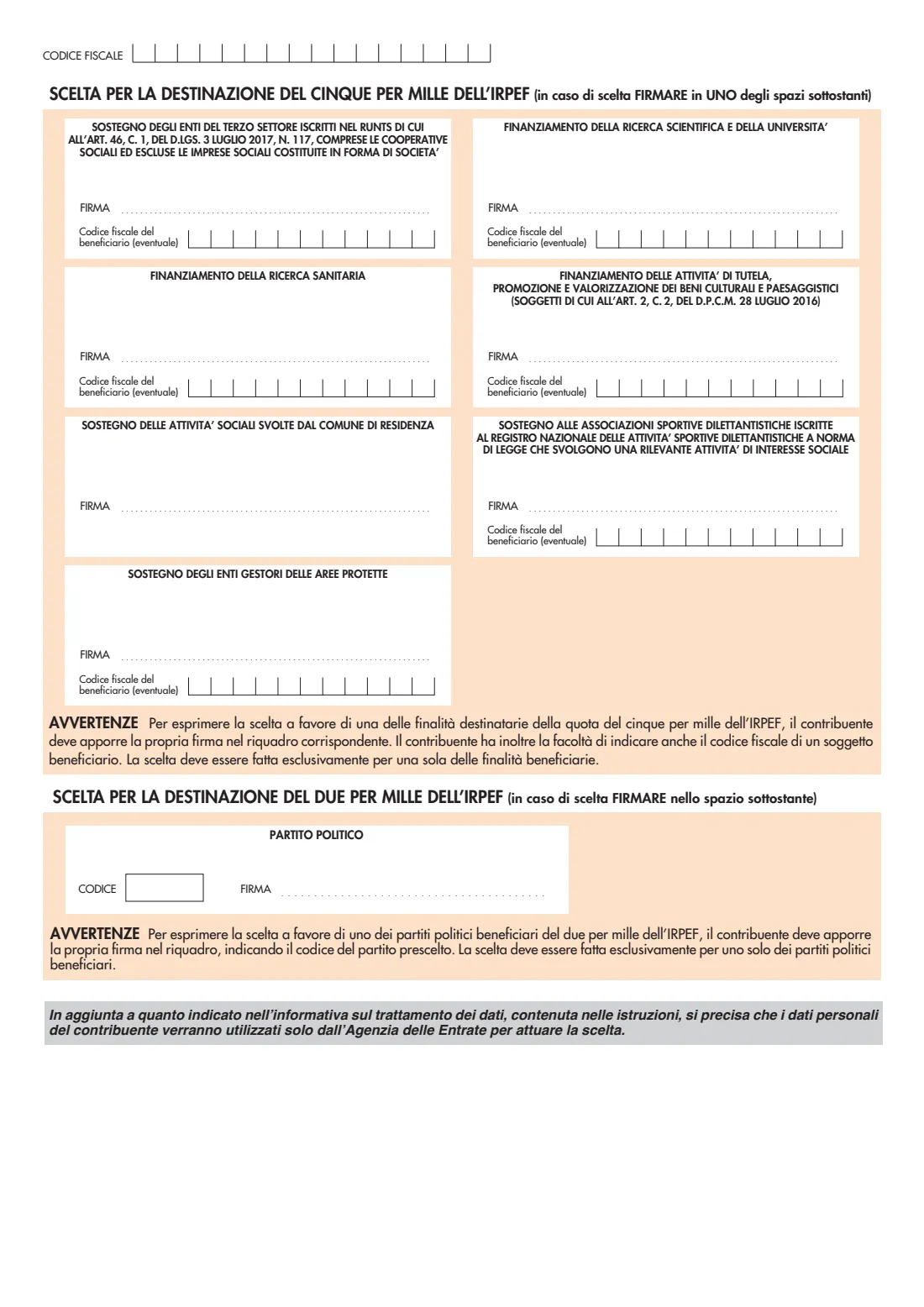
Pages 10 and 11 are the choice of the 8, 5 and 2 per mille of IRPEF. FileIt prints your personal data and codice fiscale; you make each choice by signing in the box you choose, by hand, and hand it over in a sealed envelope as the instructions say.
Common mistakes to avoid
- Leaving out the spouse's codice fiscale — the instructions ask for it even when the spouse is not a dependant.
- Putting a child who isn't the first on row 2, or claiming the deduction for children under 21, now covered by the assegno unico (see the instructions).
- Copying the wrong CU points into quadro C, or writing cents in boxes that print ',00'.
- Using expense codes in E8–E10 that don't match the table in the instructions.
- Giving a withholding agent and ticking 'no withholding agent' at the same time.
- Forgetting to sign the return, or handing in the 730-1 unsigned when you want to make a choice.
After you fill it out
Download the completed 730 from your FileIt vault and check every page. Fill in by hand any quadro FileIt doesn't cover that applies to you, then sign.
Hand the 730 and the 730-1 (in a sealed envelope) to your employer or pension fund, or to a CAF or authorised professional, together with any documents they ask for. They send it to the Agenzia delle Entrate and give you a receipt and the settlement (730-3).
Check your pay slip or pension statement for the refund or the tax withheld, and keep the return, the receipts and the CU — FileIt's vault is a good place for them.
Fill out Modello 730/2026 online with FileIt
- Pick the person. Choose someone from People and FileIt fills in their name, date of birth, address and other details it already knows.
- Answer plain-language questions. One part of the form at a time, with the official help text beside each question — 113 fields in all. Your answers save as you go.
- Check the live preview. Watch your answers land on the real Agenzia delle Entrate (AdE) form, and let FileIt do any worksheet arithmetic.
- Generate the official PDF. FileIt prints your answers into the agency’s own PDF and files it in that person’s folder in your vault. Sign it, or send it for e-signature.
FileIt fills the form — it never files or submits anything for you. Deliver the finished form to whoever asked for it, the way the form’s instructions say.
Start Modello 730/2026 now — it’s freeModello 730/2026: frequently asked questions
Who can use the Modello 730?
Mainly employees and pensioners, plus the other categories listed in the 730/2026 instructions. The instructions also explain who can't use it and must file the Redditi Persone Fisiche return instead.
Where do I hand in the paper 730?
To your employer or pension fund (sostituto d'imposta) if it offers tax assistance, or to a CAF or an authorised professional. You can also file the pre-filled 730 online with the Agenzia delle Entrate. FileIt doesn't file it for you.
Does FileIt fill in the whole 730?
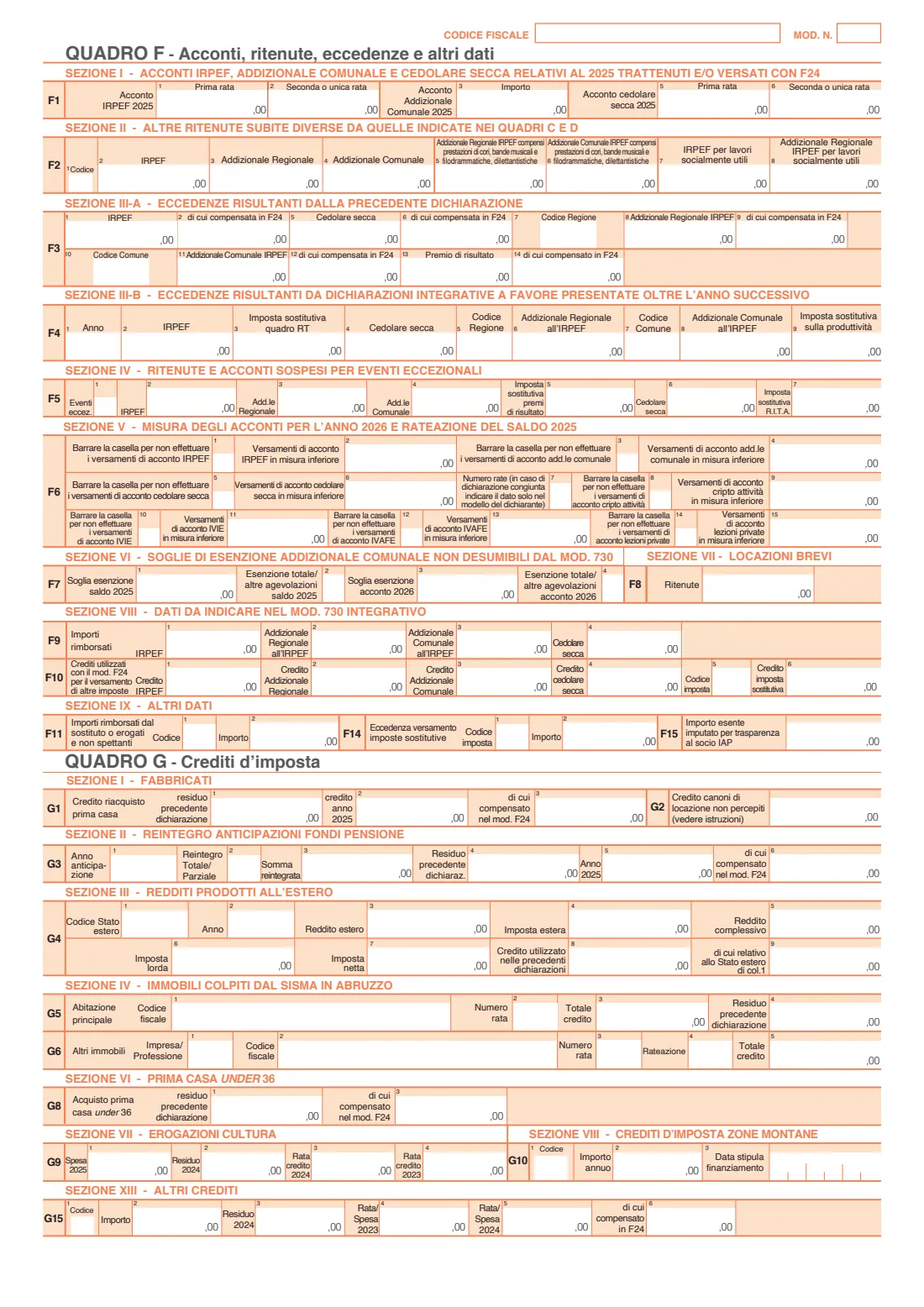
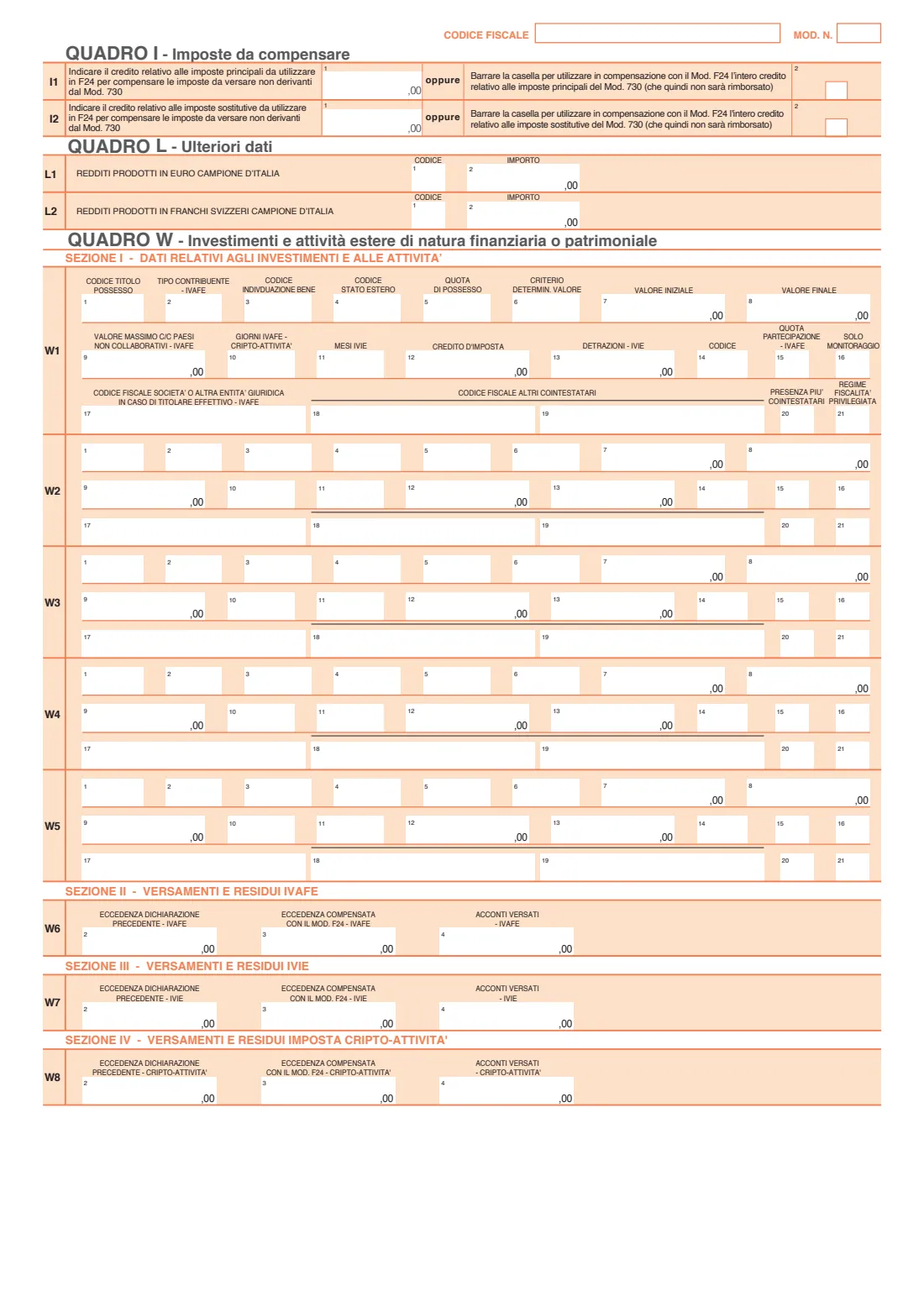
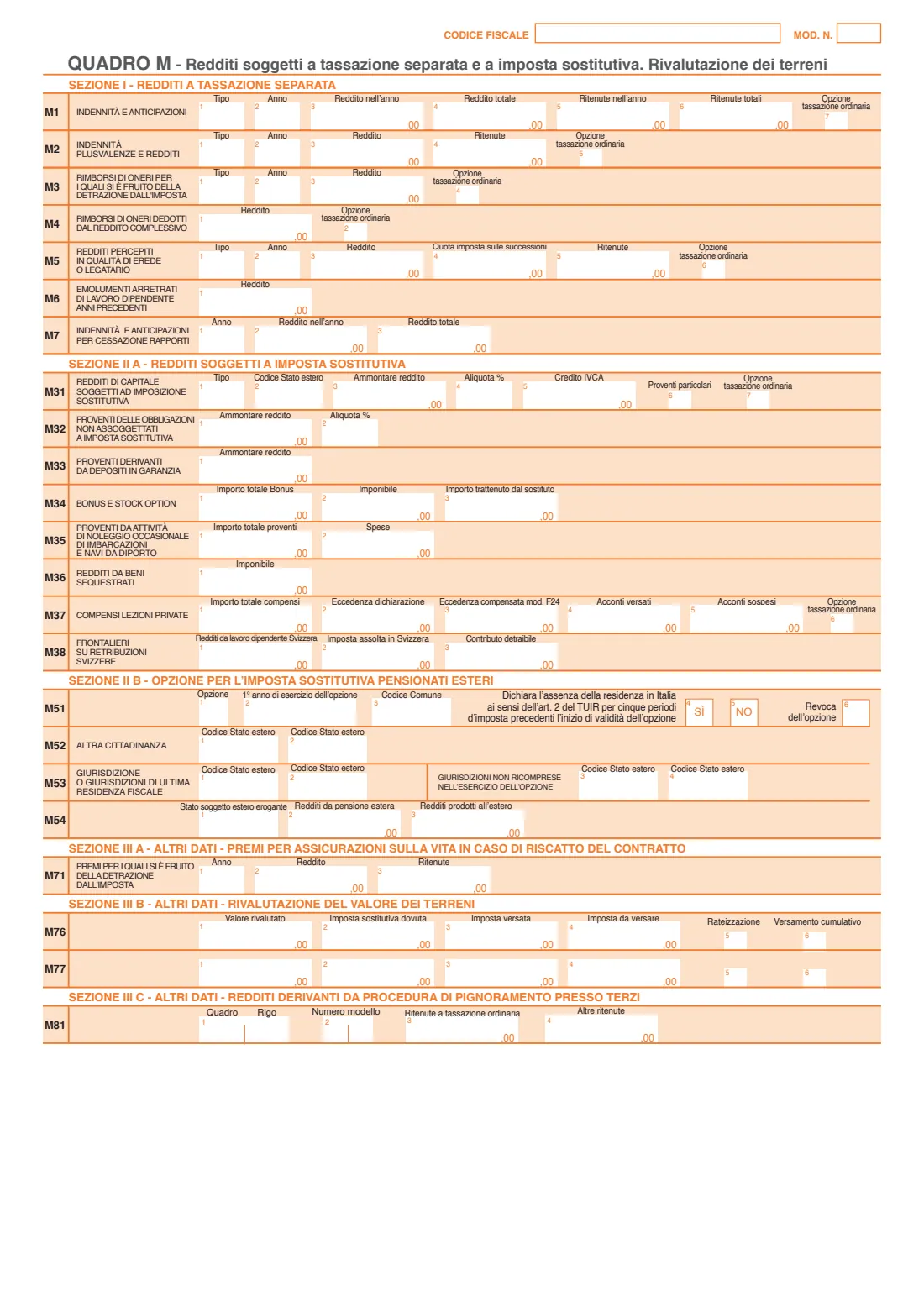
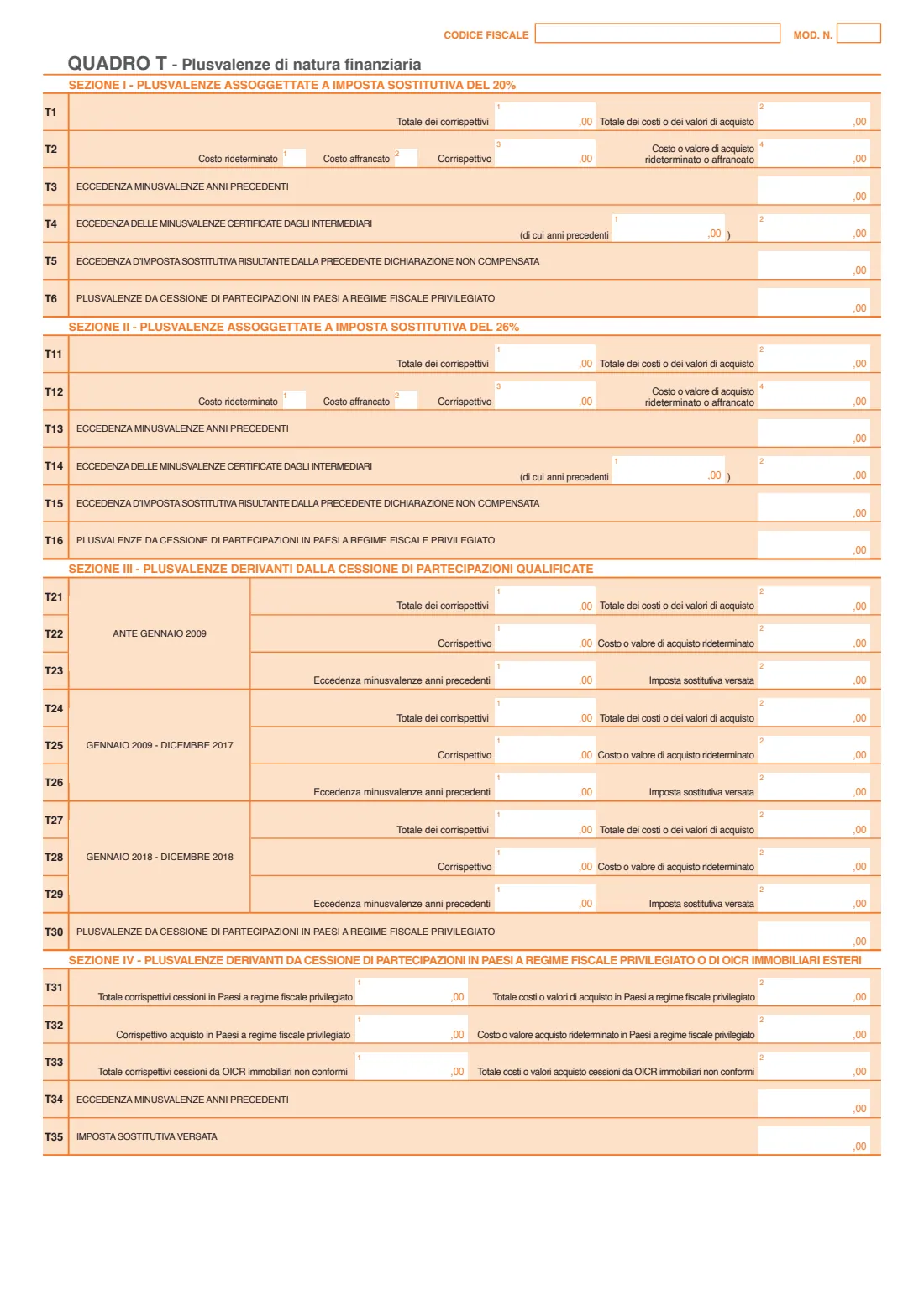
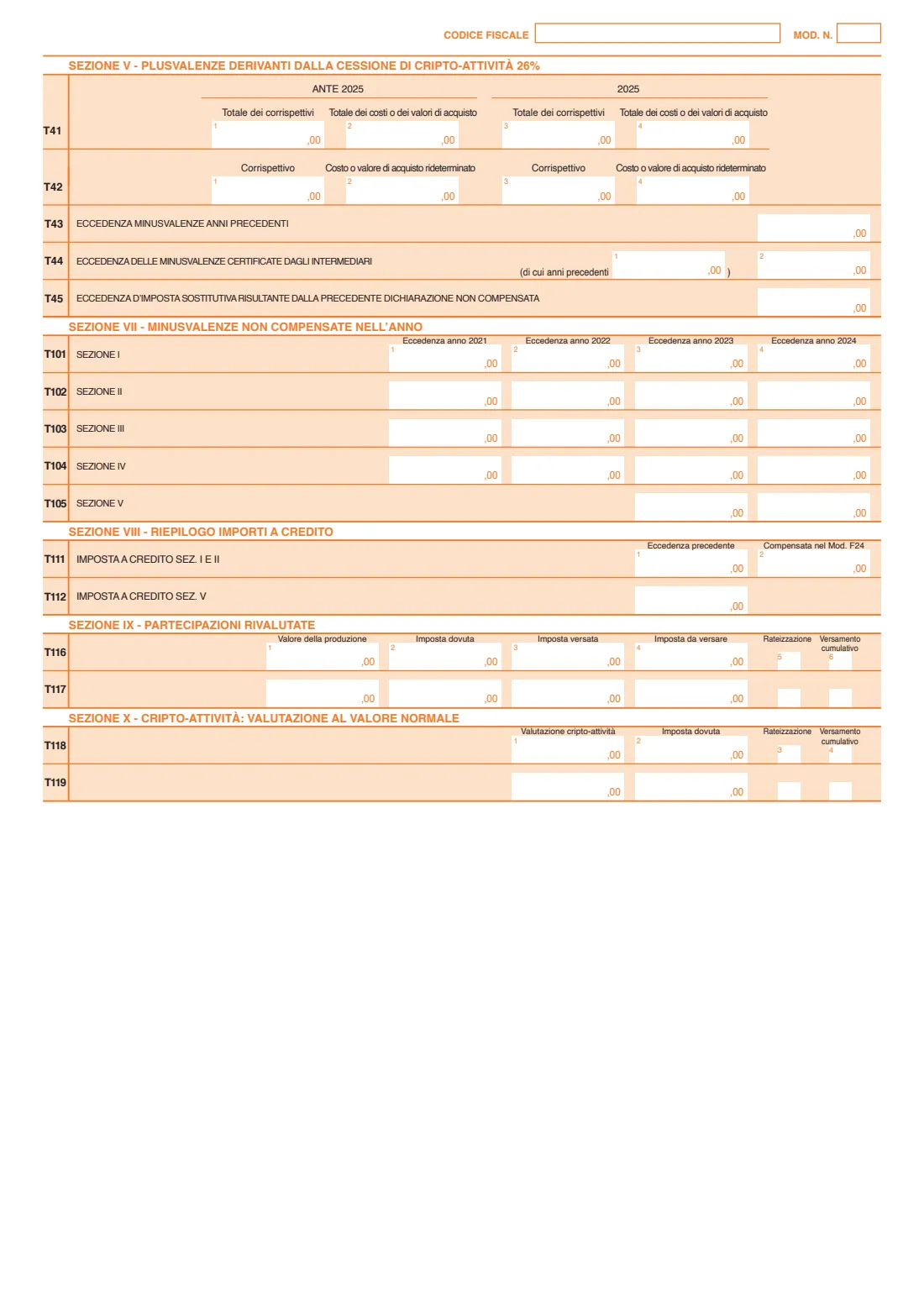
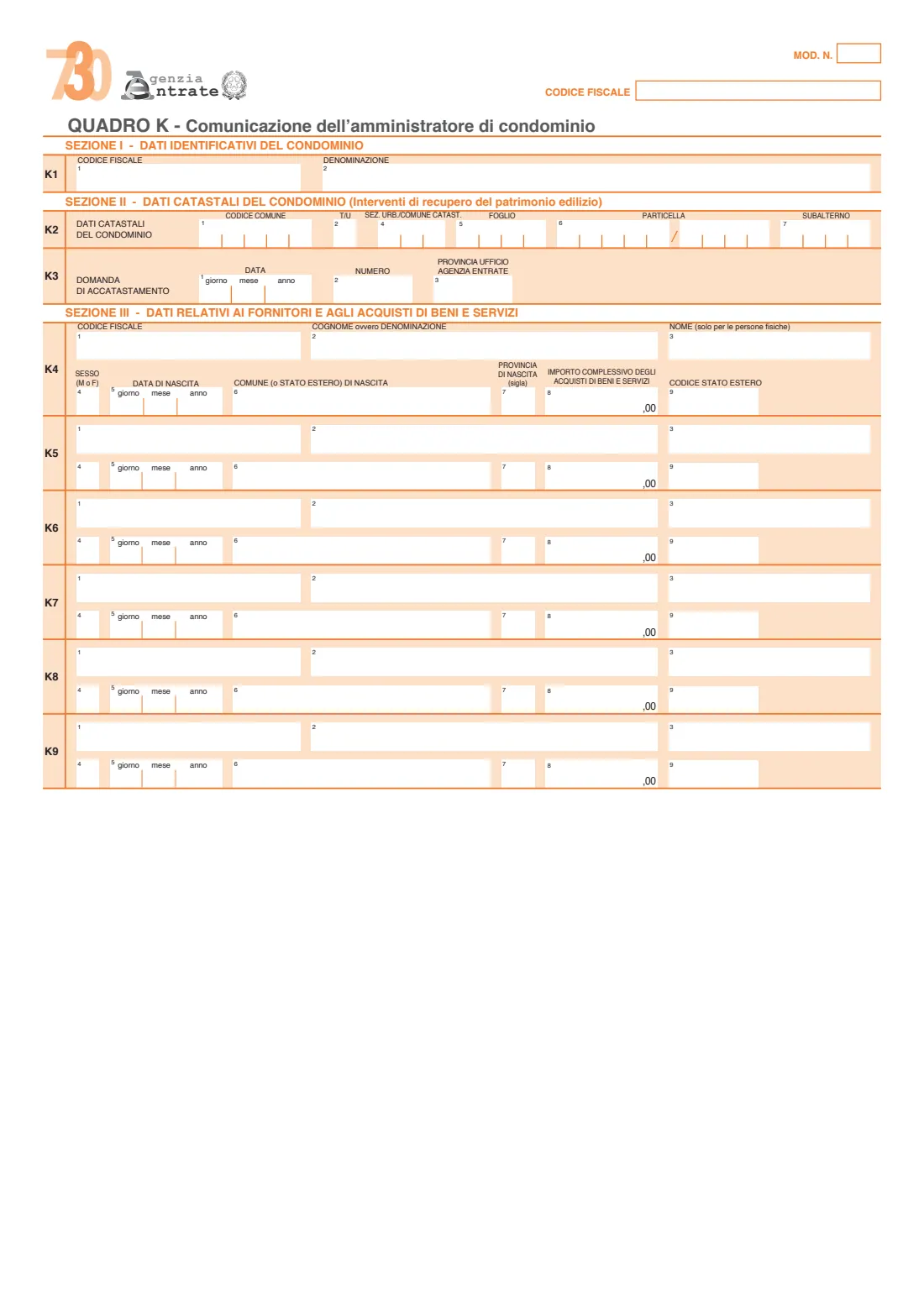
No. It fills the front page, quadro C rows C1–C3, C5 and C9–C13, the common rows of quadro E and the personal data of the 730-1. Other quadri — land and buildings, other income, advances and credits, foreign assets, separately taxed income, capital gains, condominium data — are left blank for you to complete by hand if they apply.
What is the Certificazione Unica (CU)?
The annual statement from your employer or pension fund of income paid and tax withheld. Quadro C copies its figures, and FileIt names the CU point for each box.
Can my spouse and I file together?
Yes, with a joint return (dichiarazione congiunta) when the conditions in the instructions are met. Each spouse fills in their own form; the withholding agent appears only on the declarant's.
Why are some fields in capital letters?
The instructions ask for capital letters on the paper form, so FileIt prints names and places that way.
Where do I find the expense codes for E8–E10?
In the table of expense codes in the 730/2026 instructions, for example 12 for school fees, 13 for university fees and 14 for funeral costs.
Official sources
- Blank form (PDF), published by Agenzia delle Entrate (AdE): https://www.agenziaentrate.gov.it/portale/documents/20143/8851749/730EDITABILE_modello_2026.pdf/2910b6cf-8a97-5e72-2ec0-538d9aa6ab9d?t=1777883809466
- Official instructions and guidance: https://www.agenziaentrate.gov.it/portale/web/guest/730-2026-modello-e-istruzioni
- Edition shown on this page: Modello 730/2026 (redditi 2025), editable version (730EDITABILE_modello_2026.pdf) (checked 2026-09-28).
FileIt is not affiliated with or endorsed by Agenzia delle Entrate (AdE) or any government. This page explains the form in general terms and is not legal, tax or immigration advice. Always read the official instructions, and check that you are using the edition the recipient accepts. Page last reviewed 2026-09-28.