What is the wedding planning questionnaire form template?
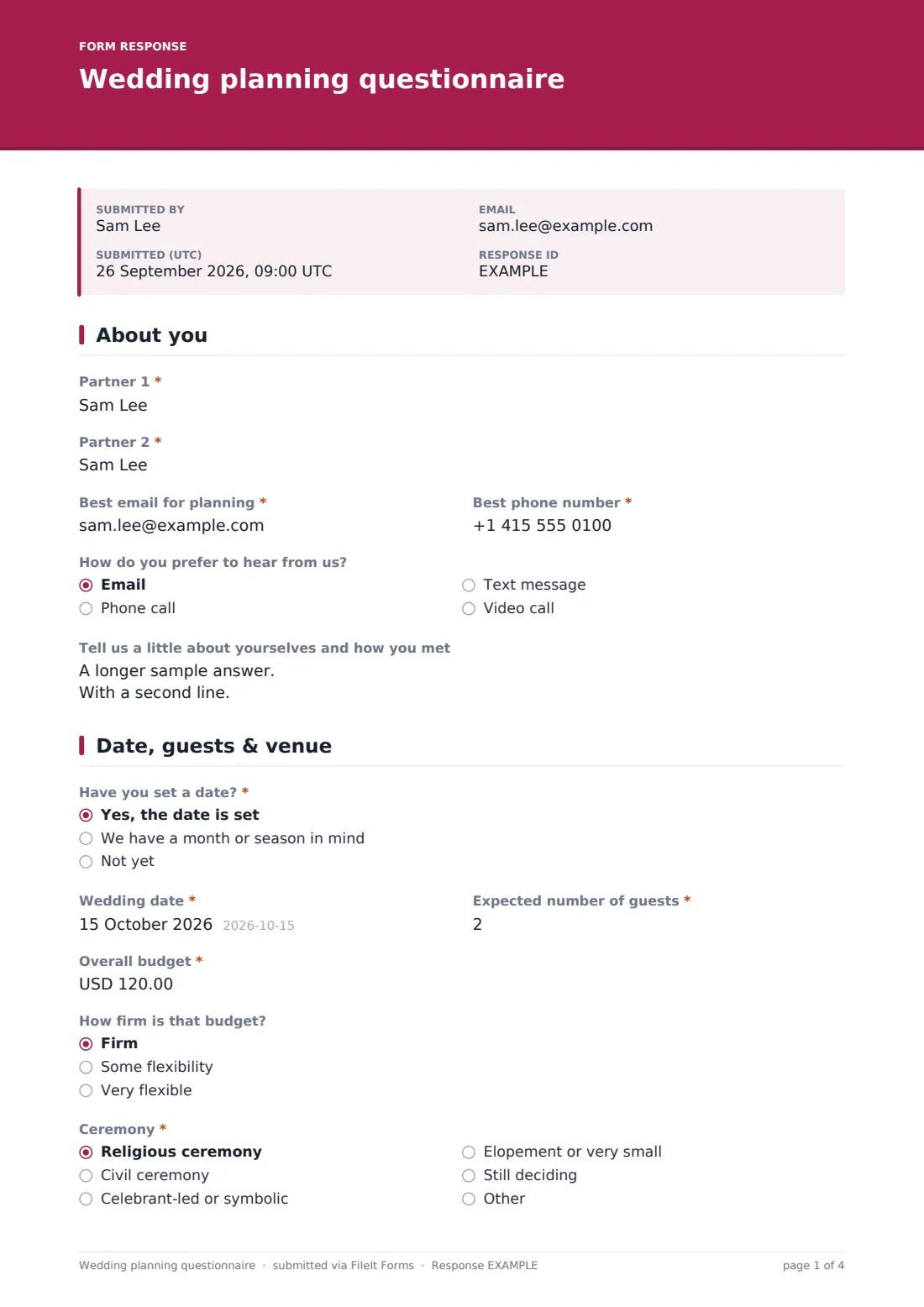
A first meeting with a couple goes much better when the planner already knows the basics. If the date, guest count and budget are on paper, the conversation can move on to what the day should feel like. This questionnaire is for planners and coordinators to send to new clients before that meeting, and it's written so couples can fill it in together over a coffee.
It runs over four pages. 'About you' collects both partners' names, contact details and how they'd like to hear from you, and gives them space to tell their story. 'Date, guests & venue' asks whether the date is set, the expected number of guests, the overall budget and how firm it is, the type of ceremony, and 'Is your venue booked?'. Answering 'Venue not booked' adds a short venue brief: where they'd like to marry, venue styles they like, must-haves such as accommodation or wet-weather backup, and a budget for venue hire.
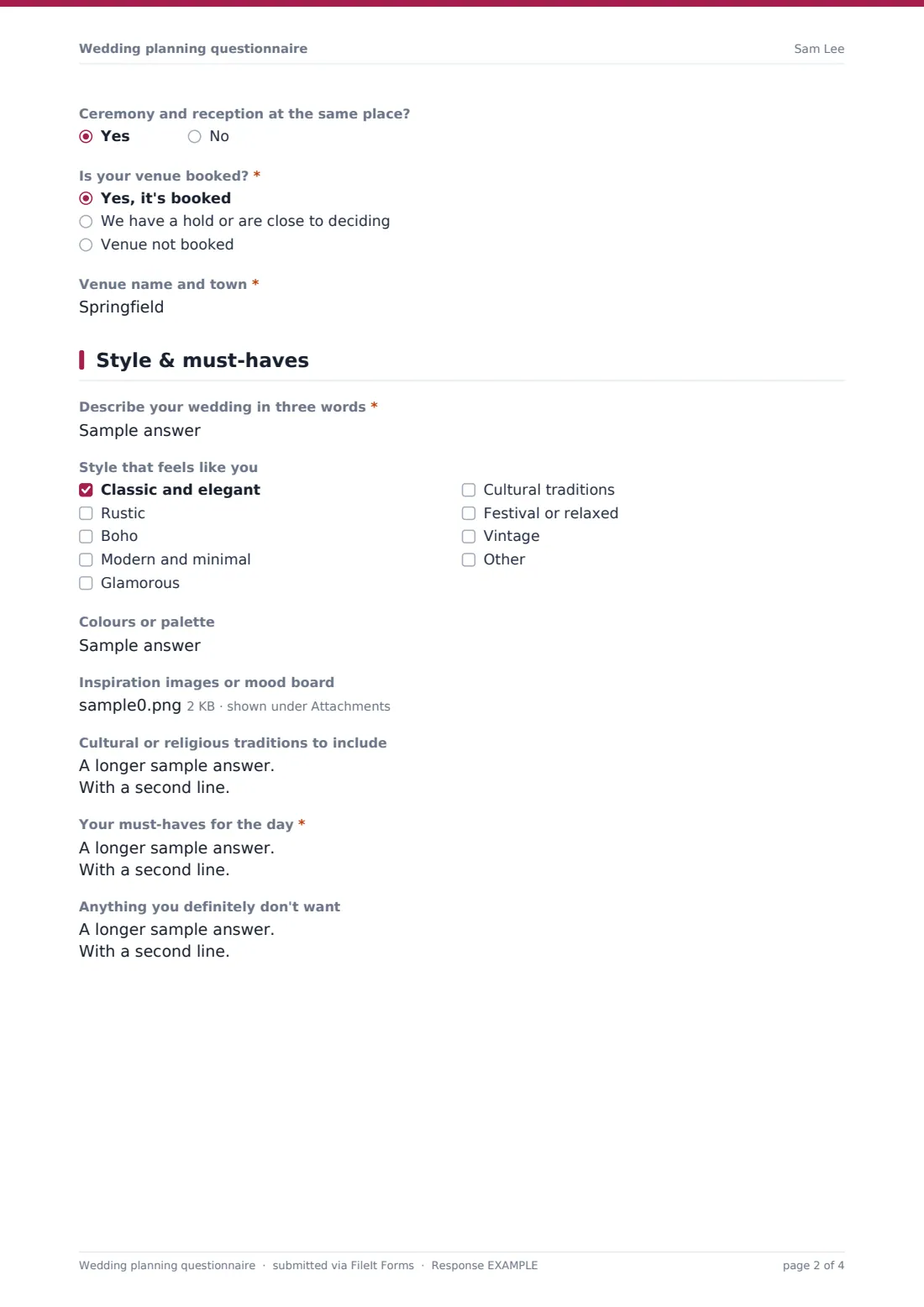
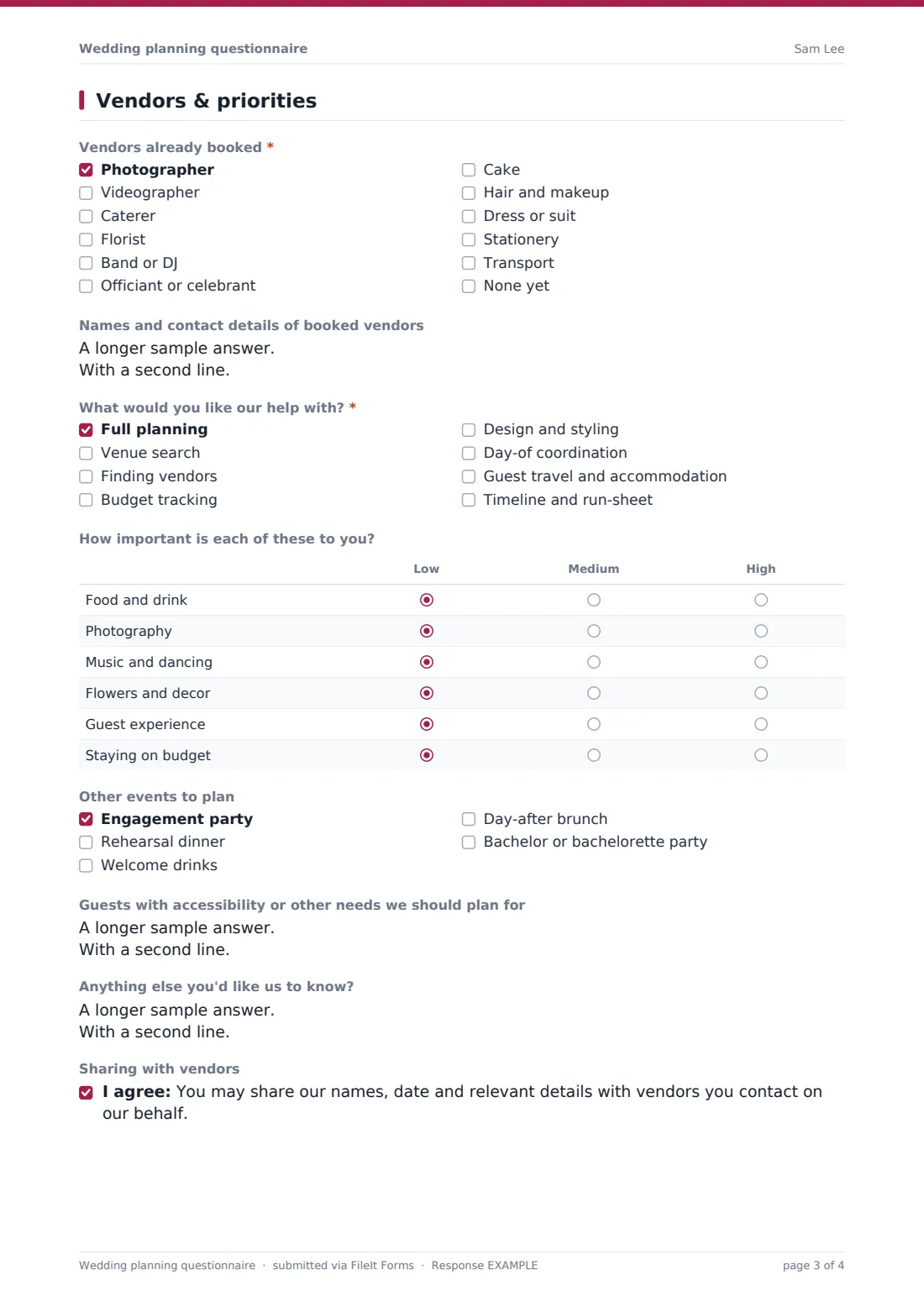
'Style & must-haves' asks for three words to describe the day, a style, colours, inspiration uploads, traditions, must-haves and things to avoid. The last page lists vendors already booked, the help they want from you, a priorities grid, other events to plan and any guest needs. Each questionnaire is saved as a PDF in your FileIt vault, with the mood-board images attached.
- Best for
- Wedding planners, coordinators, venues with in-house planning
- Filled in by
- The couple, ideally together
- Time to complete
- 15–20 minutes
- Includes
- Budget and guest count, venue brief, style and inspiration uploads, booked vendors, priorities grid
Who uses a wedding planning questionnaire form?
- A planner sends the questionnaire after a couple's first enquiry
- A couple with no venue yet briefs their planner on the styles they like
- A day-of coordinator collects the list of vendors already booked
- A destination-wedding planner learns about guest travel needs early
- A venue's in-house coordinator gathers style and tradition notes
- A planner compares couples' budgets and guest counts before quoting
Questions on this wedding planning questionnaire form
35 questions over 4 pages · includes file upload, conditional questions, multiple pages, consent checkbox, ratings.
1 About you
- Partner 1*
- Partner 2*
- Best email for planning*
- Best phone number*
- How do you prefer to hear from us? Email · Phone call · Text message · Video call
- Tell us a little about yourselves and how you met
2 Date, guests & venue
- Have you set a date?* Yes, the date is set · We have a month or season in mind · Not yet
- Wedding date* asked only when it applies
- Month, season or year you're considering* asked only when it applies
- Expected number of guests*
- Overall budget*
- How firm is that budget? Firm · Some flexibility · Very flexible
- Ceremony* Religious ceremony · Civil ceremony · Celebrant-led or symbolic · Elopement or very small · Still deciding
- Ceremony and reception at the same place?
- Is your venue booked?* Yes, it's booked · We have a hold or are close to deciding · Venue not booked
- Venue name and town* asked only when it applies
- Where would you like to marry? (town, region or country)* asked only when it applies
- Venue styles you like* asked only when it applies Barn or farm · Hotel or ballroom · Garden or outdoor · Beach · Historic house or castle · Restaurant · Industrial or loft · Place of worship · Destination abroad
- Venue must-haves asked only when it applies On-site accommodation · Wet-weather backup · Bring your own caterer · Wheelchair access · Late-night license or music after 11 pm · Exclusive use · Parking
- Venue budget (hire only) asked only when it applies
3 Style & must-haves
- Describe your wedding in three words*
- Style that feels like you Classic and elegant · Rustic · Boho · Modern and minimal · Glamorous · Cultural traditions · Festival or relaxed · Vintage
- Colours or palette
- Inspiration images or mood board
- Cultural or religious traditions to include
- Your must-haves for the day*
- Anything you definitely don't want
4 Vendors & priorities
- Vendors already booked* Photographer · Videographer · Caterer · Florist · Band or DJ · Officiant or celebrant · Cake · Hair and makeup · Dress or suit · Stationery · Transport · None yet
- Names and contact details of booked vendors asked only when it applies
- What would you like our help with?* Full planning · Venue search · Finding vendors · Budget tracking · Design and styling · Day-of coordination · Guest travel and accommodation · Timeline and run-sheet
- How important is each of these to you? Low · Medium · High
- Other events to plan Engagement party · Rehearsal dinner · Welcome drinks · Day-after brunch · Bachelor or bachelorette party
- Guests with accessibility or other needs we should plan for
- Anything else you'd like us to know?
- Sharing with vendors
The wedding planning questionnaire form, page by page
1 About you
Required names for 'Partner 1' and 'Partner 2', 'Best email for planning' and 'Best phone number', a preferred way to hear from you, and an optional box to tell their story.
2 Date, guests & venue
'Have you set a date?' asks for the date, or for the month or season being considered. Required guest count and overall budget, how firm the budget is, a required ceremony type and whether ceremony and reception share a venue. 'Is your venue booked?' asks for the venue name, or for 'Venue not booked' adds the area, required venue styles, must-haves and a venue budget.
3 Style & must-haves
A required 'Describe your wedding in three words', style choices, colours, up to five inspiration files, traditions to include, required must-haves and anything to avoid.
4 Vendors & priorities
A required 'Vendors already booked' checklist with names and contacts unless 'None yet' is ticked, a required list of help wanted, a priorities grid (low, medium, high), other events to plan, guest accessibility needs, a final note and an optional consent to share details with vendors.
Make the template yours
- Change the currency to the one your couples budget in
- Edit 'What would you like our help with?' to match the packages you sell
- Add your own discovery questions, such as how they found you
- Remove the venue section if you work for a single venue
- Replace the closing consent with your own privacy wording
- File each couple's questionnaire in a vault folder named after them
Tips for a better wedding planning questionnaire form
- Send the link right after a couple enquires, while they're excited
- Read the 'three words' answer first. It sums up the brief
- Treat the budget as a starting point for a conversation, not a final figure
- Bring the priorities grid to the first meeting and agree the top three
- Check the booked-vendors list before recommending anyone they've already hired
Every response becomes a PDF in your vault
The questionnaire is saved as a PDF in your vault, with inspiration images attached, and you get an email. The couple receives a copy when they give an email address.
Use the Responses table to see new enquiries at a glance, and open each response before the first meeting.
- Start from this template. It opens in the FileIt Forms designer — change any question, add pages, set the rules for when questions appear.
- Share it. Turn on a public link, or send it to people by email, each with their own link. They don’t need a FileIt account.
- Get the answers as PDFs. Each response is saved as a PDF in the vault folder you choose, with uploaded files attached — and listed in a Responses table you can export to CSV.
Wedding planning questionnaire form: frequently asked questions
Is the wedding planning questionnaire template free?
Yes. It's one of the starter templates in the Forms app, on every FileIt account, including the free plan.
What if the couple hasn't booked a venue?
Choosing 'Venue not booked' adds questions about where they'd like to marry, venue styles, must-haves and a venue budget.
Can couples upload a mood board?
Yes. They can upload up to five images or a PDF, stored with their questionnaire.
Can both partners fill it in?
It's designed to be filled in once, together. Both names are collected on the first page.
Can I change the currency?
Yes. Each budget question has a currency code you can set in the designer.
Do couples need a FileIt account?
No. They fill it in from a link, on a phone or computer.