What is the trivia night team registration form template?
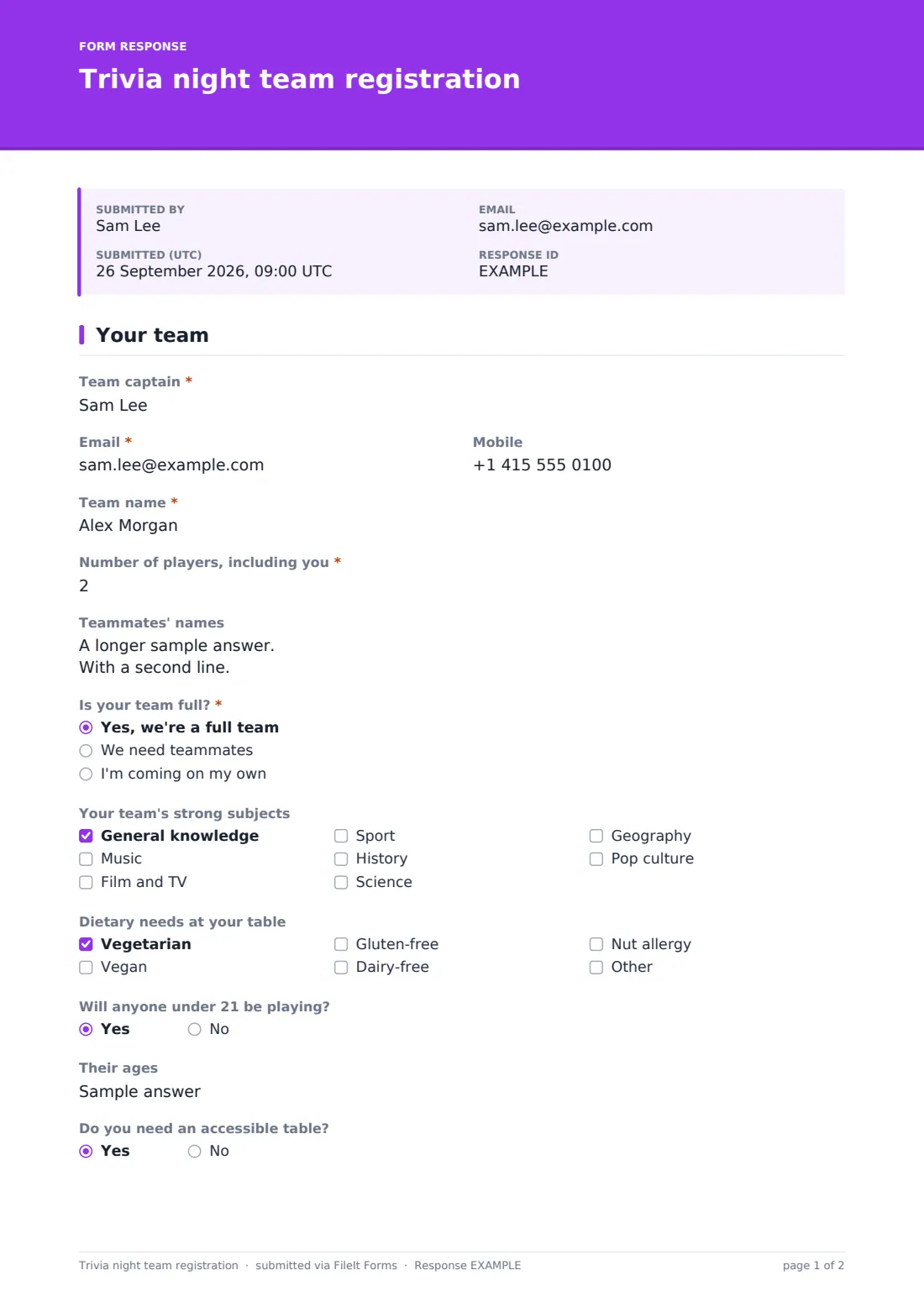
A quiz night has a simple seating problem: teams of six, teams of two, and a few people who'd love to play but don't have a team at all. This registration form gets the captain to tell you all of it in advance. You see the team name, how many players, who they are, and whether the team is full, short or just one person — and short teams and solo players can ask to be matched up.
It's one page and fits whatever kind of trivia night you're running: a school or PTA fundraiser, a library quiz, a club social or a regular night at a bar. Captains say how they're covering the entry fee, flag dietary needs for the snacks, tick an accessible table if they need one and agree to the two house rules that matter most: no phones during rounds and the quizmaster's word is final.
Each registration is saved as a PDF in your FileIt vault, and the Responses table is your table plan and headcount on the night.
- Best for
- Schools, PTAs, charities, libraries, clubs and bars running quiz nights
- Filled in by
- Team captains and solo players
- Time to complete
- About 2 minutes
- Includes
- Team name, player count and names, team-matching, strong subjects, dietary needs, under-21 players, accessible table, entry fee, house rules
Who uses a trivia night team registration form?
- A school fundraiser trivia night with tables of eight
- A weekly or monthly pub quiz that takes bookings
- A library or community centre quiz for adults
- A charity quiz where companies enter staff teams
- A club or alumni social with a trivia round
- A holiday-themed quiz where many people come alone
Questions on this trivia night team registration form
16 questions · includes conditional questions, consent checkbox.
1 Your team
- Team captain*
- Email*
- Mobile
- Team name*
- Number of players, including you*
- Teammates' names
- Is your team full?* Yes, we're a full team · We need teammates · I'm coming on my own
- Want us to match you up?* asked only when it applies Match me with a team · Add solo players to our table · No thanks, we'll find our own
- How many seats can you fill? asked only when it applies
- Your team's strong subjects General knowledge · Music · Film and TV · Sport · History · Science · Geography · Pop culture
- Dietary needs at your table Vegetarian · Vegan · Gluten-free · Dairy-free · Nut allergy
- Will anyone under 21 be playing?
- Their ages asked only when it applies
- Do you need an accessible table?
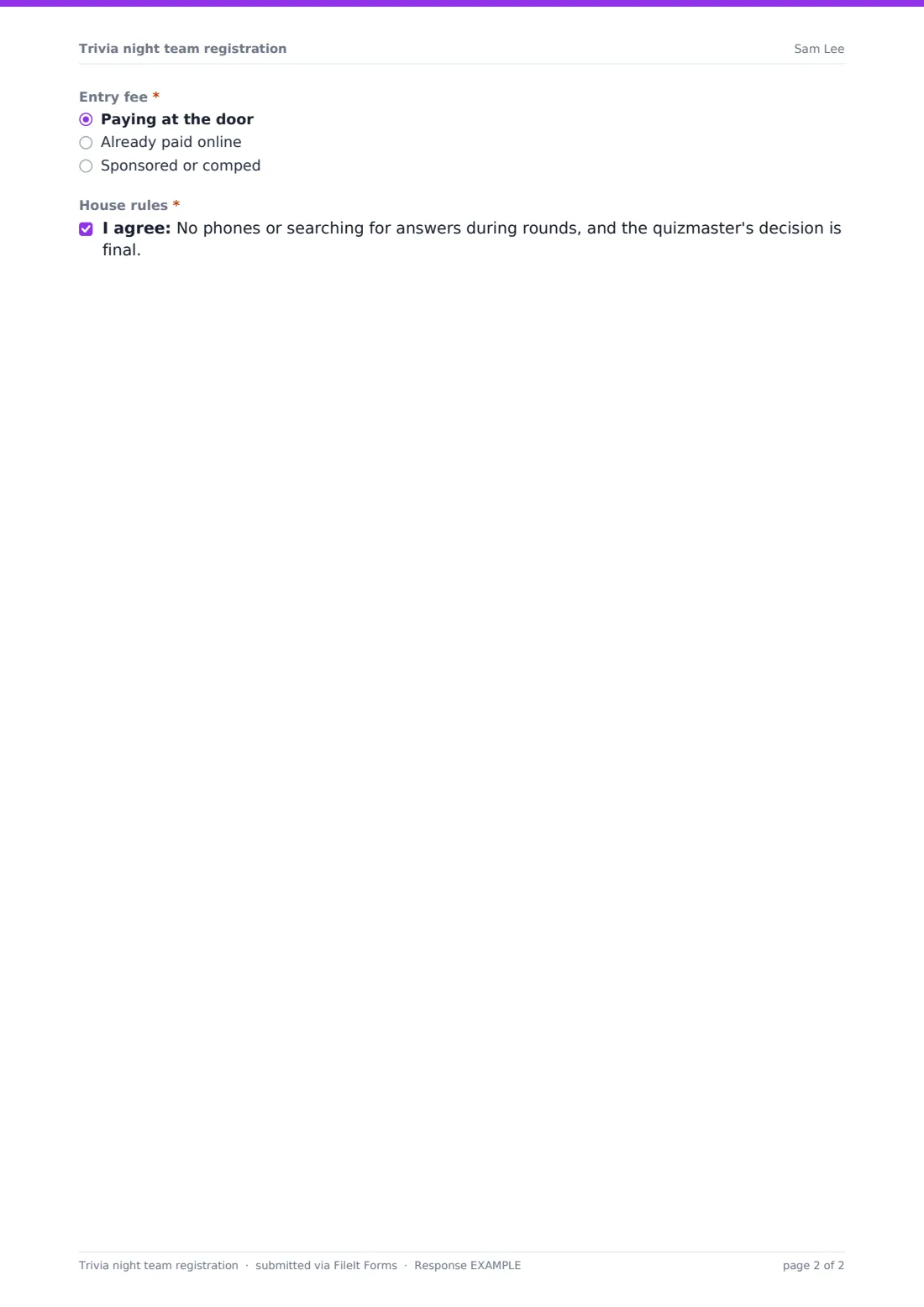
- Entry fee* Paying at the door · Already paid online · Sponsored or comped
- House rules*
The trivia night team registration form, page by page
1 Your team
The captain gives their name, email and mobile, the "Team name" (help text reminds them the quizmaster reads it out), "Number of players, including you" from one to eight, and teammates' names. "Is your team full?" offers "Yes, we're a full team", "We need teammates" or "I'm coming on my own". Anything but a full team opens "Want us to match you up?" — match me with a team, add solo players to our table, or no thanks — and a team that needs players says how many seats it can fill.
Next come the team's strong subjects, from general knowledge to pop culture (useful for balancing matched teams), dietary needs at the table and whether anyone under 21 is playing, with their ages. The captain asks for an accessible table if needed, says how the entry fee is covered — at the door, already paid online, or sponsored or comped — and agrees to the house rules.
Make the template yours
- Put the date, venue, start time, entry fee and prizes in the cover text
- Change the maximum players to your table size
- Set maximum responses to the number of tables you have
- Remove the under-21 question if the venue isn't licensed
- Add a team photo upload for a fun intro slide
Tips for a better trivia night team registration form
- Sort the Responses table by team status a few days before and pair up solo players
- Use the strong-subjects answers to mix matched teams so no table is all sport
- Print team names from the CSV for table cards and the scoreboard
- Ask teams to arrive 15 minutes early to settle in before round one
- Have a spare table or two for walk-ins on the night
Every response becomes a PDF in your vault
Each team's registration is filed as a PDF in the vault folder you pick, and you get an email as teams sign up. Captains get a copy with their team name and player count if you leave copies on.
Search the Responses table for teams that need players, and export to CSV for your table plan, scoreboard and door list.
- Start from this template. It opens in the FileIt Forms designer — change any question, add pages, set the rules for when questions appear.
- Share it. Turn on a public link, or send it to people by email, each with their own link. They don’t need a FileIt account.
- Get the answers as PDFs. Each response is saved as a PDF in the vault folder you choose, with uploaded files attached — and listed in a Responses table you can export to CSV.
Trivia night team registration form: frequently asked questions
Is this trivia night template free?
Yes. It's one of the ready-made templates in the Forms app, on every FileIt account.
Can players pay the entry fee through the form?
No. The form records how each team is paying; collect the money online or at the door as you usually do.
Does the form match solo players automatically?
No. It shows you who wants to be matched and how many seats each team has free, so you can pair them up.
Do captains need a FileIt account?
No. Share the link on a poster QR code, in a newsletter or on social media.
Can I stop registrations when the room is full?
Yes. Set a maximum number of responses and the form closes itself when it's reached.