What is the team kit order form template?
Kit orders are a classic club headache: sizes scribbled on a sheet at training, two players asking for the same number, and a name misspelt on a shirt that can't be returned. This template collects every order in the same structured way, so the kit secretary can tally sizes per item and send the supplier one clean list.
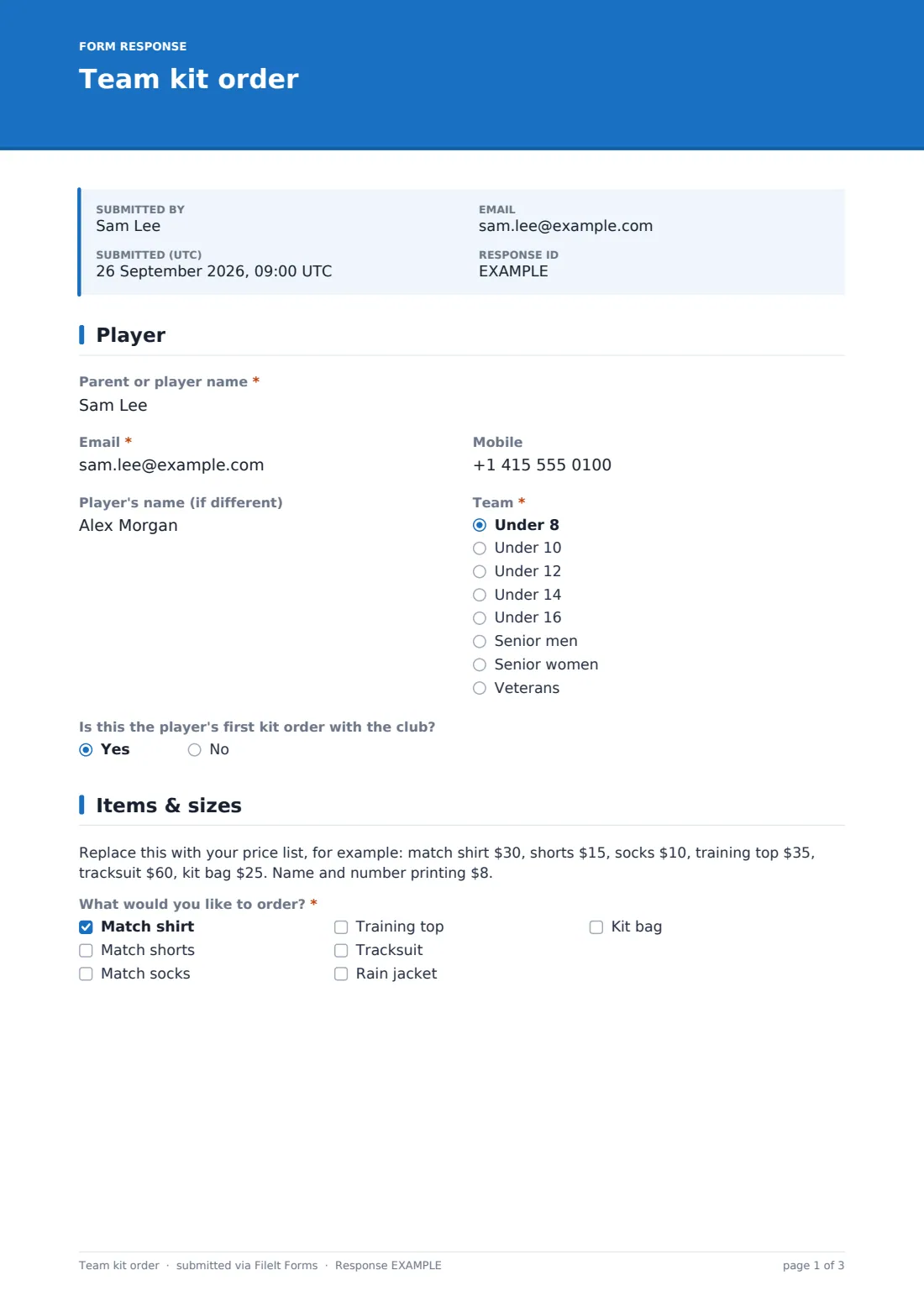
The person ordering gives their name, email and mobile, the player's name if it's someone else, their team, and whether this is the player's first kit order. On the items page they tick what they want — match shirt, shorts, socks, training top, tracksuit, rain jacket or kit bag — and only the sizes and quantities for the ticked items appear. A paragraph holds your price list, and parents can ask to try sizes on at a sizing session first.
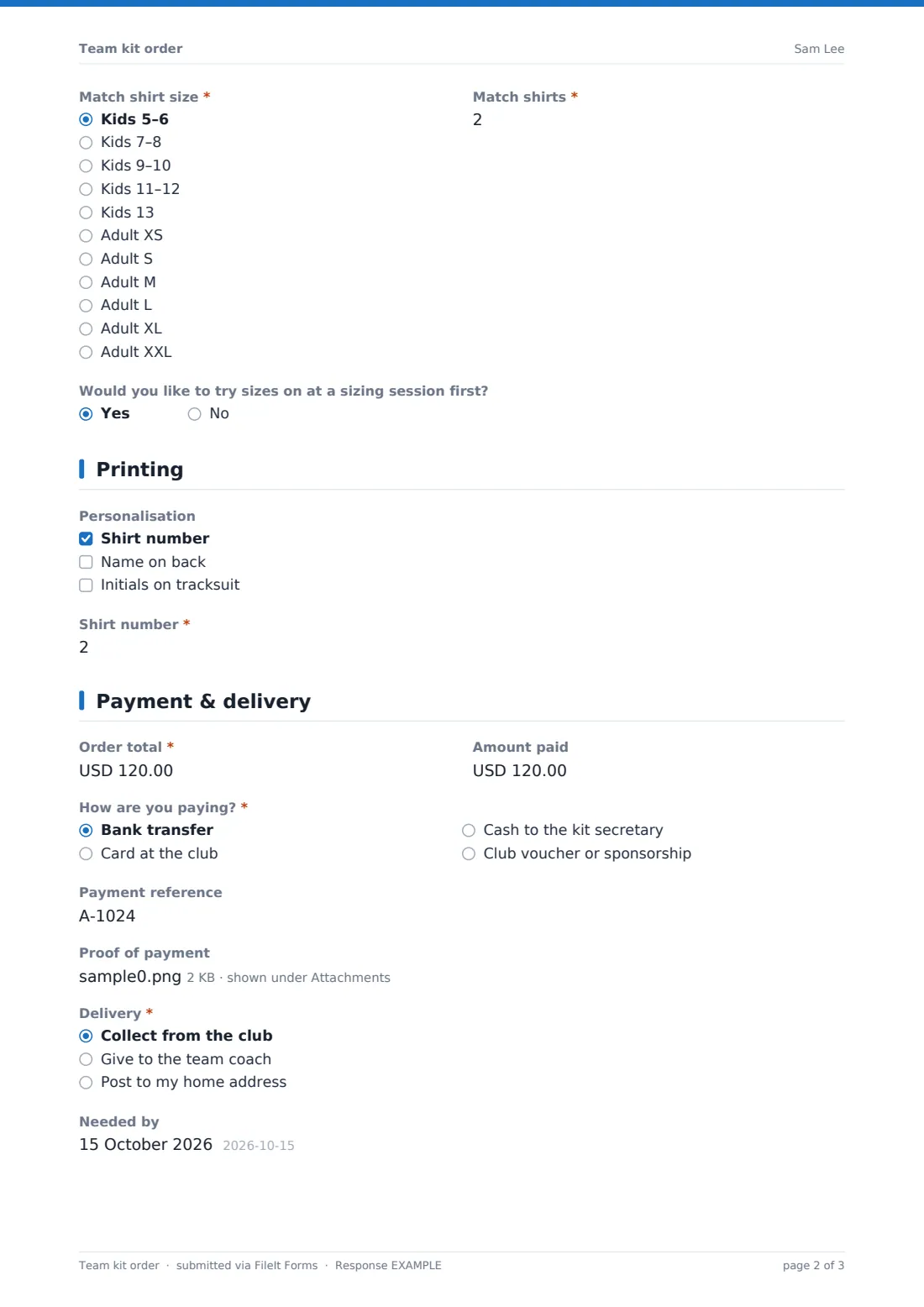
The printing page asks for a shirt number, name on the back or initials on a tracksuit, each only when chosen. Payment and delivery records the order total, the amount paid, how they're paying (with a reference and proof of payment for bank transfers), and whether to collect from the club, give to the coach or post home. Each order is saved as a PDF in your FileIt vault.
- Best for
- Sports clubs, school teams, leagues and running or cycling clubs
- Filled in by
- A parent or the player
- Time to complete
- About 3 minutes
- Includes
- Size per item, quantities, number and name printing, payment proof upload
Who uses a team kit order form?
- A junior football club collects new-season kit orders from every age group
- A netball team orders matching training tops with initials
- A rugby club takes orders for rain jackets and kit bags before winter
- A school sports department orders team shirts with numbers for a tournament
- A running club sells club vests and checks bank transfer references
- A kit secretary reorders for players who joined mid-season
Questions on this team kit order form
31 questions over 4 pages · includes file upload, conditional questions, multiple pages, consent checkbox.
1 Player
- Parent or player name*
- Email*
- Mobile
- Player's name (if different)
- Team* Under 8 · Under 10 · Under 12 · Under 14 · Under 16 · Senior men · Senior women · Veterans
- Is this the player's first kit order with the club?
2 Items & sizes
- What would you like to order?* Match shirt · Match shorts · Match socks · Training top · Tracksuit · Rain jacket · Kit bag
- Match shirt size* asked only when it applies Kids 5–6 · Kids 7–8 · Kids 9–10 · Kids 11–12 · Kids 13 · Adult XS · Adult S · Adult M · Adult L · Adult XL · Adult XXL
- Match shirts* asked only when it applies
- Shorts size* asked only when it applies Kids 5–6 · Kids 7–8 · Kids 9–10 · Kids 11–12 · Kids 13 · Adult XS · Adult S · Adult M · Adult L · Adult XL · Adult XXL
- Pairs of shorts* asked only when it applies
- Sock size* asked only when it applies Junior (shoe size 12–2) · Small (3–6) · Medium (7–11) · Large (12+)
- Pairs of socks* asked only when it applies
- Training top size* asked only when it applies Kids 5–6 · Kids 7–8 · Kids 9–10 · Kids 11–12 · Kids 13 · Adult XS · Adult S · Adult M · Adult L · Adult XL · Adult XXL
- Tracksuit size* asked only when it applies Kids 5–6 · Kids 7–8 · Kids 9–10 · Kids 11–12 · Kids 13 · Adult XS · Adult S · Adult M · Adult L · Adult XL · Adult XXL
- Rain jacket size* asked only when it applies Kids 5–6 · Kids 7–8 · Kids 9–10 · Kids 11–12 · Kids 13 · Adult XS · Adult S · Adult M · Adult L · Adult XL · Adult XXL
- Would you like to try sizes on at a sizing session first?
3 Printing
- Personalisation Shirt number · Name on back · Initials on tracksuit
- Shirt number* asked only when it applies
- Name to print* asked only when it applies
- Initials* asked only when it applies
4 Payment & delivery
- Order total*
- Amount paid
- How are you paying?* Bank transfer · Card at the club · Cash to the kit secretary · Club voucher or sponsorship
- Payment reference asked only when it applies
- Proof of payment asked only when it applies
- Delivery* Collect from the club · Give to the team coach · Post to my home address
- Delivery address* asked only when it applies
- Needed by
- Anything else?
- Order terms*
The team kit order form, page by page
1 Player
Parent or player name, email, mobile, the player's name if different, a required team, and whether this is the player's first kit order with the club.
2 Items & sizes
A placeholder for your price list, then 'What would you like to order?' Each ticked item reveals its own required size — and for shirts, shorts and socks a quantity — so nobody is asked about items they didn't choose. A final yes/no asks whether they'd like to try sizes on first.
3 Printing
Optional personalisation: a shirt number (1–99), a name to print (up to 12 letters, exactly as it should appear) or initials for a tracksuit. Each detail only appears when that option is ticked.
4 Payment & delivery
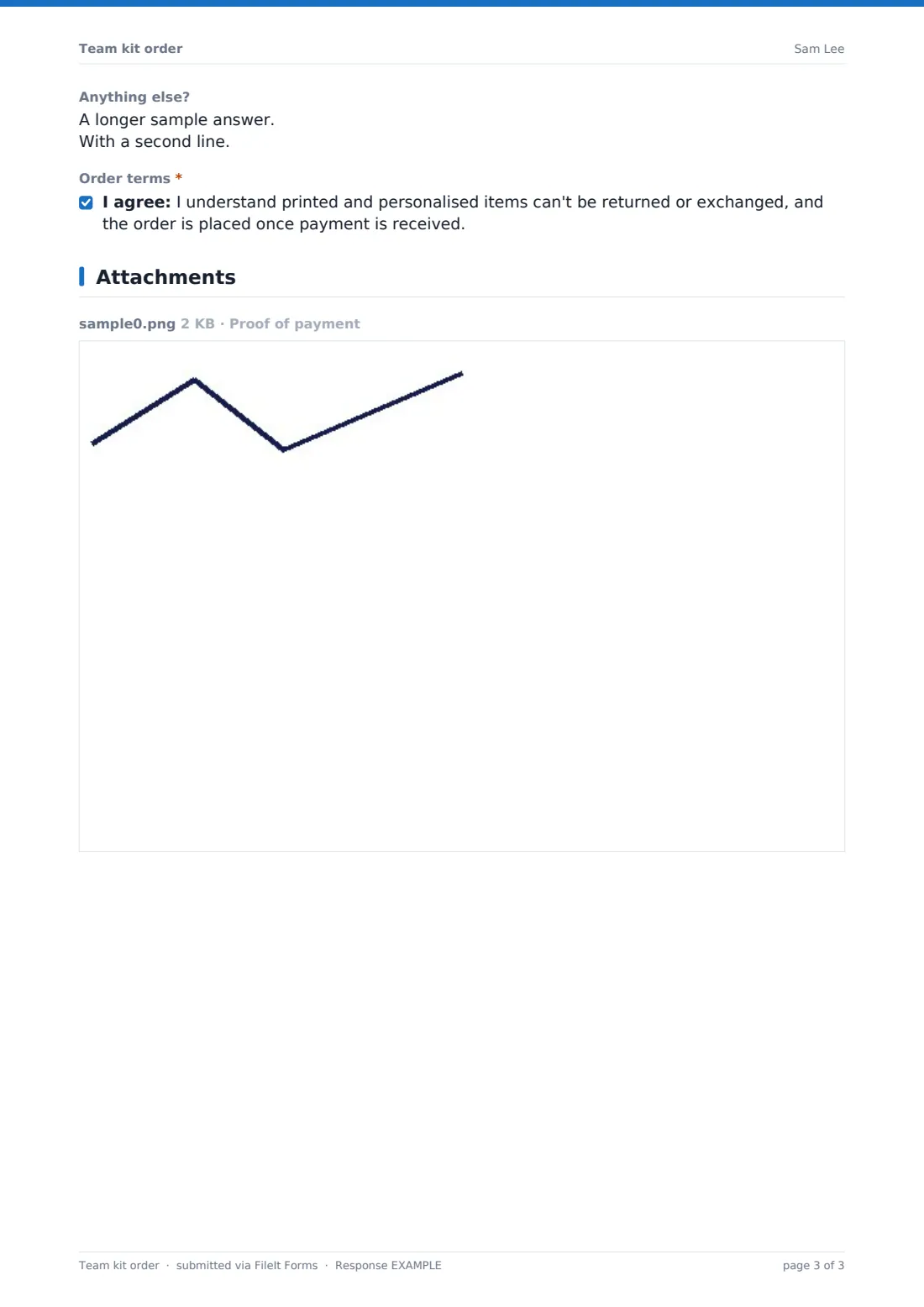
A required order total and the amount paid, how they're paying, a payment reference and proof of payment for bank transfers, and delivery — collect from the club, give to the team coach, or post home, which asks for the address. Then a needed-by date, notes and a required agreement to the order terms.
Make the template yours
- Replace the price list paragraph with your own items and prices, and change the currency
- Edit the item list and sizes to match your supplier's range
- Rename the teams to your club's age groups and squads
- Remove printing if your kit is plain
- Set a close date so orders stop before you send the bulk order
- Change the order terms to your own returns policy
Tips for a better team kit order form
- Run a sizing session before the order window closes to cut down on exchanges
- Ask coaches to confirm shirt numbers before you order printing
- Export responses to CSV and count sizes per item for the supplier order
- Match bank transfer references against your statement before ordering
- Close the form on a fixed date and send one bulk order
Every response becomes a PDF in your vault
Each order is saved as a PDF in your vault, with any proof of payment attached. The kit secretary is emailed, and the parent or player can receive a copy of their order.
Use the Responses table to search by team or player and export everything to CSV to tally sizes, quantities and printing for the supplier.
- Start from this template. It opens in the FileIt Forms designer — change any question, add pages, set the rules for when questions appear.
- Share it. Turn on a public link, or send it to people by email, each with their own link. They don’t need a FileIt account.
- Get the answers as PDFs. Each response is saved as a PDF in the vault folder you choose, with uploaded files attached — and listed in a Responses table you can export to CSV.
Team kit order form: frequently asked questions
Is the team kit order form free?
Yes. It's part of the Forms app's starter templates, included on every FileIt account, including the free plan.
Does the form calculate the total?
No. Buyers add up the items using your price list and enter the order total. You can check totals when you export the responses.
Can the form take card payments?
No. It records how the buyer is paying and can collect proof of a bank transfer; you take the payment yourself.
Why does the form only show some size questions?
Sizes and quantities appear only for the items ticked, so a parent ordering socks isn't asked for a shirt size.
Can a parent order for two children?
Fill in one form per player, so every order keeps its own sizes and printing.
Do buyers need a FileIt account?
No. They order from a link you share in the club newsletter or group chat.