What is the site measure sheet form template?
Most measuring mistakes aren't about the tape measure — they're about what didn't get written down: the bay window, the units, whether the old floor is coming up, or that there's no lift to the third floor. A site measure sheet keeps all of that together, so whoever writes the quote and whoever does the fitting are looking at the same record.
This template starts with "What's being measured for?" — flooring, tiling, blinds or curtains, kitchen worktops, windows or doors, decking or paving — and the units used, so nobody confuses millimetres with centimetres later. "Room measurements" takes one line per room or opening, and a few questions appear only for the trade that needs them: fitting position for blinds, direction or pattern for flooring, and number of openings for windows. Site conditions cover the substrate, uplift, level, moisture, door trimming, access and furniture.
It runs on FileIt's Forms app on a phone or tablet. Photos of rooms and hand sketches upload straight from the camera, and each measure is filed as a PDF in your vault.
- Best for
- Flooring fitters, tilers, blind and curtain companies, kitchen and window installers
- Filled in by
- The estimator or fitter on the measuring visit
- Time to complete
- About 5–10 minutes plus measuring
- Includes
- Trade-specific questions, units choice, up to 10 sketches and photos, substrate and moisture checks, customer check
Who uses a site measure sheet form?
- Measuring a house for new carpet or laminate
- Bathroom and kitchen tiling surveys
- Blind and curtain measuring visits
- Templating notes for kitchen worktops
- Window and door replacement surveys
- Showroom staff booking measures for a fitting team
Questions on this site measure sheet form
31 questions over 4 pages · includes file upload, conditional questions, multiple pages, consent checkbox.
1 Job
- Measured by*
- Date*
- Customer*
- Customer email
- Customer phone
- Site address*
- What's being measured for?* Flooring (carpet, vinyl, laminate, wood) · Wall or floor tiling · Blinds or curtains · Kitchen worktops · Windows or doors · Decking or paving
- Units used* Millimetres · Centimetres · Metres · Inches · Feet
2 Measurements
- Room measurements*
- Total area
- Number of windows or openings asked only when it applies
- Fitting asked only when it applies Inside the recess · Face fix outside the recess · Ceiling fix · Mixed — see room notes
- Direction or pattern asked only when it applies Run along the longest wall · Towards the main light source · Herringbone or chevron · Customer's choice — see notes
- Sketches and photos
3 Site conditions
- Existing surface / substrate Concrete · Timber boards · Plywood · Existing tiles · Existing carpet · Plaster · Plasterboard
- Does existing material need removing?*
- Who removes it?* asked only when it applies We do · The customer
- Is the surface level and sound?* Yes · Minor preparation needed · Levelling or repairs needed
- Any signs of damp or moisture?*
- Moisture reading and where asked only when it applies
- Underfloor heating? asked only when it applies
- Will doors need trimming?
- Access and parking
- Furniture moving Customer will clear the rooms · We move it · Not applicable
4 Products & notes
- Products chosen or discussed
- Samples left with the customer?
- Waste allowance (%)
- Customer's preferred fitting dates
- Customer's budget (if given)
- Notes for the quote and fitter
- Customer check
The site measure sheet form, page by page
1 Job
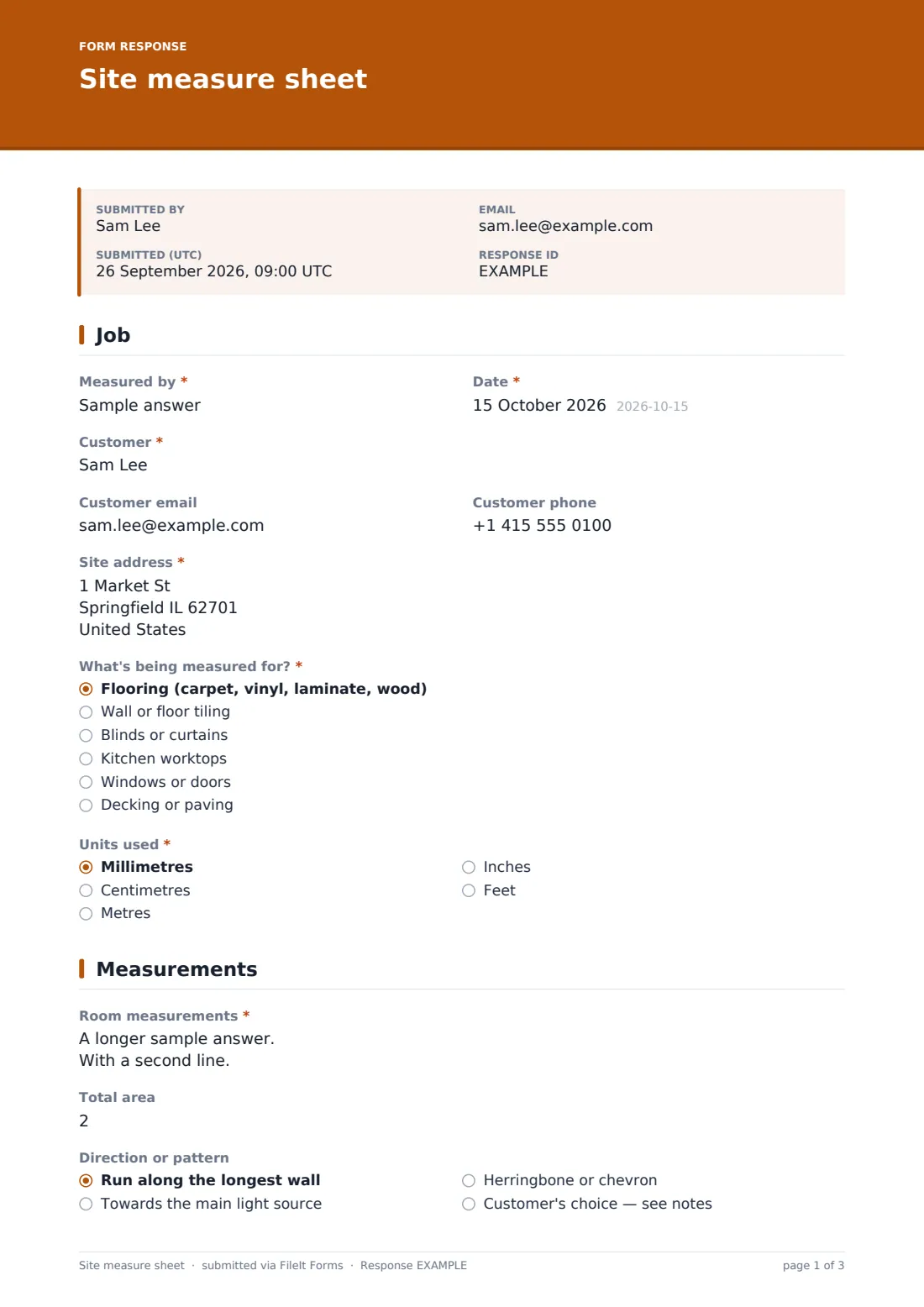
Who measured and when, the customer's name, email and phone, the site address, what's being measured for and the units used.
2 Measurements
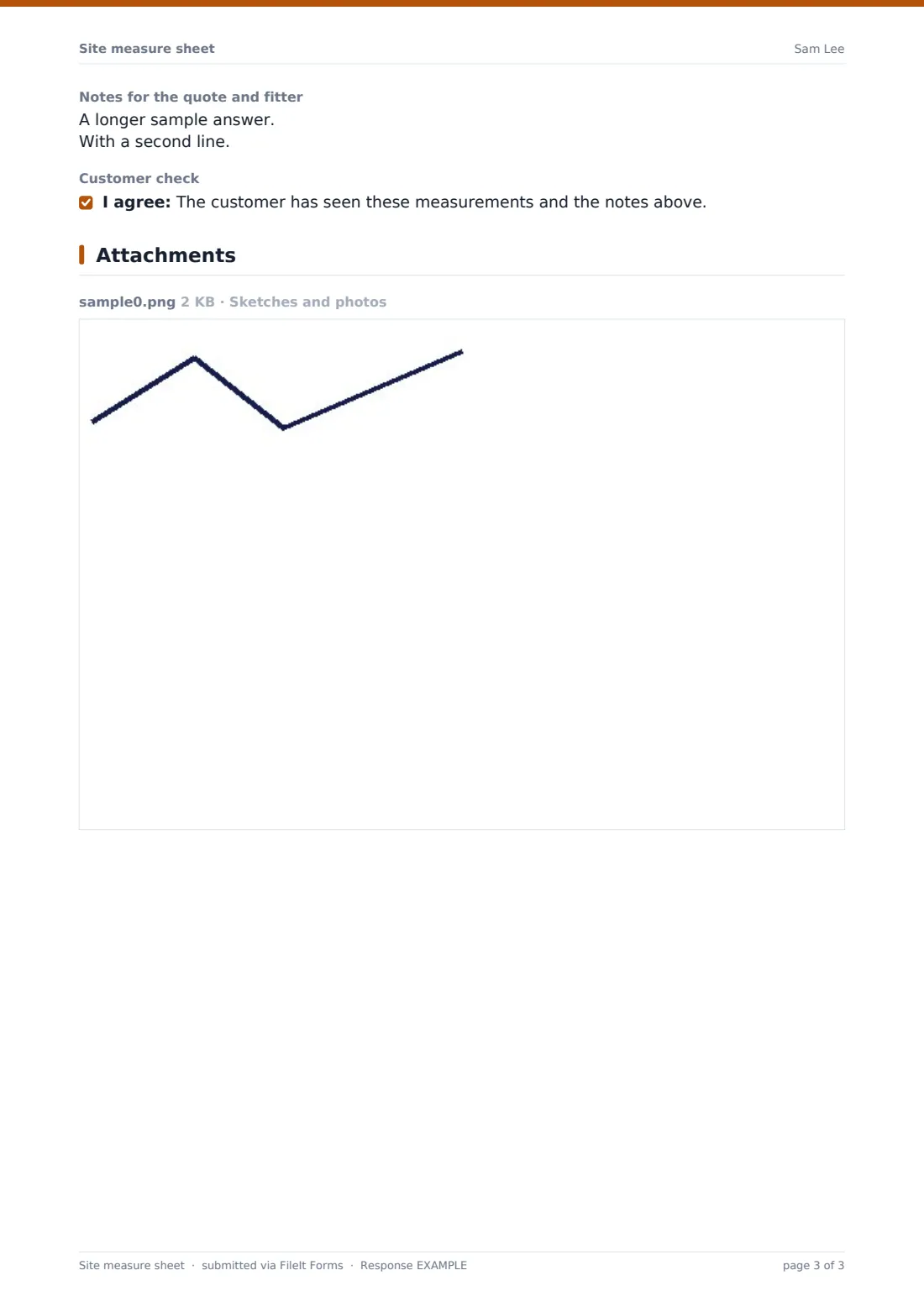
"Room measurements" is a free-text list with one line per room or opening, including recesses and bays. Total area can be recorded. Windows ask for the number of openings; blinds ask whether they fit inside the recess, face fix, ceiling fix or mixed; flooring asks for the direction or pattern. Up to ten sketches and photos can be uploaded — a photo of a hand sketch is fine.
3 Site conditions
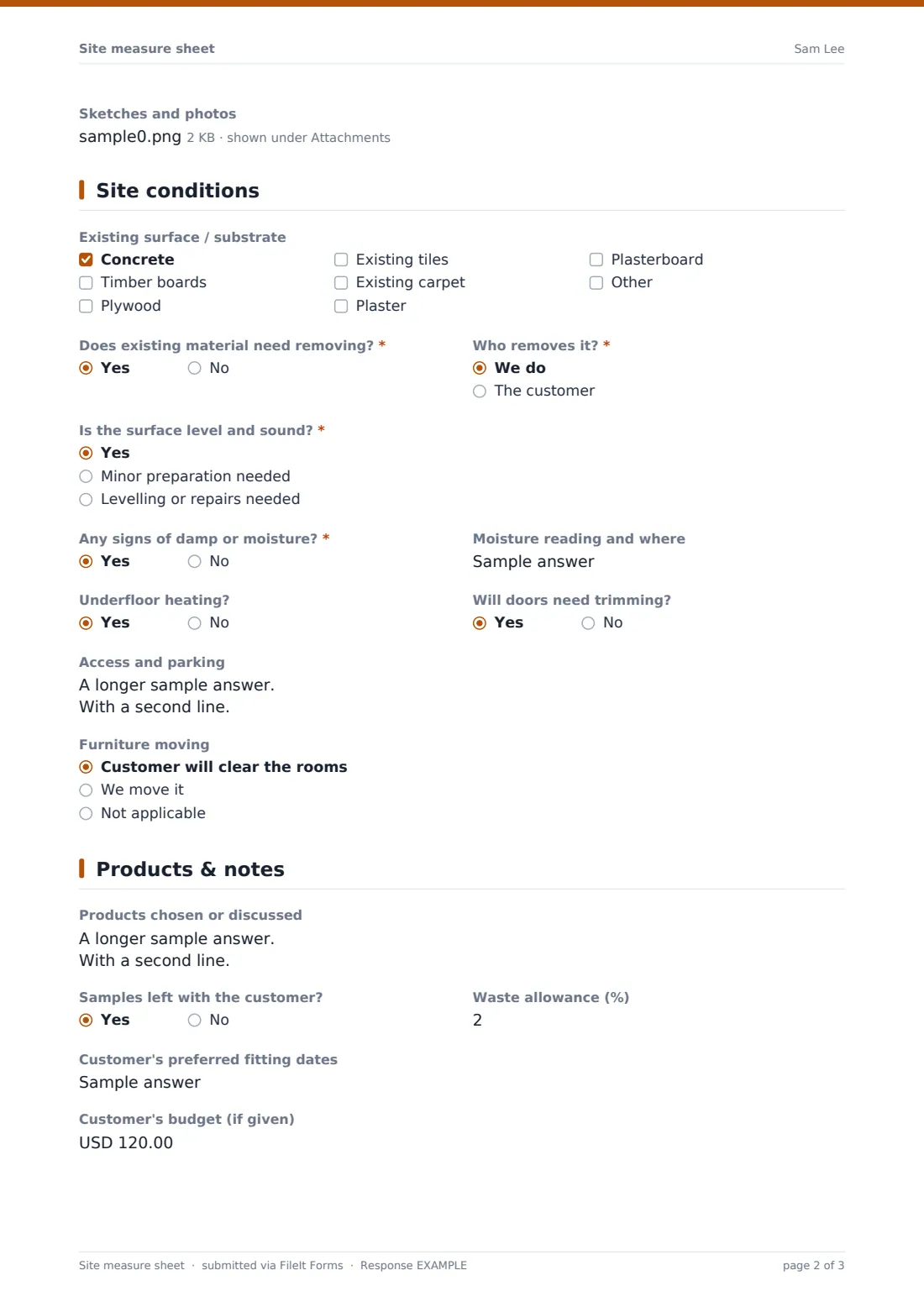
The existing surface, from concrete and timber to old tiles or plasterboard. If existing material needs removing, the form asks who removes it. "Is the surface level and sound?" and a damp question — with a moisture reading when there are signs of damp — follow. Flooring jobs ask about underfloor heating, and all jobs cover door trimming, access and parking, and furniture moving.
4 Products & notes
Products chosen or discussed, whether samples were left, the waste allowance, the customer's preferred fitting dates and budget, notes for the quote and fitter, and an optional tick confirming the customer has seen the measurements.
Make the template yours
- Remove the trades you don't do from the first dropdown
- Add a customer signature field if you want written approval of the measurements
- Change the budget currency to match your market
- Add your standard waste allowance to the help text
- File measures into a vault folder per customer
- Notify the estimator automatically on every submission
Tips for a better site measure sheet form
- Always record the units — it's the most common cause of ordering mistakes
- Measure at the widest points and note bays, recesses and door openings
- Photograph the existing floor or wall, not just the room
- Take a moisture reading where there's any doubt
- Check access before promising a fitting date for large items
- Show the customer the measurements before you leave
Every response becomes a PDF in your vault
Each measure is filed as a PDF in your vault with every sketch and photo attached, and the office is notified so the quote can be prepared. The customer gets a copy if you entered their email.
Search the Responses table by customer or address, and export to CSV to see which measures turned into orders.
- Start from this template. It opens in the FileIt Forms designer — change any question, add pages, set the rules for when questions appear.
- Share it. Turn on a public link, or send it to people by email, each with their own link. They don’t need a FileIt account.
- Get the answers as PDFs. Each response is saved as a PDF in the vault folder you choose, with uploaded files attached — and listed in a Responses table you can export to CSV.
Site measure sheet form: frequently asked questions
Is this site measure sheet template free?
Yes. It's included in the Forms app on every FileIt account, including the free plan.
Does the form calculate areas or quantities?
No. It records the measurements and any totals you work out. Your quoting tool or price list does the maths.
Can I upload a hand-drawn sketch?
Yes. Take a photo of it — up to ten images or PDFs can be attached.
Can I use imperial units?
Yes. Choose inches or feet in the units question, which is printed on the PDF.
Does the customer need a FileIt account?
No. They can tick the customer check on your device and receive the PDF by email.
Can I use one form for several trades?
Yes. Trade-specific questions only appear for the trade you select.