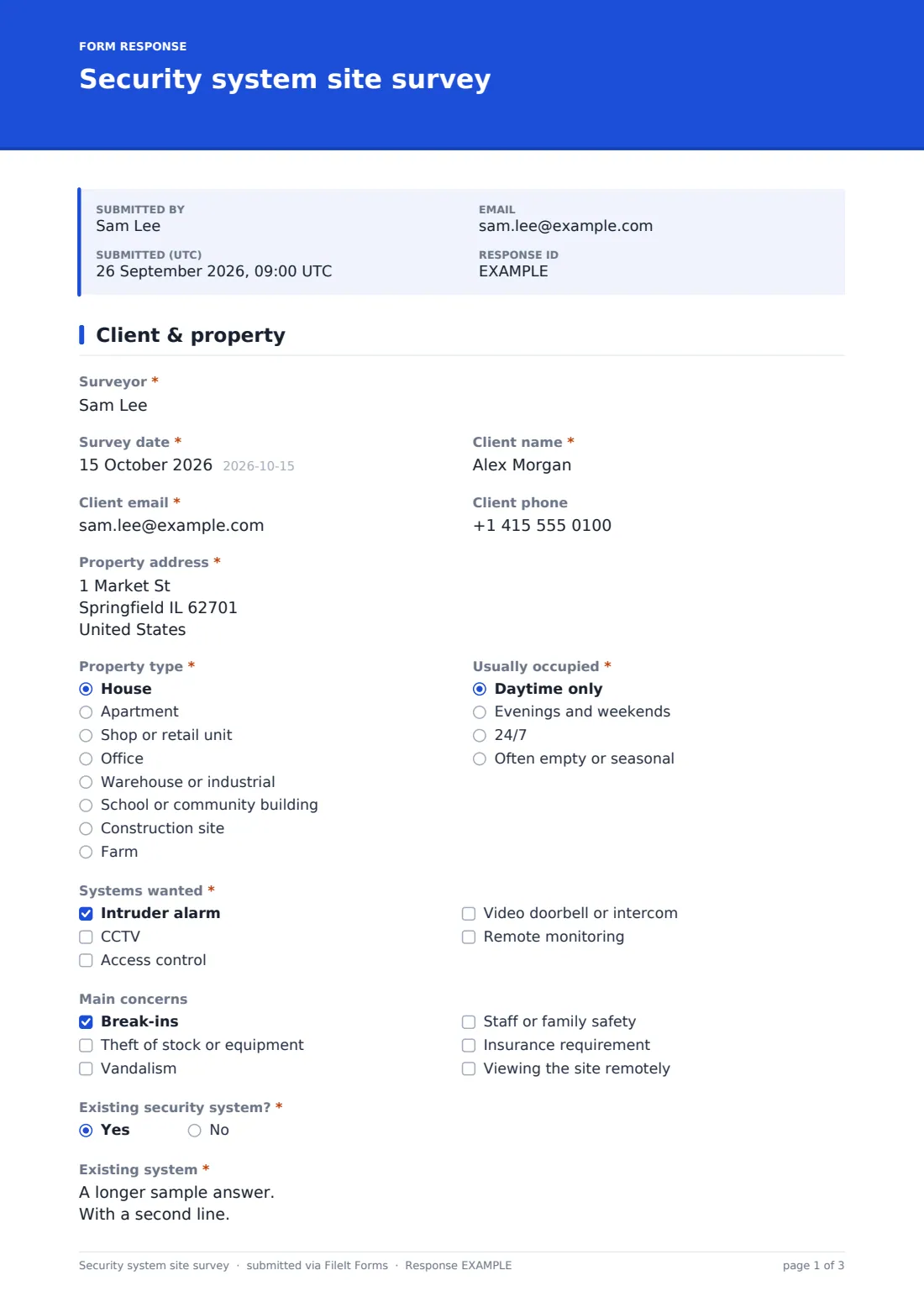
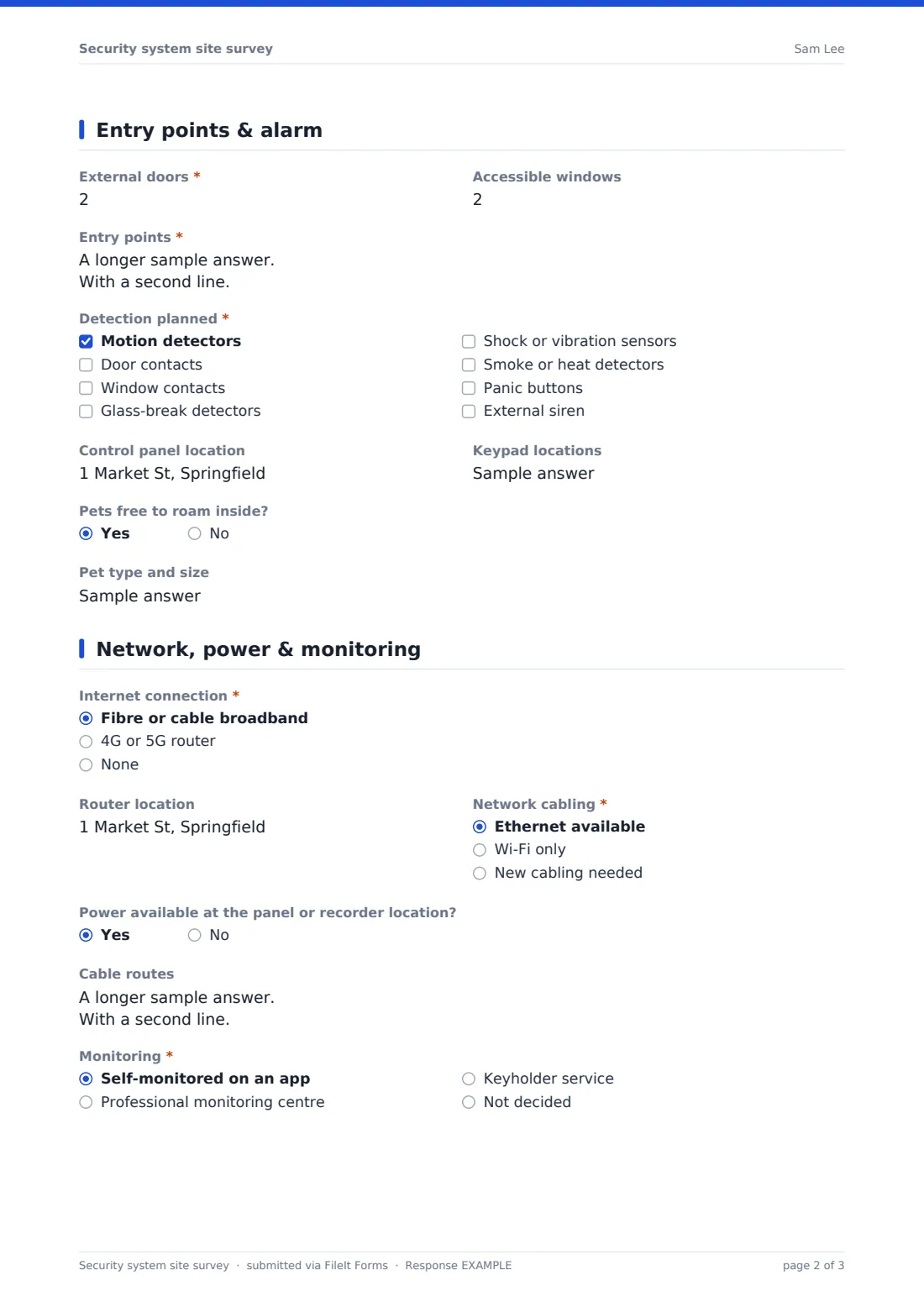
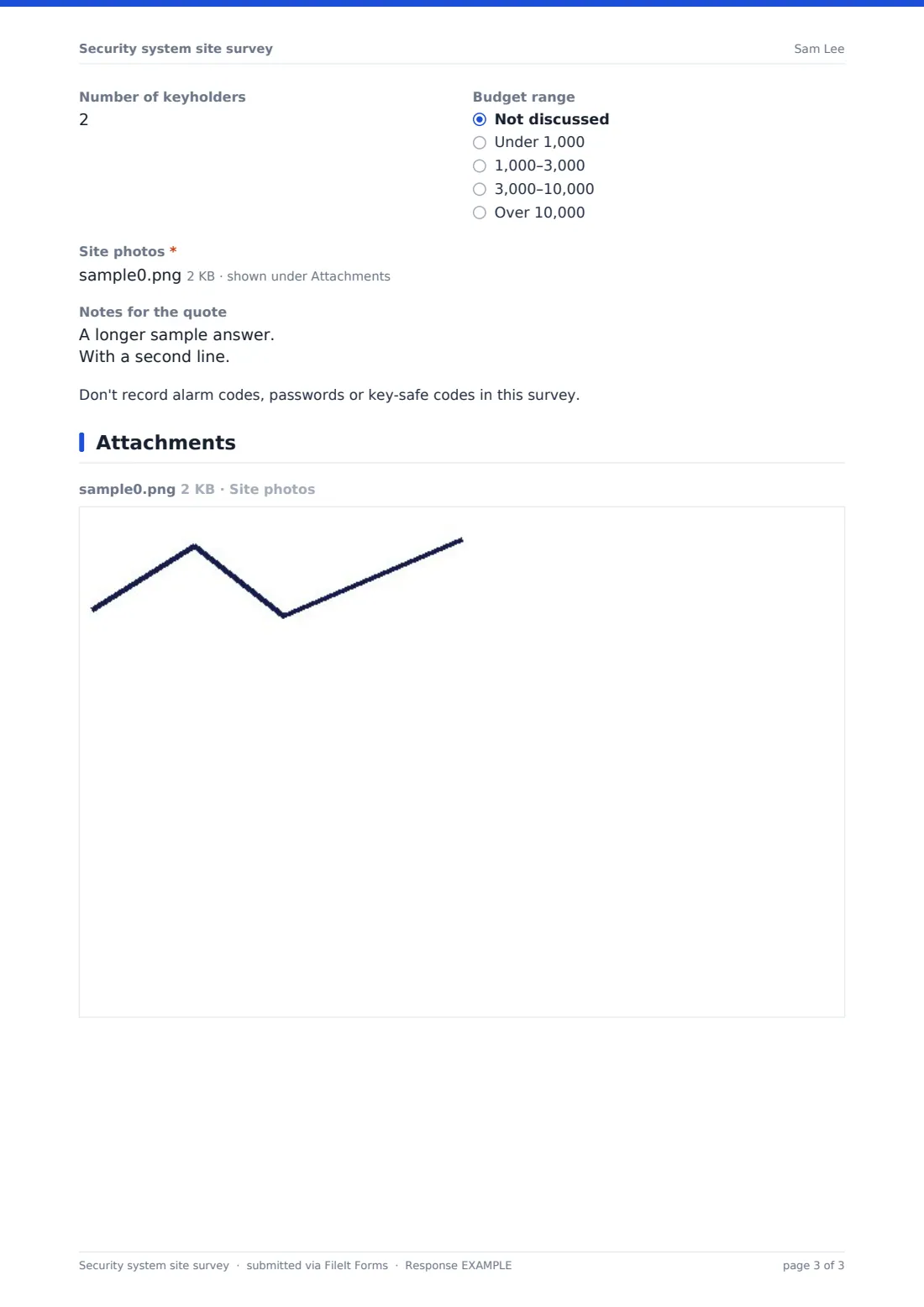
What is the security system site survey form template?
A security quote depends on details that are easy to miss on a walk-round: the roof light nobody mentioned, the dog that rules out ordinary motion detectors, the car park that's pitch dark at night, or the router at the far end of the building. A consistent survey makes sure every installer records the same things before pricing.
This template starts with the client, the property, how it's occupied and which systems they want — intruder alarm, CCTV, access control, a video doorbell or intercom, and remote monitoring. It records the main concerns, any insurer requirements and an existing system. Questions about detectors, keypads and pets appear only for an alarm, camera questions only for CCTV, and door and credential questions only for access control.
The final page covers the internet connection, network cabling, power, cable routes, monitoring, keyholders, budget and photos, with a reminder not to record codes or passwords. Each survey is filed as a PDF in your FileIt vault.
- Best for
- Security installers, electricians, integrators and facilities teams planning upgrades
- Filled in by
- The surveyor during a site visit
- Time to complete
- About 15–20 minutes
- Includes
- System-specific sections, entry point record, camera coverage, access control, network and power, monitoring, photos
Who uses a security system site survey form?
- Quoting an intruder alarm for a house after a break-in nearby
- Planning CCTV coverage for a shop's tills and stock room
- Adding fob access control to an office's main doors
- Surveying a warehouse to meet an insurer's requirements
- Upgrading an ageing alarm while keeping the working detectors
- Covering a construction site or farm yard with remote cameras
Questions on this security system site survey form
41 questions over 4 pages · includes file upload, conditional questions, multiple pages.
1 Client & property
- Surveyor*
- Survey date*
- Client name*
- Client email*
- Client phone
- Property address*
- Property type* House · Apartment · Shop or retail unit · Office · Warehouse or industrial · School or community building · Construction site · Farm
- Usually occupied* Daytime only · Evenings and weekends · 24/7 · Often empty or seasonal
- Systems wanted* Intruder alarm · CCTV · Access control · Video doorbell or intercom · Remote monitoring
- Main concerns Break-ins · Theft of stock or equipment · Vandalism · Staff or family safety · Insurance requirement · Viewing the site remotely
- Insurer's requirements* asked only when it applies
- Existing security system?*
- Existing system* asked only when it applies
2 Entry points & alarm
- External doors*
- Accessible windows
- Entry points*
- Detection planned* asked only when it applies Motion detectors · Door contacts · Window contacts · Glass-break detectors · Shock or vibration sensors · Smoke or heat detectors · Panic buttons · External siren
- Control panel location asked only when it applies
- Keypad locations asked only when it applies
- Pets free to roam inside? asked only when it applies
- Pet type and size asked only when it applies
3 Cameras & access
- Number of cameras* asked only when it applies
- Areas to cover* asked only when it applies Entrances · Driveway or car park · Perimeter or fence line · Tills or cash handling · Stock room · Reception · Loading area · Garden or yard
- Camera positions asked only when it applies
- Lighting at night asked only when it applies Well lit · Partly lit · Dark – cameras need infrared or added lighting
- Recording asked only when it applies On-site recorder · Cloud · Both
- Days of recording to keep asked only when it applies
- Doors with access control* asked only when it applies
- Approximate number of users asked only when it applies
- Credentials asked only when it applies Card or fob · PIN code · Mobile phone · Biometric
- Door hardware and fire exit notes asked only when it applies
4 Network, power & monitoring
- Internet connection* Fibre or cable broadband · 4G or 5G router · None
- Router location
- Network cabling* Ethernet available · Wi-Fi only · New cabling needed
- Power available at the panel or recorder location?
- Cable routes
- Monitoring* Self-monitored on an app · Professional monitoring centre · Keyholder service · Not decided
- Number of keyholders
- Budget range Not discussed · Under 1,000 · 1,000–3,000 · 3,000–10,000 · Over 10,000
- Site photos*
- Notes for the quote
The security system site survey form, page by page
1 Client & property
Surveyor, Survey date, the client's name, email and phone, and Property address come first. Property type and Usually occupied describe the site. Systems wanted needs at least one choice and decides which later questions appear. Main concerns includes an insurance requirement, which asks what the insurer requires. Existing security system? asks for its make, age and what the client wants to keep.
2 Entry points & alarm
External doors, Accessible windows and Entry points — each door, window, roof light or shutter with its construction and locks — are asked for every survey. For an alarm, Detection planned lists motion, contacts, glass-break, shock sensors, smoke or heat detectors, panic buttons and an external siren, followed by Control panel location, Keypad locations and whether pets roam inside, with their type and size.
3 Cameras & access
For CCTV: Number of cameras, Areas to cover, Camera positions, Lighting at night, Recording and Days of recording to keep, with a note to aim cameras away from neighbours and check local privacy rules. For access control: Doors with access control, Approximate number of users, Credentials and Door hardware and fire exit notes.
4 Network, power & monitoring
Internet connection, Router location, Network cabling, power at the panel or recorder and Cable routes cover installation. Monitoring, Number of keyholders and Budget range shape the quote. Site photos are required, and Notes for the quote ends the survey, with a reminder not to write down alarm codes, passwords or key-safe codes.
Make the template yours
- Change the budget ranges and currency to suit your market
- Add the equipment brands you install as dropdowns
- Add questions for perimeter detection or gate automation if you offer them
- Remove systems you don't install from Systems wanted
- Send the design or sales team's address with every submission
- File surveys into a vault folder per client
Tips for a better security system site survey form
- Walk the outside first, as an intruder would, before going inside
- Visit after dark or ask about lighting if night-time cameras matter
- Photograph the router, panel location and every camera view
- Ask about pets and how the building is used out of hours
- Never write down existing codes — reset them at handover
Every response becomes a PDF in your vault
Each survey is saved as a PDF with its site photos in the vault folder you choose. The office is notified straight away, and a copy is emailed to the Client email entered on the first page — turn off the respondent copy in the form's settings if surveys stay internal.
The Responses table lets you filter by property type, systems wanted or monitoring choice and export to CSV for your sales pipeline.
- Start from this template. It opens in the FileIt Forms designer — change any question, add pages, set the rules for when questions appear.
- Share it. Turn on a public link, or send it to people by email, each with their own link. They don’t need a FileIt account.
- Get the answers as PDFs. Each response is saved as a PDF in the vault folder you choose, with uploaded files attached — and listed in a Responses table you can export to CSV.
Security system site survey form: frequently asked questions
Is this security site survey template free?
Yes. It's included in the FileIt Forms app on every account, including the free plan.
Why do some sections disappear?
Alarm, camera and access control questions appear only when that system is ticked in Systems wanted, so a CCTV-only survey stays short.
Does the form tell me which security grade is required?
No. It records the insurer's stated requirements and your notes. Grading and standards depend on your country and insurer.
Is it safe to record security details in the form?
Responses are visible only to the form owner and anyone they share the folder with. The form reminds surveyors not to record codes or passwords.
Can I add camera position photos?
Yes. Up to ten site photos can be attached.
Do surveyors need a FileIt account?
No. Anyone with the link can complete the survey.