What is the sabbatical request form template?
A sabbatical is a big ask. It usually starts as a hopeful conversation in a one-to-one, and then stalls because nobody has written down the dates, the reason or how the work will be covered. This template turns that conversation into a request a manager and HR can actually decide on. The employee sets out when they'd like to go, what they plan to do, who could pick up their work and how they expect to be paid.
Pay is where sabbaticals get complicated, so the form handles it directly. “Pay during the sabbatical” offers Unpaid, Partly paid, or Fully paid, under our sabbatical scheme. Choosing partly paid asks “What split are you proposing or have you agreed?” Choosing unpaid opens a short section on benefits while you're unpaid: a note explaining that HR will confirm what continues, then questions on “Health or medical cover”, “Pension or retirement plan contributions” and other benefits worth discussing, such as a company phone or car allowance.
Every request is saved as a signed PDF in your FileIt vault, so the agreed version is easy to find when the sabbatical is approved, when it starts and when the employee comes back.
- Best for
- Employers with a sabbatical or career-break scheme, or handling one-off requests for extended leave
- Filled in by
- The employee, after an early chat with their manager
- Time to complete
- About 8 minutes
- Includes
- Dates and length, purpose and plans, a cover plan, contact preferences, pay status and benefits questions for unpaid leave
Who uses a sabbatical request form?
- A long-serving engineer asking for twelve weeks off to travel
- A nurse taking unpaid time to finish a postgraduate qualification
- A company running a five-year service sabbatical scheme that needs consistent applications
- A small business owner weighing up an employee's request to volunteer overseas
- An HR team that wants benefits questions answered before unpaid leave starts, not after
Questions on this sabbatical request form
27 questions over 2 pages · includes signature, conditional questions, multiple pages, consent checkbox.
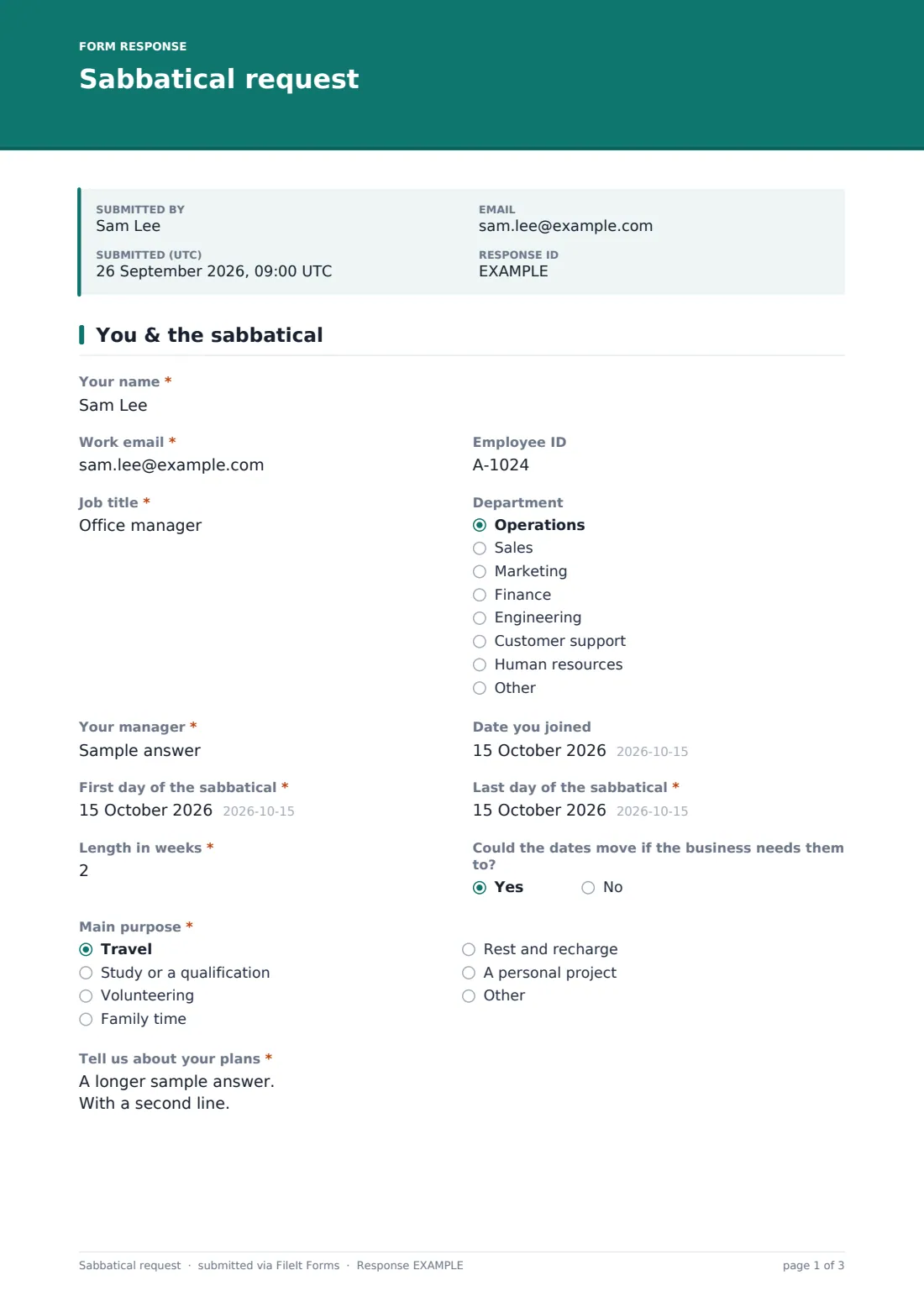
1 You & the sabbatical
- Your name*
- Work email*
- Employee ID
- Job title*
- Department Operations · Sales · Marketing · Finance · Engineering · Customer support · Human resources · Other
- Your manager*
- Date you joined
- First day of the sabbatical*
- Last day of the sabbatical*
- Length in weeks*
- Could the dates move if the business needs them to?
- Main purpose* Travel · Study or a qualification · Volunteering · Family time · Rest and recharge · A personal project
- Tell us about your plans*
- Course or qualification, and where asked only when it applies
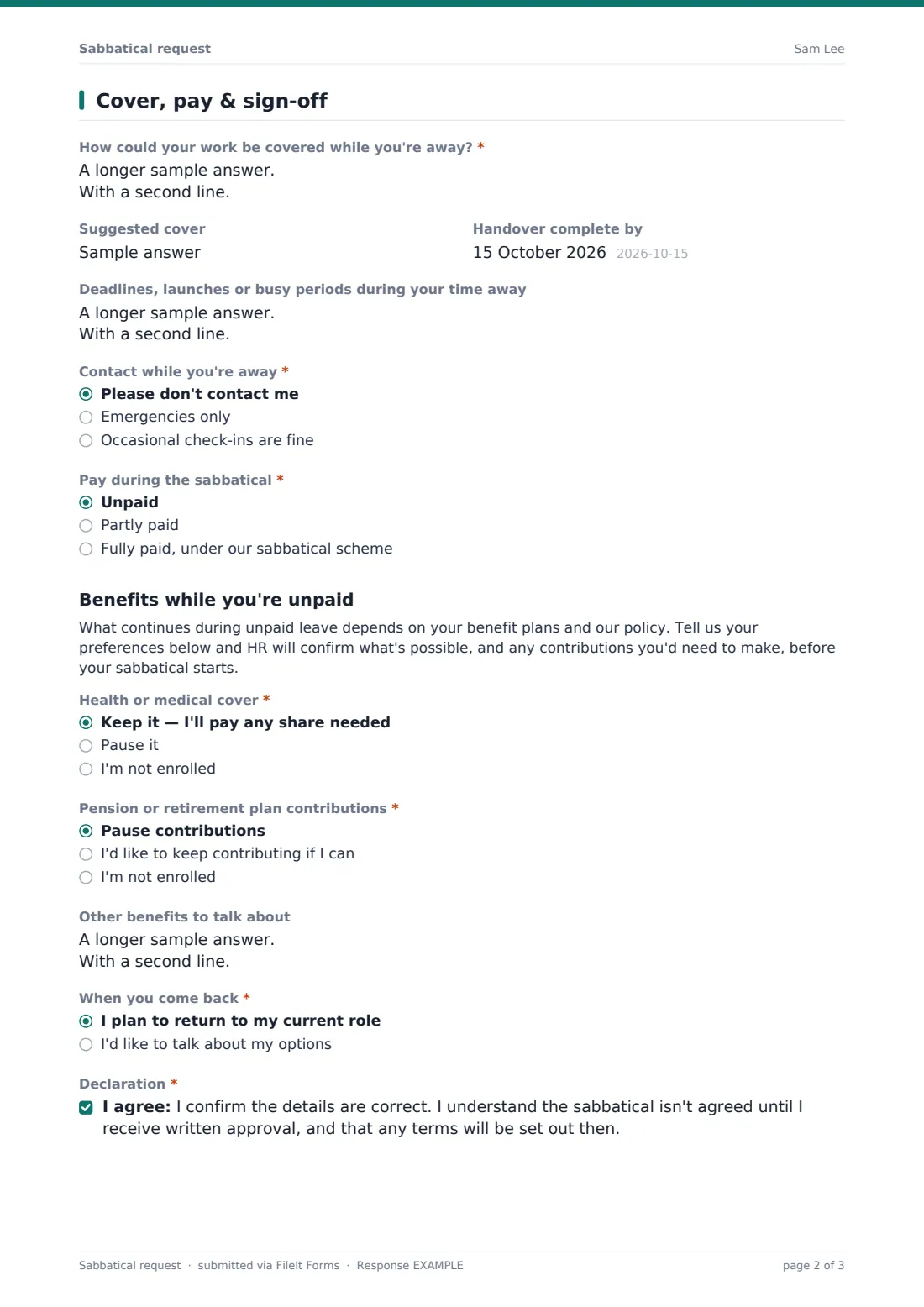
2 Cover, pay & sign-off
- How could your work be covered while you're away?*
- Suggested cover
- Handover complete by
- Deadlines, launches or busy periods during your time away
- Contact while you're away* Please don't contact me · Emergencies only · Occasional check-ins are fine
- Pay during the sabbatical* Unpaid · Partly paid · Fully paid, under our sabbatical scheme
- What split are you proposing or have you agreed?* asked only when it applies
- Health or medical cover* asked only when it applies Keep it — I'll pay any share needed · Pause it · I'm not enrolled
- Pension or retirement plan contributions* asked only when it applies Pause contributions · I'd like to keep contributing if I can · I'm not enrolled
- Other benefits to talk about asked only when it applies
- When you come back* I plan to return to my current role · I'd like to talk about my options
- Declaration*
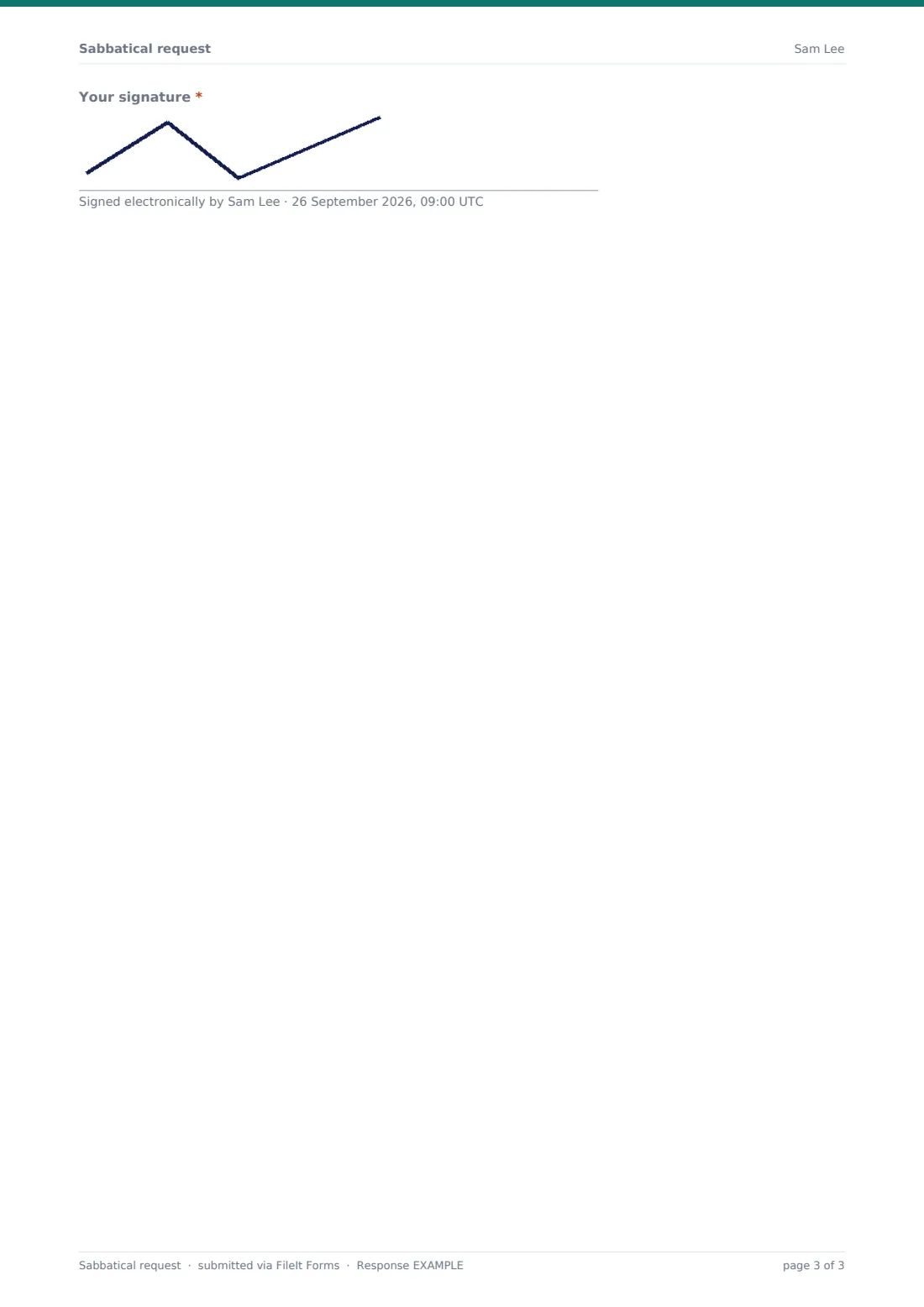
- Your signature*
The sabbatical request form, page by page
1 You & the sabbatical
The employee gives their name, work email, employee ID, job title, department and manager, plus the “Date you joined”, which helps if your scheme depends on length of service. They enter the “First day of the sabbatical”, the “Last day of the sabbatical” and the “Length in weeks”, and say whether the dates could move if the business needs them to.
Under “Main purpose” they choose travel, study, volunteering, family time, rest, a personal project or something else, and explain in “Tell us about your plans”. Picking study asks which course or qualification, and where.
2 Cover, pay & sign-off
“How could your work be covered while you're away?” is required, with optional fields for suggested cover, a handover date and any deadlines or busy periods during the break. “Contact while you're away” lets the employee choose no contact, emergencies only or occasional check-ins.
Then comes pay. Partly paid asks for the proposed split, and Unpaid shows the benefits section. The employee says whether they plan to return to their current role or would like to talk about options, ticks a declaration that nothing is agreed until written approval, and signs.
Make the template yours
- Replace the pay options with the exact terms of your sabbatical scheme
- Add a minimum service date to the “Date you joined” help text if eligibility depends on it
- Edit the benefits note to explain what your plans normally allow during unpaid leave
- Notify HR as well as the owner, using the extra notification emails in the settings
- Add a question about returning equipment if staff on long leave hand back laptops or phones
Tips for a better sabbatical request form
- Ask employees to raise the idea informally first, so the form isn't the first a manager hears of it
- Encourage requests several months ahead — cover is easier to arrange with time
- Agree contact preferences before the break, and respect them
- Confirm benefits continuation in writing before an unpaid sabbatical begins
- Book a return-to-work conversation for the first week back
Every response becomes a PDF in your vault
When an employee submits, FileIt files the signed request as a PDF in your vault and emails you. The employee gets their own copy, which is useful to refer back to when the approval letter arrives.
Use the Responses table to see upcoming sabbaticals by start date, and export to CSV if you're planning cover across a team. If someone's dates change, they can submit an updated request so the vault holds both versions.
- Start from this template. It opens in the FileIt Forms designer — change any question, add pages, set the rules for when questions appear.
- Share it. Turn on a public link, or send it to people by email, each with their own link. They don’t need a FileIt account.
- Get the answers as PDFs. Each response is saved as a PDF in the vault folder you choose, with uploaded files attached — and listed in a Responses table you can export to CSV.
Sabbatical request form: frequently asked questions
Is this sabbatical request form free to use?
Yes. It's a starter template in FileIt's Forms app, available on every account including the free plan, and you can edit any question.
Does submitting the form approve the sabbatical?
No. The declaration says the sabbatical isn't agreed until the employee receives written approval.
What happens when someone picks unpaid?
A benefits section appears with questions about health cover, retirement contributions and other benefits. HR then confirms what's possible.
Does the form tell employees what benefits continue?
No. Rules depend on your plans and policy, so the form collects preferences and leaves the answer to HR.
Can staff without a FileIt account use it?
Yes. Share it as a link or email it from the Share tab, and employees fill it in without signing up.
Can I use it for career breaks or study leave?
Yes. Rename the form and adjust the purpose options to suit.