What is the restaurant daily sales report form template?
The numbers on a till's end-of-day report only tell part of the story. Owners also want to know why the cash was short, why comps were high, whether the kitchen ran out of the special and how the rain affected dinner. A daily sales report puts the numbers and the context together.
This template takes a closing manager through five short pages: the day itself, sales by category with covers and average spend, payments and the cash count with any variance, voids, comps and labour, and closing notes with an upload for the POS report.
Each report is saved as a PDF in your FileIt vault, giving owners and area managers a dated record for every site that's easy to review and export.
- Best for
- Restaurants, cafés, bars, pubs and hotel food and beverage outlets
- Filled in by
- The manager closing the day
- Time to complete
- 5 to 10 minutes with the POS report to hand
- Includes
- Sales categories, covers, payments, cash variance, voids and comps, labour, notes and file upload
Who uses a restaurant daily sales report form?
- A restaurant owner who isn't on site every night but wants a report every morning
- An area manager comparing daily performance across several outlets
- A café recording weather and local events alongside takings
- A bar manager explaining cash shortages and large comps
- A hotel restaurant sending a daily close to the finance team
- A new manager learning a consistent closing routine
Questions on this restaurant daily sales report form
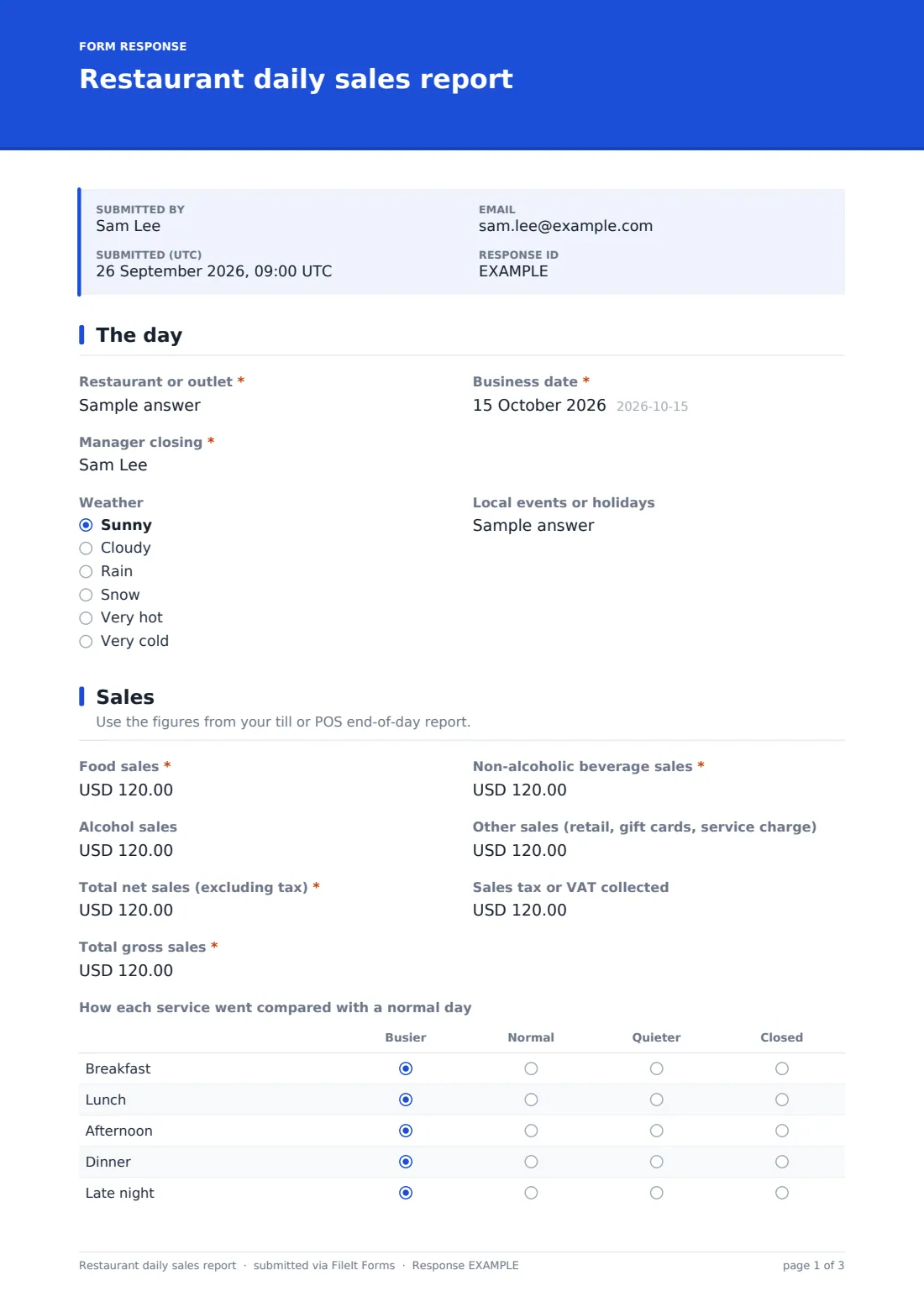
41 questions over 5 pages · includes file upload, conditional questions, multiple pages, consent checkbox, ratings.
1 The day
- Restaurant or outlet*
- Business date*
- Manager closing*
- Weather Sunny · Cloudy · Rain · Snow · Very hot · Very cold
- Local events or holidays
2 Sales
- Food sales*
- Non-alcoholic beverage sales*
- Alcohol sales
- Other sales (retail, gift cards, service charge)
- Total net sales (excluding tax)*
- Sales tax or VAT collected
- Total gross sales*
- How each service went compared with a normal day Busier · Normal · Quieter · Closed
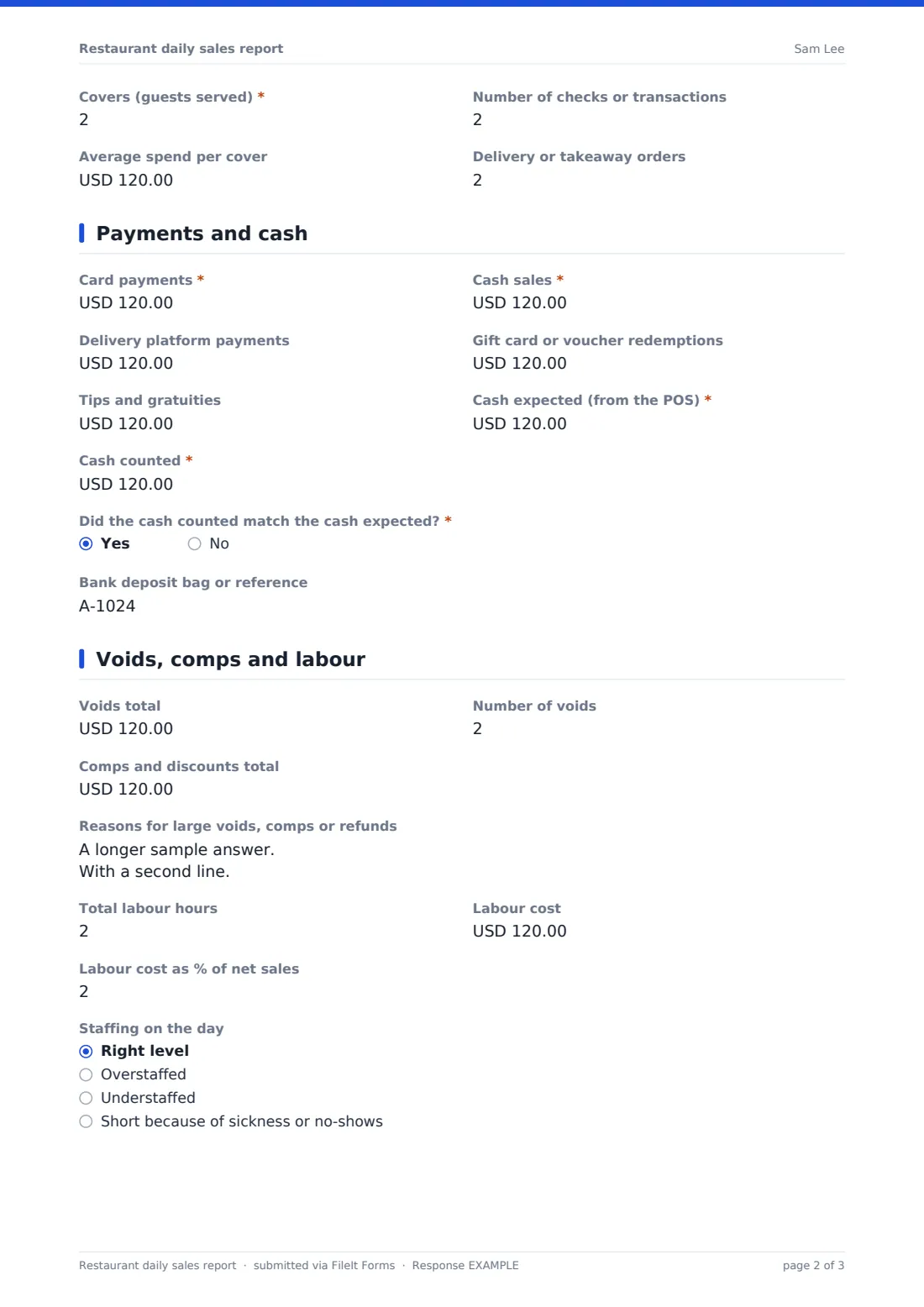
- Covers (guests served)*
- Number of checks or transactions
- Average spend per cover
- Delivery or takeaway orders
3 Payments and cash
- Card payments*
- Cash sales*
- Delivery platform payments
- Gift card or voucher redemptions
- Tips and gratuities
- Cash expected (from the POS)*
- Cash counted*
- Did the cash counted match the cash expected?*
- Cash over or short* asked only when it applies
- Explanation for the variance* asked only when it applies
- Bank deposit bag or reference
4 Voids, comps and labour
- Voids total
- Number of voids
- Comps and discounts total
- Reasons for large voids, comps or refunds
- Total labour hours
- Labour cost
- Labour cost as % of net sales
- Staffing on the day Right level · Overstaffed · Understaffed · Short because of sickness or no-shows
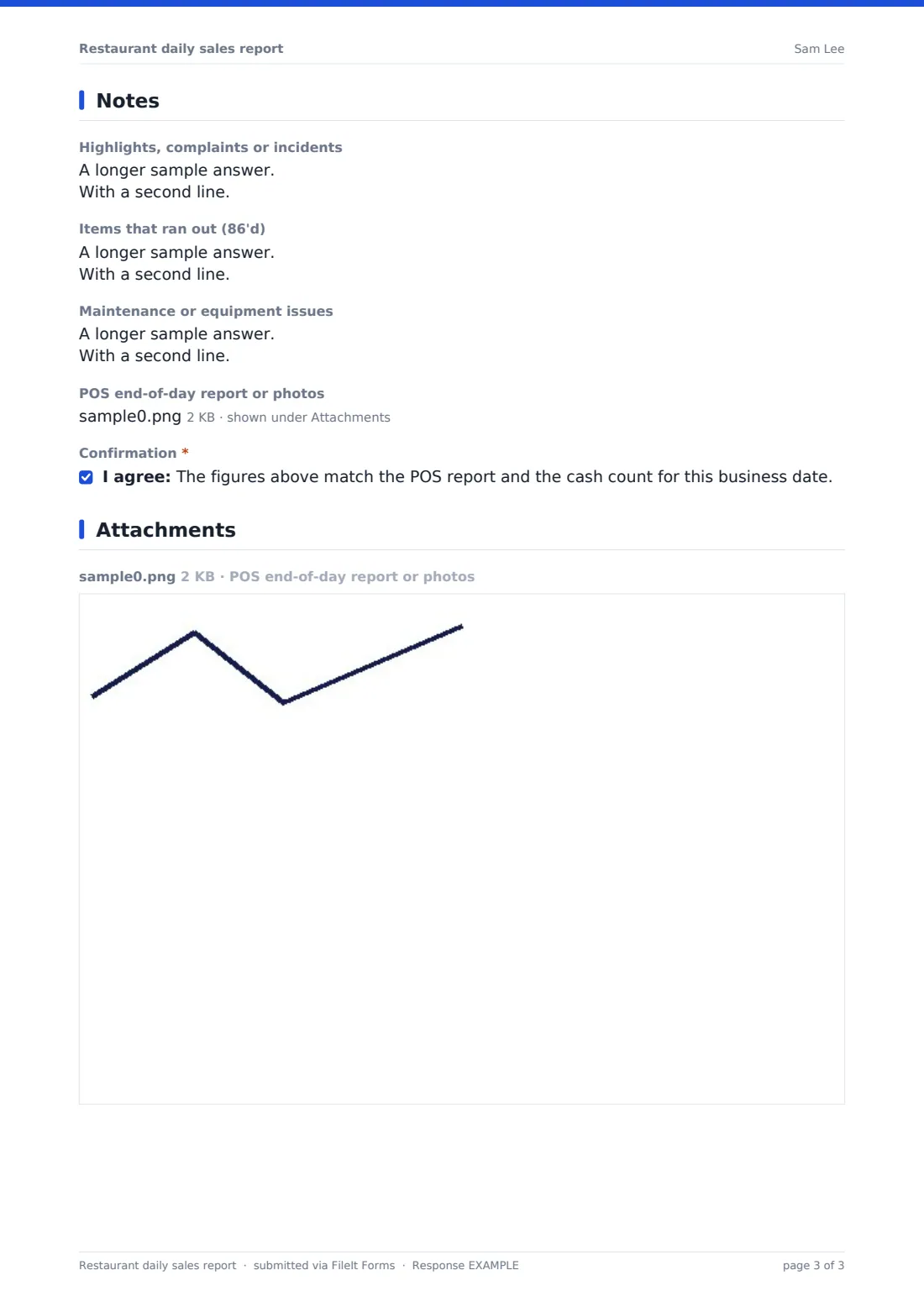
5 Notes
- Highlights, complaints or incidents
- Items that ran out (86'd)
- Maintenance or equipment issues
- POS end-of-day report or photos
- Confirmation*
The restaurant daily sales report form, page by page
1 The day
The manager records the outlet, business date and their name, plus the weather and any local events or holidays that might explain the day's trade.
2 Sales
Enter food, non-alcoholic beverage, alcohol and other sales, then total net sales, tax collected and gross sales. A grid marks each service from breakfast to late night as busier, normal, quieter or closed. Record covers, number of checks, average spend per cover and delivery or takeaway orders.
3 Payments and cash
Record card, cash, delivery platform and gift card payments and tips, then cash expected from the POS and cash counted. If the two don't match, the form asks for the amount over or short and an explanation. Add the bank deposit reference.
4 Voids, comps and labour
Enter the voids total and count, comps and discounts and the reasons for any large ones. Labour hours, labour cost and labour as a percentage of net sales follow, with a quick rating of whether staffing was right.
5 Notes
Finish with highlights, complaints or incidents, items that ran out, maintenance issues and an upload for the POS end-of-day report or photos. The manager confirms the figures match the POS report and the cash count.
Make the template yours
- Rename the sales categories to match your POS reports
- Change the currency on the money fields
- Add a dropdown of your outlets if you run several sites
- Make the POS report upload required
- Email every report to the owner or area manager
- File reports into a vault folder per site and month
Tips for a better restaurant daily sales report form
- Close the report straight after cashing up, while the details are fresh
- Always explain a cash variance, even a small one: patterns matter more than single days
- Note the weather and local events, since they help explain trade when you look back
- Review comps and voids weekly to spot training needs
- Compare labour percentage with sales by day of the week when planning rotas
Every response becomes a PDF in your vault
Each daily report is saved as a PDF in your FileIt vault with the POS report attached, and owners can be emailed every time a manager closes the day.
Filter the Responses table by outlet or date, or export reports to CSV to build weekly and monthly sales summaries in a spreadsheet.
- Start from this template. It opens in the FileIt Forms designer — change any question, add pages, set the rules for when questions appear.
- Share it. Turn on a public link, or send it to people by email, each with their own link. They don’t need a FileIt account.
- Get the answers as PDFs. Each response is saved as a PDF in the vault folder you choose, with uploaded files attached — and listed in a Responses table you can export to CSV.
Restaurant daily sales report form: frequently asked questions
Is this restaurant daily sales report free?
Yes. It's included in the FileIt Forms app on every account, including the free plan.
Does it connect to my POS system?
No. Managers enter the figures from the POS end-of-day report and can upload the report itself.
Does it calculate totals or the cash variance?
No. FileIt Forms doesn't calculate. Managers enter the totals, and any variance, from their cash-up.
When is the variance explanation asked for?
Whenever the manager answers that the cash counted didn't match the cash expected. The explanation is then required.
Can I use it for several restaurants?
Yes. Each report records the outlet, so you can filter by site, or make a copy of the form per site.
Can I record a shortage as a negative number?
Yes. The cash over or short field accepts negative amounts.