What is the property viewing feedback form template?
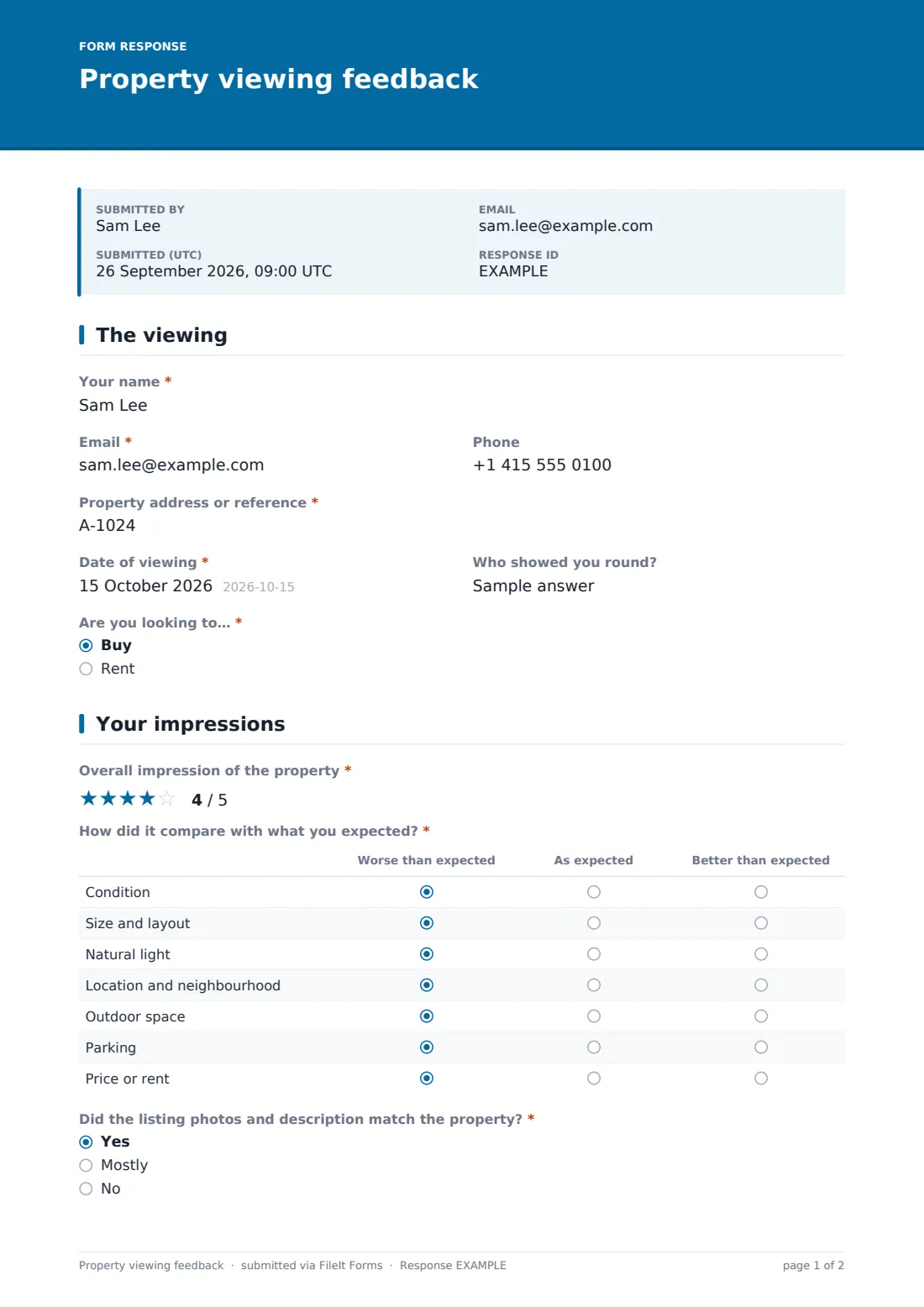
After a viewing, buyers or renters rate the property against their expectations, say what they liked and what put them off, and tell the agent whether they want to offer, view again or pass. Start from this template in FileIt Forms, adjust it in the designer, then share it by link or send it to people by email. Each response is saved as a PDF in your FileIt vault.
Questions on this property viewing feedback form
19 questions over 3 pages · includes conditional questions, multiple pages, ratings.
1 The viewing
- Your name*
- Email*
- Phone
- Property address or reference*
- Date of viewing*
- Who showed you round?
- Are you looking to…* Buy · Rent
2 Your impressions
- Overall impression of the property*
- How did it compare with what you expected?* Worse than expected · As expected · Better than expected
- Did the listing photos and description match the property?* Yes · Mostly · No
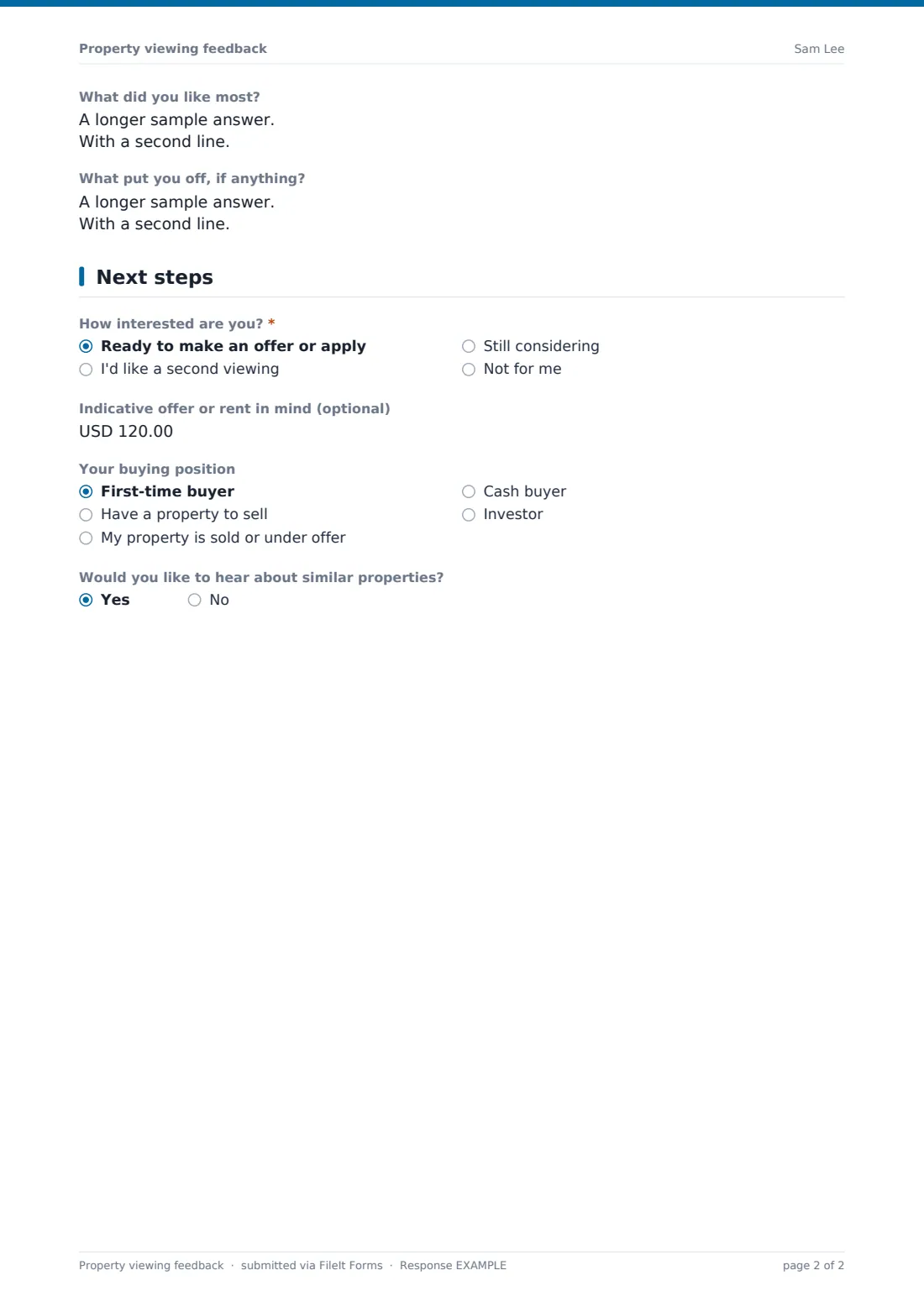
- What did you like most?
- What put you off, if anything?
3 Next steps
- How interested are you?* Ready to make an offer or apply · I'd like a second viewing · Still considering · Not for me
- Indicative offer or rent in mind (optional) asked only when it applies
- When could you come back?* asked only when it applies
- Why isn't it right for you?* asked only when it applies Price · Size · Location · Condition · Layout · I've found another property
- Your buying position asked only when it applies First-time buyer · Have a property to sell · My property is sold or under offer · Cash buyer · Investor
- When would you like to move in? asked only when it applies
- Would you like to hear about similar properties?
Every response becomes a PDF in your vault
- Start from this template. It opens in the FileIt Forms designer — change any question, add pages, set the rules for when questions appear.
- Share it. Turn on a public link, or send it to people by email, each with their own link. They don’t need a FileIt account.
- Get the answers as PDFs. Each response is saved as a PDF in the vault folder you choose, with uploaded files attached — and listed in a Responses table you can export to CSV.