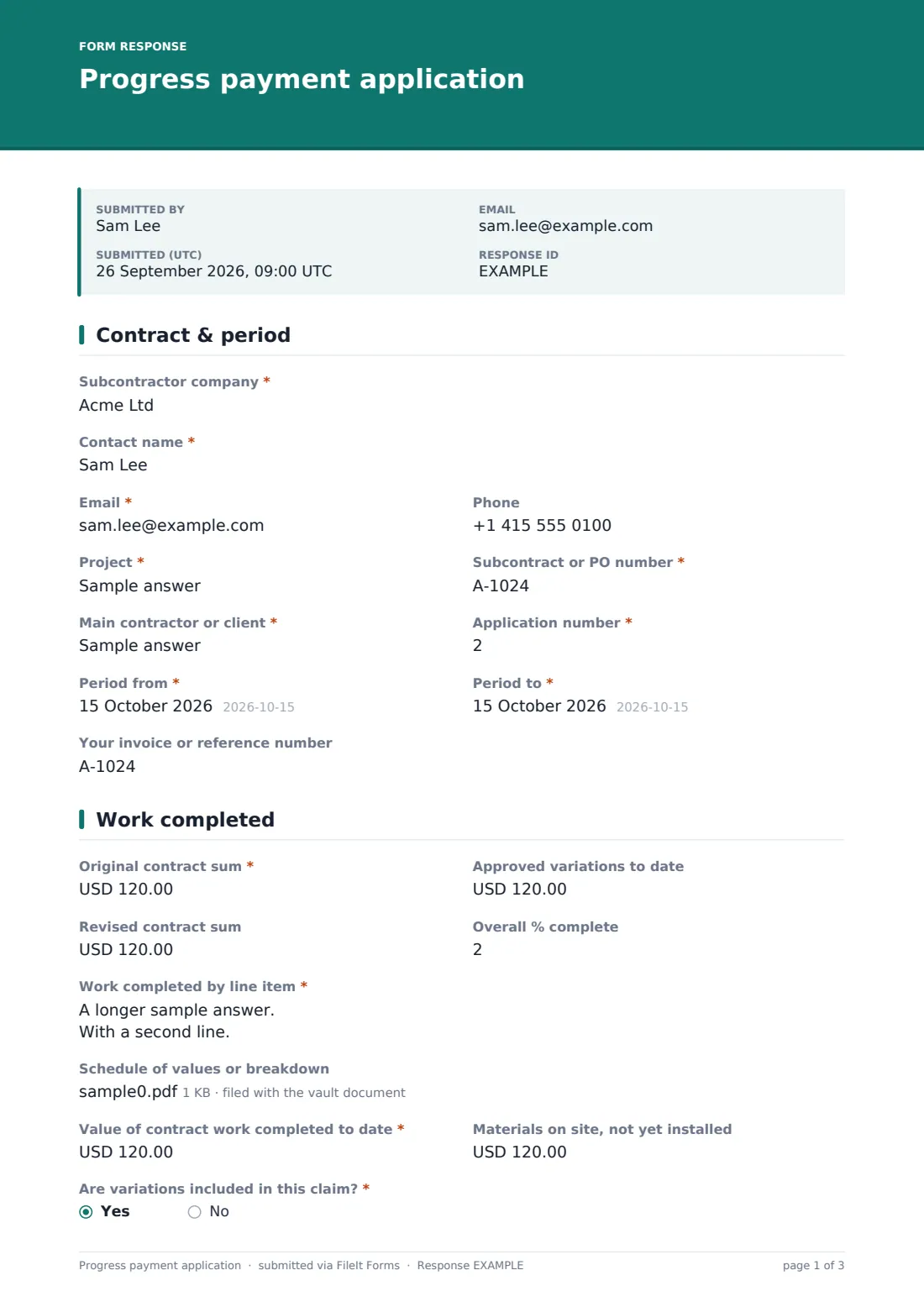
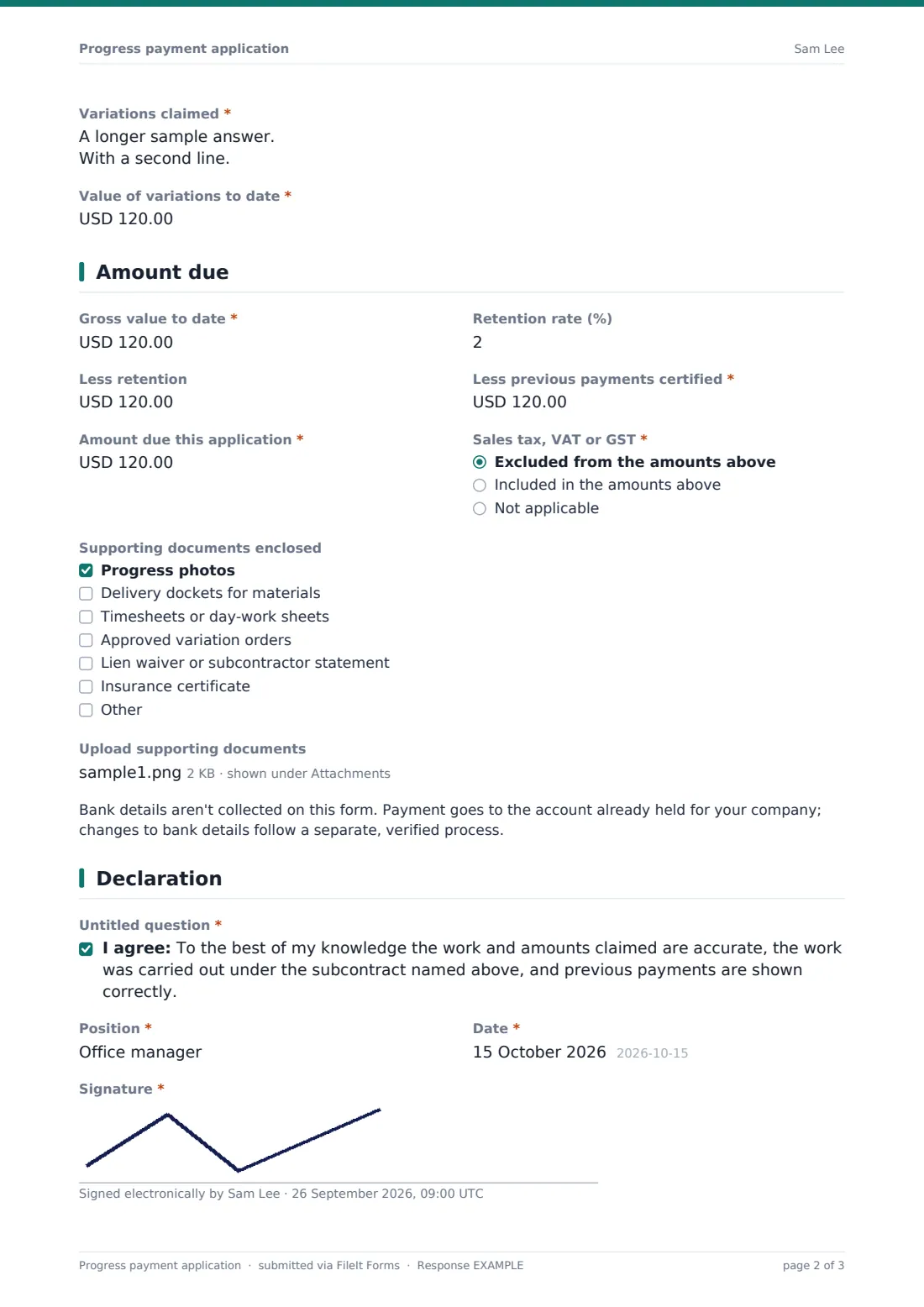
What is the progress payment application form template?
On most construction jobs, subcontractors are paid in stages against the work completed each period. The claim is where cash flow is won or lost: a claim with no breakdown, a missing variation number or arithmetic that doesn't match last month's certificate gets queried, and the payment slips to the next cycle.
This progress payment application template follows the usual structure. The subcontractor identifies the contract, the application number and the period. They set out the original and revised contract sum and list the work completed by line item, with a schedule of values attached if they have one. Materials on site and variations are claimed separately, then the form works down from gross value, through retention and previous payments, to the amount due this application.
A signed declaration completes the claim. Each application is filed as a PDF with its supporting documents in your FileIt vault, so both sides have the same record of what was claimed and when.
- Best for
- Subcontractors, trade contractors and the main contractors or clients who assess their claims
- Filled in by
- The subcontractor's owner, quantity surveyor or office manager
- Time to complete
- About 10 minutes with the figures ready
- Includes
- Line-item breakdown, schedule of values upload, variations, retention, previous payments, supporting documents, signature
Who uses a progress payment application form?
- An electrical subcontractor claiming monthly progress on a commercial fit-out
- A main contractor collecting claims from all trades in the same format
- Claiming for materials delivered to site but not yet installed
- Including approved and pending variations in a claim
- A homeowner's builder submitting stage payments on a renovation
- Keeping a signed history of claims for the final account
Questions on this progress payment application form
34 questions over 4 pages · includes signature, file upload, conditional questions, multiple pages, consent checkbox.
1 Contract & period
- Subcontractor company*
- Contact name*
- Email*
- Phone
- Project*
- Subcontract or PO number*
- Main contractor or client*
- Application number*
- Period from*
- Period to*
- Your invoice or reference number
2 Work completed
- Original contract sum*
- Approved variations to date
- Revised contract sum
- Overall % complete
- Work completed by line item*
- Schedule of values or breakdown
- Value of contract work completed to date*
- Materials on site, not yet installed
- Are variations included in this claim?*
- Variations claimed* asked only when it applies
- Value of variations to date* asked only when it applies
3 Amount due
- Gross value to date*
- Retention rate (%)
- Less retention
- Less previous payments certified*
- Amount due this application*
- Sales tax, VAT or GST* Excluded from the amounts above · Included in the amounts above · Not applicable
- Supporting documents enclosed Progress photos · Delivery dockets for materials · Timesheets or day-work sheets · Approved variation orders · Lien waiver or subcontractor statement · Insurance certificate
- Upload supporting documents
4 Declaration
- *
- Position*
- Date*
- Signature*
The progress payment application form, page by page
1 Contract & period
Subcontractor company, Contact name, Email and Phone identify the claimant. Project, Subcontract or PO number and Main contractor or client identify the contract, and Application number with Period from and Period to define the claim. Your invoice or reference number is optional.
2 Work completed
Original contract sum, Approved variations to date, Revised contract sum and Overall % complete set the context. Work completed by line item takes one line per item — description, scheduled value, % complete and value to date — and a Schedule of values or breakdown can be uploaded as a spreadsheet or PDF. Value of contract work completed to date and Materials on site follow. If variations are included, the form asks for each variation's number, description, value and approval status, and the value of variations to date.
3 Amount due
Gross value to date, Retention rate (%), Less retention, Less previous payments certified and Amount due this application each carry help text showing how they relate — the form doesn't calculate, so the claimant types each figure. Sales tax, VAT or GST records whether tax is included. Supporting documents enclosed lists photos, delivery dockets, timesheets, variation orders, lien waivers or subcontractor statements and insurance certificates, with up to ten uploads. A note explains that bank details aren't collected here.
4 Declaration
The claimant confirms the work and amounts are accurate to the best of their knowledge, gives their Position and the Date, and signs.
Make the template yours
- Change the currency on every amount field to match your contracts
- Set a default retention rate in the help text if all your subcontracts use the same one
- Add a dropdown of your projects for main contractors collecting claims from many trades
- Add a paragraph with your claim cut-off date and assessment timetable
- Remove the tax question if prices are always quoted the same way
- File applications into a vault folder per project
Tips for a better progress payment application form
- Claim against the same line items every month so the assessor can compare like for like
- Make sure previous payments match the last certified amount, not the last amount claimed
- Attach delivery dockets when claiming materials on site
- Only claim variations with a reference number, even if approval is pending
- Take dated progress photos at the end of each period
Every response becomes a PDF in your vault
Each application is saved as a PDF with its breakdown and supporting documents in the vault folder you choose. You're notified straight away, and the subcontractor can receive a copy for their own records.
In the Responses table you can filter by project or subcontractor and export to CSV to build a payment schedule or compare claims across periods.
- Start from this template. It opens in the FileIt Forms designer — change any question, add pages, set the rules for when questions appear.
- Share it. Turn on a public link, or send it to people by email, each with their own link. They don’t need a FileIt account.
- Get the answers as PDFs. Each response is saved as a PDF in the vault folder you choose, with uploaded files attached — and listed in a Responses table you can export to CSV.
Progress payment application form: frequently asked questions
Is this progress payment application template free?
Yes. It's included in the FileIt Forms app on every account, including the free plan.
Does the form calculate the amount due?
No. FileIt Forms has no calculated fields. Each amount has help text explaining how it's worked out, and the claimant types the figures.
Can subcontractors attach a schedule of values?
Yes. There's an upload for a spreadsheet or PDF breakdown, plus up to ten supporting documents.
Does this meet the payment rules in my country?
FileIt doesn't give legal advice. Payment claim requirements vary by country, state and contract, so check the wording and timings your contract and local law require.
Why doesn't the form ask for bank details?
Changes to bank details are a common fraud route, so the form leaves them out. Use a separate, verified process for bank details.
Do subcontractors need a FileIt account?
No. Anyone with the link can submit a claim.