What is the invoice approval form template?
Accounts payable can only pay an invoice once someone who owns the budget has said yes. In many small finance teams that yes is a reply-all buried in an inbox, with no note of what was checked, and if the invoice turns out to be wrong nobody can tell who approved it or why.
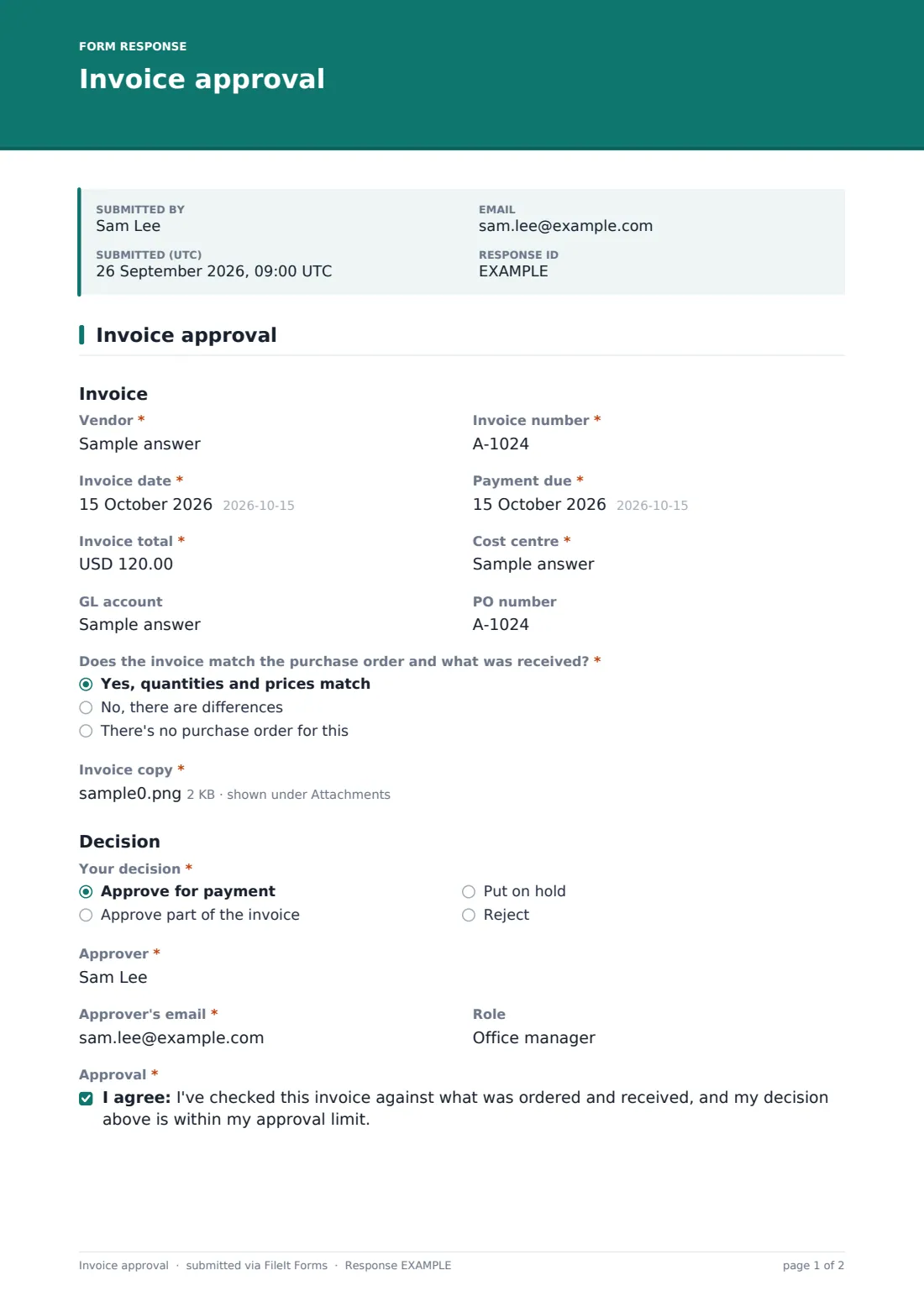
This one-page invoice approval template records the decision properly. The approver enters the Vendor, Invoice number, dates, Invoice total, Cost centre and GL account, and says whether the invoice matches the purchase order and what was actually received. Differences and missing POs each ask for an explanation. Your decision then offers four outcomes: approve for payment, approve part of the invoice, put it on hold, or reject. Choosing Reject asks for a reason and the details the vendor needs to put it right.
Large invoices get a second pair of eyes. When the total is over 10,000, a note appears asking for a second approver's name and email. The approver signs, and the whole record is filed as a PDF in your FileIt vault with the invoice attached.
- Best for
- Small finance teams, office managers and bookkeepers handling supplier invoices
- Filled in by
- The budget holder or manager who ordered the goods or services
- Time to complete
- About 2-3 minutes
- Includes
- PO match check, four decisions, reject reasons, signature and a second approver above a limit
Who uses a invoice approval form?
- A bookkeeper sending each department head the invoices they need to sign off
- An operations manager approving a contractor's monthly invoice against the PO
- A school business manager holding an invoice until missing items arrive
- A nonprofit requiring two signatures on any bill above a set amount
- Rejecting a duplicate invoice with a clear reason the vendor can act on
- Building an approval trail before your auditors ask for one
Questions on this invoice approval form
26 questions · includes signature, file upload, conditional questions, consent checkbox.
1 Invoice approval
- Vendor*
- Invoice number*
- Invoice date*
- Payment due*
- Invoice total*
- Cost centre*
- GL account
- PO number
- Does the invoice match the purchase order and what was received?* Yes, quantities and prices match · No, there are differences · There's no purchase order for this
- What's different?* asked only when it applies
- Why was there no PO?* asked only when it applies
- Invoice copy*
- Your decision* Approve for payment · Approve part of the invoice · Put on hold · Reject
- Amount approved* asked only when it applies
- Why only part?* asked only when it applies
- What are you waiting for?* asked only when it applies
- Reason for rejecting* asked only when it applies Not ordered by us · Goods or services not received · Wrong price or quantity · Duplicate invoice · Addressed to the wrong company · Other
- Details for the vendor* asked only when it applies
- Approver*
- Approver's email*
- Role
- Approval*
- Signature*
- Date*
- Second approver* asked only when it applies
- Second approver's email* asked only when it applies
The invoice approval form, page by page
1 Invoice approval
Under Invoice, the approver enters the Vendor, Invoice number, Invoice date, Payment due, Invoice total, Cost centre, an optional GL account and the PO number. Does the invoice match the purchase order and what was received? has three answers: a match, differences (which asks What's different?) or no purchase order (which asks why). A copy of the invoice is a required upload.
Under Decision, Your decision can approve for payment, approve part of the invoice, put it on hold or reject it. Part approval asks for the Amount approved and why only part. Hold asks what you're waiting for. Reject asks for the Reason for rejecting, such as not ordered, not received, wrong price or quantity, a duplicate or the wrong company, plus Details for the vendor.
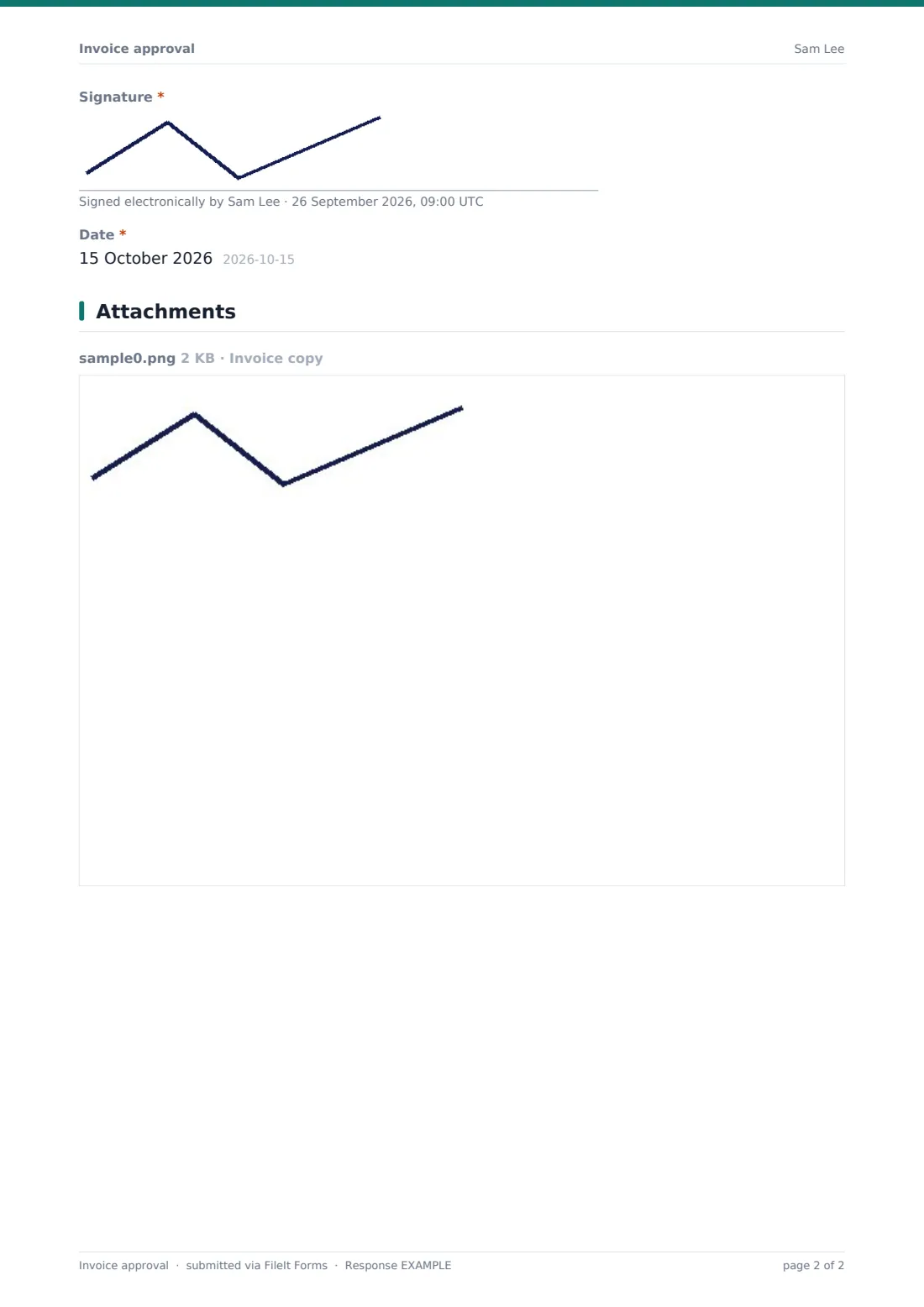
The approver gives their name, email and role, ticks a confirmation that they checked the invoice and the decision is within their approval limit, then signs and dates. If the Invoice total is over 10,000, a short note and two more fields appear for the Second approver and their email.
Make the template yours
- Change the 10,000 threshold in the second approver's logic to match your own limit
- Turn Cost centre and GL account into dropdowns of your own codes
- Add your accounts payable inbox to the notification emails
- Change the currency on the amount fields
- Add a project code field if you bill costs back to clients
- Send each invoice as a personal email request so you can see who still hasn't decided
Tips for a better invoice approval form
- Check the invoice against the purchase order and the delivery, not just against memory
- Never approve an invoice that asks for payment to new bank details without confirming them by phone
- Use Put on hold instead of ignoring an invoice; the reason tells everyone what's blocking it
- Keep approvers and the person releasing payment separate where your team is big enough
- Review held invoices weekly so suppliers aren't left waiting
Every response becomes a PDF in your vault
Each decision becomes a signed PDF in the vault folder you choose, with the invoice attached. You're emailed as soon as it comes in, and you can add accounts payable to the notification list. The approver can get a copy too.
The Responses table shows every invoice and its decision. Search by vendor or invoice number, and export to CSV to match approvals to your payment run.
- Start from this template. It opens in the FileIt Forms designer — change any question, add pages, set the rules for when questions appear.
- Share it. Turn on a public link, or send it to people by email, each with their own link. They don’t need a FileIt account.
- Get the answers as PDFs. Each response is saved as a PDF in the vault folder you choose, with uploaded files attached — and listed in a Responses table you can export to CSV.
Invoice approval form: frequently asked questions
Is this invoice approval template free?
Yes. It's a starter template in FileIt's Forms app on every account, and you can edit every question.
Does approving the invoice pay it?
No. FileIt doesn't make payments. The form records the decision, and payment happens in your own banking or accounting system.
How does the second approver work?
When the invoice total is over 10,000, the form asks for a second approver's name and email. You can then send them the PDF to confirm, or collect their signature with FileIt's e-signature.
Can I change the threshold?
Yes. Open the second approver fields in the designer and change the amount in their Logic tab.
What reasons can an approver give for rejecting?
Not ordered, not received, wrong price or quantity, duplicate invoice, wrong company or Other, with a box for details the vendor needs.
Do approvers need a FileIt account?
No. Send them the form by email or share the link, and they approve and sign without signing up.