What is the performance calibration worksheet form template?
Calibration sessions exist to make ratings fair across teams, but they only work when managers arrive prepared. Without evidence written down, the discussion drifts towards whoever argues hardest or whatever happened last month, and afterwards nobody is sure which ratings changed or why.
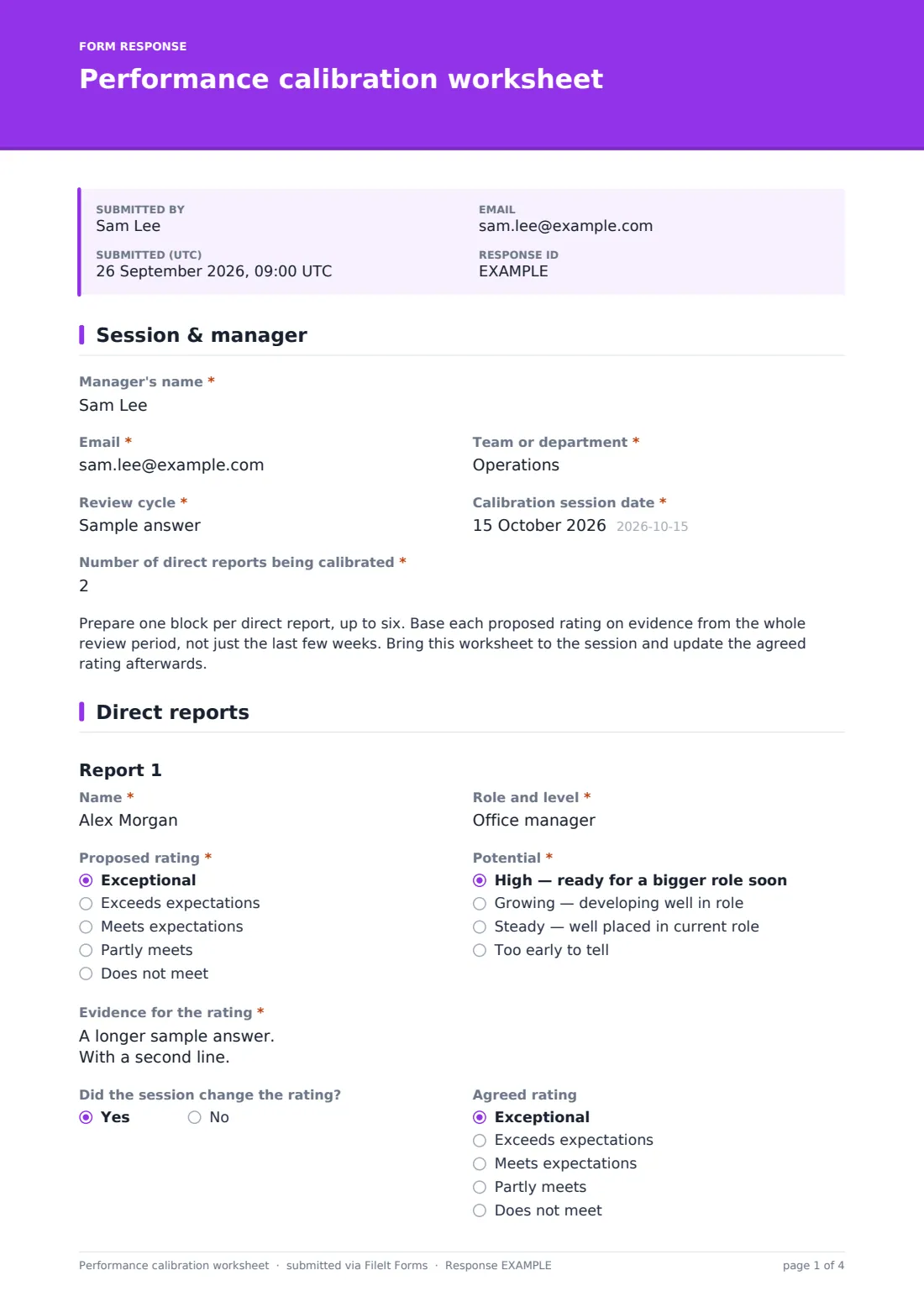
This worksheet gives each manager a consistent way to prepare. They record their team, the review cycle, the session date and how many reports they're calibrating, then fill in a block for each of up to six direct reports: name, role and level, proposed rating on a five-point scale, potential, and the evidence behind the rating. After the session, each block records whether the rating changed, the agreed rating and why.
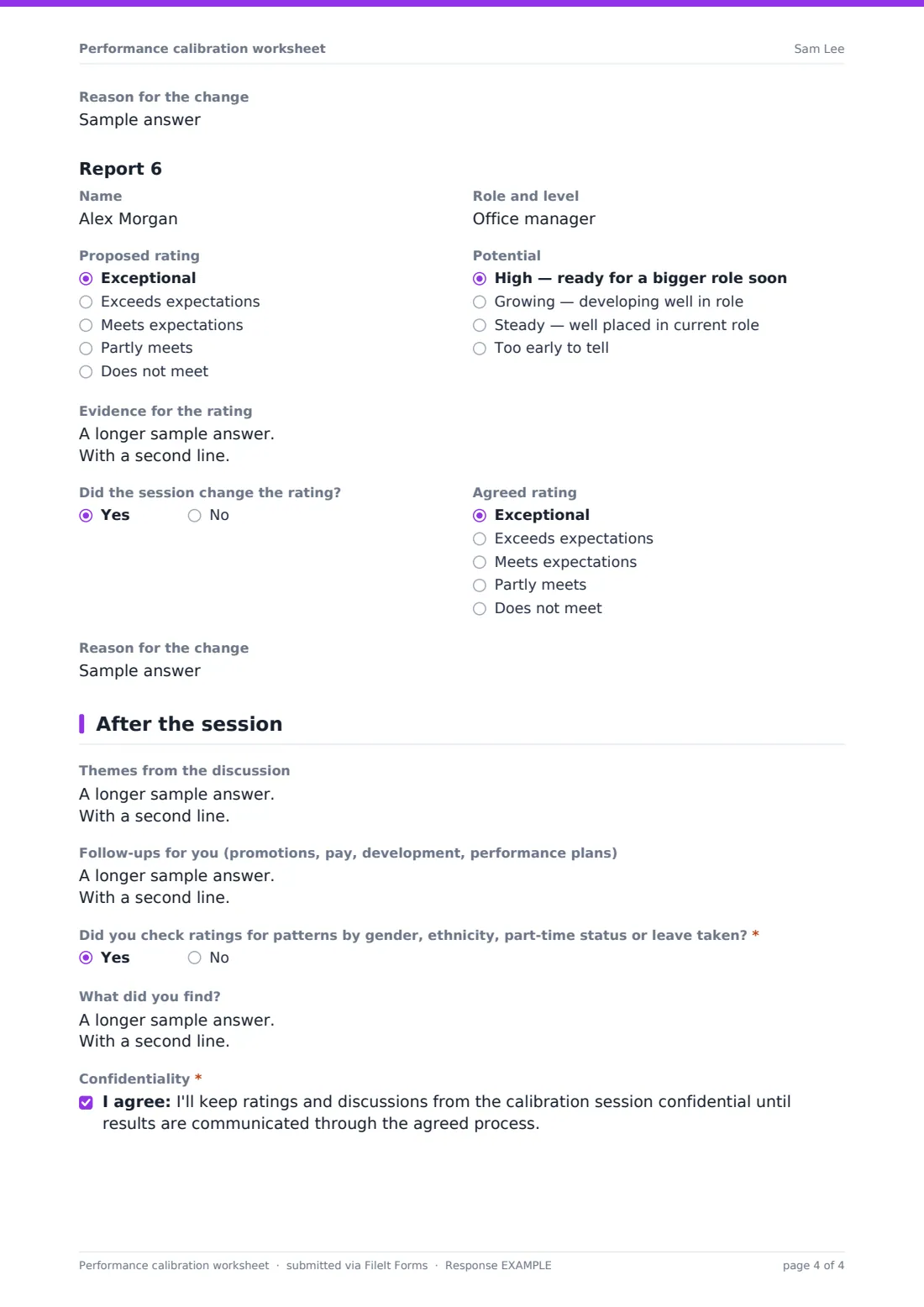
A closing page captures themes from the discussion, follow-ups such as promotions, pay or development, and a prompt to check ratings for patterns across groups. Worksheets are saved as PDFs in your FileIt vault, so HR has a record of each calibration decision.
- Best for
- HR business partners and people managers in a review cycle
- Filled in by
- Each manager attending calibration
- Time to complete
- About 5 minutes per direct report
- Includes
- Six report blocks, five-point ratings, potential, agreed-change tracking, bias check and confidentiality
Who uses a performance calibration worksheet form?
- A year-end review cycle with cross-team calibration meetings
- A mid-year check before pay and bonus decisions
- A new manager preparing for their first calibration session
- HR comparing proposed and agreed ratings across departments
- A leadership team calibrating senior managers
- A growing company introducing calibration for the first time
Questions on this performance calibration worksheet form
59 questions over 3 pages · includes conditional questions, multiple pages, consent checkbox.
1 Session & manager
- Manager's name*
- Email*
- Team or department*
- Review cycle*
- Calibration session date*
- Number of direct reports being calibrated*
2 Direct reports
- Name*
- Role and level*
- Proposed rating* Exceptional · Exceeds expectations · Meets expectations · Partly meets · Does not meet
- Potential* High — ready for a bigger role soon · Growing — developing well in role · Steady — well placed in current role · Too early to tell
- Evidence for the rating*
- Did the session change the rating?
- Agreed rating asked only when it applies Exceptional · Exceeds expectations · Meets expectations · Partly meets · Does not meet
- Reason for the change asked only when it applies
- Name
- Role and level
- Proposed rating Exceptional · Exceeds expectations · Meets expectations · Partly meets · Does not meet
- Potential High — ready for a bigger role soon · Growing — developing well in role · Steady — well placed in current role · Too early to tell
- Evidence for the rating
- Did the session change the rating?
- Agreed rating asked only when it applies Exceptional · Exceeds expectations · Meets expectations · Partly meets · Does not meet
- Reason for the change asked only when it applies
- Name
- Role and level
- Proposed rating Exceptional · Exceeds expectations · Meets expectations · Partly meets · Does not meet
- Potential High — ready for a bigger role soon · Growing — developing well in role · Steady — well placed in current role · Too early to tell
- Evidence for the rating
- Did the session change the rating?
- Agreed rating asked only when it applies Exceptional · Exceeds expectations · Meets expectations · Partly meets · Does not meet
- Reason for the change asked only when it applies
- Name
- Role and level
- Proposed rating Exceptional · Exceeds expectations · Meets expectations · Partly meets · Does not meet
- Potential High — ready for a bigger role soon · Growing — developing well in role · Steady — well placed in current role · Too early to tell
- Evidence for the rating
- Did the session change the rating?
- Agreed rating asked only when it applies Exceptional · Exceeds expectations · Meets expectations · Partly meets · Does not meet
- Reason for the change asked only when it applies
- Name
- Role and level
- Proposed rating Exceptional · Exceeds expectations · Meets expectations · Partly meets · Does not meet
- Potential High — ready for a bigger role soon · Growing — developing well in role · Steady — well placed in current role · Too early to tell
- Evidence for the rating
- Did the session change the rating?
- Agreed rating asked only when it applies Exceptional · Exceeds expectations · Meets expectations · Partly meets · Does not meet
- Reason for the change asked only when it applies
- Name
- Role and level
- Proposed rating Exceptional · Exceeds expectations · Meets expectations · Partly meets · Does not meet
- Potential High — ready for a bigger role soon · Growing — developing well in role · Steady — well placed in current role · Too early to tell
- Evidence for the rating
- Did the session change the rating?
- Agreed rating asked only when it applies Exceptional · Exceeds expectations · Meets expectations · Partly meets · Does not meet
- Reason for the change asked only when it applies
3 After the session
- Themes from the discussion
- Follow-ups for you (promotions, pay, development, performance plans)
- Did you check ratings for patterns by gender, ethnicity, part-time status or leave taken?*
- What did you find? asked only when it applies
- Confidentiality*
The performance calibration worksheet form, page by page
1 Session & manager
The manager enters their name, email, team, the Review cycle, the Calibration session date and the number of direct reports being calibrated. A short note explains how to use the worksheet before and after the session.
2 Direct reports
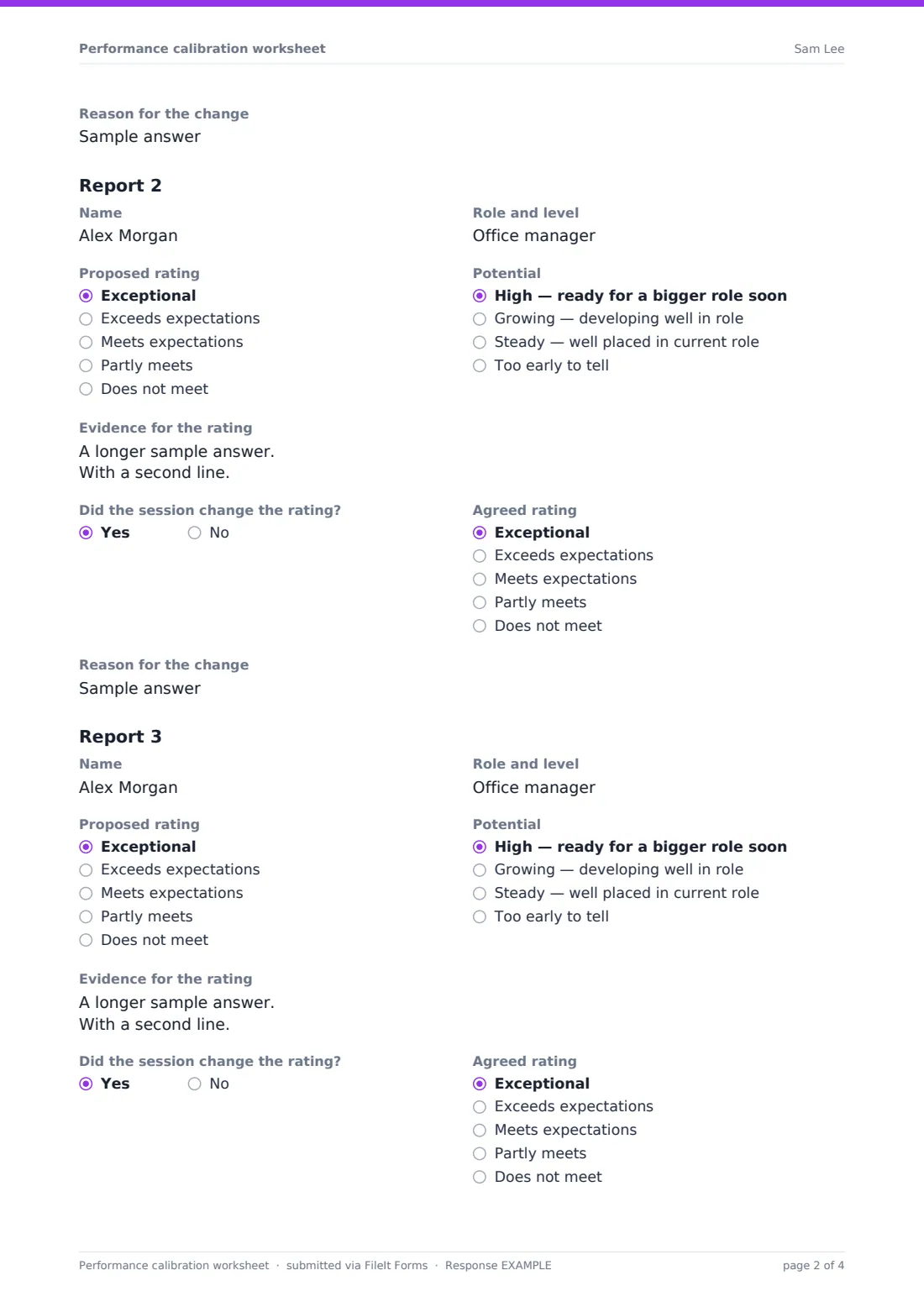
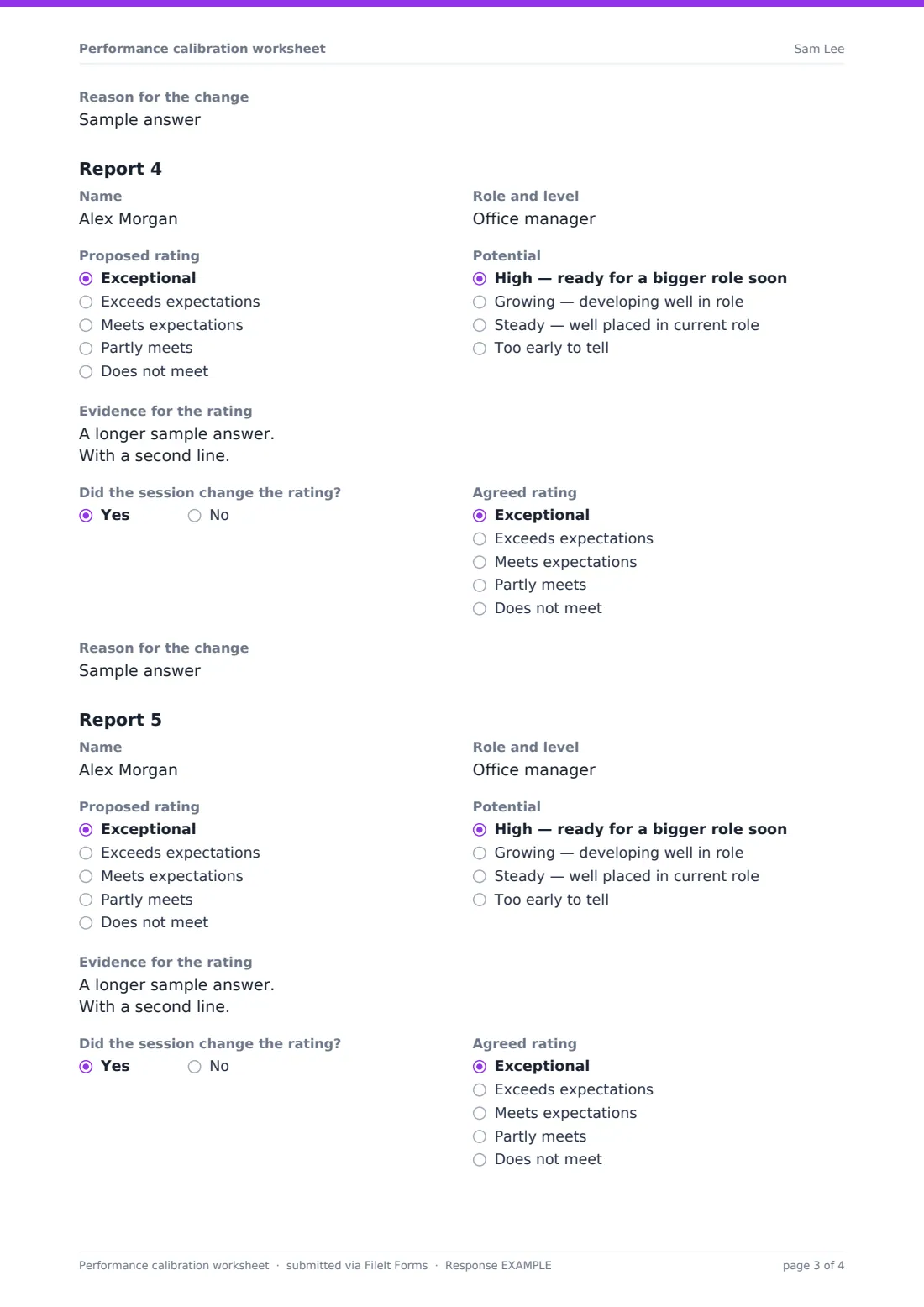
Six identical blocks each capture Name, Role and level, Proposed rating (exceptional, exceeds, meets, partly meets or does not meet), Potential (high, growing, steady or too early to tell) and Evidence for the rating. After the session, Did the session change the rating? opens the Agreed rating and the Reason for the change. Only the first block is required.
3 After the session
The manager notes themes from the discussion and follow-ups for promotions, pay, development or performance plans, answers whether they checked ratings for patterns across groups (with a box for what they found), and agrees to keep the session confidential.
Make the template yours
- Replace the five ratings with the labels your review process uses
- Add or remove report blocks to match your typical team size
- Rename Potential or swap it for your nine-box categories
- Set a closing date just before the calibration session
- Add the HR business partner to notifications for each department
- File worksheets into a restricted vault folder per review cycle
Tips for a better performance calibration worksheet form
- Ask managers to complete worksheets before the session, not during it
- Push for specific evidence — outcomes and examples rather than adjectives
- Calibrate the middle ratings too, not just the top and bottom
- Record every agreed change and its reason the same day
- Look for patterns, such as lower ratings for part-time staff or people returning from leave
- Communicate final ratings consistently once calibration is complete
Every response becomes a PDF in your vault
Each worksheet is saved as a PDF in your vault, titled with the manager's name so HR knows whose worksheet is whose. Managers can submit an updated worksheet after the session with the agreed ratings.
HR can export the responses to a CSV to compare proposed and agreed ratings across teams and see how ratings are distributed before results are shared.
- Start from this template. It opens in the FileIt Forms designer — change any question, add pages, set the rules for when questions appear.
- Share it. Turn on a public link, or send it to people by email, each with their own link. They don’t need a FileIt account.
- Get the answers as PDFs. Each response is saved as a PDF in the vault folder you choose, with uploaded files attached — and listed in a Responses table you can export to CSV.
Performance calibration worksheet form: frequently asked questions
Is this performance calibration template free?
Yes. It's part of the FileIt Forms app on every plan, including the free plan.
How many direct reports does it cover?
Six blocks, with only the first required. Add more blocks in the designer if your managers have larger teams.
Can we use our own rating scale?
Yes. Edit the options on the Proposed rating and Agreed rating dropdowns.
Do managers submit it before or after the session?
Both work. Many teams submit it before the session and again afterwards with the agreed ratings filled in.
Who can see the worksheets?
Only people with access to the form's responses and the vault folder it files into.
Does the bias check question prove ratings are fair?
No. It prompts managers to look for patterns. A full analysis should be done by HR across all ratings.