What is the notarization request form template?
Notarial appointments go wrong for predictable reasons: a signer's ID doesn't match the document, a witness is needed and nobody brought one, the document isn't finished, or the signer needs an interpreter. Asking the right questions when the appointment is booked prevents most of them.
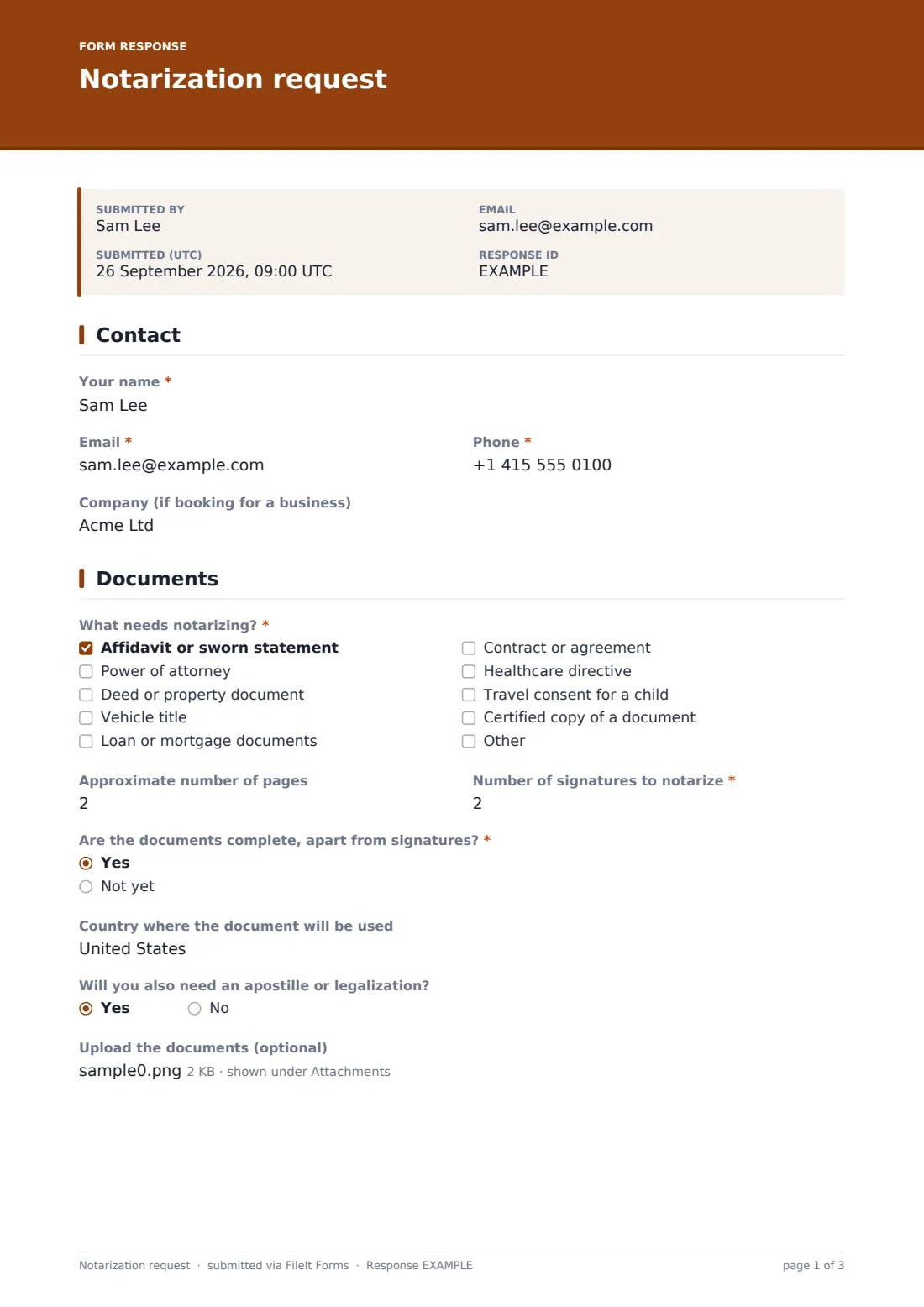
This template asks what needs notarizing, roughly how many pages and signatures, whether the documents are complete, the country where they'll be used and whether an apostille is needed. Customers can upload unsigned copies. It then asks how many people will sign, their names exactly as on their ID, whether everyone has photo ID, witnesses and interpreters.
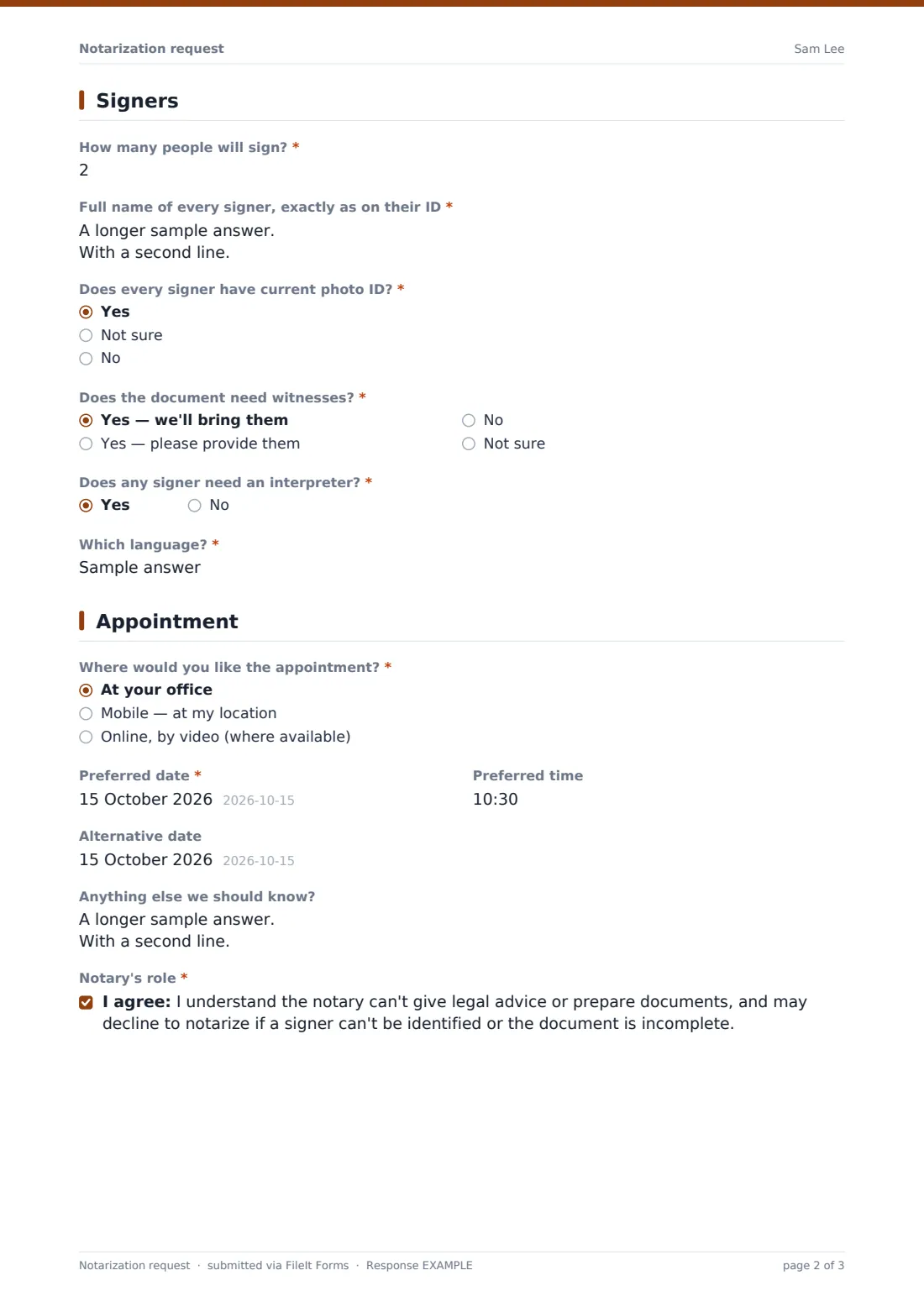
The final page books the appointment — at your office, at the customer's location or online where available — with preferred and alternative dates. A consent explains the notary's role. Each request is filed as a PDF in your FileIt vault, with any documents attached.
- Best for
- Notaries, mobile notaries, signing agents, law offices and banks offering notary services
- Filled in by
- Customers booking an appointment
- Time to complete
- About 4 minutes
- Includes
- Document types, page and signature counts, apostille, document upload, signer names and ID, witnesses, interpreter, location and dates
Who uses a notarization request form?
- Online booking for a notary office
- Mobile notary visits to homes, hospitals or care homes
- Real estate and loan signings
- Documents going abroad that may need an apostille
- Powers of attorney and healthcare directives
- Travel consent letters for children
Questions on this notarization request form
25 questions over 4 pages · includes file upload, conditional questions, multiple pages, consent checkbox.
1 Contact
- Your name*
- Email*
- Phone*
- Company (if booking for a business)
2 Documents
- What needs notarizing?* Affidavit or sworn statement · Power of attorney · Deed or property document · Vehicle title · Loan or mortgage documents · Contract or agreement · Healthcare directive · Travel consent for a child · Certified copy of a document
- Approximate number of pages
- Number of signatures to notarize*
- Are the documents complete, apart from signatures?* Yes · Not yet
- Country where the document will be used
- Will you also need an apostille or legalization?
- Upload the documents (optional)
3 Signers
- How many people will sign?*
- Full name of every signer, exactly as on their ID*
- Does every signer have current photo ID?* Yes · Not sure · No
- Does the document need witnesses?* Yes — we'll bring them · Yes — please provide them · No · Not sure
- How many witnesses do you need?* asked only when it applies
- Does any signer need an interpreter?*
- Which language?* asked only when it applies
4 Appointment
- Where would you like the appointment?* At your office · Mobile — at my location · Online, by video (where available)
- Address for the appointment* asked only when it applies
- Preferred date*
- Preferred time
- Alternative date
- Anything else we should know?
- Notary's role*
The notarization request form, page by page
1 Contact
Name, email and phone are required; a company name is optional for business bookings.
2 Documents
'What needs notarizing?' lists affidavits, powers of attorney, deeds, vehicle titles, loan or mortgage documents, contracts, healthcare directives, travel consent for a child and certified copies, with room for another. 'Number of signatures to notarize' is required and the page count optional. 'Are the documents complete, apart from signatures?' is required; 'Not yet' shows a note that a notary can't prepare or fill in documents. Customers can give the country where the document will be used, say whether an apostille or legalization is needed, and upload up to five unsigned files.
3 Signers
'How many people will sign?' and 'Full name of every signer, exactly as on their ID' are required. 'Does every signer have current photo ID?' reminds people that the name on the ID should match the document. 'Does the document need witnesses?' — we'll bring them, please provide them (which asks how many), no, or not sure. A yes to needing an interpreter asks which language.
4 Appointment
'Where would you like the appointment?' — at your office, mobile at the customer's location (which asks for the address), or online by video where available. Preferred date is required; preferred time and an alternative date are optional, and notes can cover parking, hospital visits or document language. A required consent confirms the customer understands the notary can't give legal advice or prepare documents, and may decline if a signer can't be identified or the document is incomplete.
Make the template yours
- Edit the document list to the services you offer
- Remove the online option if you don't offer remote notarization
- Add your fees and travel charges to the cover text or confirmation message
- Change the ID guidance to what's accepted where you work
- Add the date to the document title for a day-by-day list
- File requests to a folder per month
Tips for a better notarization request form
- Confirm the appointment, fee and what to bring by reply
- Check signer names against the ID guidance before the day
- Remind customers not to sign before the appointment
- Arrange witnesses in advance when you've been asked to provide them
- Confirm the interpreter arrangements well ahead
- Look at uploaded documents for missing notarial wording before you travel
Every response becomes a PDF in your vault
Each request is saved as a PDF titled with the customer's name in your chosen vault folder, with uploaded documents attached, and the customer receives a copy by email.
Search the Responses tab by name or date, and export to CSV to plan the week's appointments and travel.
- Start from this template. It opens in the FileIt Forms designer — change any question, add pages, set the rules for when questions appear.
- Share it. Turn on a public link, or send it to people by email, each with their own link. They don’t need a FileIt account.
- Get the answers as PDFs. Each response is saved as a PDF in the vault folder you choose, with uploaded files attached — and listed in a Responses table you can export to CSV.
Notarization request form: frequently asked questions
Is this notarization request template free?
Yes. It's one of the templates in the FileIt Forms app, which every account includes.
Does FileIt notarize documents?
No. FileIt collects the booking details; the notarization happens with your notary.
Can customers upload their documents?
Yes, up to five files. The help text asks for unsigned copies only.
Does it book a calendar slot?
No. It records preferred dates; confirm the appointment yourself by email or phone.
Do customers need an account?
No. They open the link and submit.
Is this legal advice?
No. It's a starting template. Rules differ between countries, states and sectors, so check the wording against your own situation and take advice where you need it.