What is the meeting effectiveness survey form template?
A quick anonymous check on one meeting: purpose, agenda, timekeeping, participation, decisions and next steps, whether it could have been an email, and how to make it better. Start from this template in FileIt Forms, adjust it in the designer, then share it by link or send it to people by email. Each response is saved as a PDF in your FileIt vault.
Questions on this meeting effectiveness survey form
12 questions over 3 pages · includes multiple pages, ratings.
1 The meeting
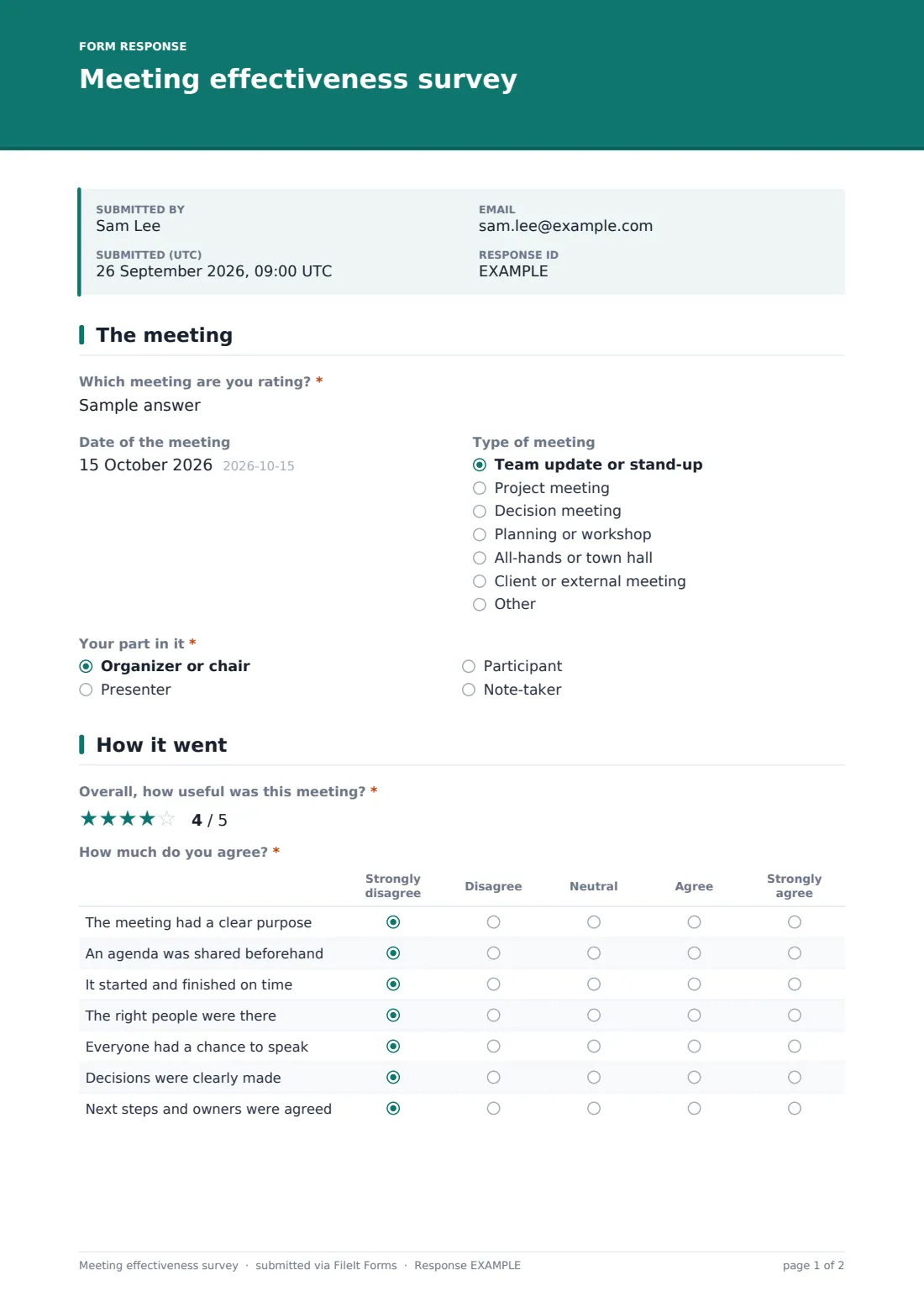
- Which meeting are you rating?*
- Date of the meeting
- Type of meeting Team update or stand-up · Project meeting · Decision meeting · Planning or workshop · All-hands or town hall · Client or external meeting · Other
- Your part in it* Organizer or chair · Presenter · Participant · Note-taker
2 How it went
- Overall, how useful was this meeting?*
- How much do you agree?* Strongly disagree · Disagree · Neutral · Agree · Strongly agree
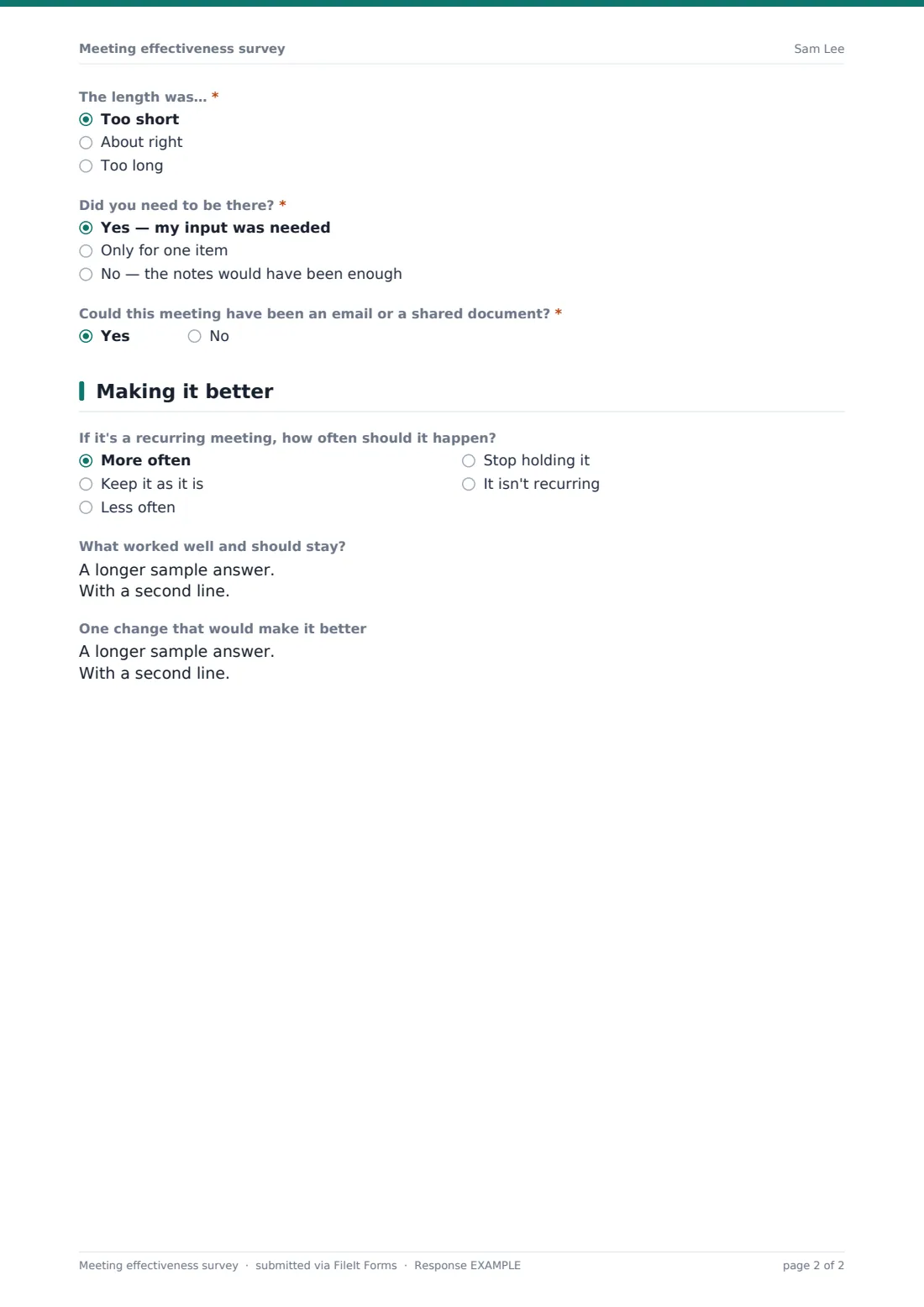
- The length was…* Too short · About right · Too long
- Did you need to be there?* Yes — my input was needed · Only for one item · No — the notes would have been enough
- Could this meeting have been an email or a shared document?*
3 Making it better
- If it's a recurring meeting, how often should it happen? More often · Keep it as it is · Less often · Stop holding it · It isn't recurring
- What worked well and should stay?
- One change that would make it better
Every response becomes a PDF in your vault
- Start from this template. It opens in the FileIt Forms designer — change any question, add pages, set the rules for when questions appear.
- Share it. Turn on a public link, or send it to people by email, each with their own link. They don’t need a FileIt account.
- Get the answers as PDFs. Each response is saved as a PDF in the vault folder you choose, with uploaded files attached — and listed in a Responses table you can export to CSV.