What is the medication review questionnaire form template?
A medicines review is only as good as the list it starts from. Patients forget the supplement they bought last month, the cream they use twice a week or the inhaler they stopped using. This questionnaire asks them to write it all down at home — or simply photograph their boxes and repeat slip — so the pharmacist or doctor arrives with the full picture.
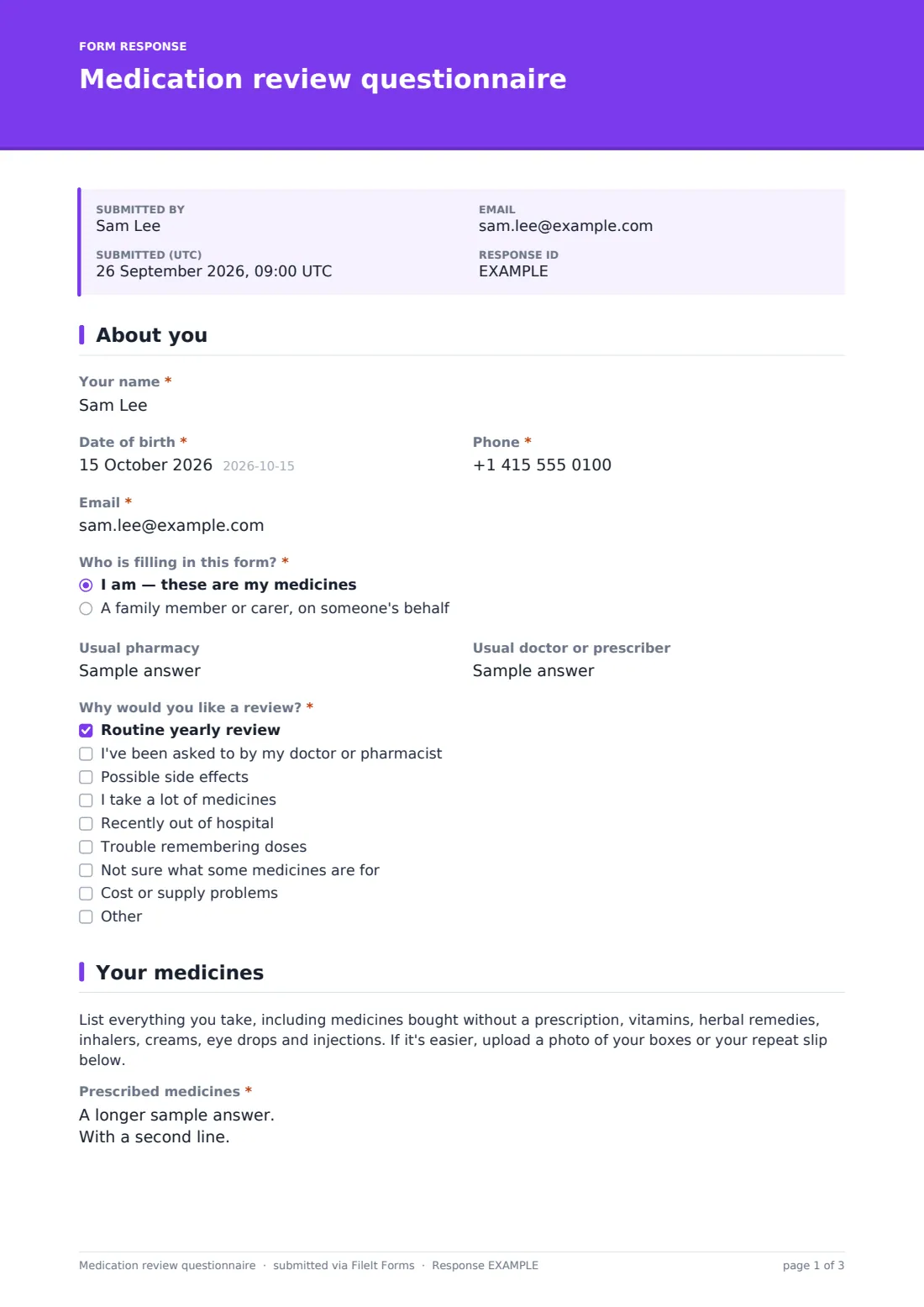
The form starts with the patient's details, who is filling it in (a family member or carer can complete it on someone's behalf), their usual pharmacy and prescriber, and "Why would you like a review?". The medicines page asks for prescribed medicines one per line, anything bought without a prescription, and accepts up to six photos.
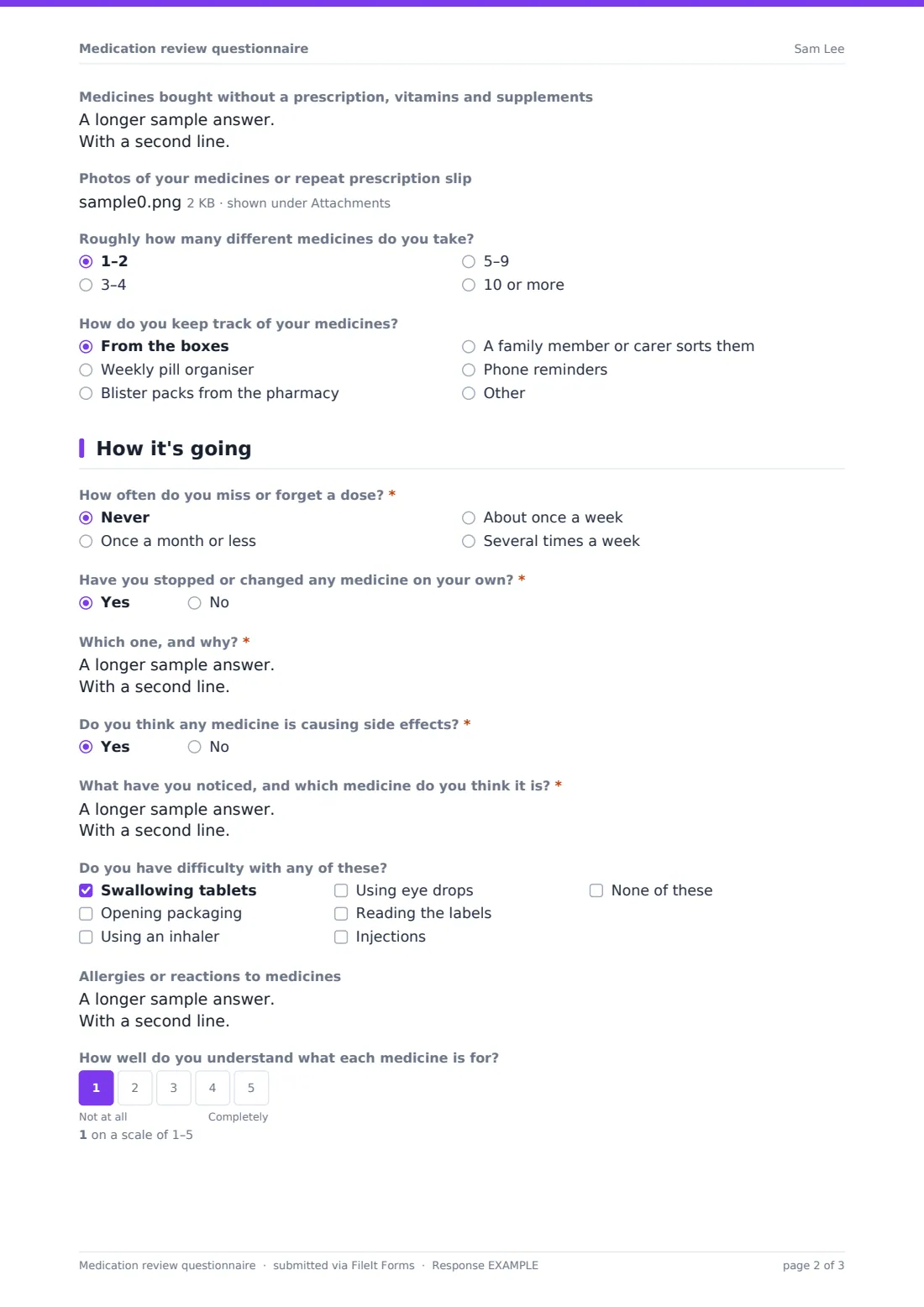
Then come the questions that are hard to raise in a short appointment: "How often do you miss or forget a dose?", "Have you stopped or changed any medicine on your own?" and "Do you think any medicine is causing side effects?" — each with a follow-up for details. Practical difficulties such as swallowing tablets or using an inhaler, how well they understand each medicine, and their own questions close the form. Each questionnaire is saved as a PDF in your FileIt vault.
- Best for
- Community pharmacies, GP practices, care teams and clinical pharmacists
- Filled in by
- The patient, or a family member or carer on their behalf
- Time to complete
- About 5–10 minutes
- Includes
- Full medicines list, photo upload, missed doses, side effects, practical difficulties
Who uses a medication review questionnaire form?
- A GP practice sends it to patients invited for a yearly medicines review
- A pharmacy collects details before a review for someone just out of hospital
- An adult child fills it in for a parent who takes ten or more medicines
- A care home gathers residents' lists ahead of a pharmacist visit
- A patient flags a possible side effect and asks for a phone review
- A clinical pharmacist prepares for a video review with a remote patient
Questions on this medication review questionnaire form
26 questions over 4 pages · includes file upload, conditional questions, multiple pages, consent checkbox, ratings.
1 About you
- Your name*
- Date of birth*
- Phone*
- Email*
- Who is filling in this form?* I am — these are my medicines · A family member or carer, on someone's behalf
- Your name and relationship to the patient* asked only when it applies
- Usual pharmacy
- Usual doctor or prescriber
- Why would you like a review?* Routine yearly review · I've been asked to by my doctor or pharmacist · Possible side effects · I take a lot of medicines · Recently out of hospital · Trouble remembering doses · Not sure what some medicines are for · Cost or supply problems
2 Your medicines
- Prescribed medicines*
- Medicines bought without a prescription, vitamins and supplements
- Photos of your medicines or repeat prescription slip
- Roughly how many different medicines do you take? 1–2 · 3–4 · 5–9 · 10 or more
- How do you keep track of your medicines? From the boxes · Weekly pill organiser · Blister packs from the pharmacy · A family member or carer sorts them · Phone reminders
3 How it's going
- How often do you miss or forget a dose?* Never · Once a month or less · About once a week · Several times a week
- Have you stopped or changed any medicine on your own?*
- Which one, and why?* asked only when it applies
- Do you think any medicine is causing side effects?*
- What have you noticed, and which medicine do you think it is?* asked only when it applies
- Do you have difficulty with any of these? Swallowing tablets · Opening packaging · Using an inhaler · Using eye drops · Reading the labels · Injections · None of these
- Allergies or reactions to medicines
- How well do you understand what each medicine is for?
4 Your questions
- Questions you'd like answered at your review
- How would you prefer to have your review? In person · By phone · By video call · No preference
- Bringing your medicines asked only when it applies
- Sharing*
The medication review questionnaire form, page by page
1 About you
Required name, date of birth, phone and email, then "Who is filling in this form?" — a family member or carer is asked for their name and relationship. Usual pharmacy and prescriber are optional, and the required checklist "Why would you like a review?" covers routine reviews, side effects, many medicines, leaving hospital, remembering doses and cost or supply.
2 Your medicines
A short paragraph explains what to include. "Prescribed medicines" is required, one per line, with an example in the help text. Then over-the-counter medicines and supplements, an optional upload of up to six photos of boxes or the repeat slip, roughly how many medicines, and "How do you keep track of your medicines?".
3 How it's going
Required questions on missed doses, stopping or changing medicines (a yes asks which and why) and possible side effects (a yes asks what and which medicine). A checklist of practical difficulties, allergies or reactions, and a 1–5 scale for how well they understand what each medicine is for.
4 Your questions
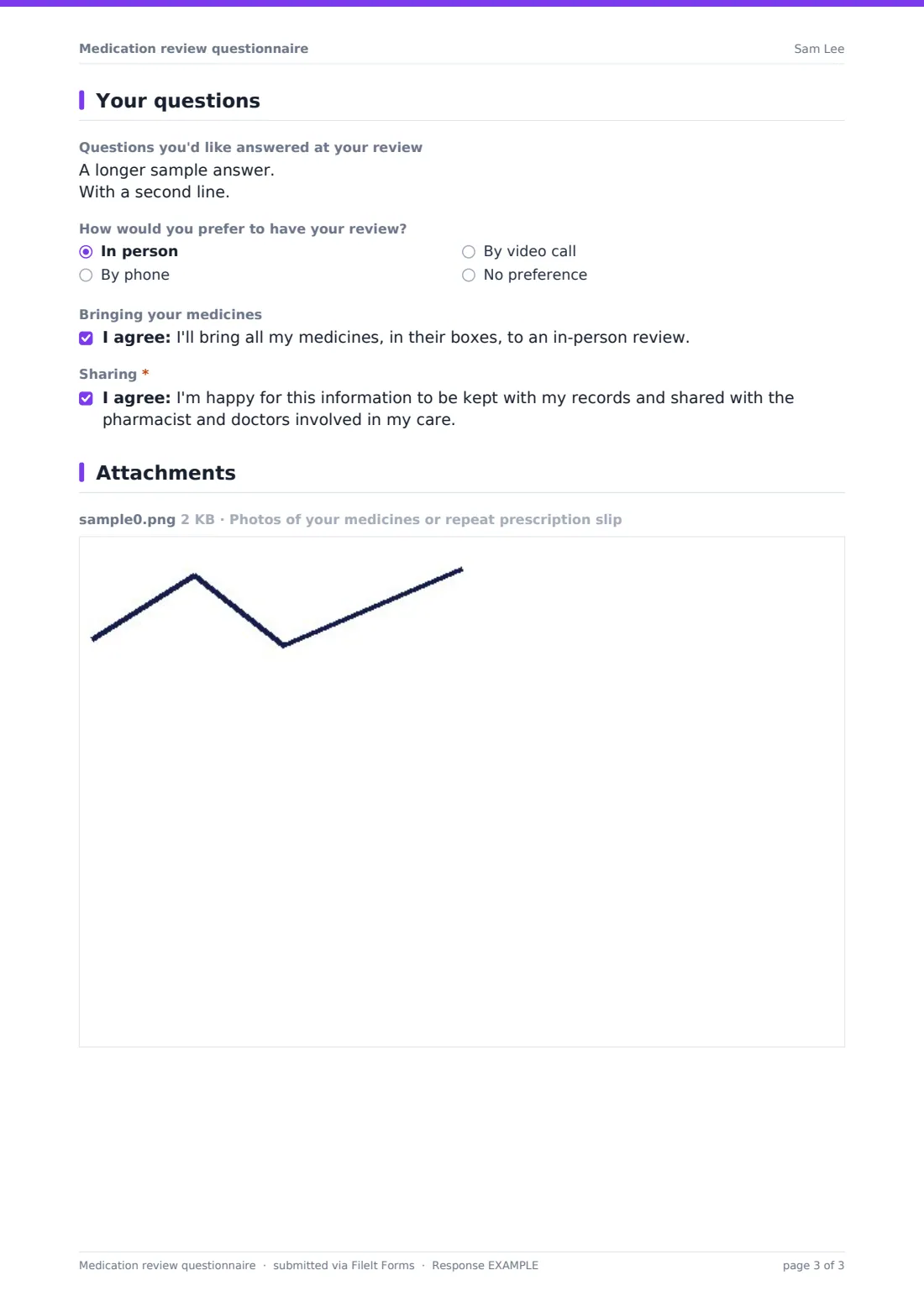
Free text for questions to answer at the review, a preferred format — in person, phone, video or no preference — with an optional promise to bring medicines to an in-person review, and a required sharing consent.
Make the template yours
- Add your practice's own reasons for review to the first checklist
- Remove the video option if you only do face-to-face or phone reviews
- Add a question about the patient's preferred language or an interpreter
- Change the sharing statement to name your pharmacy or practice
- File each questionnaire in a vault folder for the reviewing pharmacist
- Set a close date for a review campaign so late links stop working
Tips for a better medication review questionnaire form
- Tell patients a photo of their boxes is fine — it's quicker than typing and usually more complete
- Send it by email request so you can see who has opened it and remind those who haven't
- Read the side-effect and missed-dose answers first; they shape the conversation
- Ask carers to complete it together with the patient where possible
- Export the Responses table to CSV to plan a review clinic's appointment lengths
Every response becomes a PDF in your vault
Each questionnaire becomes a PDF in your vault, with every uploaded photo filed as an attachment of that document. The reviewer is emailed, and the patient can get a copy of what they sent.
The Responses table lets you search by patient name and open the full answers. If you only want one response per patient, use emailed requests, which are single-use.
- Start from this template. It opens in the FileIt Forms designer — change any question, add pages, set the rules for when questions appear.
- Share it. Turn on a public link, or send it to people by email, each with their own link. They don’t need a FileIt account.
- Get the answers as PDFs. Each response is saved as a PDF in the vault folder you choose, with uploaded files attached — and listed in a Responses table you can export to CSV.
Medication review questionnaire form: frequently asked questions
Is this medication review template free?
Yes. It's included in the FileIt Forms app on every account and can be edited freely.
Can patients upload photos instead of typing their medicines?
They still need to type something in the prescribed medicines box, but they can upload up to six photos of boxes or a repeat slip to fill in the gaps.
Can a carer fill it in?
Yes. Choosing the family member or carer option asks for their name and relationship to the patient.
Does the form give any advice about medicines?
No. It only collects information for the person carrying out the review.
Where do the photos go?
They're stored with the response and filed as attachments of the PDF in your vault.
Do patients need a FileIt account?
No. They fill it in from a link or an emailed request.