What is the lifting operation plan form template?
A lifting operation plan sets out how a load will be lifted safely before anyone hooks it on: what the load weighs and how you know, what equipment lifts it and at what radius, how it's rigged, what's nearby, where the exclusion zone is, and who's doing what. This template takes the planner through those decisions in order and finishes with a signature.
It asks "How is the weight known?" — marked, manufacturer's data, calculated or estimated — because an estimated weight is a different risk from a marked one. It records the "Capacity at that radius" next to "Load as % of capacity", lists lifting accessories from chain slings to spreader beams, and flags nearby hazards. Ticking overhead power lines shows a note about contacting the network operator, and choosing a complex lift adds a reminder that a detailed method statement is needed.
It runs on FileIt's Forms app. Drawings and site plans can be uploaded, the planner signs on screen, and each plan is filed as a PDF in your vault, ready to share with the lift team.
- Best for
- Contractors, crane hire users, steel erectors, HVAC and plant installers
- Filled in by
- The lift planner or appointed person
- Time to complete
- About 15 minutes for a standard lift
- Includes
- Lift category, capacity and utilisation, accessories checklist, hazard warnings, drawings upload, team and signature
Who uses a lifting operation plan form?
- Lifting rooftop plant with a mobile crane
- Lorry-loader deliveries of heavy materials to site
- Steel or precast installation with a tower crane
- Lifts near public areas or roads that need an exclusion zone
- Recording the plan for a one-off complex lift
- Keeping standard plans for repeated lifts on a project
Questions on this lifting operation plan form
30 questions over 4 pages · includes signature, file upload, conditional questions, multiple pages.
1 The lift
- Project / site*
- Lift date*
- Lift planned by*
- What is being lifted, from where to where?*
- Load weight (kg)*
- How is the weight known?* Marked on the load · Manufacturer's data · Calculated · Estimated
- Load dimensions (L × W × H)
- Is the centre of gravity off-centre?
- Lift category* Basic — simple, repeated, well-understood · Standard — normal site conditions · Complex — tandem, near hazards, heavy or unusual load
2 Equipment & rigging
- Lifting equipment* Mobile crane · Tower crane · Crawler crane · Lorry loader · Telehandler · Hoist or chain block
- Make, model and ID*
- Maximum radius (m)
- Capacity at that radius (kg)
- Load as % of capacity
- Equipment and accessories inspected and in date?*
- Lifting accessories* Chain slings · Webbing / round slings · Wire rope slings · Shackles · Spreader or lifting beam · Hooks / lifting points on the load · Tag lines
- Rigging arrangement*
3 Site & conditions
- Ground conditions at the crane position* Firm and level, confirmed · Needs mats or outrigger pads · Unknown — to be assessed
- Hazards near the lift* Overhead power lines · Buried services or voids · Public or traffic · Adjacent buildings or structures · Other cranes · None identified
- Exclusion zone and controls*
- Wind speed limit (m/s)*
- Communication* Radio · Hand signals · Both
- Lift drawings or site plan
4 Team & sign-off
- Lift supervisor*
- Crane / equipment operator*
- Slinger / signaller*
- Others in the lift team
- Has the team been briefed on this plan?*
- When will the lift be stopped?*
- Lift planner signature*
The lifting operation plan form, page by page
1 The lift
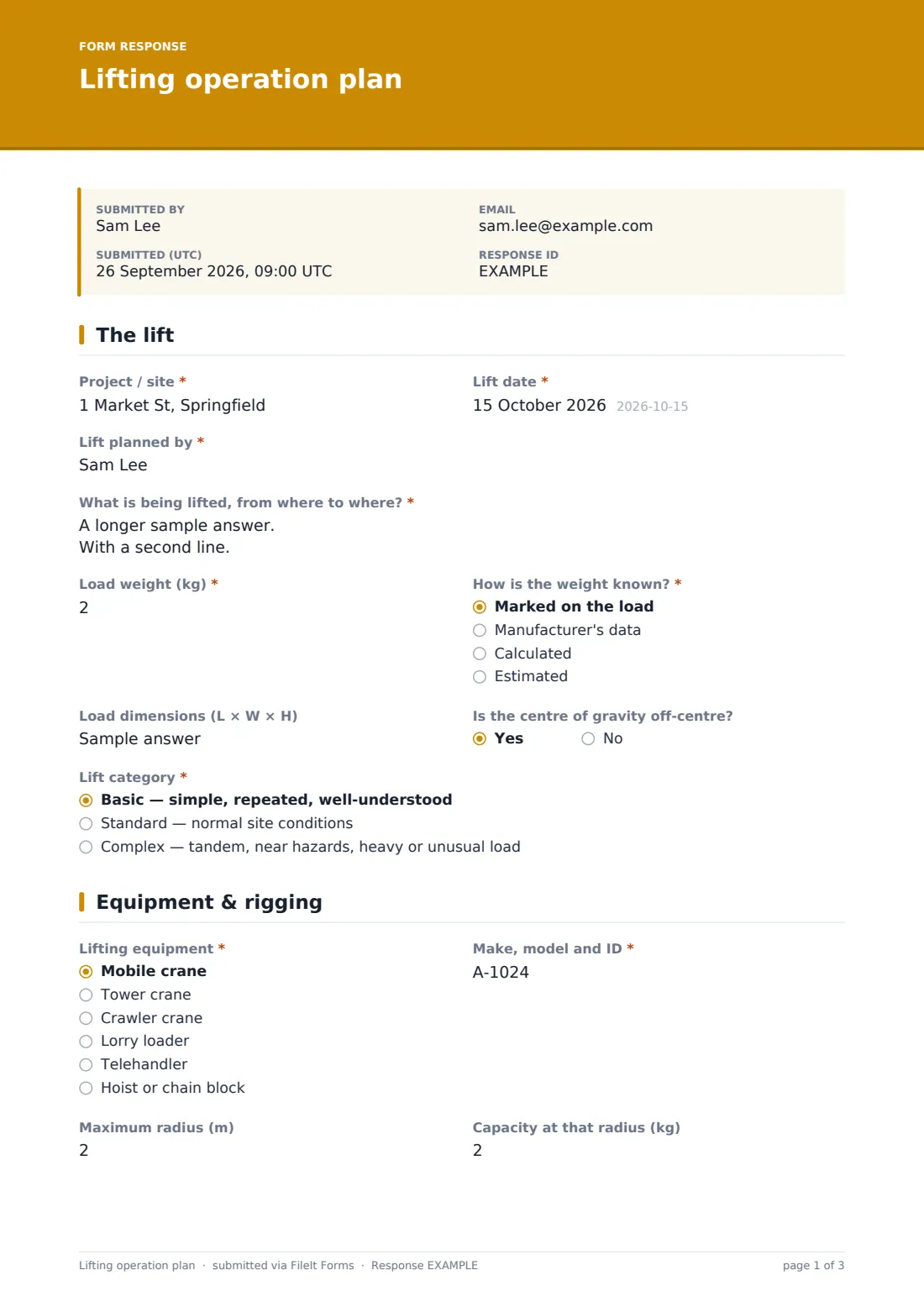
Project, lift date and the planner's name, then a description of what's being lifted from where to where. The load weight comes with "How is the weight known?", plus dimensions and whether the centre of gravity is off-centre. "Lift category" is basic, standard or complex; complex shows a note about method statements and review.
2 Equipment & rigging
The lifting equipment — mobile, tower or crawler crane, lorry loader, telehandler, hoist or other — with its make, model and ID. Maximum radius, capacity at that radius and load as a percentage of capacity are recorded, along with whether equipment and accessories are inspected and in date. A checklist of accessories and a description of the rigging arrangement complete the page.
3 Site & conditions
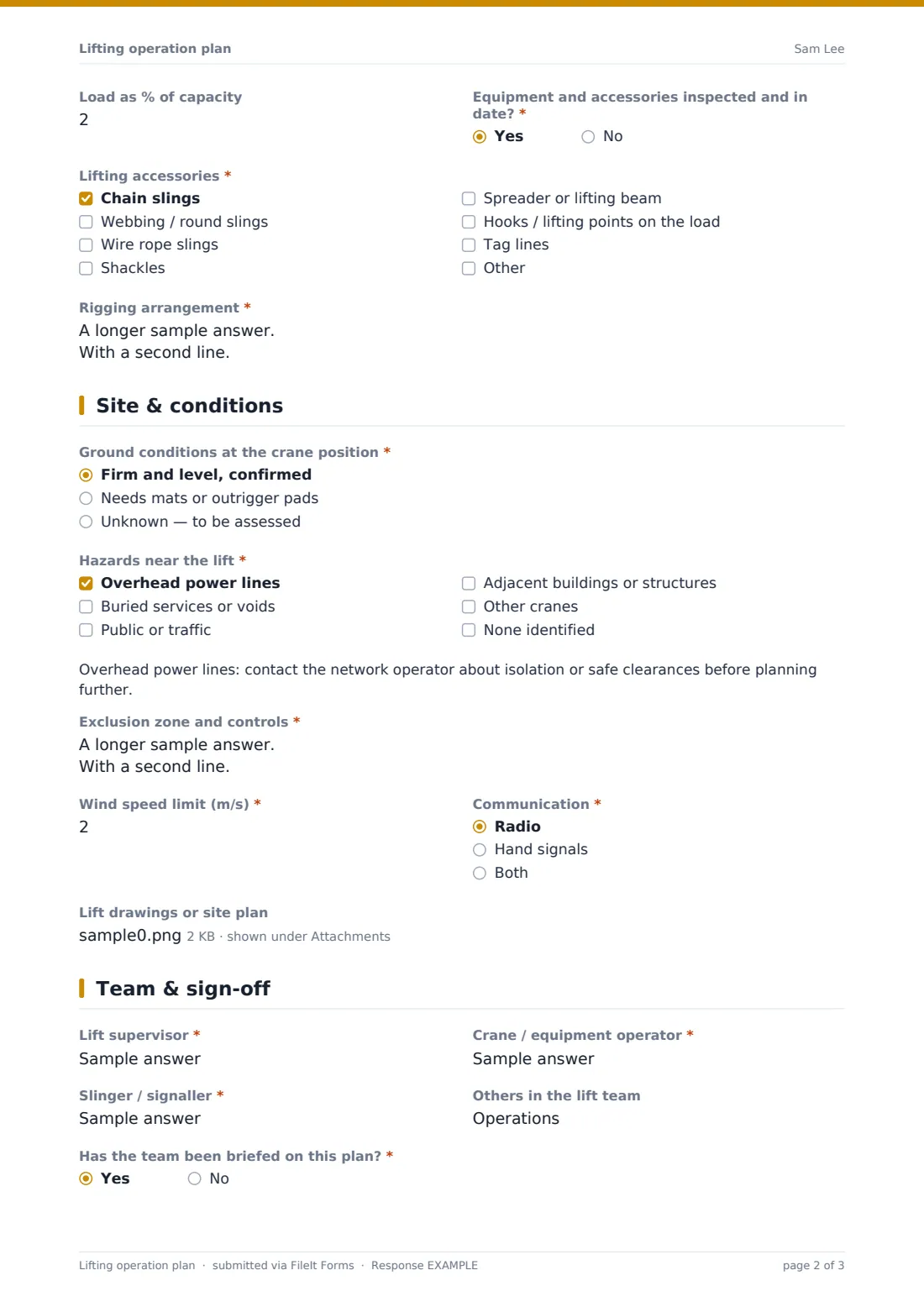
Ground conditions at the crane position, then "Hazards near the lift": overhead power lines, buried services, public or traffic, adjacent structures and other cranes. Power lines show a warning note. The planner describes the exclusion zone and controls, the wind speed limit from the manufacturer's data and how the team will communicate, and can upload up to four drawings or site plans.
4 Team & sign-off
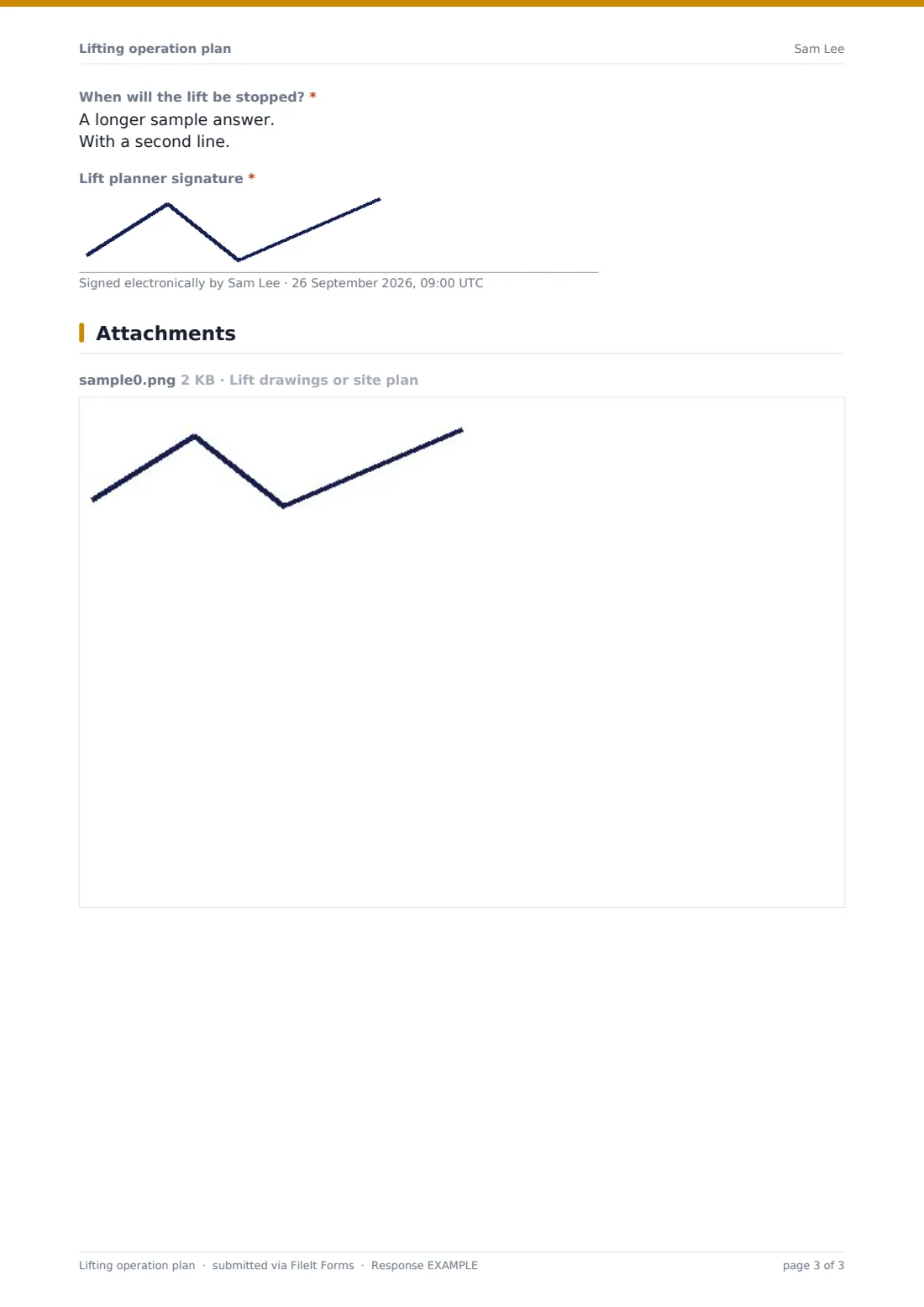
Lift supervisor, operator, slinger or signaller and anyone else in the team, whether they've been briefed, "When will the lift be stopped?", and the planner's signature.
Make the template yours
- Change weight and wind units in the labels to match your equipment's data
- Add signature fields for the operator and slinger after the briefing
- Add your own equipment fleet to the lifting equipment list
- File plans into a vault folder per project
- Send each plan to the crane hire company with the notification settings
- Remove the complex-lift note if you use a separate form for those
Tips for a better lifting operation plan form
- Never rely on an estimated weight when a marked or calculated one is available
- Include the weight of the rigging in the load
- Check the ground before the crane arrives, not when it's setting up
- Walk the exclusion zone with the slinger before the lift
- Agree the stop conditions out loud during the briefing
- Re-plan if anything on the day differs from what's written
Every response becomes a PDF in your vault
The signed plan is filed as a PDF in your vault with drawings attached, and you're notified by email. Share the PDF with the lift team or print it for the briefing.
The Responses table lets you find plans by project or date and export a list to CSV, so you can see every lift planned on a job.
- Start from this template. It opens in the FileIt Forms designer — change any question, add pages, set the rules for when questions appear.
- Share it. Turn on a public link, or send it to people by email, each with their own link. They don’t need a FileIt account.
- Get the answers as PDFs. Each response is saved as a PDF in the vault folder you choose, with uploaded files attached — and listed in a Responses table you can export to CSV.
Lifting operation plan form: frequently asked questions
Is this lifting plan template free?
Yes. It's included in FileIt's Forms app on every plan, including the free plan.
Does this form make a lift compliant?
No. It's a structured way to record your plan. A competent person still needs to plan and supervise the lift under the rules that apply to you.
Does the form calculate utilisation?
No. It asks for the figure, with the formula in the help text, so the planner works it out.
Can I attach crane charts or drawings?
Yes. Up to four PDFs or images can be uploaded.
Can the lift team sign too?
Add more signature fields in the designer for the operator, slinger or supervisor.
Do team members need a FileIt account?
No. Anyone can open the shared link, and the signed PDF can be emailed to them.