What is the hR policy exception request form template?
Policies can't foresee every situation, and sometimes a manager has a good reason to ask for an exception: an extra allowance for an unusual assignment, a probation extension, a one-off change to working hours. When those requests arrive informally, exceptions get granted inconsistently and nobody can say later why one person got something another didn't.
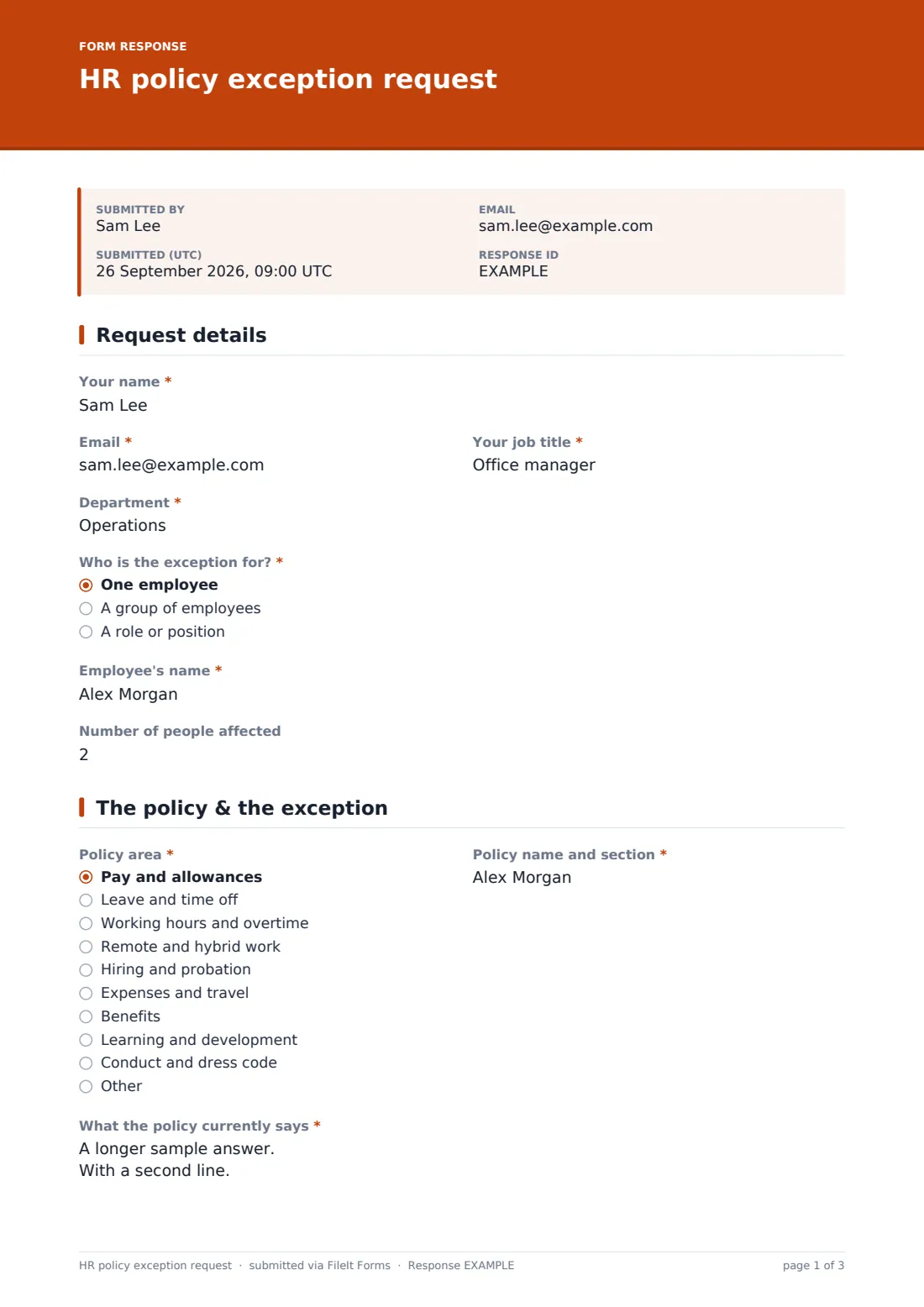
This template asks managers to make the case properly. They say who the exception is for — one employee, a group or a role — and how many people are affected. They pick the policy area, name the policy and section, quote what it says, describe the exception, give the business reason and note alternatives considered.
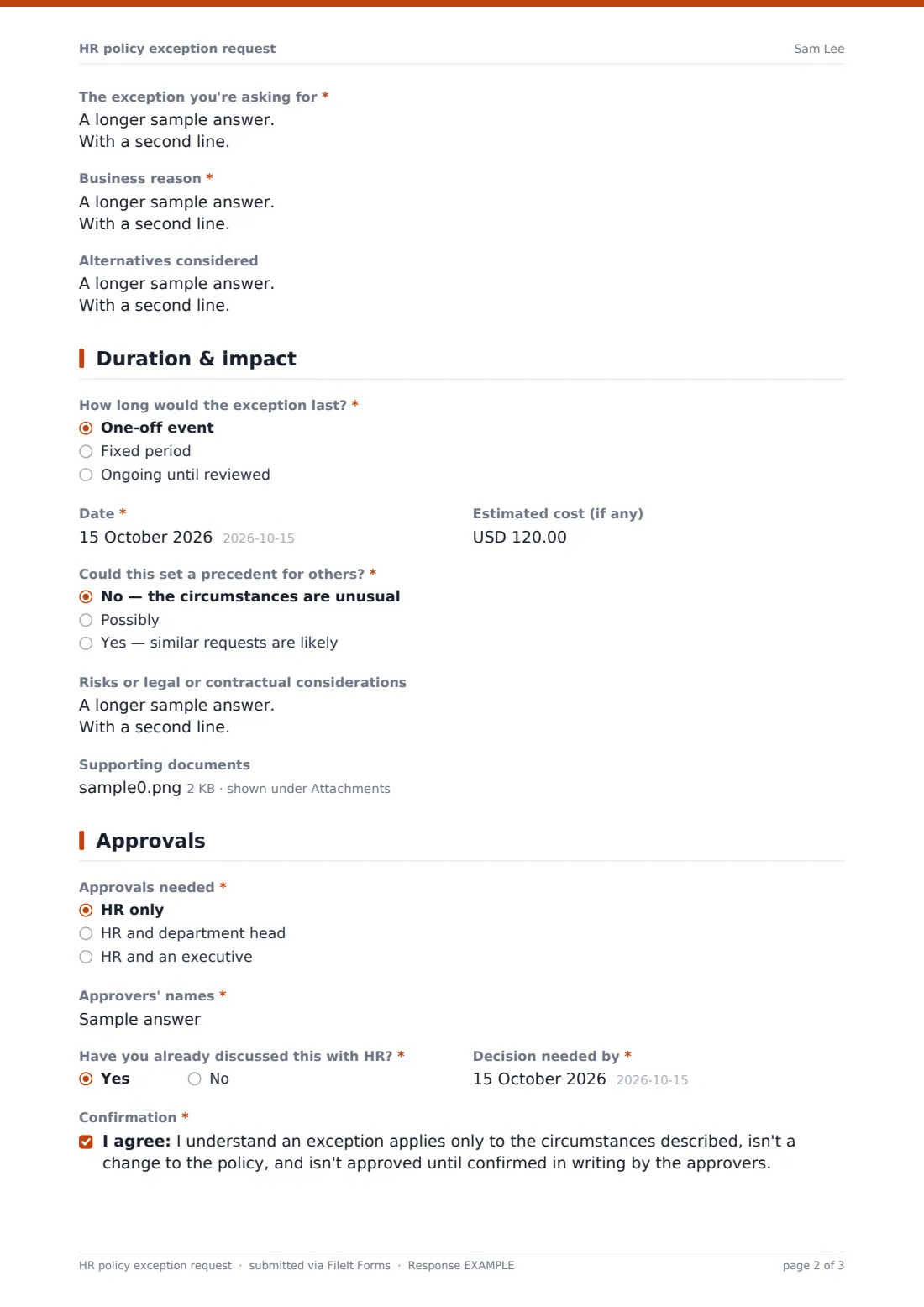
A duration and impact page records whether it's a one-off, a fixed period or ongoing, the dates, estimated cost, the risk of setting a precedent and how fairness will be handled, plus risks and supporting documents. The manager names the approvals needed and a decision date, confirms that an exception isn't a policy change, and signs. Each request is filed as a PDF in your FileIt vault.
- Best for
- HR teams and managers in organisations with written HR policies
- Filled in by
- The manager asking for the exception
- Time to complete
- About 8 minutes
- Includes
- Policy reference, business case, duration, cost, precedent check, approvals and signature
Who uses a hR policy exception request form?
- Paying an allowance outside the standard policy for a special assignment
- Extending a probation period beyond the policy limit
- Allowing a team to work non-standard hours during a project
- A one-off expense approval outside the travel policy
- Keeping a log of exceptions to inform the next policy review
- A growing company that wants exceptions made consistently
Questions on this hR policy exception request form
29 questions over 4 pages · includes signature, file upload, conditional questions, multiple pages, consent checkbox.
1 Request details
- Your name*
- Email*
- Your job title*
- Department*
- Who is the exception for?* One employee · A group of employees · A role or position
- Employee's name* asked only when it applies
- Which group or role?* asked only when it applies
- Number of people affected
2 The policy & the exception
- Policy area* Pay and allowances · Leave and time off · Working hours and overtime · Remote and hybrid work · Hiring and probation · Expenses and travel · Benefits · Learning and development · Conduct and dress code · Other
- Policy name and section*
- What the policy currently says*
- The exception you're asking for*
- Business reason*
- Alternatives considered
3 Duration & impact
- How long would the exception last?* One-off event · Fixed period · Ongoing until reviewed
- From* asked only when it applies
- Until* asked only when it applies
- Date* asked only when it applies
- Estimated cost (if any)
- Could this set a precedent for others?* No — the circumstances are unusual · Possibly · Yes — similar requests are likely
- How will fairness to other employees be handled? asked only when it applies
- Risks or legal or contractual considerations
- Supporting documents
4 Approvals
- Approvals needed* HR only · HR and department head · HR and an executive
- Approvers' names*
- Have you already discussed this with HR?*
- Decision needed by*
- Confirmation*
- Signature*
The hR policy exception request form, page by page
1 Request details
The manager gives Your name, Email, Your job title and Department, then says who the exception is for. One employee asks for their name; a group or role asks which. Number of people affected is optional.
2 The policy & the exception
Policy area is chosen from pay, leave, hours, remote work, hiring and probation, expenses, benefits, learning, conduct or other, followed by the policy name and section, what it currently says, the exception wanted, the business reason and alternatives considered.
3 Duration & impact
A one-off asks for the date, a fixed period for from and until dates, and ongoing for a start date. The manager estimates any cost, says whether the exception could set a precedent — with a box for how fairness will be handled if it might — notes risks or contractual considerations and can attach up to three documents.
4 Approvals
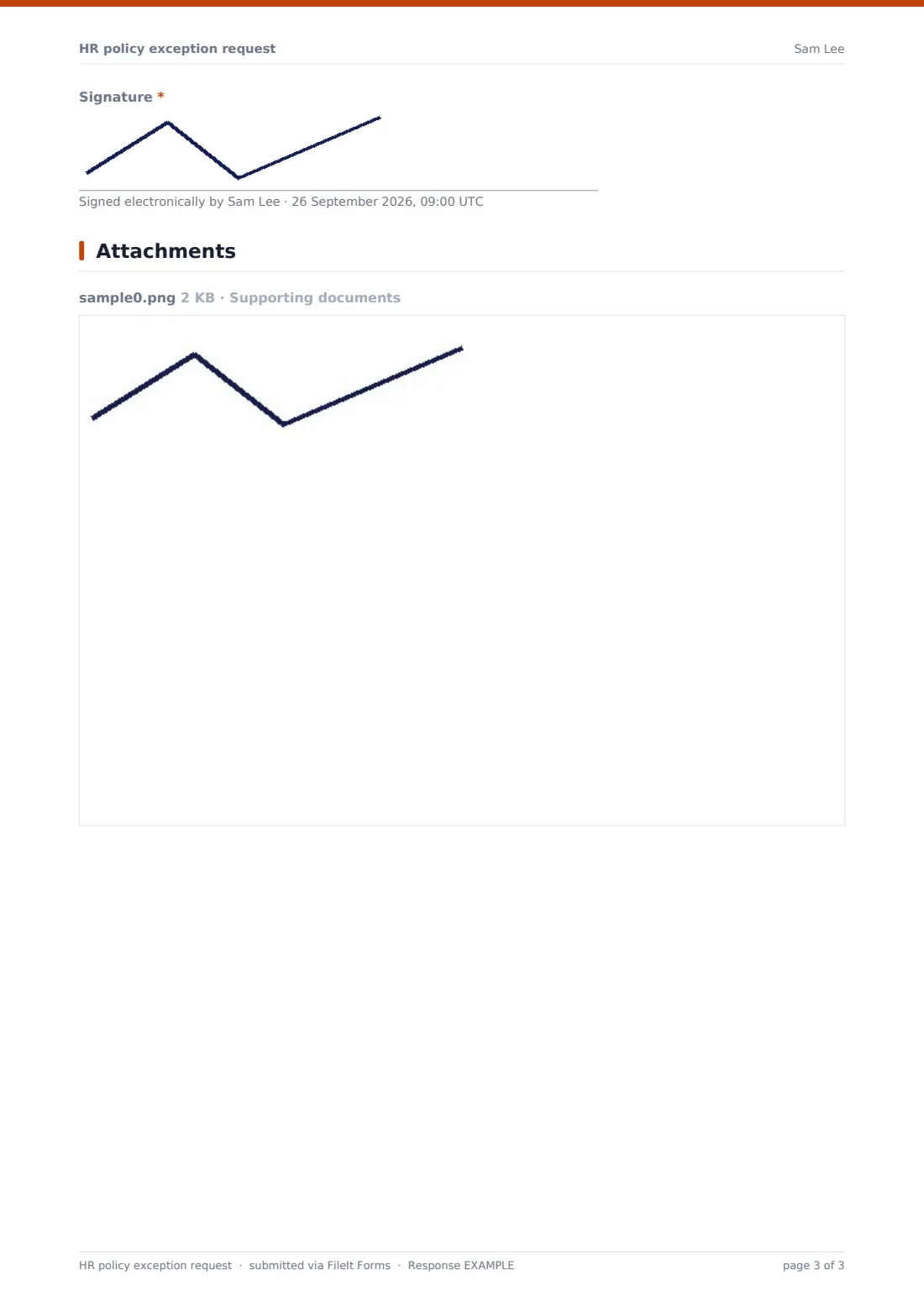
Approvals needed is HR only, HR and the department head, or HR and an executive, with the approvers' names. The manager says whether HR has already been consulted, sets the date a decision is needed by, confirms that an exception isn't a policy change, and signs.
Make the template yours
- Replace the policy areas with the titles of your own policies
- Set approval levels to match your delegation of authority
- Change the cost currency to your reporting currency
- Add the approvers' inbox to notifications
- File requests into a vault folder for the policy review
- Add a decision section if HR records approvals on the same form
Tips for a better hR policy exception request form
- Ask for the exact policy section — it forces a check that an exception is really needed
- Record declined requests as well as approved ones
- Review the log of exceptions regularly; repeated requests mean the policy may need updating
- Treat similar requests the same way, whoever is asking
- Confirm every decision in writing to the manager and employee
- Set an end or review date for any ongoing exception
Every response becomes a PDF in your vault
Each request is saved as a signed PDF in your vault with any supporting documents. Each one carries the manager's name, email and signature, so HR knows exactly who made each request.
HR can export requests to a CSV to see exceptions by policy area, cost and precedent risk — useful evidence at the next policy review.
- Start from this template. It opens in the FileIt Forms designer — change any question, add pages, set the rules for when questions appear.
- Share it. Turn on a public link, or send it to people by email, each with their own link. They don’t need a FileIt account.
- Get the answers as PDFs. Each response is saved as a PDF in the vault folder you choose, with uploaded files attached — and listed in a Responses table you can export to CSV.
HR policy exception request form: frequently asked questions
Is this HR policy exception template free?
Yes. It's part of the FileIt Forms app on every plan, including the free plan.
Who should fill it in?
Usually the manager asking for the exception. Employees can use a separate request form, such as a flexible working request, for their own requests.
Does submitting it approve the exception?
No. The confirmation states that nothing is approved until the approvers confirm it in writing.
Can we record the decision on the same form?
This version records the request. You can add a decision page in the designer if HR wants to record approvals on the same form.
Can we attach supporting documents?
Yes. Up to three files can be attached.
Does an approved exception change the policy?
No. The confirmation makes clear an exception applies only to the circumstances described.