What is the security policy exception request form template?
Every security policy meets a situation it can't cover: an instrument that only runs on an old operating system, a supplier that can't do multi-factor sign-in, a team that genuinely needs a USB drive. A security policy exception request form turns those situations into a decision someone owns, rather than a quiet workaround nobody remembers.
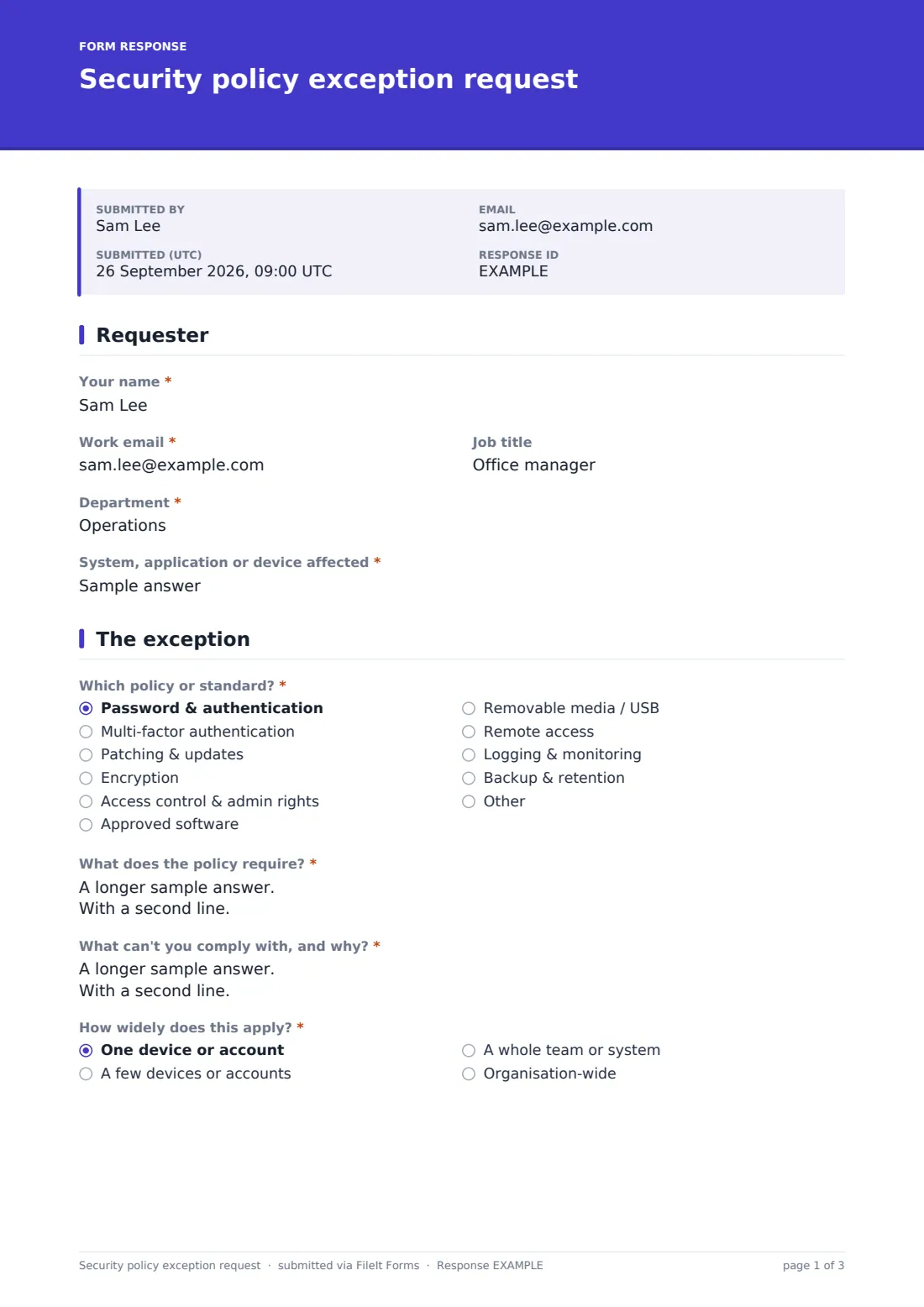
This template asks which policy is affected, "What does the policy require?", and "What can't you comply with, and why?". It then gets the requester to think about the risk — the data involved, what could go wrong, likelihood and impact — and to list the compensating controls already in place. It finishes with a plan to remove the exception, start and end dates, the risk owner who accepts it and the requester's signature.
The form runs on FileIt's Forms app. Staff fill it in from a link without a FileIt account, and every request is saved as a signed PDF in your vault, so your exceptions register is backed by the original requests and their reasoning.
- Best for
- Security and IT teams, compliance leads and managed service providers
- Filled in by
- The person or team who can't meet a policy requirement
- Time to complete
- About 10 minutes
- Includes
- Policy picker, likelihood and impact rating, compensating controls checklist, evidence upload, signature
Who uses a security policy exception request form?
- Legacy equipment that can't be patched or upgraded yet
- A service account or shared login that can't use multi-factor authentication
- A department that needs removable media for a specific workflow
- Admin rights for a developer or engineer for a fixed period
- Renewing last year's exceptions with an updated plan
- Collecting exceptions from clients as an MSP before an audit
Questions on this security policy exception request form
26 questions over 4 pages · includes signature, file upload, conditional questions, multiple pages.
1 Requester
- Your name*
- Work email*
- Job title
- Department*
- System, application or device affected*
2 The exception
- Which policy or standard?* Password & authentication · Multi-factor authentication · Patching & updates · Encryption · Access control & admin rights · Approved software · Removable media / USB · Remote access · Logging & monitoring · Backup & retention · Other
- Name the policy or control* asked only when it applies
- What does the policy require?*
- What can't you comply with, and why?*
- How widely does this apply?* One device or account · A few devices or accounts · A whole team or system · Organisation-wide
- Roughly how many devices or accounts? asked only when it applies
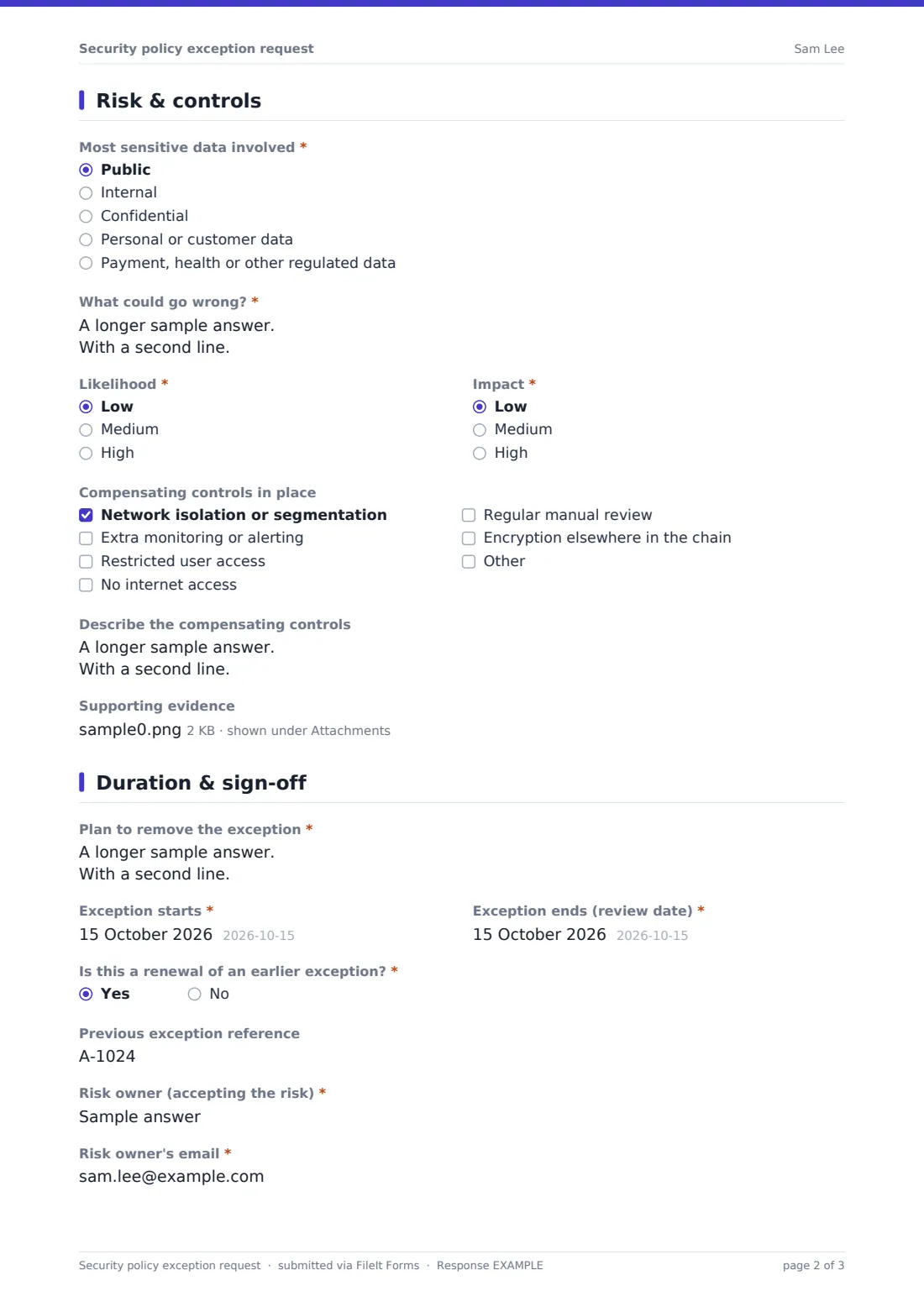
3 Risk & controls
- Most sensitive data involved* Public · Internal · Confidential · Personal or customer data · Payment, health or other regulated data
- What could go wrong?*
- Likelihood* Low · Medium · High
- Impact* Low · Medium · High
- Compensating controls in place Network isolation or segmentation · Extra monitoring or alerting · Restricted user access · No internet access · Regular manual review · Encryption elsewhere in the chain
- Describe the compensating controls
- Supporting evidence
4 Duration & sign-off
- Plan to remove the exception*
- Exception starts*
- Exception ends (review date)*
- Is this a renewal of an earlier exception?*
- Previous exception reference asked only when it applies
- Risk owner (accepting the risk)*
- Risk owner's email*
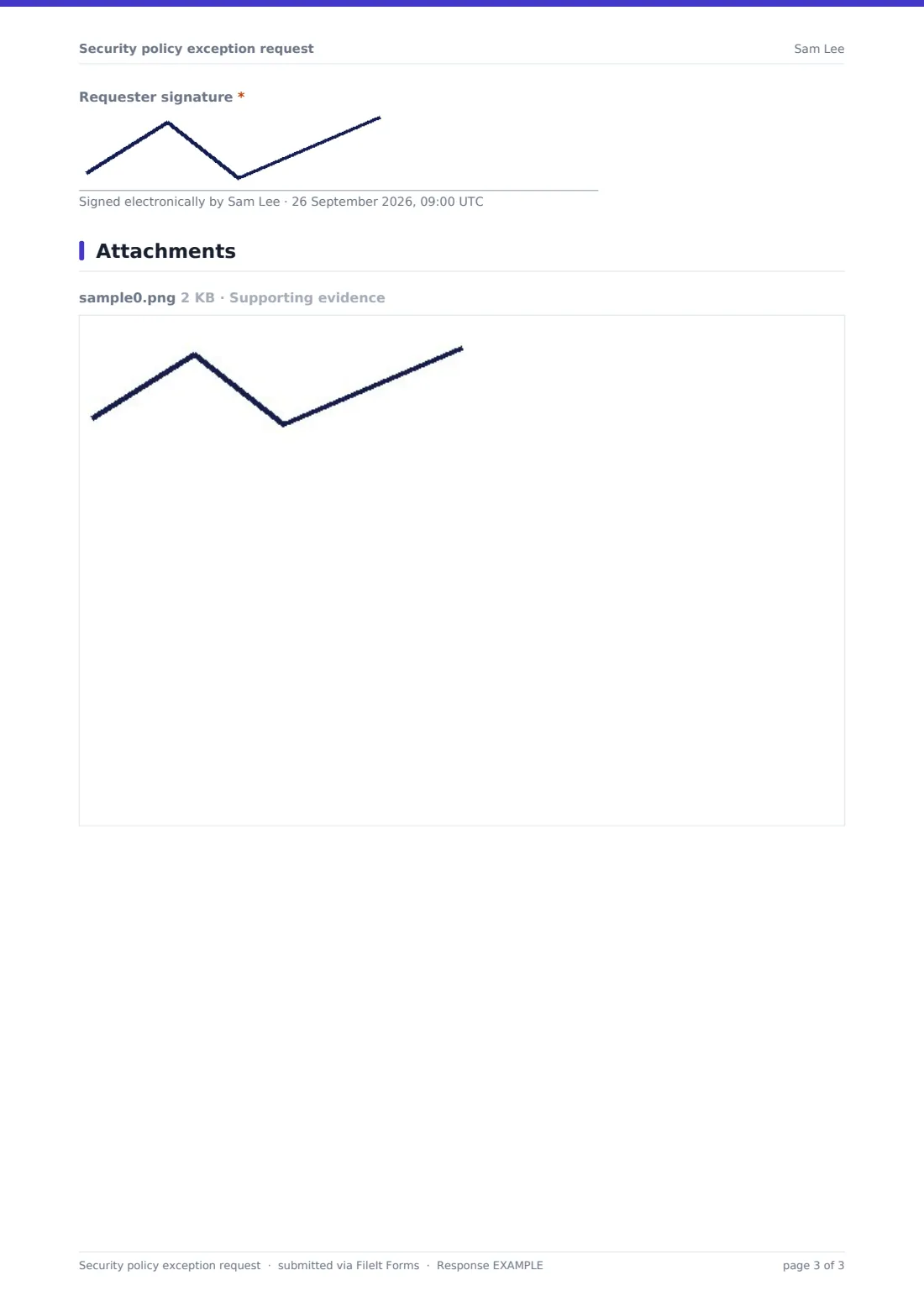
- Requester signature*
The security policy exception request form, page by page
1 Requester
Name, work email, job title and department, plus the "System, application or device affected" so the exception is tied to something specific.
2 The exception
"Which policy or standard?" lists common areas — passwords, multi-factor authentication, patching, encryption, access control, approved software, removable media, remote access, logging and backup — with an Other option that asks for the name. The requester quotes the requirement, explains what can't be met and why, and says how widely it applies, from one device to organisation-wide; anything beyond one device asks roughly how many.
3 Risk & controls
The requester picks the most sensitive data involved and describes "What could go wrong?", then rates likelihood and impact as low, medium or high. A checklist of compensating controls covers network isolation, extra monitoring, restricted access, no internet access, manual review and encryption elsewhere, with room for others and a free-text description. Up to three files of evidence can be attached.
4 Duration & sign-off
A "Plan to remove the exception" is required, along with start and end dates. A renewal question asks for the previous reference. The risk owner's name and email are recorded, and the requester signs.
Make the template yours
- Replace the policy list with the headings of your own information security policy
- Add a second signature field for the risk owner if they sign at the same time
- Limit the end date with a maximum in the designer so no exception runs past your review cycle
- Send every request to your security mailbox with the notification settings
- File approved and pending exceptions into separate vault folders
- Add a reference number field your team fills in when logging the exception
Tips for a better security policy exception request form
- Keep exceptions time-limited and review them on their end date, not just once a year
- Ask for a real plan to remove the exception, even if it's a long one
- Make sure the risk owner is senior enough to accept the risk on the business's behalf
- Look for patterns — many exceptions to one policy may mean the policy needs revisiting
- Check that compensating controls actually exist before approving
- Link renewals to the earlier request so the history stays readable
Every response becomes a PDF in your vault
The signed request is filed as a PDF in your vault with any evidence attached, and you're notified so the security team can review it. The requester receives a copy of what they submitted.
Use the Responses table to search exceptions by policy or system and export them to CSV for your exceptions register or audit evidence, with each line linked back to its original PDF.
- Start from this template. It opens in the FileIt Forms designer — change any question, add pages, set the rules for when questions appear.
- Share it. Turn on a public link, or send it to people by email, each with their own link. They don’t need a FileIt account.
- Get the answers as PDFs. Each response is saved as a PDF in the vault folder you choose, with uploaded files attached — and listed in a Responses table you can export to CSV.
Security policy exception request form: frequently asked questions
Is this security exception template free?
Yes. It's included in the Forms app on every FileIt account, including the free plan.
Does submitting the form approve the exception?
No. It records the request and the requester's reasoning. Your security team or risk owner decides whether to accept it.
Does the requester need a FileIt account?
No. They fill it in from a shared link or an emailed request.
Why ask for compensating controls?
They show what reduces the risk while the policy isn't met, which is usually what a reviewer wants to see before agreeing.
Can I set a maximum exception length?
Yes. Set a maximum date on the end-date question in the designer, or explain your rule in its help text.
Is the signature legally binding?
The form captures a drawn or typed signature on the PDF. Whether that meets your own requirements is something to check for your situation.