What is the firewall rule request form template?
A firewall rule request form gives the network team what it needs to open, change or remove a single connection: where the traffic comes from, where it goes, which protocol and ports, why it's needed and for how long. This template also asks what data crosses the connection, whether it's encrypted, and who owns the system being reached.
Requests that arrive as "can you open the firewall for the new vendor?" usually mean a day of back and forth before anything can be configured — and a rule that ends up wider than it needed to be. A structured form gets the source, destination and "Port(s)" in writing, flags anything internet-facing for review, and records an end date for temporary rules so they don't linger for years.
It runs on FileIt's Forms app. Staff fill it in from a shared link without a FileIt account, and each request becomes a PDF in your vault — a dated record of who asked for which opening and who approved it, which is handy when you review your rule base later.
- Best for
- IT and network teams, managed service providers and security leads
- Filled in by
- The engineer, developer or project lead who needs the connection
- Time to complete
- About 5 minutes
- Includes
- Conditional expiry and window questions, internet-facing warning, data classification, diagram upload
Who uses a firewall rule request form?
- A new application server that needs to reach a supplier's SFTP endpoint
- Opening a temporary port for a vendor's remote support session
- Changing a cloud security group when a service moves to a new subnet
- Removing a rule for a decommissioned system so the rule base stays clean
- An MSP collecting change details from clients in a consistent format
- Keeping an approval trail for rules that carry personal or payment data
Questions on this firewall rule request form
28 questions over 4 pages · includes file upload, conditional questions, multiple pages, consent checkbox.
1 Requester
- Your name*
- Work email*
- Team or department*
- Application or system this is for*
- Related ticket or change number
2 The connection
- What kind of change is this?* New rule · Change an existing rule · Remove a rule
- Existing rule name or ID* asked only when it applies
- Environment* Production · Staging / test · Development · Office network · Cloud (security group / NSG)
- Direction* Inbound · Outbound · Both
- Source (IP address, range, host or group)*
- Destination (IP address, range, host or group)*
- Protocol* TCP · UDP · ICMP · Any
- Port(s)*
- Does this expose anything to the internet?*
3 Justification & risk
- Business reason*
- Most sensitive data crossing this connection* Public · Internal · Confidential · Personal or customer data · Payment card data
- Is the traffic encrypted in transit?*
- Why not, and what protects it instead?* asked only when it applies
- How will you test it works?
- Diagram or vendor documentation
4 Duration & approval
- Needed by*
- How long is the rule needed?* Permanent (reviewed yearly) · Temporary
- Remove the rule on* asked only when it applies
- When can it be applied?* Any time · Only in a maintenance window · At a specific time
- Date and time to apply* asked only when it applies
- System owner approving this request*
- System owner's email*
- Confirmation*
The firewall rule request form, page by page
1 Requester
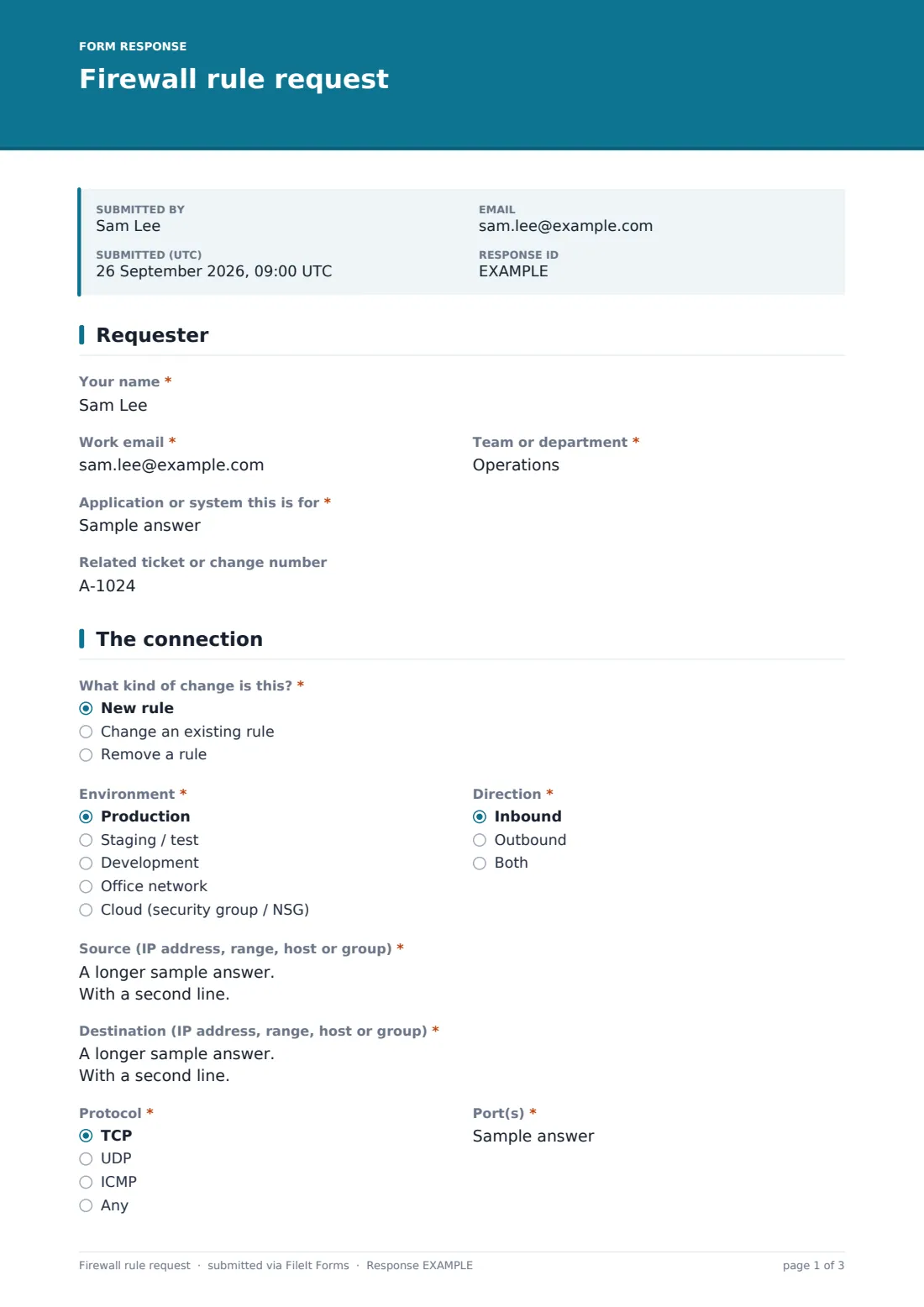
The requester gives their name, work email and team, then names the "Application or system this is for" and any related ticket or change number so the request can be tied to the wider project.
2 The connection
"What kind of change is this?" offers a new rule, a change to an existing one or a removal — the last two ask for the existing rule name or ID. The requester picks the environment (production, staging, development, office network or cloud security group) and the direction, then fills in the source and destination as IP addresses, ranges, hosts or groups. Protocol and "Port(s)" follow. Answering yes to "Does this expose anything to the internet?" shows a note that internet-facing rules get a security review first.
3 Justification & risk
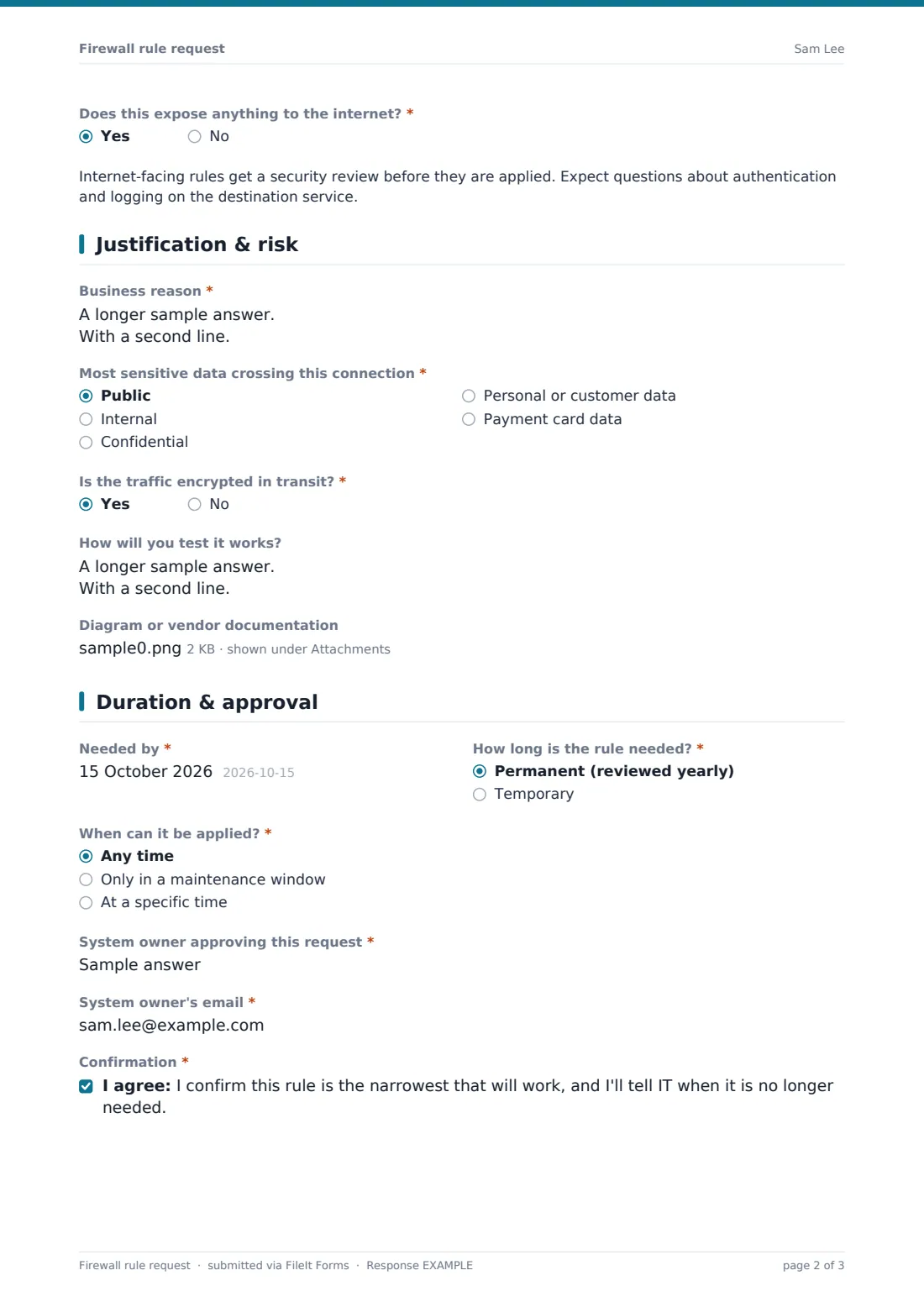
The "Business reason" box asks what breaks without the rule. The requester picks the most sensitive data crossing the connection, from public through to payment card data, and says whether the traffic is encrypted in transit — a no asks what protects it instead. There's room to describe how the rule will be tested and to upload up to three diagrams, vendor port lists or screenshots.
4 Duration & approval
A needed-by date, then whether the rule is permanent or temporary; temporary rules require a "Remove the rule on" date. The requester says whether it can be applied any time, only in a maintenance window or at a specific time. The system owner's name and email are recorded, and a confirmation states the rule is the narrowest that will work.
Make the template yours
- Replace the environment list with your own zones, VLANs or cloud accounts
- Add a signature field so the system owner signs the request directly
- Route production requests to the on-call network address in the notification settings
- Add your standard maintenance window times to the cover text
- File requests into one vault folder per environment or per client
- Make the diagram upload required for internet-facing or production changes
Tips for a better firewall rule request form
- Push back on "any" as a source or port — it's rarely what's actually needed
- Give temporary rules a real end date and check the vault for ones that have passed
- Ask for host names alongside IP addresses so the rule makes sense a year later
- Review internet-facing requests with whoever runs the destination service
- Use the business reason to spot requests that are really workarounds for another problem
- Keep removals on the same form so the history of a rule stays in one place
Every response becomes a PDF in your vault
Each request is saved as a PDF in the vault folder you choose, with any diagrams attached, and you're notified by email. The requester gets their own copy, so both sides have the same record of what was asked.
The Responses table can be searched by system, address or requester and exported to CSV, which makes the periodic firewall review easier: you can match live rules to the request and approval that created them.
- Start from this template. It opens in the FileIt Forms designer — change any question, add pages, set the rules for when questions appear.
- Share it. Turn on a public link, or send it to people by email, each with their own link. They don’t need a FileIt account.
- Get the answers as PDFs. Each response is saved as a PDF in the vault folder you choose, with uploaded files attached — and listed in a Responses table you can export to CSV.
Firewall rule request form: frequently asked questions
Is this firewall rule request template free?
Yes. It's part of the Forms app included on every FileIt account, including the free plan, and every question can be edited.
Does FileIt change the firewall?
No. The form collects and records the request. Your network team or provider makes the change on your own equipment.
Do requesters need a FileIt account?
No. Share a link or send the form by email — anyone can fill it in.
Why ask about data classification?
Rules carrying confidential, personal or payment data usually need closer review. Asking up front means the reviewer doesn't have to chase it.
How are temporary rules handled?
Choosing "Temporary" makes the removal date required, so every temporary rule has a recorded end date in its PDF.
Can I use it for cloud security groups?
Yes. "Cloud (security group / NSG)" is one of the environments, and you can rename the list to match your own accounts.