What is the fire safety inspection form template?
A fire safety inspection checklist is used on a routine walk-round of a building or site to confirm fire precautions are still working: extinguishers present and in date, alarms tested, escape routes clear, emergency lighting working and fire doors closing properly. This template covers twenty-four items in four groups, then records failures, priority, actions and an overall result.
Paper fire logs often record that an alarm was tested but not what else was looked at, and findings get lost between the walk-round and whoever needs to fix them. A form keeps each check, the actions and photos together, and makes the inspection record easy to find later.
It runs on FileIt's Forms app, included on every FileIt account. Fire wardens or facilities staff complete it on a phone as they walk round, and each inspection becomes a PDF in your vault under the building.
- Best for
- Offices, shops, warehouses, schools, venues and construction sites
- Filled in by
- A fire warden, facilities manager or safety officer
- Time to complete
- About 10–20 minutes depending on the building
- Includes
- Four checklist matrices, priority and action logic, photos, signature
Who uses a fire safety inspection form?
- Weekly fire alarm test and walk-round
- Monthly emergency lighting and extinguisher checks
- Quarterly fire safety inspection of a multi-floor building
- Checks on a construction site as the building changes
- An ad hoc check after an event, alteration or fire drill
- Keeping a record of fire safety checks for a landlord or insurer
Questions on this fire safety inspection form
24 questions over 4 pages · includes signature, file upload, conditional questions, multiple pages, consent checkbox, ratings.
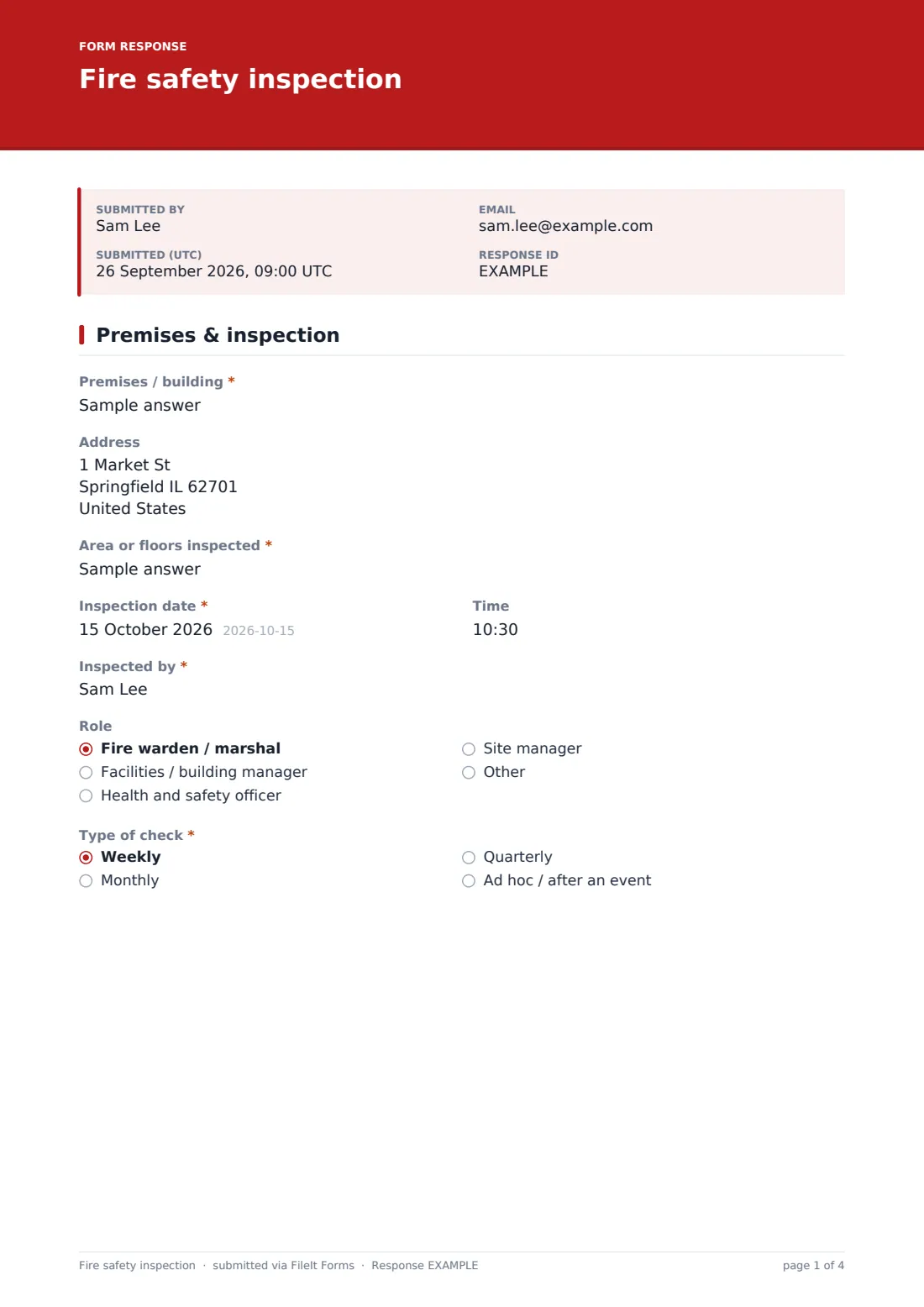
1 Premises & inspection
- Premises / building*
- Address
- Area or floors inspected*
- Inspection date*
- Time
- Inspected by*
- Role Fire warden / marshal · Facilities / building manager · Health and safety officer · Site manager · Other
- Type of check* Weekly · Monthly · Quarterly · Ad hoc / after an event
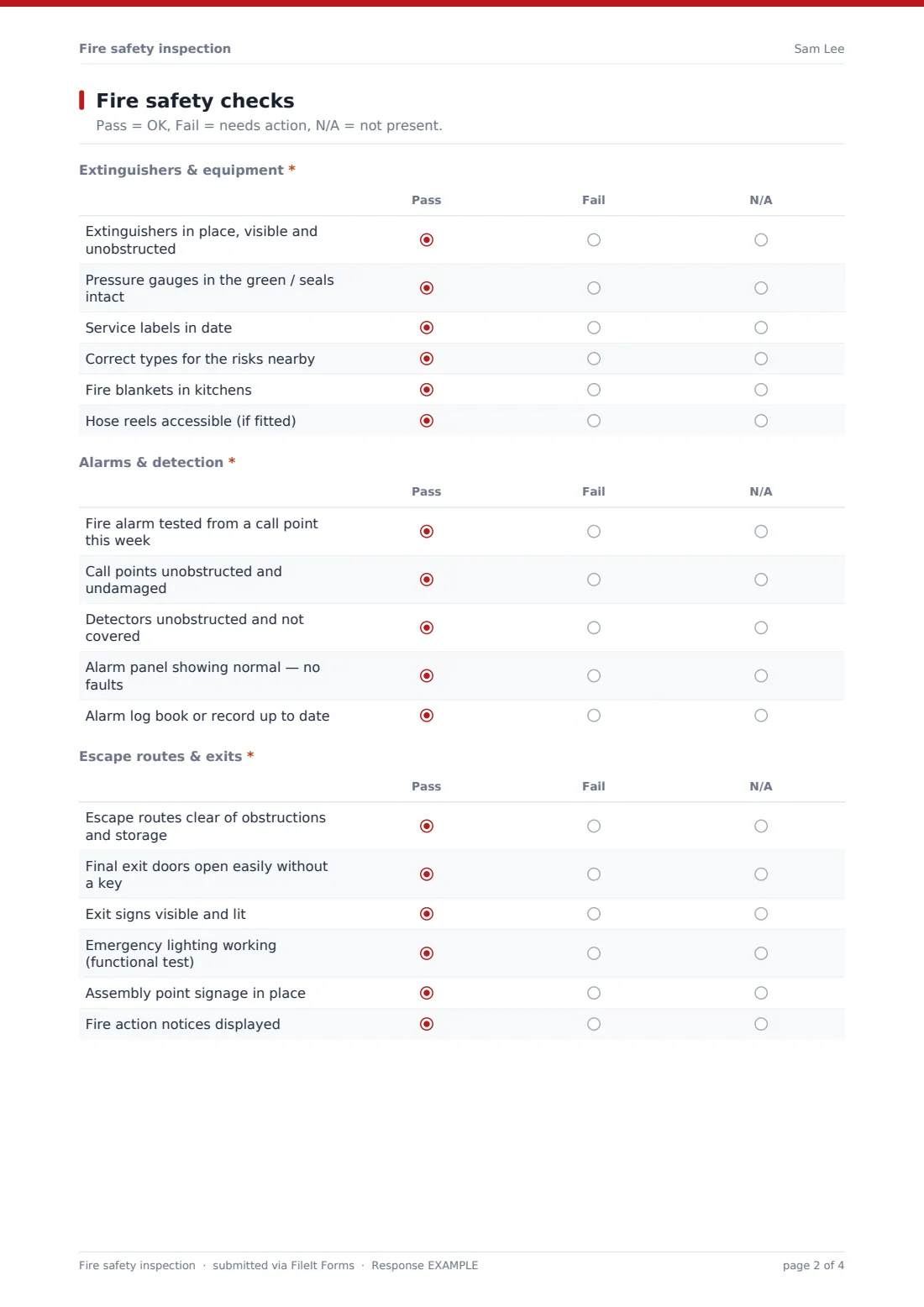
2 Fire safety checks
- Extinguishers & equipment* Pass · Fail · N/A
- Alarms & detection* Pass · Fail · N/A
- Escape routes & exits* Pass · Fail · N/A
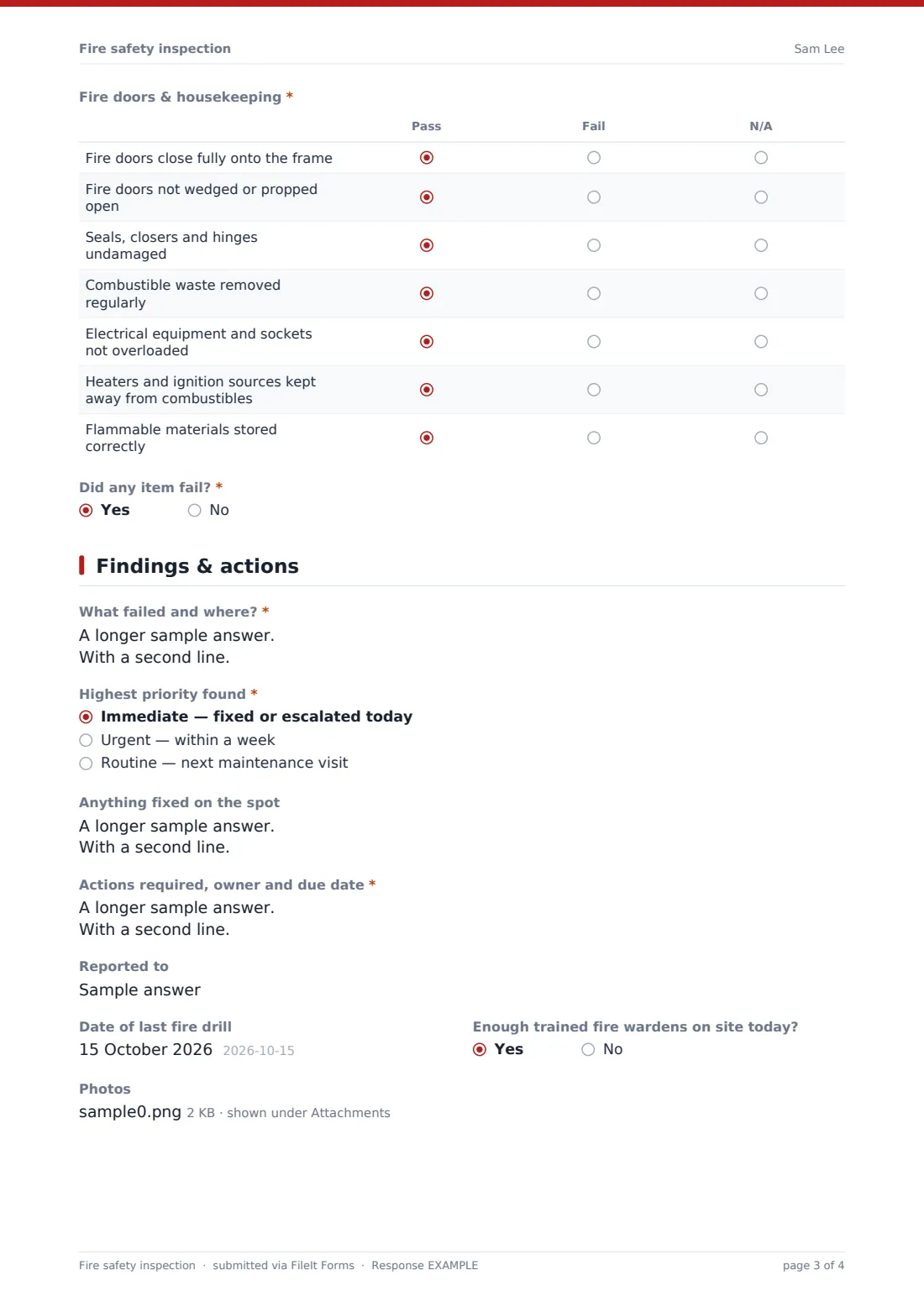
- Fire doors & housekeeping* Pass · Fail · N/A
- Did any item fail?*
3 Findings & actions
- What failed and where?* asked only when it applies
- Highest priority found* asked only when it applies Immediate — fixed or escalated today · Urgent — within a week · Routine — next maintenance visit
- Anything fixed on the spot asked only when it applies
- Actions required, owner and due date* asked only when it applies
- Reported to asked only when it applies
- Date of last fire drill
- Enough trained fire wardens on site today?
- Photos
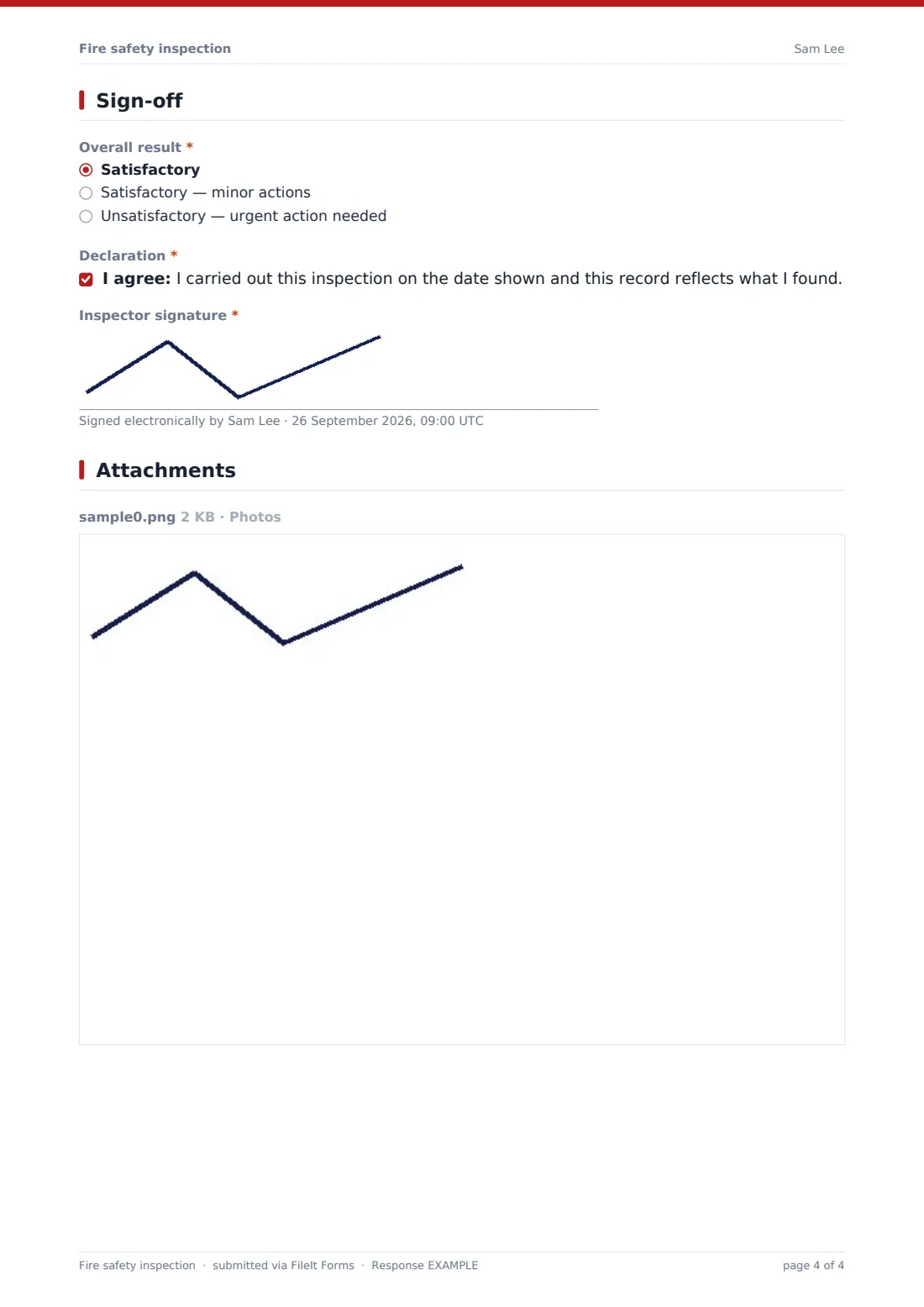
4 Sign-off
- Overall result* Satisfactory · Satisfactory — minor actions · Unsatisfactory — urgent action needed
- Declaration*
- Inspector signature*
The fire safety inspection form, page by page
1 Premises & inspection
Premises, address and the area or floors inspected come first, with the date, time, the inspector's name and role, and whether this is a weekly, monthly, quarterly or ad hoc check.
2 Fire safety checks
Four matrices are marked Pass, Fail or N/A: extinguishers and equipment (six items), alarms and detection (five), escape routes and exits including emergency lighting (six), and fire doors and housekeeping (seven). A final question asks whether anything failed.
3 Findings & actions
A failure opens what failed and where, the highest priority found, anything fixed on the spot, actions with owner and due date, and who it was reported to. Everyone can record the date of the last fire drill, whether enough fire wardens are on site, and attach up to eight photos.
4 Sign-off
The inspector sets the overall result — satisfactory, satisfactory with minor actions, or unsatisfactory — confirms the declaration and signs.
Make the template yours
- Add a dropdown of your buildings or floors
- Add items for sprinklers, dry risers or smoke vents if you have them
- Create separate weekly and monthly versions with just the checks due
- Send unsatisfactory results to your facilities manager's address
- File inspections into a folder per building
- Add a field for the alarm call point tested this week, so you rotate through them
Tips for a better fire safety inspection form
- Fix blocked exits and propped fire doors immediately — don't wait for an action plan
- Rotate the call point used for the weekly alarm test
- Check emergency lighting by simulating a power failure, not just looking at the indicator
- Look behind doors and in stores for combustible waste
- Record a photo of any fault before and after fixing
- Your professional servicing contract doesn't replace routine checks
Every response becomes a PDF in your vault
Each inspection is saved as a PDF titled with the date, with photos attached, and filed in the vault folder you chose. You're notified and the inspector gets a copy.
Use the Responses table to filter by result or priority and export to CSV when a landlord, insurer or auditor asks to see your fire safety checks.
- Start from this template. It opens in the FileIt Forms designer — change any question, add pages, set the rules for when questions appear.
- Share it. Turn on a public link, or send it to people by email, each with their own link. They don’t need a FileIt account.
- Get the answers as PDFs. Each response is saved as a PDF in the vault folder you choose, with uploaded files attached — and listed in a Responses table you can export to CSV.
Fire safety inspection form: frequently asked questions
Is this fire safety inspection template free?
Yes. It's included with the Forms app on every FileIt account, including the free plan.
Does it replace a fire risk assessment?
No. This is a routine check that precautions are working. A fire risk assessment is a separate, more detailed review of fire risks in the premises.
Does it meet fire safety regulations?
FileIt doesn't give legal advice. The checklist covers common routine checks — confirm your own obligations and adjust it.
Does the inspector need a FileIt account?
No. They fill it in from the link you share.
Can I attach photos?
Yes. Up to eight images per inspection.
Can I add sprinklers or other systems?
Yes. Add rows to any matrix or a new matrix in the designer.
Can I see all past inspections for a building?
Yes. File each building's inspections into its own folder, or filter the Responses table.