What is the film festival submission form template?
Small and community film festivals often take entries by email. That means a screener link in one message, the synopsis in an attachment and the director's bio pasted from a website. This template gives every entry the same shape, so the programming team can review, compare and shortlist films without chasing filmmakers for missing details.
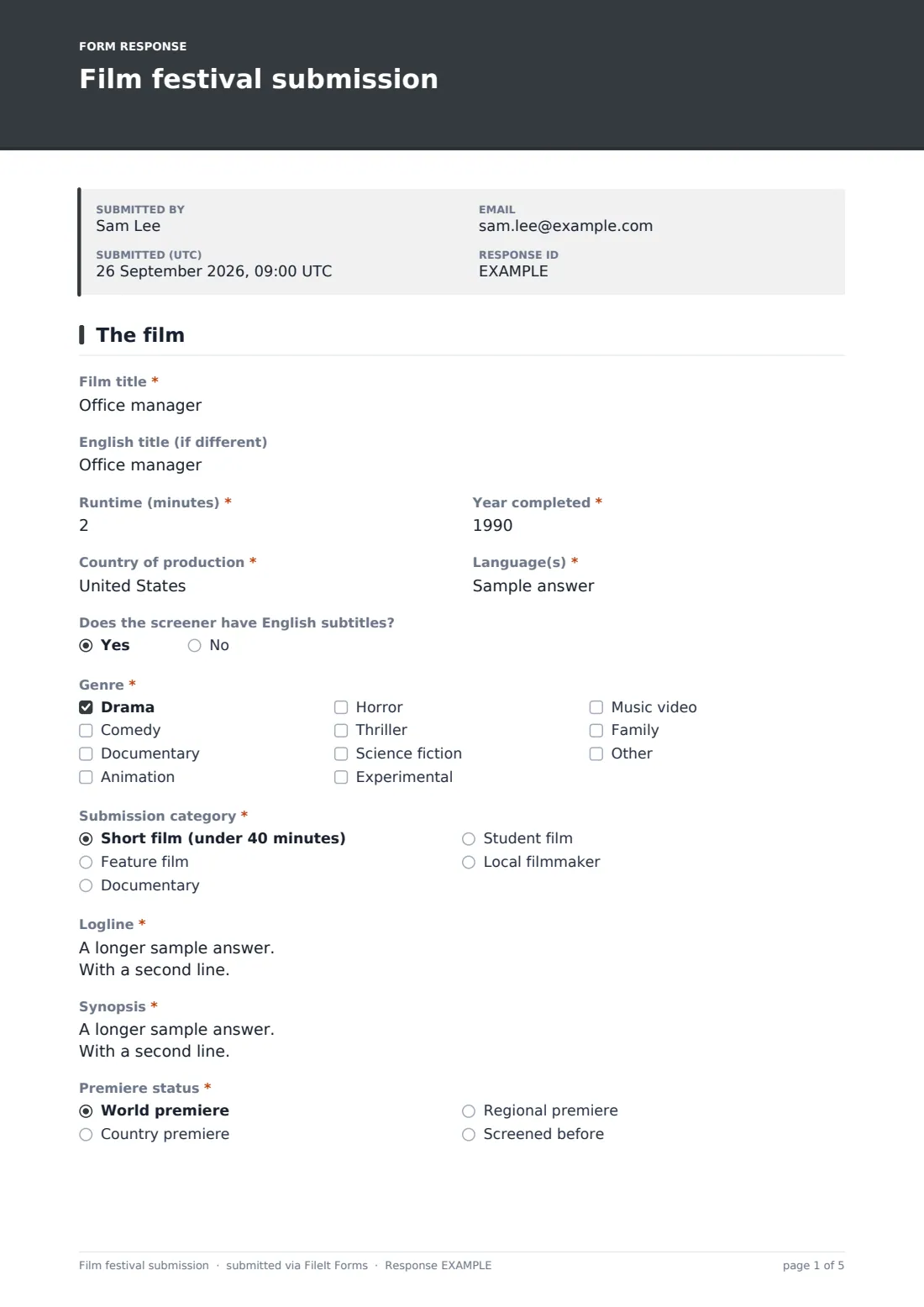
The first page is the film: 'Film title' and English title, 'Runtime (minutes)', year completed, country and language, up to three genres, 'Submission category', logline, synopsis and premiere status. Films that have already screened list where. Choosing 'Student film' adds a student section that asks for the school, course or program, the supervisor or tutor's name and email, and optional proof of enrollment.
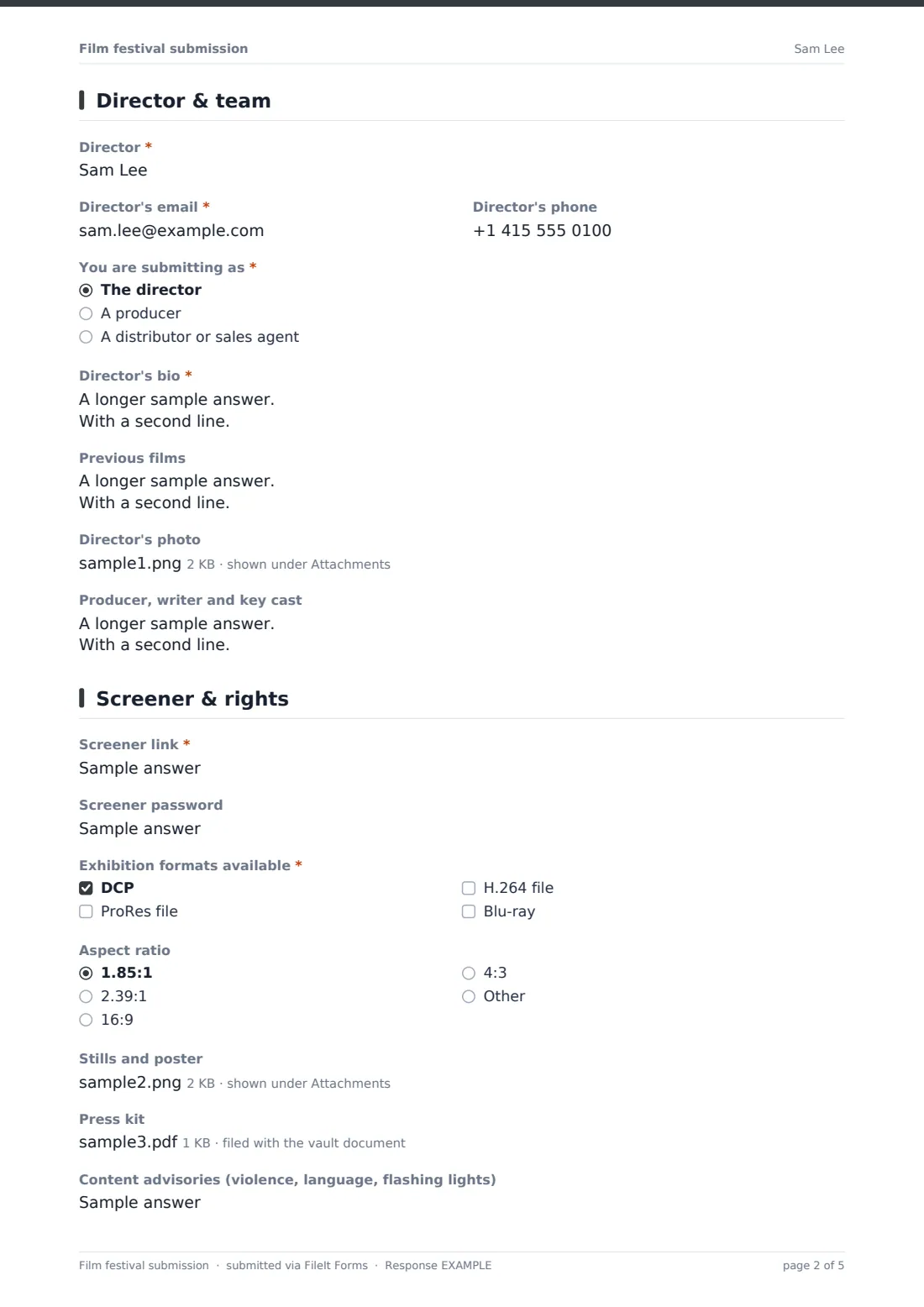
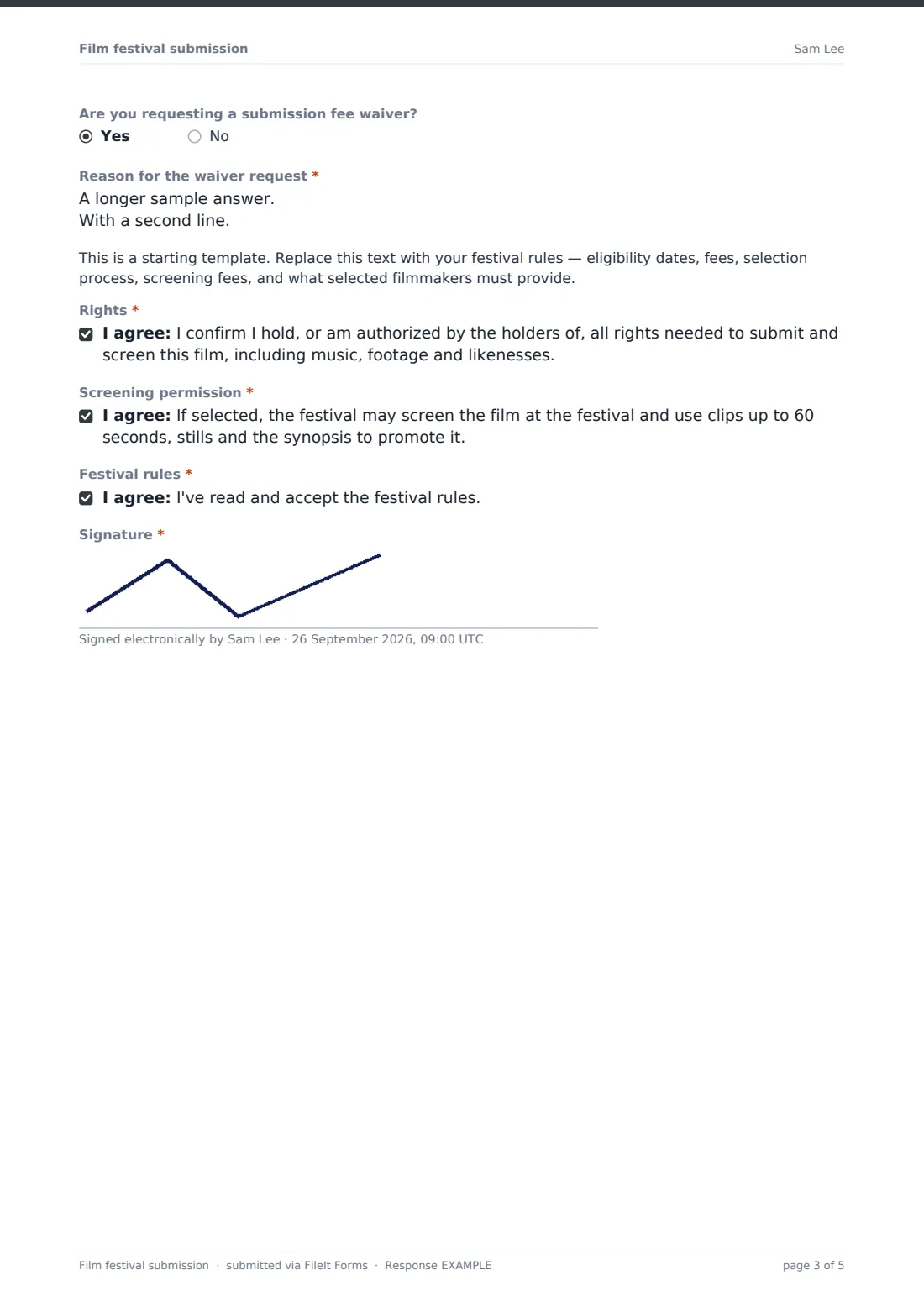
The second page introduces the director and team: name and contact details, whether the person submitting is the director, a producer or a distributor, a bio, previous films, a photo and key cast and crew. The last page collects the 'Screener link' and password, exhibition formats, aspect ratio, stills, a press kit, content advisories and an optional fee-waiver request, then the rights confirmation, screening permission, your festival rules and a signature. Each submission is saved as a PDF in your FileIt vault, with stills and documents attached.
- Best for
- Community, student and genre film festivals, screening series and film clubs
- Filled in by
- A director, producer or distributor
- Time to complete
- 10–15 minutes, with materials ready
- Includes
- Film details, student-film branch, director bio, screener link, stills, rights confirmation
Who uses a film festival submission form?
- A town's first short film festival opens a call for entries
- A university film society runs a student showcase
- A horror festival collects features and shorts in separate categories
- A distributor submits a documentary on a director's behalf
- A screening series invites local filmmakers to submit
- A programming team compares runtimes to fill each session
Questions on this film festival submission form
40 questions over 3 pages · includes signature, file upload, conditional questions, multiple pages, consent checkbox.
1 The film
- Film title*
- English title (if different)
- Runtime (minutes)*
- Year completed*
- Country of production*
- Language(s)*
- Does the screener have English subtitles? asked only when it applies
- Genre* Drama · Comedy · Documentary · Animation · Horror · Thriller · Science fiction · Experimental · Music video · Family
- Submission category* Short film (under 40 minutes) · Feature film · Documentary · Student film · Local filmmaker
- Logline*
- Synopsis*
- Premiere status* World premiere · Country premiere · Regional premiere · Screened before
- Festivals or screenings so far asked only when it applies
- School, college or film school* asked only when it applies
- Course or program* asked only when it applies
- Supervisor or tutor's name* asked only when it applies
- Supervisor's email* asked only when it applies
- Proof of enrollment (student ID or letter) asked only when it applies
2 Director & team
- Director*
- Director's email*
- Director's phone
- You are submitting as* The director · A producer · A distributor or sales agent
- Your name and company* asked only when it applies
- Director's bio*
- Previous films
- Director's photo
- Producer, writer and key cast
3 Screener & rights
- Screener link*
- Screener password
- Exhibition formats available* DCP · ProRes file · H.264 file · Blu-ray
- Aspect ratio 1.85:1 · 2.39:1 · 16:9 · 4:3 · Other
- Stills and poster
- Press kit
- Content advisories (violence, language, flashing lights)
- Are you requesting a submission fee waiver?
- Reason for the waiver request* asked only when it applies
- Rights*
- Screening permission*
- Festival rules*
- Signature*
The film festival submission form, page by page
1 The film
Required title, runtime, year, country and language (with a subtitles question once a language is given), up to three genres, 'Submission category', logline, synopsis and premiere status. 'Screened before' asks where. 'Student film' adds required school, course, supervisor's name and email, and an optional proof-of-enrollment upload.
2 Director & team
Required director's name and email, an optional phone and 'You are submitting as'. Producers and distributors give their name and company. A required 'Director's bio', previous films, a director's photo and key crew and cast.
3 Screener & rights
Required 'Screener link' and exhibition formats, plus password, aspect ratio, up to four stills, a PDF press kit and content advisories. A fee-waiver request asks for a reason. A rules placeholder, then required consents for rights, screening permission and festival rules, and a signature.
Make the template yours
- Change the categories to your festival's own competition sections
- Edit the runtime limit for shorts in the category label
- Replace the rules placeholder with your eligibility dates and fees
- Remove the fee-waiver question if entry is free
- Add a question about the film's crew diversity or local connection if you program for it
- Set a close date at your submission deadline
Tips for a better film festival submission form
- Test every screener link soon after the entry arrives, while the filmmaker is still easy to reach
- Sort the Responses table by category to share entries with each jury
- Use runtime and premiere status to plan sessions early
- Ask filmmakers to use a link that won't expire before selections are announced
- Keep stills and bios from selected films together for the program
Every response becomes a PDF in your vault
Each submission is saved as a signed PDF in your vault, with stills, photo, press kit and any enrollment proof attached. The festival is emailed and the submitter receives a copy.
Export to CSV for a programming spreadsheet with title, runtime, category and screener link in each row.
- Start from this template. It opens in the FileIt Forms designer — change any question, add pages, set the rules for when questions appear.
- Share it. Turn on a public link, or send it to people by email, each with their own link. They don’t need a FileIt account.
- Get the answers as PDFs. Each response is saved as a PDF in the vault folder you choose, with uploaded files attached — and listed in a Responses table you can export to CSV.
Film festival submission form: frequently asked questions
Is the film festival submission template free?
Yes. It's a starter template in the Forms app, included on every FileIt account, including the free plan.
Can filmmakers upload the film itself?
No. Uploads are limited to 10 MB per file. The form asks for a private screener link, plus stills, a photo and a press kit.
What extra questions do student films answer?
Choosing 'Student film' adds the school, the course or program, the supervisor or tutor's name and email, and an optional proof of enrollment.
Can I collect submission fees?
No. FileIt Forms doesn't take payments. The form includes an optional fee-waiver request, and your rules can explain how to pay.
Can a producer or distributor submit?
Yes. They choose who they're submitting as and add their name and company.
Do filmmakers need a FileIt account?
No. They submit from a link. The form asks for their name and email first.