What is the field sales visit report form template?
Field reps are good at visits and less keen on paperwork. When visit notes live in a notebook or a quick text to the manager, the details that matter — the competitor mentioned, the samples promised, the order value — get lost before they reach anyone who can act on them.
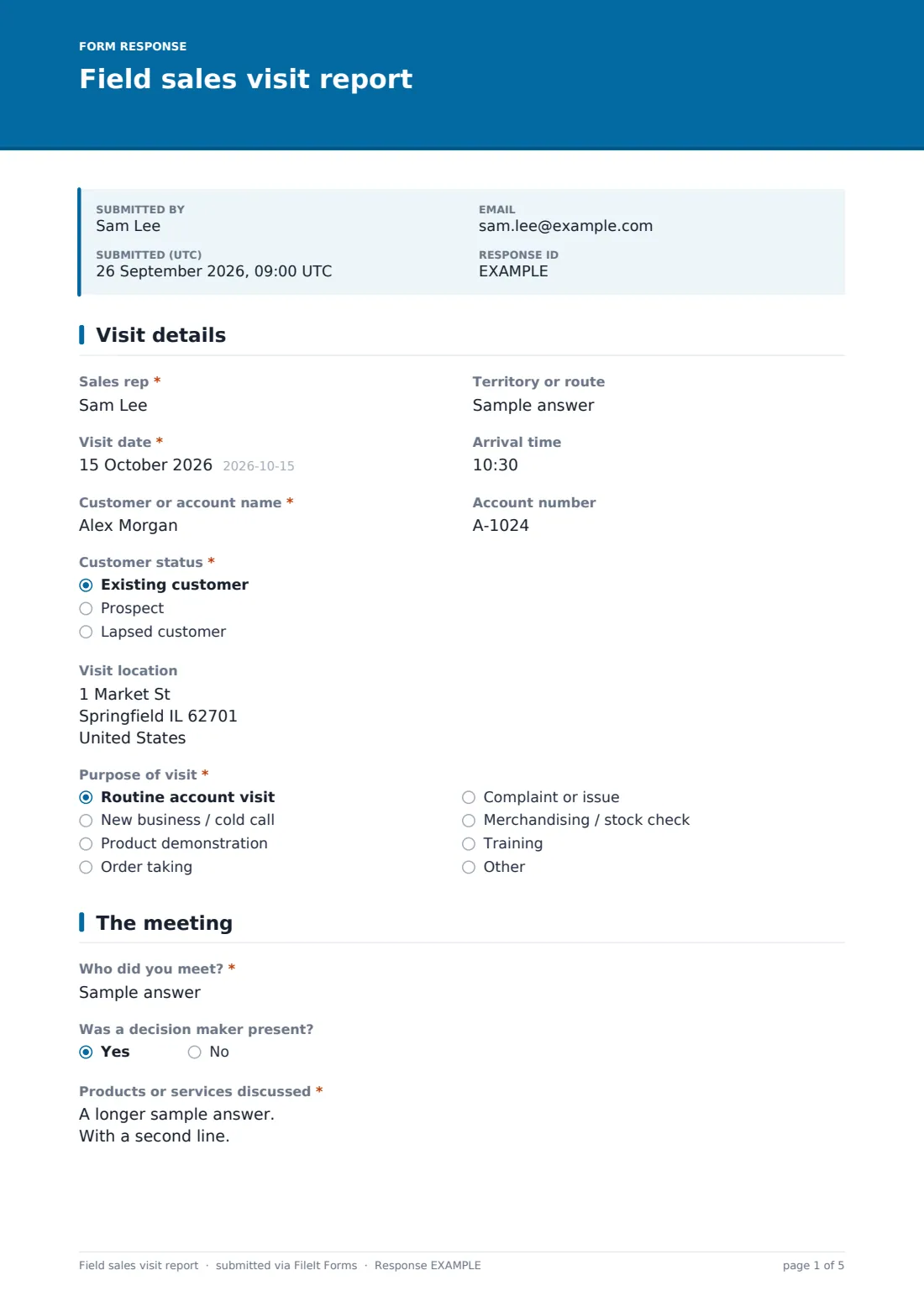
This field sales visit report is designed to be filled in on a phone in the car park after the meeting. It records the visit date, customer, status and purpose, who the rep met and whether a decision maker was there, the products discussed, notes and competitors, stock and display observations with photos, any order taken with its value, the opportunity stage and interest level, follow-ups needed, customer problems and mileage.
Each report is saved as a PDF in your FileIt vault with its photos, giving sales managers a consistent view of activity across the team and a record of every account visit.
- Best for
- Field sales teams, account managers, distributors and territory reps
- Filled in by
- The sales rep, straight after each visit
- Time to complete
- About 5 minutes on a phone
- Includes
- Visit and customer details, meeting notes, photo uploads, order value, opportunity stage, interest scale, follow-ups and mileage
Who uses a field sales visit report form?
- Reps visiting retail accounts to take orders and check shelves
- Medical or pharmaceutical reps logging calls on clinics
- Building products reps visiting merchants and contractors
- Food and drink reps calling on pubs, restaurants and shops
- Account managers visiting key B2B customers
- Small businesses without a CRM that still want visit records
Questions on this field sales visit report form
32 questions over 4 pages · includes file upload, conditional questions, multiple pages, ratings.
1 Visit details
- Sales rep*
- Territory or route
- Visit date*
- Arrival time
- Customer or account name*
- Account number
- Customer status* Existing customer · Prospect · Lapsed customer
- Visit location
- Purpose of visit* Routine account visit · New business / cold call · Product demonstration · Order taking · Complaint or issue · Merchandising / stock check · Training · Other
2 The meeting
- Who did you meet?*
- Was a decision maker present?
- Products or services discussed*
- Meeting notes*
- Competitors mentioned
- Did you check stock or displays?
- Stock and display observations asked only when it applies
- Photos
3 Orders & opportunities
- Was an order taken?*
- Order value* asked only when it applies
- Order reference asked only when it applies
- Order details asked only when it applies
- Order form or photo asked only when it applies
- Estimated value of further opportunity
- Opportunity stage No opportunity · Lead · Qualified · Proposal · Negotiation · Won · Lost
- Customer interest level
4 Follow-up
- Follow-ups needed Send a quote · Send samples · Send brochures or price list · Arrange a demo · Pass to customer service · Involve my manager · Schedule another visit
- Follow-up details asked only when it applies
- Next visit or contact date
- Did the customer raise a complaint or problem?
- Describe the problem* asked only when it applies
- Mileage for this visit
- Your email*
The field sales visit report form, page by page
1 Visit details
The rep enters their name, territory, the visit date and arrival time, the customer and account number, whether it's an existing customer, prospect or lapsed account, the visit location and the purpose — routine visit, new business, demo, order taking, complaint, merchandising, training or other.
2 The meeting
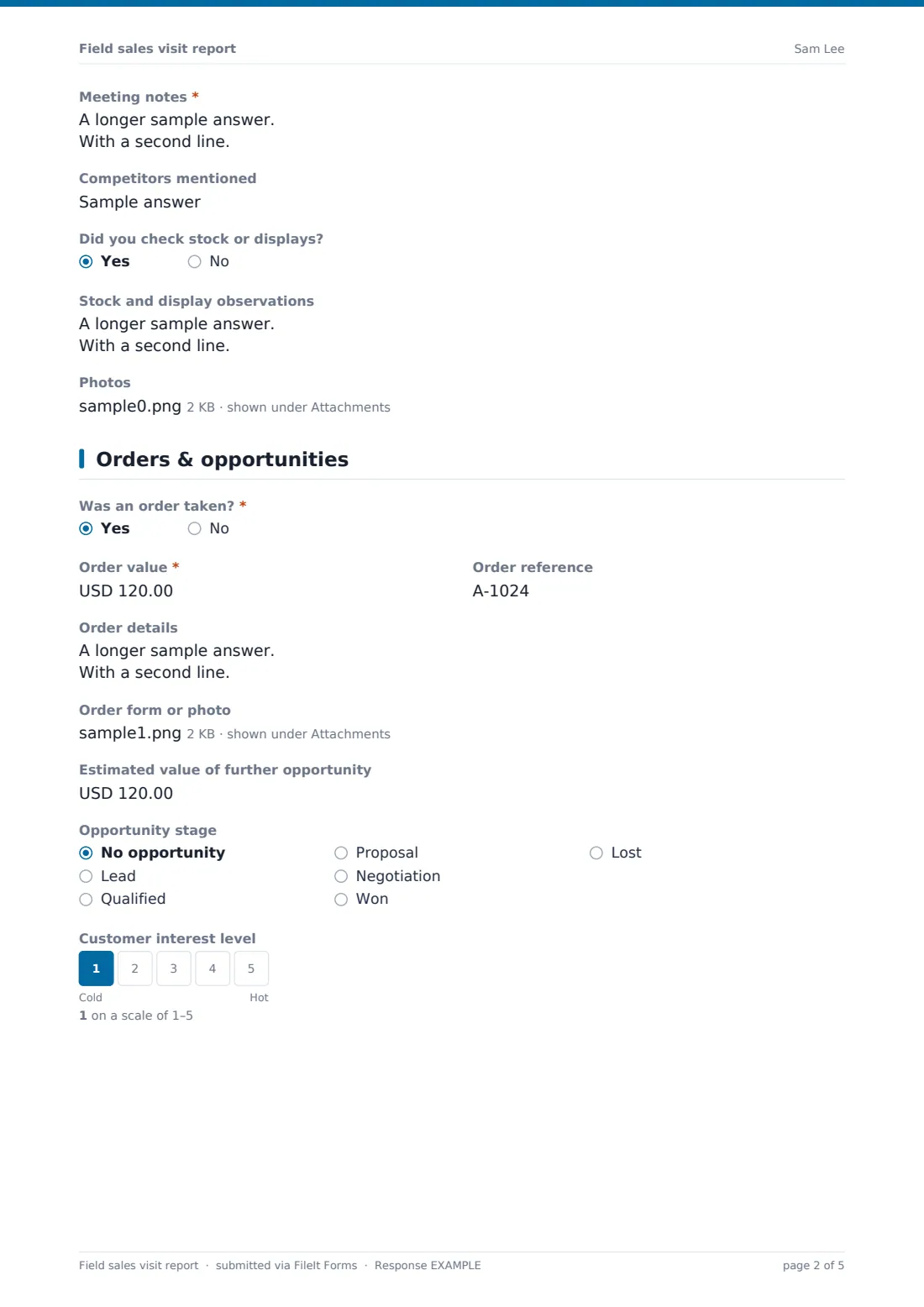
Record who the rep met and whether a decision maker was present, the products discussed, meeting notes with needs and objections, and competitors mentioned. If stock or displays were checked, a box opens for observations, and photos of shelves or displays can be uploaded.
3 Orders & opportunities
Saying an order was taken opens a required order value, reference, order details and an upload for the order form. The rep then estimates the value of further opportunity, picks the opportunity stage and rates the customer's interest from cold to hot.
4 Follow-up
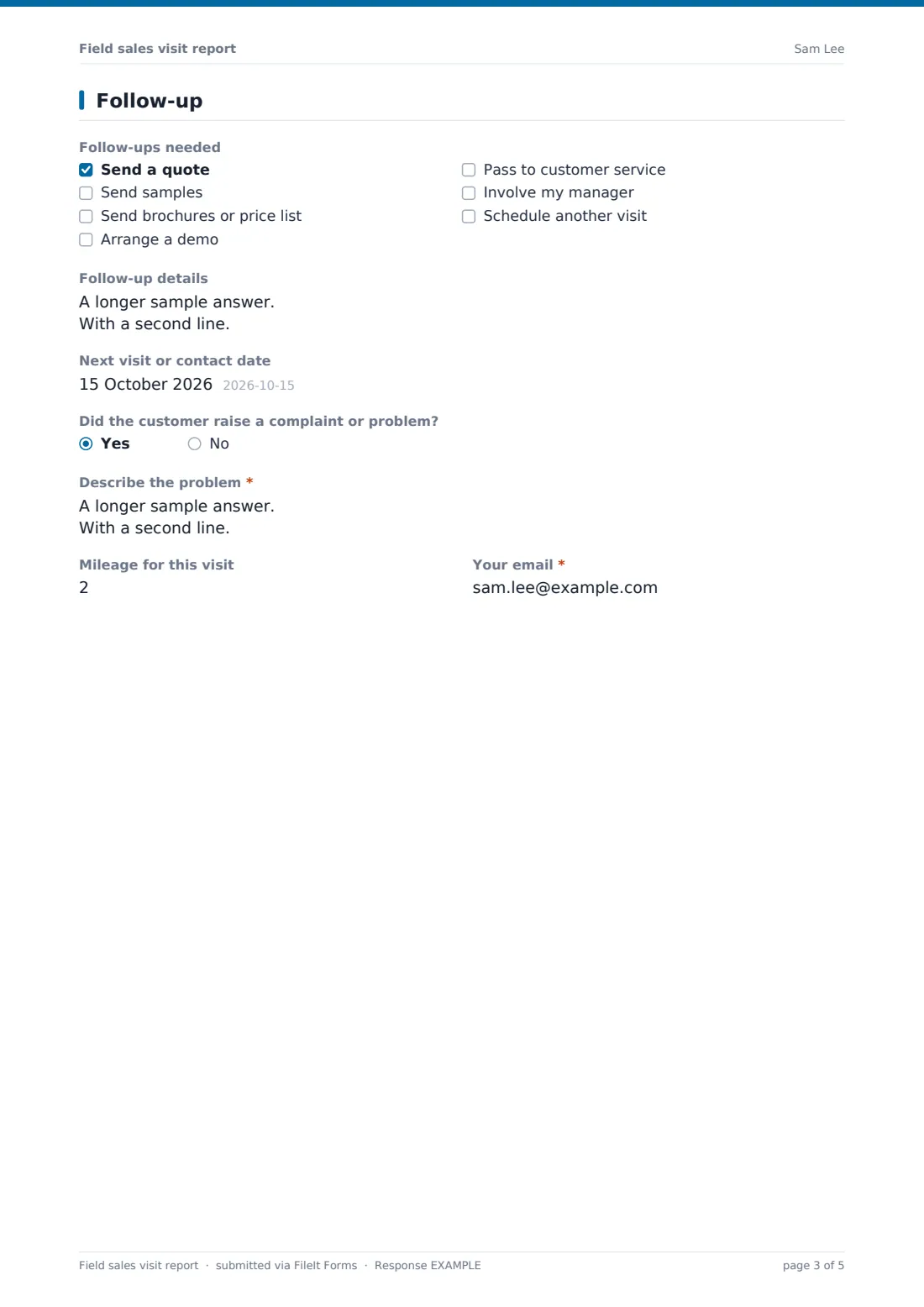
Tick follow-ups — quote, samples, brochures, demo, customer service, manager involvement or another visit — with details, and set the next contact date. A customer complaint opens a required description. Finish with mileage and the rep's email.
Make the template yours
- Change the currency on the order and opportunity fields
- Replace the opportunity stages with your own sales pipeline
- Remove the merchandising questions if your reps don't visit stores
- Turn the customer name into a dropdown of key accounts for a small territory
- Copy sales managers on every report with the notification email setting
- File reports in a folder per rep or territory
Tips for a better field sales visit report form
- Fill in the report before driving to the next visit, while it's fresh
- Note objections word for word — they're useful for the whole team
- Take a photo of the display every visit so changes are easy to see over time
- Put a date on every follow-up, and check them at the weekly sales meeting
- Pass complaints on the same day, even small ones
Every response becomes a PDF in your vault
When a rep submits a report, FileIt saves it as a PDF with the photos and order file, files it in your vault and notifies you. The rep can get a copy for their own records.
The Responses table becomes a visit log for the whole team. Export it to CSV to total order values, count visits per rep or review opportunities by stage.
- Start from this template. It opens in the FileIt Forms designer — change any question, add pages, set the rules for when questions appear.
- Share it. Turn on a public link, or send it to people by email, each with their own link. They don’t need a FileIt account.
- Get the answers as PDFs. Each response is saved as a PDF in the vault folder you choose, with uploaded files attached — and listed in a Responses table you can export to CSV.
Field sales visit report form: frequently asked questions
Is this field sales visit report free?
Yes. It's included in FileIt's Forms app on every plan, including the free plan.
Does it work on a phone?
Yes. FileIt forms work on phones, and reps can upload photos straight from the camera.
Can it replace a CRM?
For small teams it can serve as a simple visit log. Larger teams usually use it alongside a CRM, exporting the responses when needed.
Can I track mileage?
Yes. There's a mileage field on the last page, which you can total from the CSV export.
Can reps attach an order?
Yes. If an order was taken, an upload field accepts a PDF, photo or spreadsheet of the order.
Where are reports stored?
Each report is saved as a PDF in your FileIt vault and listed in the Responses table.