What is the controlled document change request form template?
Controlled documents only stay under control if changes go through one route. When people email edits to whoever last touched the file, or quietly print a corrected copy for the line, you end up with several versions in use and no record of why anything changed.
This template gives every change request the same shape: whether it's a revision, a new document or a withdrawal; the document's type, number, revision, title and owner; the reasons and a section-by-section summary of changes with a redlined copy; its urgency; and what else it affects — training, other documents, records, systems, customers or regulators — with proposed approvers and an effective date.
Each request is saved as a PDF in your FileIt vault, giving document control a dated trail of who asked for what change and why.
- Best for
- Quality, compliance and operations teams running document control
- Filled in by
- Any staff member who wants a controlled document changed
- Time to complete
- About 5–8 minutes
- Includes
- Revise, new or withdraw paths, redline upload, urgency reason, impact checklist with follow-ups
Who uses a controlled document change request form?
- An operator asking for a work instruction to be updated after a machine change
- A quality team revising an SOP after an audit or CAPA finding
- HR proposing a change to a company policy
- Engineering requesting a drawing or specification revision
- Withdrawing an out-of-date form and recording what replaces it
- Collecting periodic review changes from document owners
Questions on this controlled document change request form
25 questions over 4 pages · includes signature, file upload, conditional questions, multiple pages.
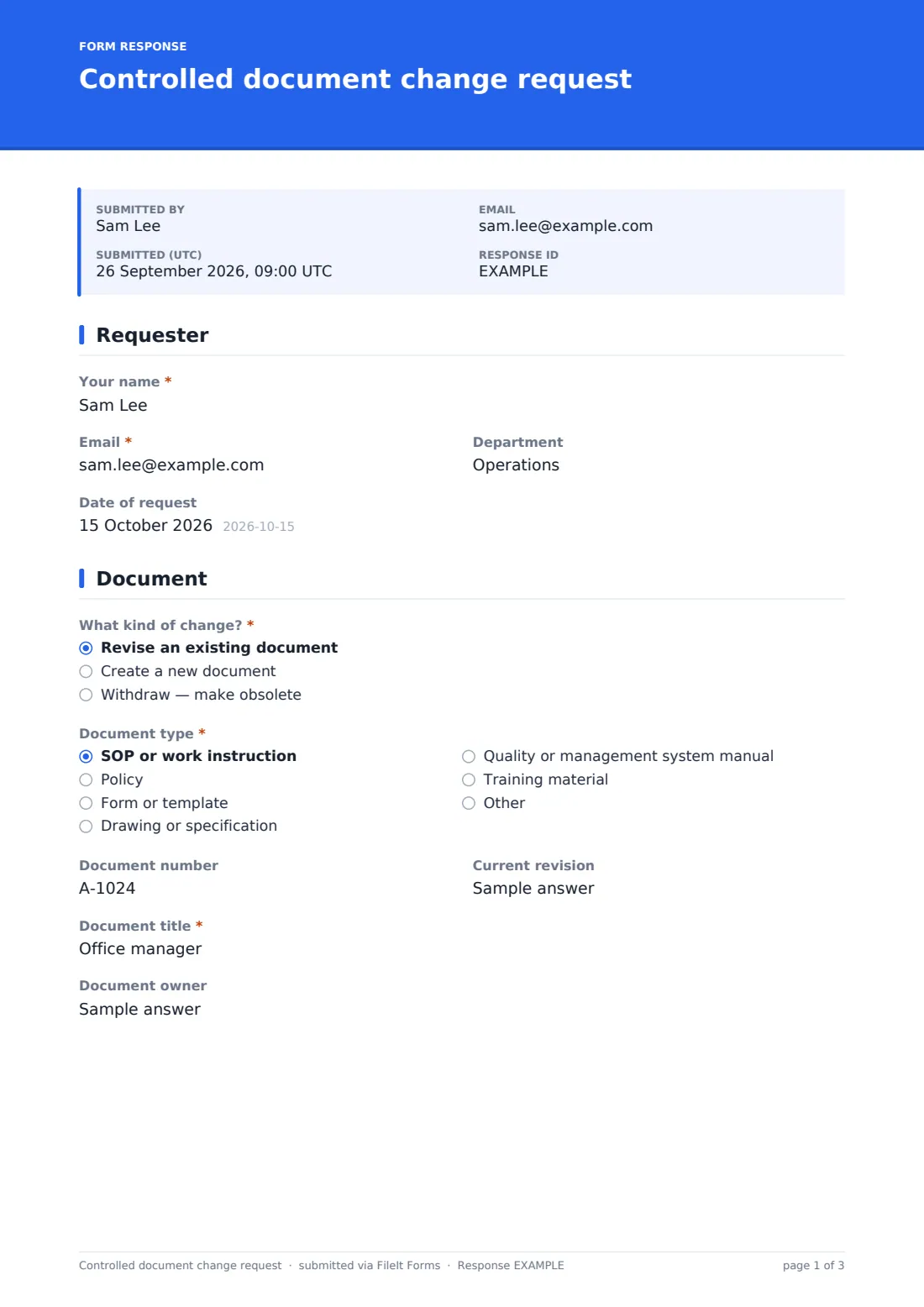
1 Requester
- Your name*
- Email*
- Department
- Date of request
2 Document
- What kind of change?* Revise an existing document · Create a new document · Withdraw — make obsolete
- Document type* SOP or work instruction · Policy · Form or template · Drawing or specification · Quality or management system manual · Training material · Other
- Document number asked only when it applies
- Current revision asked only when it applies
- Document title*
- Document owner
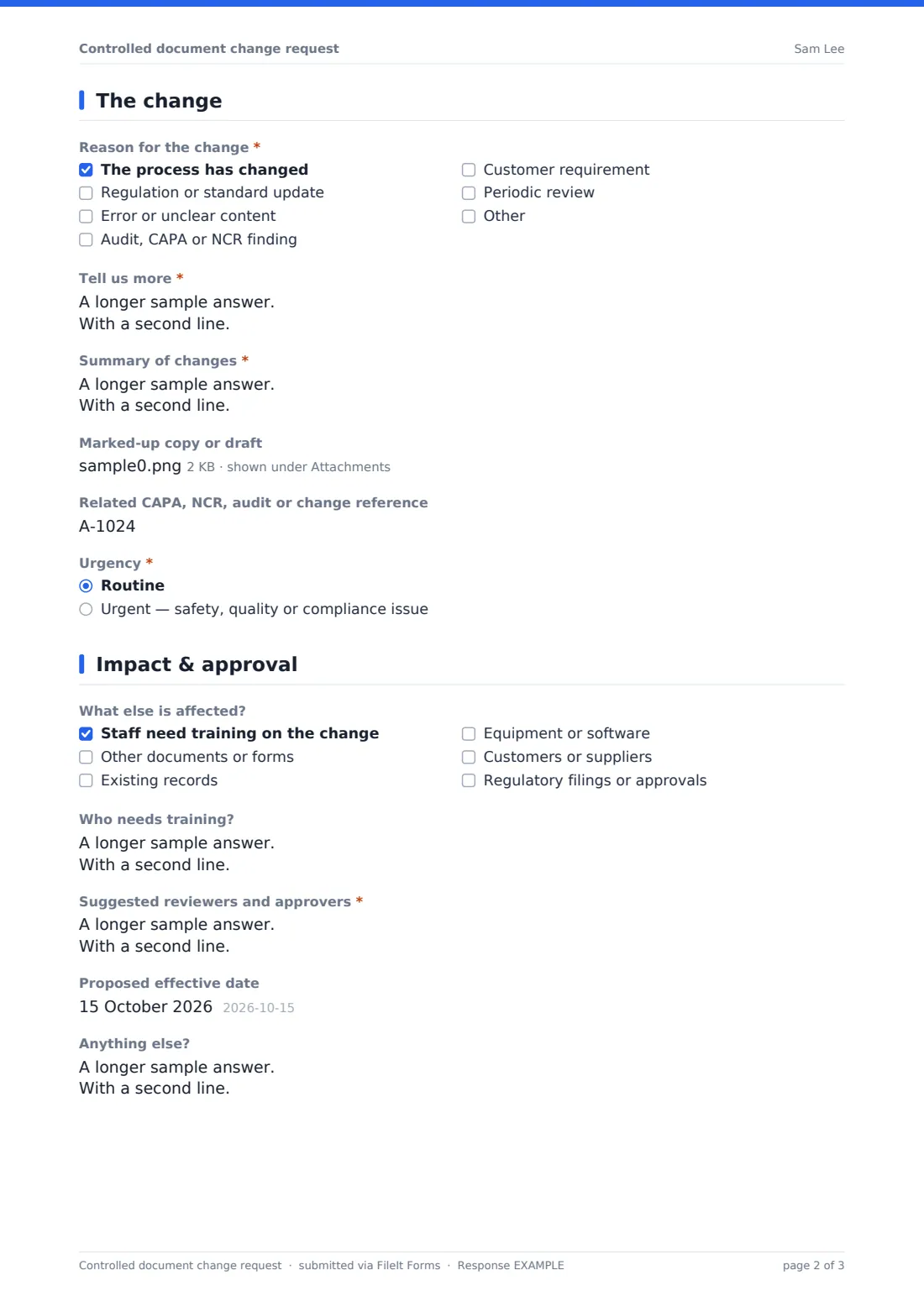
3 The change
- Reason for the change* The process has changed · Regulation or standard update · Error or unclear content · Audit, CAPA or NCR finding · Customer requirement · Periodic review
- Tell us more*
- Summary of changes* asked only when it applies
- What replaces it, if anything? asked only when it applies
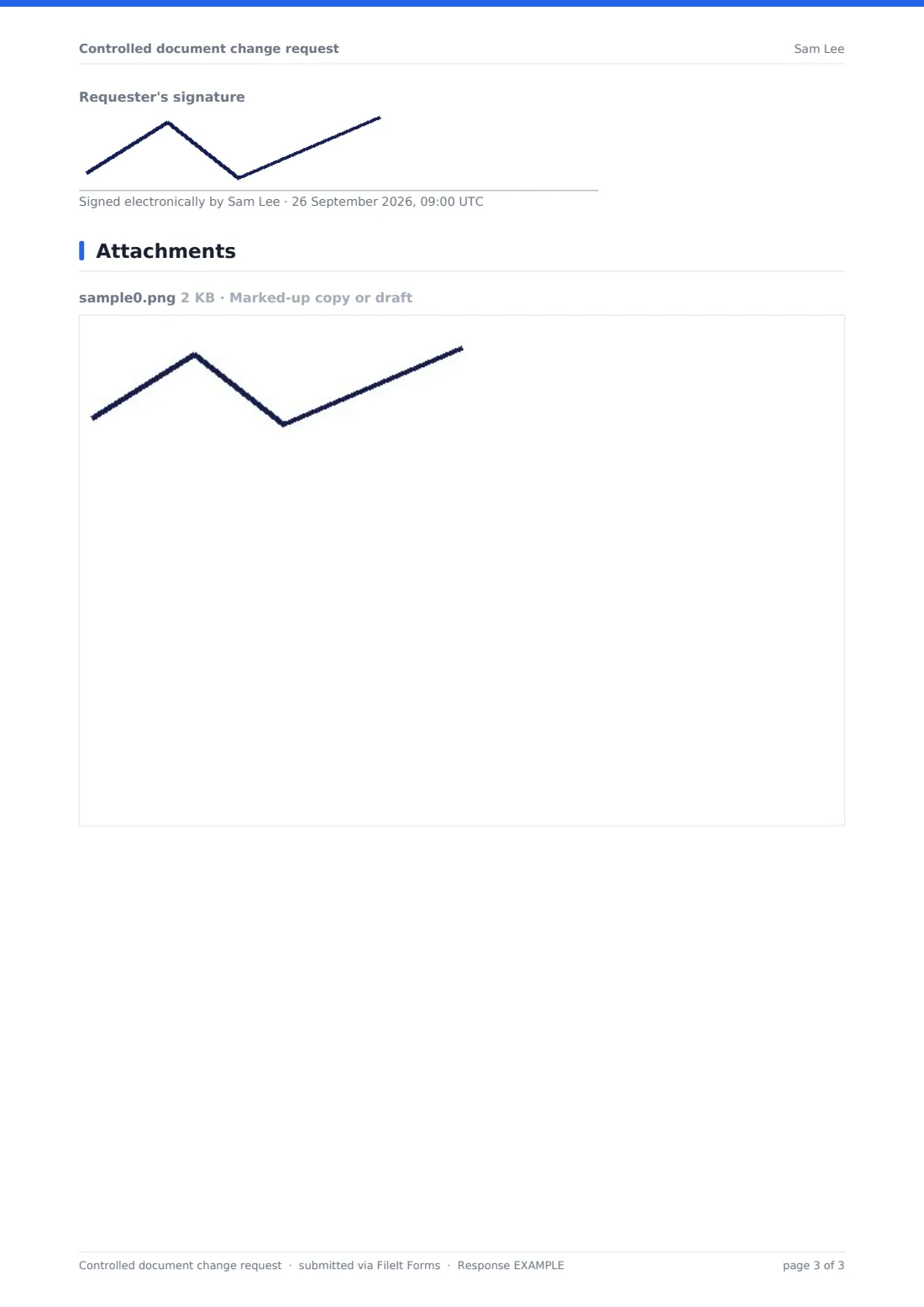
- Marked-up copy or draft
- Related CAPA, NCR, audit or change reference
- Urgency* Routine · Urgent — safety, quality or compliance issue
- Why is it urgent?* asked only when it applies
4 Impact & approval
- What else is affected? Staff need training on the change · Other documents or forms · Existing records · Equipment or software · Customers or suppliers · Regulatory filings or approvals
- Who needs training? asked only when it applies
- Which other documents? asked only when it applies
- Suggested reviewers and approvers*
- Proposed effective date
- Anything else?
- Requester's signature
The controlled document change request form, page by page
1 Requester
The requester gives their name, email, department and the date of the request.
2 Document
A required question asks whether this revises an existing document, creates a new one, or withdraws one. The document type follows — SOP or work instruction, policy, form or template, drawing or specification, manual, training material or other. Existing documents ask for the document number and current revision, and every request gives the title and document owner.
3 The change
Requesters tick the reasons — process change, regulation or standard update, error or unclear content, audit, CAPA or NCR finding, customer requirement, periodic review, or other — and explain further. Revisions and new documents need a section-by-section summary of changes. Withdrawals ask what replaces the document instead.
A marked-up copy or draft can be uploaded, and a related CAPA, NCR, audit or change reference recorded. Urgent requests (for safety, quality or compliance reasons) must say why.
4 Impact & approval
A checklist records what else is affected: training, other documents, existing records, equipment or software, customers or suppliers, and regulatory filings. Ticking training asks who needs it, and ticking other documents asks which. Suggested reviewers and approvers are required, and a proposed effective date, notes and the requester's signature finish the request.
Make the template yours
- Replace the document types with the categories in your document control procedure
- Add document control's inbox to the notification emails
- Add an approval section for reviewers, or use a separate form for approvals
- Turn the document owner field into a dropdown of your process owners
- Add a question about whether the change needs validation or verification
- Change the confirmation message to match how your organisation issues new revisions
Tips for a better controlled document change request form
- Attach a redlined copy — reviewers approve faster when they can see exactly what changes
- Quote the section numbers so the change can be found in the current version
- Think about training before the effective date, not after
- Check for other documents that refer to the one being changed
- Record the related CAPA or audit reference so the link survives
- Keep using the current version until the new revision is issued
Every response becomes a PDF in your vault
Each change request is saved as a PDF in your chosen vault folder, with any redlines attached, and the form owner is emailed so document control can log it and route it for review. The requester can get a copy.
The Responses table lets you track requests by document type, urgency and date, and export them to CSV for your document change log. FileIt doesn't issue new revisions itself — approval and release follow your document control procedure.
- Start from this template. It opens in the FileIt Forms designer — change any question, add pages, set the rules for when questions appear.
- Share it. Turn on a public link, or send it to people by email, each with their own link. They don’t need a FileIt account.
- Get the answers as PDFs. Each response is saved as a PDF in the vault folder you choose, with uploaded files attached — and listed in a Responses table you can export to CSV.
Controlled document change request form: frequently asked questions
Is this document change request template free?
Yes. It's included in the FileIt Forms app on every account, including the free plan.
Does the form update the document itself?
No. It records the request and files it. Your document controller makes the change and issues the new revision.
Can we request a brand new document?
Yes. Choose "Create a new document" — the document number and revision questions are hidden, since it doesn't have them yet.
Can we withdraw a document with this form?
Yes. Choosing withdraw asks what replaces the document, instead of a summary of changes.
Can requesters upload a marked-up copy?
Yes. Up to five files — PDFs, Word or Excel documents, or photos of a marked-up printout.
Does the form collect approvals?
It records suggested reviewers and approvers. You can add an approval section in the designer, or collect approvals through your existing process.
Do staff need a FileIt account?
No. Anyone with the link can submit a change request.
Will this meet our document control requirements?
It gives you a consistent, dated record of each request. Whether that meets a particular standard depends on your overall document control process.