What is the data correction request form template?
Wrong names, old addresses and mistyped dates of birth cause real trouble: letters go astray, accounts get locked, reports are wrong. Under many privacy laws people can ask for inaccurate information about them to be corrected, and even where they can't, fixing it is good service.
This template asks who the person is, then what needs correcting — name, date of birth, contact details, address, payment details, history, employment records or something else. For a name, date of birth or address, it asks for the correct version in a structured field, so there's no ambiguity.
People describe each change, say where they saw the mistake, upload evidence such as a certificate or bill, and say whether the error is causing a problem right now. They can ask you to stop using the disputed information while you check and to tell anyone you shared it with, then sign. Each request is filed as a PDF in your FileIt vault.
- Best for
- Privacy teams, HR, customer service, membership organizations and schools
- Filled in by
- Customers, employees or anyone you hold data about
- Time to complete
- About 4 minutes
- Includes
- Eight correction types with structured follow-ups, description, evidence upload, urgency, restriction and notification choices, signature
Who uses a data correction request form?
- A name change after marriage or divorce
- An address that was never updated after a move
- A wrong date of birth on a customer or member record
- Employment records with incorrect dates or job titles
- Account history that shows a charge or event that didn't happen
- A follow-up after an access request revealed mistakes
Questions on this data correction request form
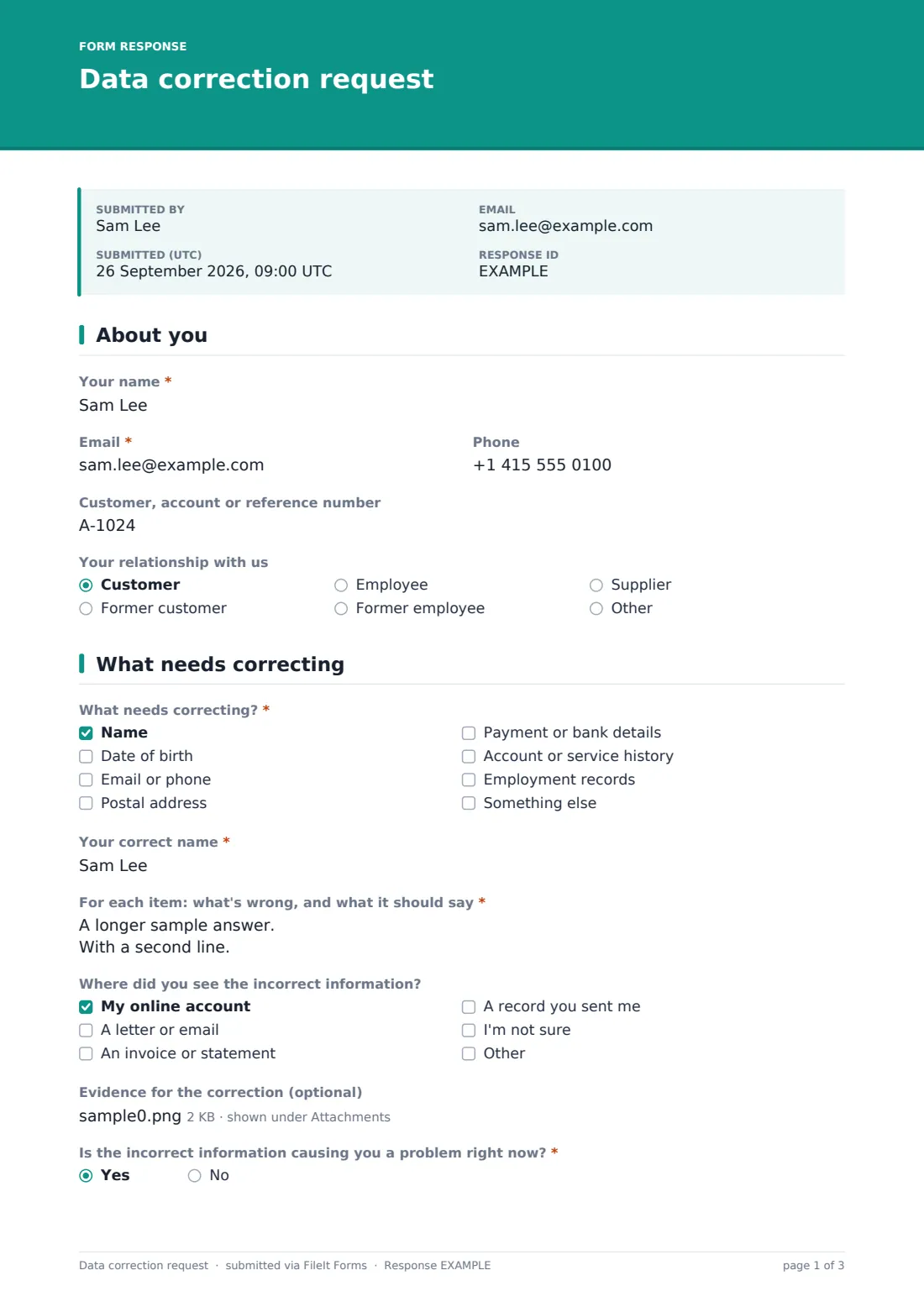
20 questions over 3 pages · includes signature, file upload, conditional questions, multiple pages, consent checkbox.
1 About you
- Your name*
- Email*
- Phone
- Customer, account or reference number
- Your relationship with us Customer · Former customer · Employee · Former employee · Supplier · Other
2 What needs correcting
- What needs correcting?* Name · Date of birth · Email or phone · Postal address · Payment or bank details · Account or service history · Employment records · Something else
- Your correct name* asked only when it applies
- Your correct date of birth* asked only when it applies
- Your correct address* asked only when it applies
- For each item: what's wrong, and what it should say*
- Where did you see the incorrect information? My online account · A letter or email · An invoice or statement · A record you sent me · I'm not sure
- Evidence for the correction (optional)
- Is the incorrect information causing you a problem right now?*
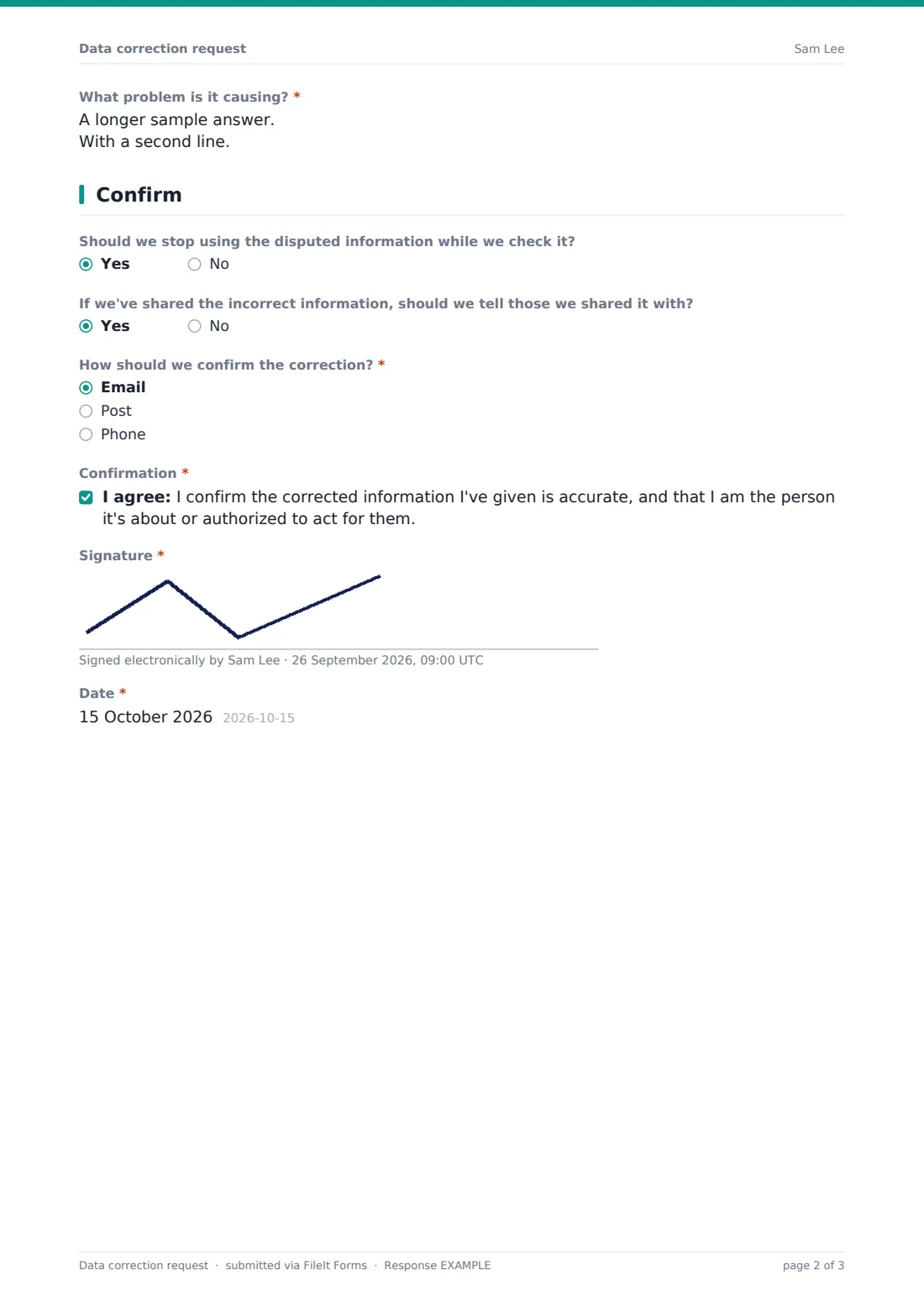
- What problem is it causing?* asked only when it applies
3 Confirm
- Should we stop using the disputed information while we check it?
- If we've shared the incorrect information, should we tell those we shared it with?
- How should we confirm the correction?* Email · Post · Phone
- Confirmation*
- Signature*
- Date*
The data correction request form, page by page
1 About you
Name and email are required; phone, account or reference number and relationship — customer, former customer, employee, former employee, supplier or other — are optional.
2 What needs correcting
'What needs correcting?' takes one or more of name, date of birth, email or phone, postal address, payment or bank details, account or service history, employment records, or something else. Ticking name asks for 'Your correct name', date of birth for 'Your correct date of birth', and address for 'Your correct address'. 'For each item: what's wrong, and what it should say' is required, with help text warning not to type full bank or card numbers. People can say where they saw the error and upload up to five files of evidence. 'Is the incorrect information causing you a problem right now?' is required; yes asks what problem.
3 Confirm
Two optional yes/no questions ask whether to stop using the disputed information while you check, and whether to tell anyone you've shared it with. 'How should we confirm the correction?' — email, post or phone. The person confirms the corrected information is accurate and that they're the person it's about or authorized to act for them, then signs and dates.
Make the template yours
- Edit the correction types to the records you actually keep
- Add structured fields for other common changes, such as a phone number
- Reword the evidence help text to say what you'll accept
- Add your privacy or HR team to NotifyEmails
- Route responses to a restricted folder
- Set a confirmation message with your usual response time
Tips for a better data correction request form
- Correct every system, not just the main one
- Confirm in writing once the change is made
- Ask for evidence only when it's genuinely needed
- Never ask for full card numbers through a form
- If you disagree that something is wrong, explain why and note the dispute on the record
- Watch for patterns — repeated errors point to a process problem
Every response becomes a PDF in your vault
Each request is saved as a signed PDF titled with the person's name in the vault folder you choose, with evidence attached, and the person is emailed a copy.
Search the Responses tab by name or account number, and export to CSV to track open requests and the date each was resolved.
- Start from this template. It opens in the FileIt Forms designer — change any question, add pages, set the rules for when questions appear.
- Share it. Turn on a public link, or send it to people by email, each with their own link. They don’t need a FileIt account.
- Get the answers as PDFs. Each response is saved as a PDF in the vault folder you choose, with uploaded files attached — and listed in a Responses table you can export to CSV.
Data correction request form: frequently asked questions
Is this data correction request template free?
Yes. It's a starter template in FileIt's Forms app, available on every account.
Is this the same as a right-to-rectification request?
It's built for that purpose. Whether a legal right applies depends on where you and the person are.
Can people upload evidence?
Yes. Up to five files, such as a certificate, bill or ID document.
What about bank details?
The form warns people not to type full bank or card numbers. Contact them securely if you need to change payment details.
Do people need a FileIt account?
No. They open the link and submit.
Is this legal advice?
No. It's a starting template. Rules differ between countries, states and sectors, so check the wording against your own situation and take advice where you need it.