What is the cost centre change request form template?
Changes to the chart of accounts tend to arrive as a quick message — "can we get a cost centre for the new events team?" — with the owner, reporting line and effective date to be figured out later. Then payroll, expenses and reporting all need updating, and someone has to work out where the old costs should go.
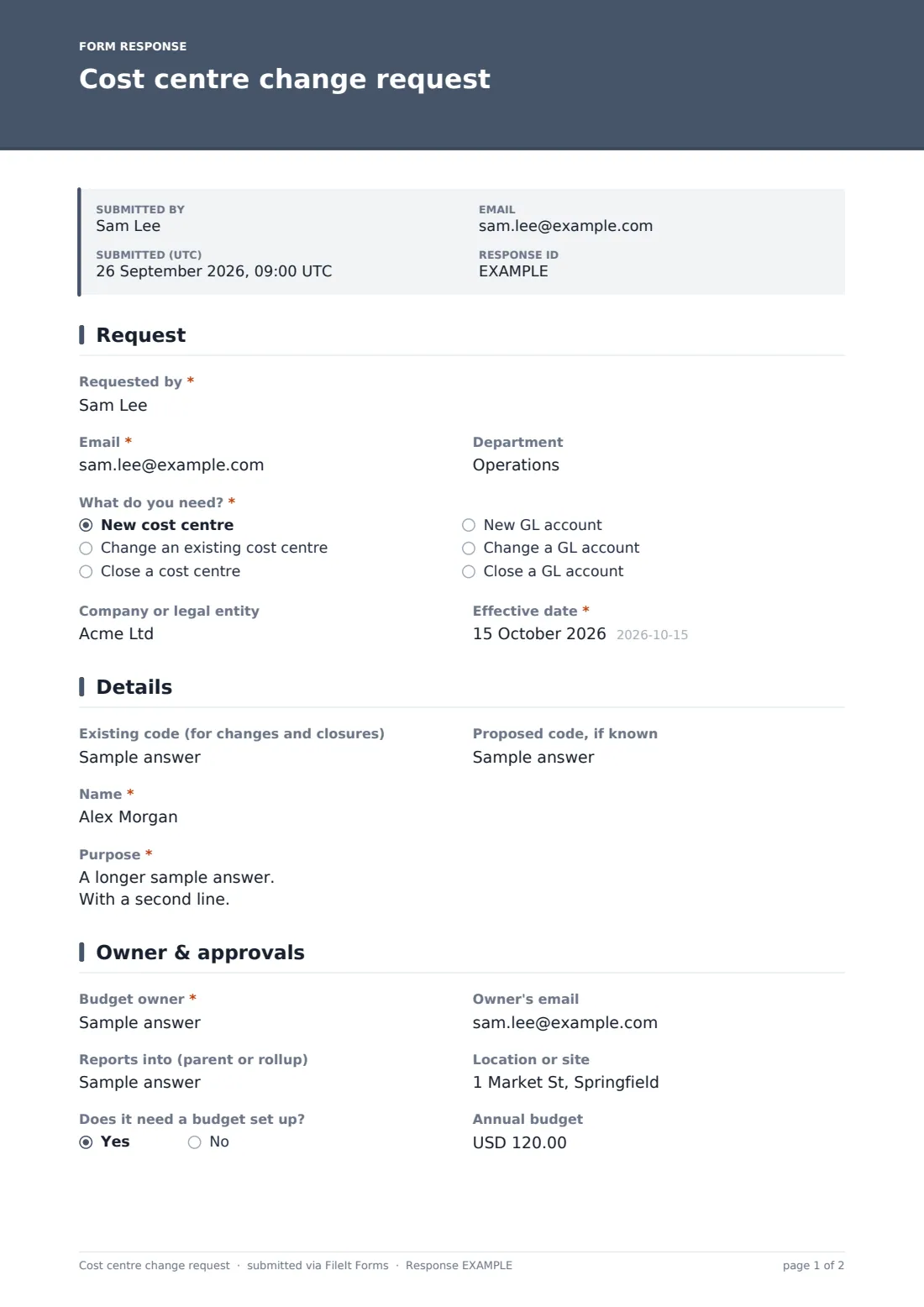
This three-page form captures the whole change. The requester says whether they need a new, changed or closed cost centre, or a new or changed GL account, plus the entity and effective date. The details page asks for the code, name and purpose; for GL accounts it asks the account type, for changes it asks what is changing, and for closures it asks why and where balances should move.
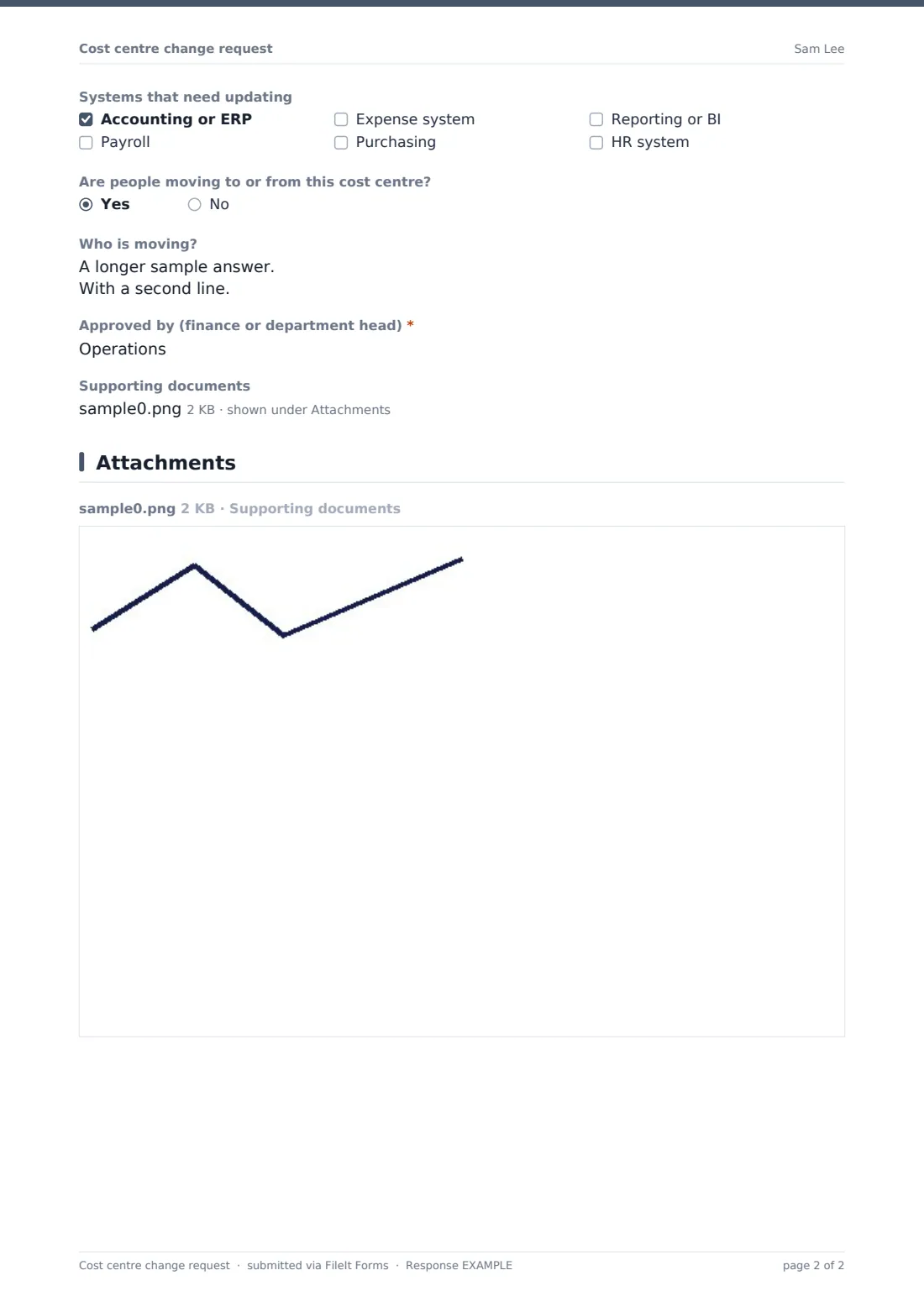
The last page names the budget owner, reporting line, location, any budget to set up, the systems to update, staff moving in or out and the approver. Each request is saved as a PDF in your FileIt vault, giving you an audit trail of master data changes.
- Best for
- Finance and FP&A teams that maintain the chart of accounts
- Filled in by
- Department heads, project leads and finance staff
- Time to complete
- About 5 minutes
- Includes
- New, change or close, owner and rollup, systems checklist, staff moves, approval
Who uses a cost centre change request form?
- Setting up a cost centre for a new team or office
- Changing a cost centre's owner after a manager leaves
- Closing a cost centre after a reorganisation
- Requesting a new GL expense account for a new kind of spend
- Moving a cost centre to a different rollup for management reporting
- Keeping an audit trail of chart of accounts changes for year end
Questions on this cost centre change request form
25 questions over 3 pages · includes file upload, conditional questions, multiple pages.
1 Request
- Requested by*
- Email*
- Department
- What do you need?* New cost centre · Change an existing cost centre · Close a cost centre · New GL account · Change a GL account · Close a GL account
- Company or legal entity
- Effective date*
2 Details
- Existing code (for changes and closures)
- Proposed code, if known asked only when it applies
- Name*
- Purpose*
- Account type* asked only when it applies Expense · Revenue · Asset · Liability · Equity
- What is changing?* asked only when it applies Name · Owner · Reporting line or parent · Entity · Location · Active or blocked status
- Why is it closing, and where should future costs go?* asked only when it applies
- Move open balances and budgets to asked only when it applies
3 Owner & approvals
- Budget owner*
- Owner's email
- Reports into (parent or rollup)
- Location or site
- Does it need a budget set up?
- Annual budget asked only when it applies
- Systems that need updating Accounting or ERP · Payroll · Expense system · Purchasing · Reporting or BI · HR system
- Are people moving to or from this cost centre?
- Who is moving? asked only when it applies
- Approved by (finance or department head)*
- Supporting documents
The cost centre change request form, page by page
1 Request
The requester gives their name, Email and Department, then picks What do you need?: new cost centre, change an existing one, close one, new GL account, or change or close a GL account. Company or legal entity is optional, and Effective date is required, with a hint to use the start of a period.
2 Details
Existing code is for changes and closures; new requests can suggest a Proposed code. Then comes the Name. Purpose explains what will be posted there. GL requests ask the Account type. Changes to a cost centre or GL account ask What is changing? — name, owner, reporting line, entity, location or status. Closures ask why, where future costs should go, and where to move open balances and budgets.
3 Owner & approvals
Budget owner is required, with the owner's email, the parent or rollup and the location. Does it need a budget set up? reveals an Annual budget. Systems that need updating covers accounting or ERP, payroll, expenses, purchasing, reporting and HR. If people are moving, the requester lists them. Approved by is required, and supporting documents can be attached.
Make the template yours
- Replace the parent field with a dropdown of your reporting rollups
- Add a code format pattern so proposed codes follow your numbering
- Remove the GL options if a different team manages the chart of accounts
- Add fields for any other dimensions you use, such as project or region
- Route notifications to your master data or systems team
- Change the currency of the budget field
Tips for a better cost centre change request form
- Make changes effective from the start of a period to keep reporting clean
- Agree where old balances go before closing a cost centre
- Update payroll at the same time, or staff costs keep landing on the old code
- Avoid creating near-duplicate cost centres — check the existing list first
- Review open cost centres yearly and close the ones no longer used
Every response becomes a PDF in your vault
Each request is saved as a PDF in the vault folder you choose, with any attachments. Finance is notified by email, and the requester can get a copy.
Finance sets up the change in each system listed. The Responses table and CSV export make a change log you can share with auditors.
- Start from this template. It opens in the FileIt Forms designer — change any question, add pages, set the rules for when questions appear.
- Share it. Turn on a public link, or send it to people by email, each with their own link. They don’t need a FileIt account.
- Get the answers as PDFs. Each response is saved as a PDF in the vault folder you choose, with uploaded files attached — and listed in a Responses table you can export to CSV.
Cost centre change request form: frequently asked questions
Is this cost centre request template free?
Yes. It's a starter template in the FileIt Forms app on every account.
Does FileIt create the cost centre in our ERP?
No. It collects and files the approved request. Finance sets it up in your systems.
Can one form handle GL accounts too?
Yes. Choose one of the GL account options, and the GL-specific questions appear.
Do requesters need a FileIt account?
No. Share the link inside your organisation.
Can we require a specific code format?
Yes. Add a pattern to the code field in the designer so only valid codes are accepted.
Is it spelled centre or center?
Either. The template uses centre; rename it in the designer if your organisation uses center.