What is the journal entry request form template?
Manual journal entries are where small errors and big questions tend to hide. Someone emails the controller "can you move this cost to marketing?", the entry gets posted from memory, and six months later nobody can say why the balance moved or who asked for it.
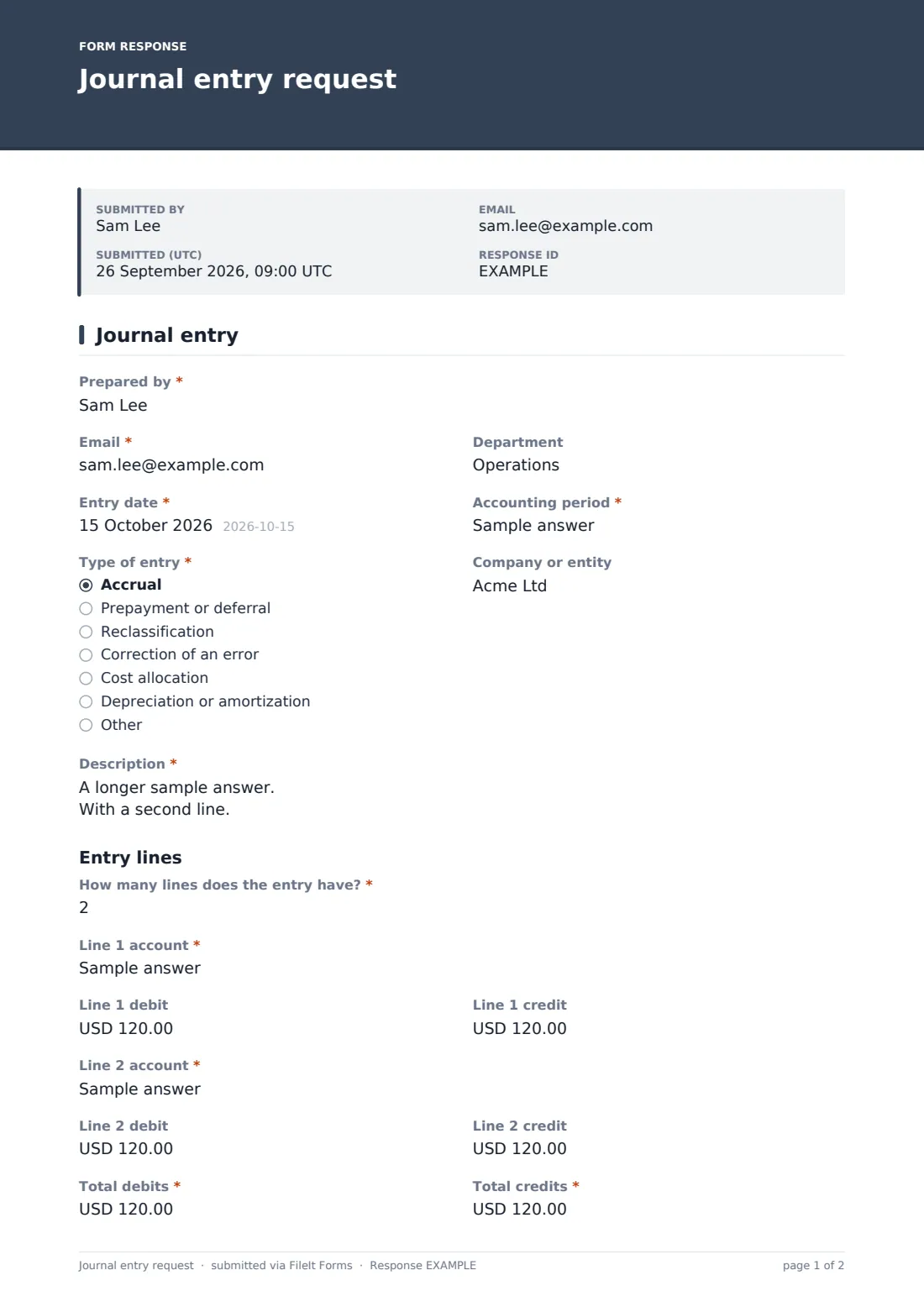
This one-page journal entry request asks for what a reviewer needs before posting. The preparer gives the Entry date, Accounting period, Type of entry and a plain-English description, then says how many lines the entry has. Lines one and two are always shown, and each extra line appears as the count goes up to six, each with an account, a debit and a credit. Total debits and total credits close the table, and a supporting document upload is required.
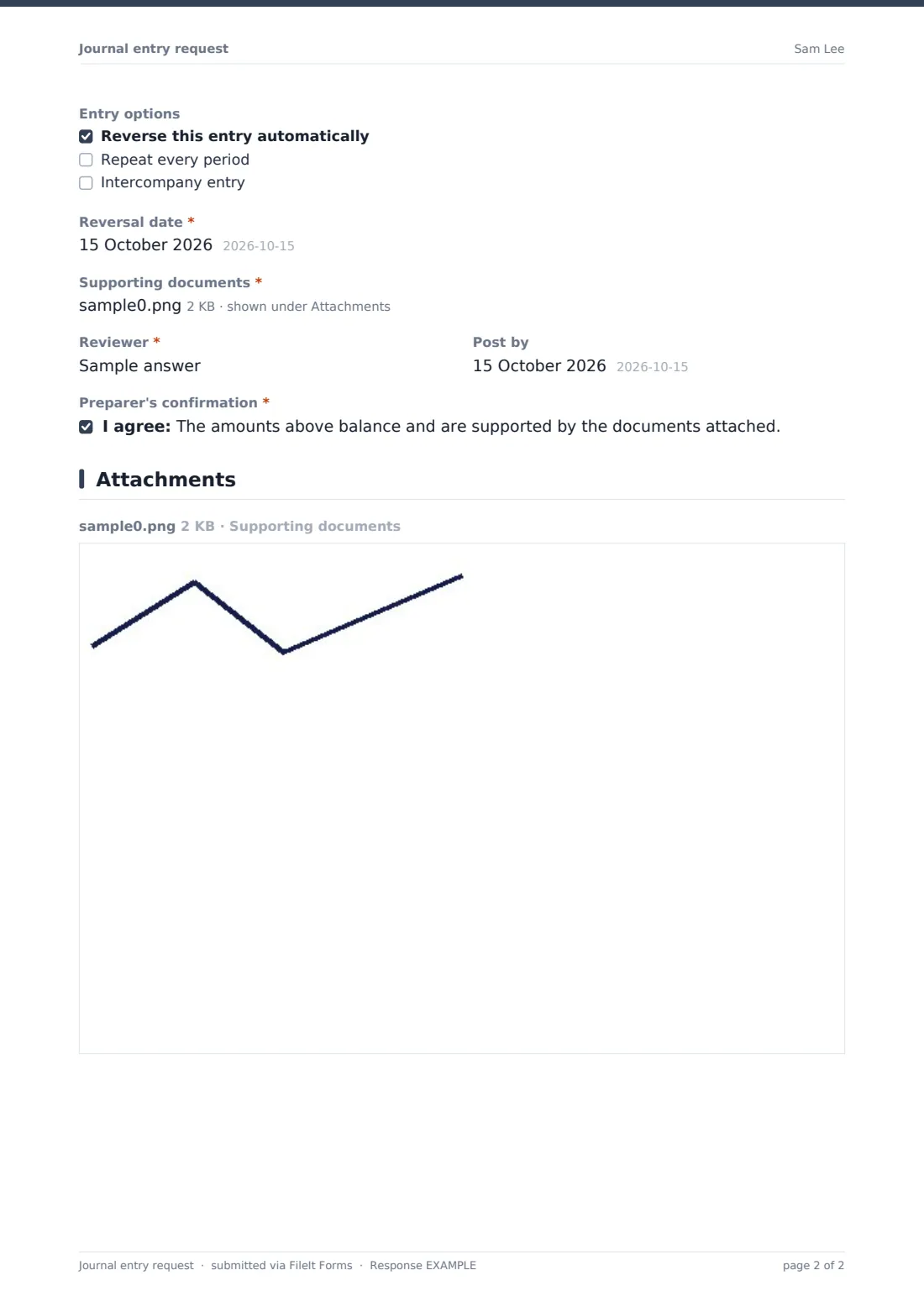
Entry options covers the common extras. Ticking Reverse this entry automatically asks for the reversal date, a recurring entry asks how long to repeat it, and an intercompany entry asks for the other entity. Each request is filed as a PDF in your FileIt vault with its backup, building the audit trail as you go.
- Best for
- Controllers, small finance teams and outsourced bookkeepers
- Filled in by
- Staff accountants, department managers or anyone asking for an adjustment
- Time to complete
- About 4-6 minutes
- Includes
- Up to six lines, totals, reversing, recurring and intercompany options, required backup
Who uses a journal entry request form?
- A staff accountant proposing a month-end accrual for an unbilled supplier
- A department head asking finance to reclassify a cost booked to the wrong budget
- An outsourced bookkeeper sending the client's controller entries to approve
- Correcting a misposting found during a bank reconciliation
- Setting up a monthly prepayment release with a clear end date
- Recording an intercompany recharge between two related companies
Questions on this journal entry request form
37 questions · includes file upload, conditional questions, consent checkbox.
1 Journal entry
- Prepared by*
- Email*
- Department
- Entry date*
- Accounting period*
- Type of entry* Accrual · Prepayment or deferral · Reclassification · Correction of an error · Cost allocation · Depreciation or amortization · Other
- Company or entity
- Description*
- How many lines does the entry have?*
- Line 1 account*
- Line 1 debit
- Line 1 credit
- Line 2 account*
- Line 2 debit
- Line 2 credit
- Line 3 account* asked only when it applies
- Line 3 debit asked only when it applies
- Line 3 credit asked only when it applies
- Line 4 account* asked only when it applies
- Line 4 debit asked only when it applies
- Line 4 credit asked only when it applies
- Line 5 account* asked only when it applies
- Line 5 debit asked only when it applies
- Line 5 credit asked only when it applies
- Line 6 account* asked only when it applies
- Line 6 debit asked only when it applies
- Line 6 credit asked only when it applies
- Total debits*
- Total credits*
- Entry options Reverse this entry automatically · Repeat every period · Intercompany entry
- Reversal date* asked only when it applies
- Repeat until* asked only when it applies
- Other entity in the intercompany entry* asked only when it applies
- Supporting documents*
- Reviewer*
- Post by
- Preparer's confirmation*
The journal entry request form, page by page
1 Journal entry
The preparer enters Prepared by, email and department, then the Entry date and Accounting period. Type of entry offers accrual, prepayment or deferral, reclassification, correction of an error, cost allocation, depreciation or amortization, and Other. An optional Company or entity field helps groups with more than one set of books. Description asks for the purpose of the entry in words a reviewer will follow later.
Under Entry lines, How many lines does the entry have? takes a number from 2 to 6, with a note to attach a spreadsheet for anything longer. Line 1 account, Line 1 debit and Line 1 credit repeat for each line, with lines three to six appearing only as the count needs them. Total debits and Total credits come next, with a reminder that they must be equal.
Entry options lists Reverse this entry automatically (revealing Reversal date), Repeat every period (revealing Repeat until) and Intercompany entry (revealing the other entity). Supporting documents is required and takes calculations, invoices, contracts or spreadsheets. The preparer names the Reviewer, an optional Post by date, and confirms the entry balances and is supported.
Make the template yours
- Turn the account fields into dropdowns of your chart of accounts
- Change the currency fields to your reporting currency
- Remove the intercompany option if you only keep one set of books
- Add a dimension such as department, class or project to each line
- Lower or raise the line limit by removing or duplicating line fields in the designer
- Send notifications to the controller's inbox as well as your own
Tips for a better journal entry request form
- Write descriptions a stranger could follow; the reviewer at year end may not be the person who posted it
- Attach the calculation, not just the result
- Use reversing entries for accruals so they don't get double-counted next month
- Keep preparer and reviewer different people, even in a small team
- Export requests each month and tick them off against what was actually posted
Every response becomes a PDF in your vault
Each request is filed as a PDF in the vault folder you choose, with the supporting documents attached as files on the same record. You're notified by email, and the preparer can receive a copy.
The reviewer posts the entry in your accounting system. The Responses table lists every request by date and preparer, and the CSV export makes a simple journal log for month-end review.
- Start from this template. It opens in the FileIt Forms designer — change any question, add pages, set the rules for when questions appear.
- Share it. Turn on a public link, or send it to people by email, each with their own link. They don’t need a FileIt account.
- Get the answers as PDFs. Each response is saved as a PDF in the vault folder you choose, with uploaded files attached — and listed in a Responses table you can export to CSV.
Journal entry request form: frequently asked questions
Is this journal entry request template free?
Yes. It's a starter template in FileIt's Forms app on every account, and every question can be changed.
Does the form post the entry to my accounting software?
No. It collects and files the request. Someone with access to your books posts the entry.
Does the form check that debits equal credits?
No. It asks for both totals and reminds the preparer they must match. The reviewer should confirm before posting.
What if the entry has more than six lines?
Attach the full entry as a spreadsheet and summarise it on the form, or add more line fields in the designer.
How do reversing entries work here?
Tick Reverse this entry automatically and the form asks for the reversal date. The reversal itself is set up in your accounting system.
Do preparers need a FileIt account?
No. Share the link with your team and they can submit requests without signing up.