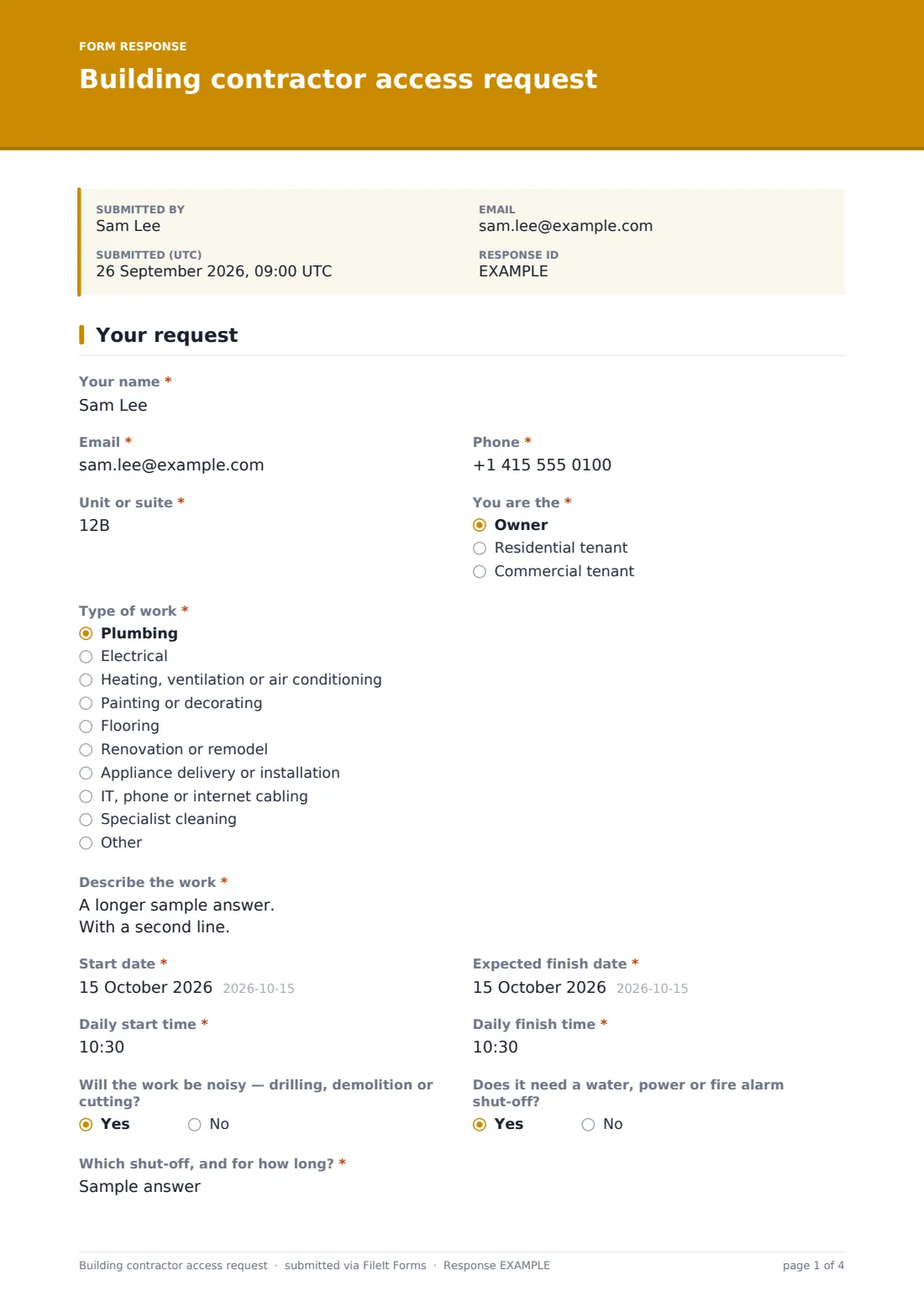
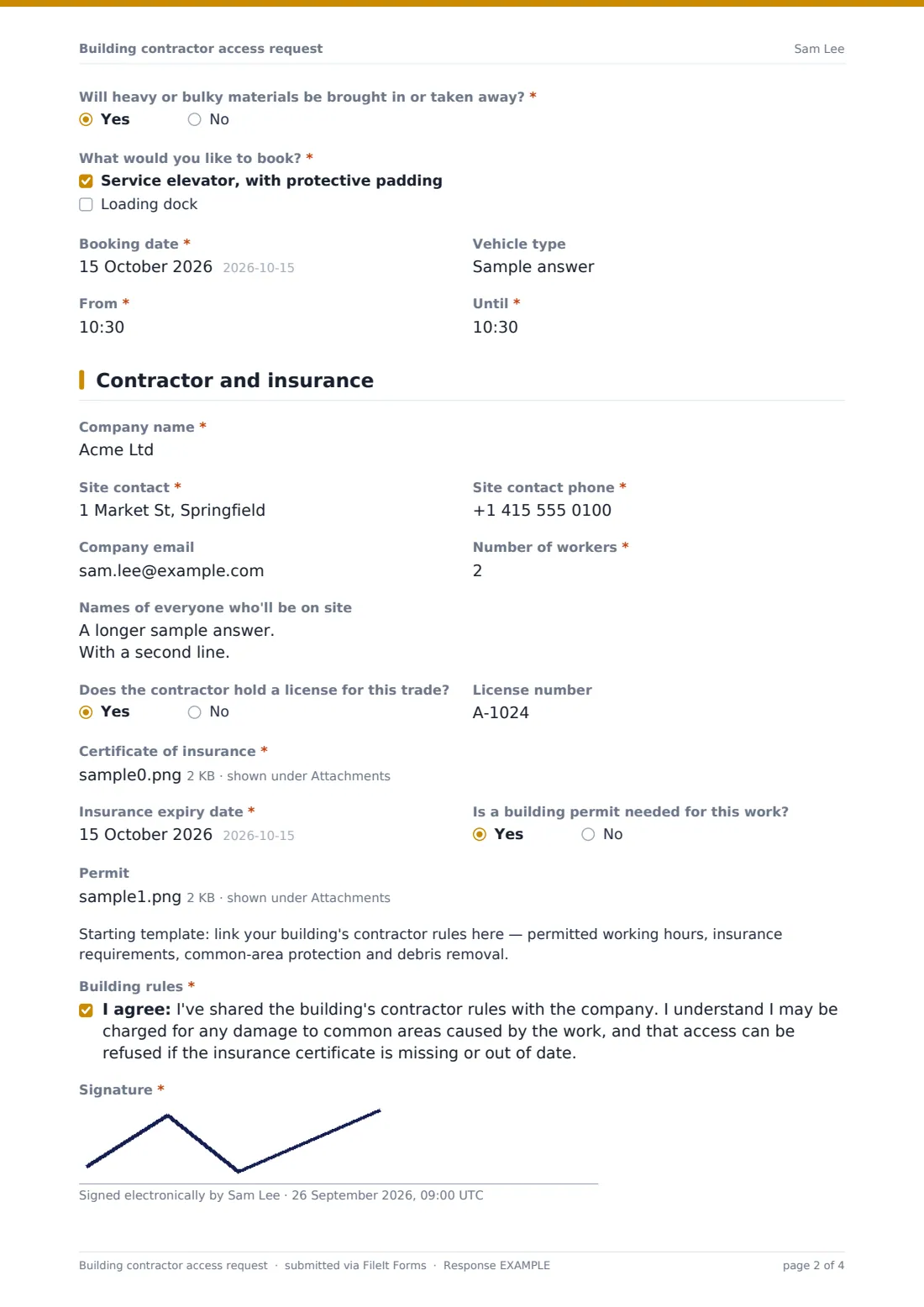
What is the building contractor access request form template?
In an apartment, condo or office building, a contractor turning up unannounced creates problems for everyone. The front desk doesn't know who they are. The service elevator is booked for a move. Nobody has checked their insurance. Neighbours get drilling at 8 a.m. on a Saturday. A contractor access request gives management what it needs before the work starts, and gives residents a simple way to ask.
Page one of this template covers the resident and the job: name, contact details, "Unit or suite" and whether they're the owner, a residential tenant or a commercial tenant — tenants are asked whether the owner or landlord has approved the work. "Type of work", a description, start and finish dates and daily hours follow, with questions about noise and about water, power or fire alarm shut-offs.
Answering yes to "Will heavy or bulky materials be brought in or taken away?" reveals "What would you like to book?" — service elevator with padding, loading dock or both — with a date, time slot and vehicle type. Page two is the contractor: company, site contact, number of workers, names on site, license, the required "Certificate of insurance" upload and "Insurance expiry date", and any building permit. The resident accepts the building rules and signs. Each request is filed as a PDF in your FileIt vault with the certificate attached.
- Best for
- Condo and co-op boards, apartment buildings, office and retail property managers
- Filled in by
- Residents, unit owners and commercial tenants
- Time to complete
- About 6 minutes
- Includes
- Work type and schedule, shut-offs, elevator and loading-dock booking, worker list, license, insurance certificate and expiry, permit, signature
Who uses a building contractor access request form?
- Kitchen and bathroom renovations in a condo building
- Office fit-outs and cabling work in a multi-tenant building
- Appliance deliveries that need the service elevator
- Collecting insurance certificates before any contractor arrives
- Coordinating plumbing work that needs a riser shut-off
- Giving the front desk a list of expected workers
Questions on this building contractor access request form
35 questions over 2 pages · includes signature, file upload, conditional questions, multiple pages, consent checkbox.
1 Your request
- Your name*
- Email*
- Phone*
- Unit or suite*
- You are the* Owner · Residential tenant · Commercial tenant
- Has the owner or landlord approved the work?* asked only when it applies
- Type of work* Plumbing · Electrical · Heating, ventilation or air conditioning · Painting or decorating · Flooring · Renovation or remodel · Appliance delivery or installation · IT, phone or internet cabling · Specialist cleaning · Other
- Describe the work*
- Start date*
- Expected finish date*
- Daily start time*
- Daily finish time*
- Will the work be noisy — drilling, demolition or cutting?
- Does it need a water, power or fire alarm shut-off?
- Which shut-off, and for how long?* asked only when it applies
- Will heavy or bulky materials be brought in or taken away?*
- What would you like to book?* asked only when it applies Service elevator, with protective padding · Loading dock
- Booking date* asked only when it applies
- Vehicle type asked only when it applies
- From* asked only when it applies
- Until* asked only when it applies
2 Contractor and insurance
- Company name*
- Site contact*
- Site contact phone*
- Company email
- Number of workers*
- Names of everyone who'll be on site
- Does the contractor hold a license for this trade?
- License number asked only when it applies
- Certificate of insurance*
- Insurance expiry date*
- Is a building permit needed for this work?
- Permit asked only when it applies
- Building rules*
- Signature*
The building contractor access request form, page by page
1 Your request
Name, email, phone, unit and "You are the" are required; non-owners must say whether the owner approved the work. "Type of work" lists ten common trades. "Describe the work", dates and the daily start and finish times are required. Two side-by-side yes/no questions cover noise and shut-offs, and a shut-off asks which one and for how long. The heavy-materials question is required; yes opens the booking choices with "Booking date", "Vehicle type" and a from–until time slot.
2 Contractor and insurance
"Company name", "Site contact", the contact's phone and "Number of workers" are required, with an optional company email and a list of names for security. A license number is asked for when the contractor holds one. The insurance certificate (up to two files) and its expiry date are required, and a permit can be uploaded if one is needed. A placeholder for your contractor rules, the rules statement and a signature finish the request.
Make the template yours
- Replace the template note with a link to your contractor rules
- Change the notice period in the cover text
- Edit the insurance help text with your building's exact certificate requirements
- Add your front desk or security to the notification emails
- Remove the loading dock option if your building doesn't have one
- File requests in a vault folder per building or per year
Tips for a better building contractor access request form
- Check the insurance expiry date covers the whole job, not just the start
- Confirm elevator bookings in writing so two moves don't collide
- Give security the list of worker names the day before
- Warn neighbours about noisy work and shut-offs in advance
- Keep the certificate with the request in case of a claim later
Every response becomes a PDF in your vault
Each request is filed as a PDF in your vault with the insurance certificate and any permit attached, and management is emailed. The resident can receive a copy of their request.
Use the Responses table to see upcoming work by start date, and export to CSV for the front desk's weekly schedule. FileIt doesn't book the elevator in another system — you confirm bookings yourself.
- Start from this template. It opens in the FileIt Forms designer — change any question, add pages, set the rules for when questions appear.
- Share it. Turn on a public link, or send it to people by email, each with their own link. They don’t need a FileIt account.
- Get the answers as PDFs. Each response is saved as a PDF in the vault folder you choose, with uploaded files attached — and listed in a Responses table you can export to CSV.
Building contractor access request form: frequently asked questions
Is this contractor access request template free?
Yes. It's a starter template in FileIt's Forms app, included on the free plan.
Is the insurance certificate required?
Yes. The form can't be submitted without an upload and its expiry date. You can relax this in the designer.
How does the elevator booking work?
A yes to the heavy-materials question asks which facilities to book, the date, the time slot and the vehicle type. Management then confirms the booking.
Does FileIt check whether the insurance is valid?
No. It records the certificate and the expiry date entered, so your team can check them.
Can commercial tenants use it?
Yes. "You are the" includes commercial tenant, and the questions suit office and retail work.
Do residents need a FileIt account?
No. They use the link you share in the building newsletter or resident portal.