What is a telehealth consent?
Therapists, physiotherapists, dietitians, coaches in health settings and medical practices increasingly see patients over video. Many professional bodies expect patients to give informed consent to telehealth specifically: they should understand what it can and can't do, the privacy and technology risks, what happens if the connection drops, and what to do in an emergency.
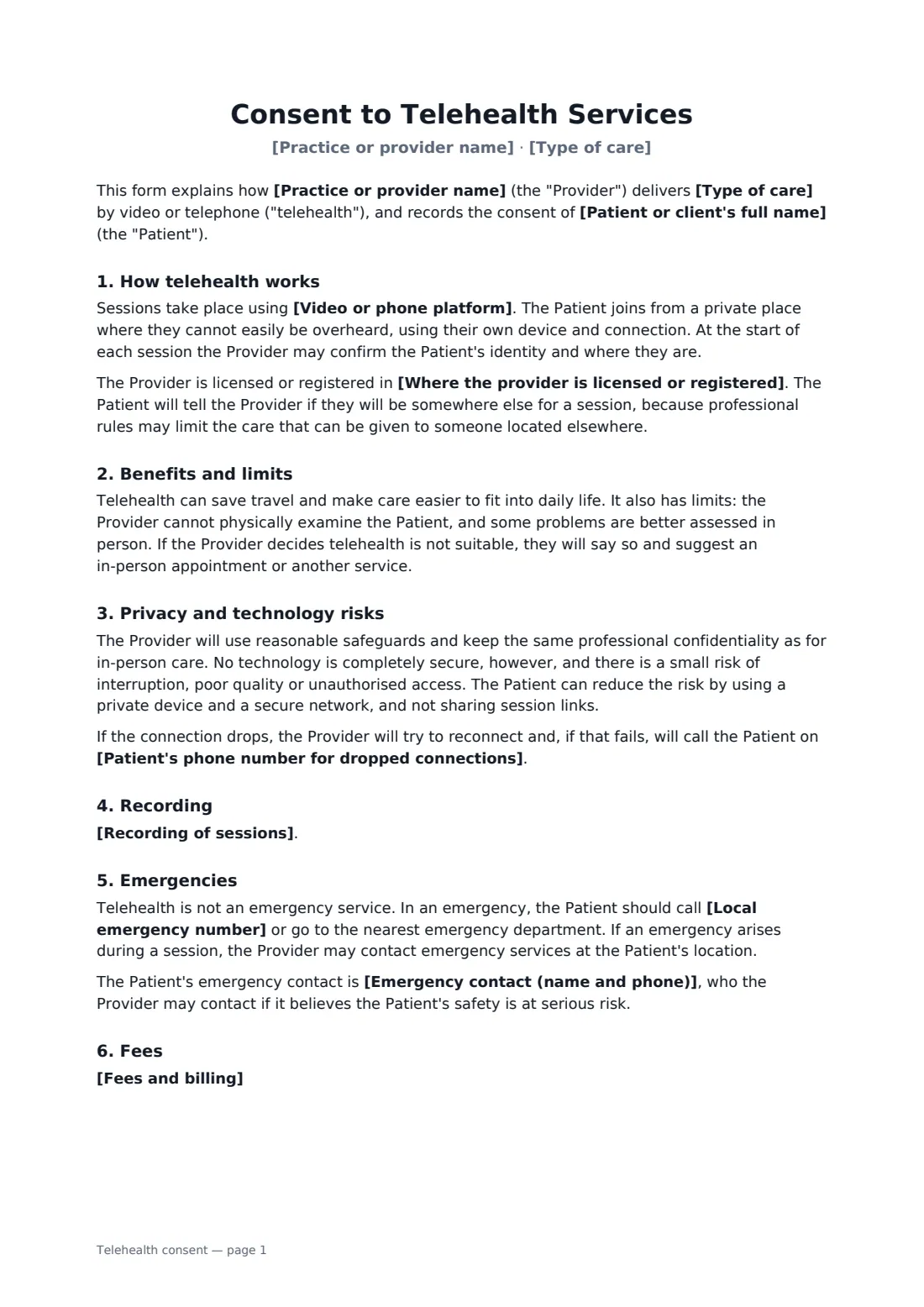
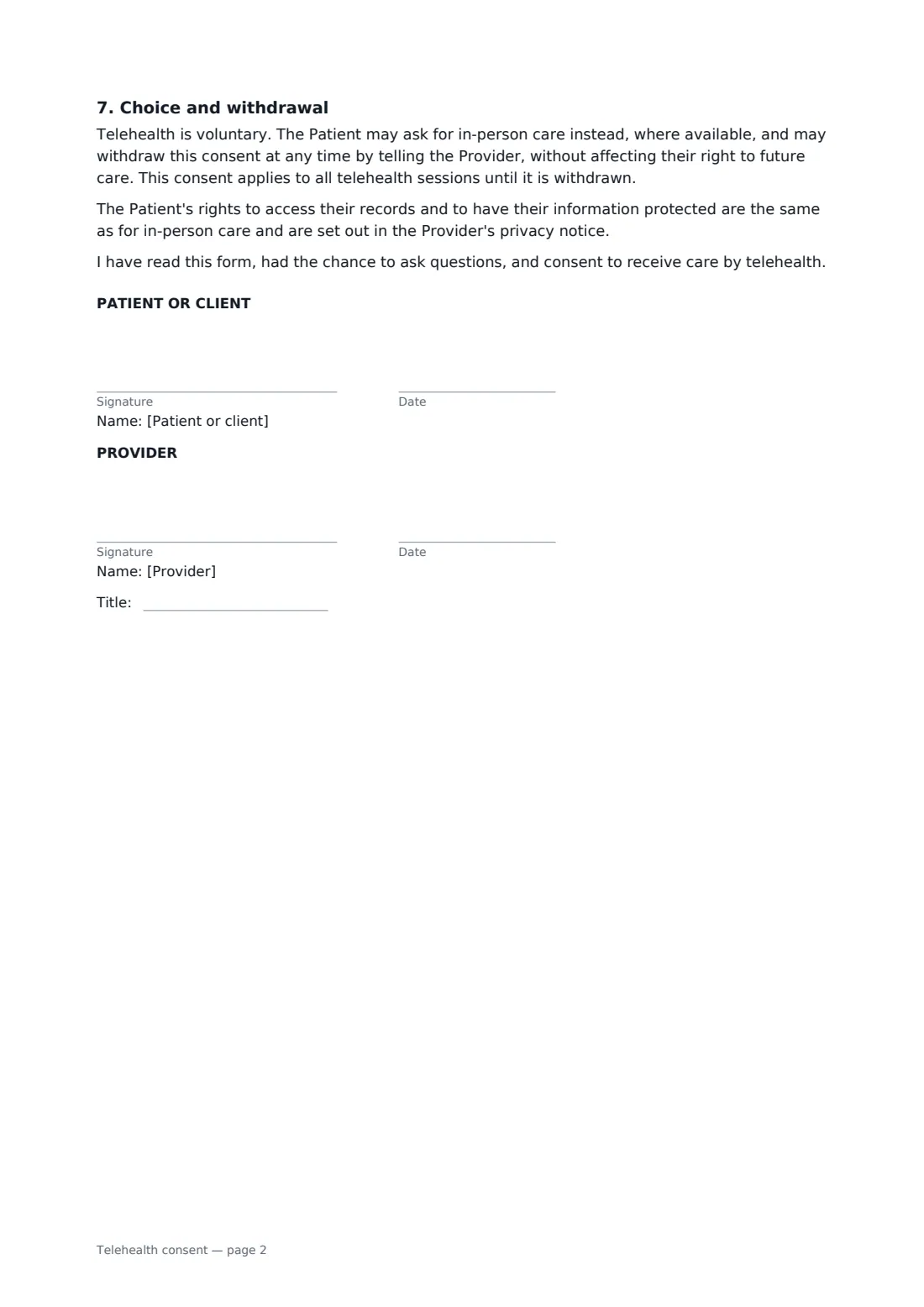
This form describes the type of care and the platform you use, asks the patient to join from a private place, and notes where you're licensed so patients tell you if they'll be elsewhere. It explains the benefits and limits of remote care, privacy safeguards and residual risk, a backup phone number, your recording policy, emergencies and the local emergency number, fees, and the patient's right to choose in-person care or withdraw. A parent or guardian can sign on a patient's behalf.
- Best for
- Therapists, counsellors, physiotherapists, dietitians, clinics offering video or phone sessions
- Signed by
- The patient (or parent/guardian) and the provider
- Covers
- Platform, privacy, dropped calls, recording, emergencies, fees, withdrawal
- Length
- 2 pages
When to use a telehealth consent
- A counsellor or psychotherapist starting online sessions
- A physiotherapy practice offering video follow-ups
- A dietitian or nutritionist consulting by video
- A clinic adding phone appointments for routine reviews
- A parent consenting to telehealth sessions for their child
What you fill in
12 blanks, then the name and email of each person who signs: patient or client, provider.
1 The practice
- Practice or provider name*
- Type of care*
- Video or phone platform*
- Where the provider is licensed or registered
2 The patient
- Patient or client's full name*
- Date of birth
- Who signs* The patient themselves · A parent or guardian on the patient's behalf
- Patient's phone number for dropped connections*
- Emergency contact (name and phone)
3 Session terms
- Recording of sessions* Sessions are not recorded by either party · Sessions may be recorded only with both parties' agreement at the time
- Fees and billing
- Local emergency number*
4 Who signs
- Patient or client signature and date · The adult receiving care, or a parent or guardian signing for a minor or a person who cannot consent.
- Provider signature and date, job title
What the telehealth consent covers
- How telehealth works
- Benefits and limits
- Privacy and technology risks
- Recording
- Emergencies
- Fees
- Choice and withdrawal
Using the telehealth consent, step by step
1 Describe your service
Enter your practice name, the type of care and the platform you use. Add where you're licensed or registered if your profession limits treating patients in other places.
2 Add the patient
Enter the patient's name, a backup phone number for dropped connections and, optionally, an emergency contact. Choose whether the patient signs or a parent or guardian signs for them.
3 Set recording, fees and emergencies
Choose your recording policy, add any fee and cancellation terms, and enter the local emergency number.
4 Send before the first session
Send the form with your intake paperwork. The patient signs on any device; you countersign and the signed copy is kept in your FileIt vault.
Tips before you send it
- Use a video service suitable for health information under the privacy rules that apply to you.
- Confirm the patient's location at the start of each session, so you know where to send help in an emergency.
- Check your professional body's guidance — some require extra content, such as specific risk wording for mental health care.
- Keep a record of each session in the patient's notes the same way as in-person care.
Sign it online in minutes
- Fill in the blanks. Names, dates and amounts go straight into the agreement — the preview shows exactly where.
- Name who signs. Tick “This is me” for your own part. FileIt builds the PDF with every signature, date box on the right line, and you can check or move anything before sending.
- Send it. Each signer gets a secure link and signs from any device — no account needed. The signed PDF, with an audit trail and a Certificate of Completion, is filed in your vault and emailed to everyone.
Telehealth consent: frequently asked questions
Do I need a separate consent for telehealth?
Many professional bodies and some laws expect informed consent to telehealth specifically, in addition to your usual consent to treatment. Check the requirements for your profession and location.
Does this form make my platform compliant with privacy law?
No. The form explains the risks and your safeguards to the patient. Whether your platform and practices meet HIPAA, GDPR or other rules is a separate question for you to check.
Can a parent sign for a child?
Yes. Choose the parent or guardian option and the form records that they have authority to consent for the patient. Local rules on when minors can consent to their own care vary.
Can patients sign it electronically?
Yes. Electronic signatures are generally valid for consent forms in the US (ESIGN Act and UETA), the UK, the EU (eIDAS) and Canada. FileIt adds an audit trail and a Certificate of Completion to the signed PDF.
How long does the consent last?
It covers all telehealth sessions until the patient withdraws it. You may want to refresh it when your platform or terms change.