What is a rent increase notice?
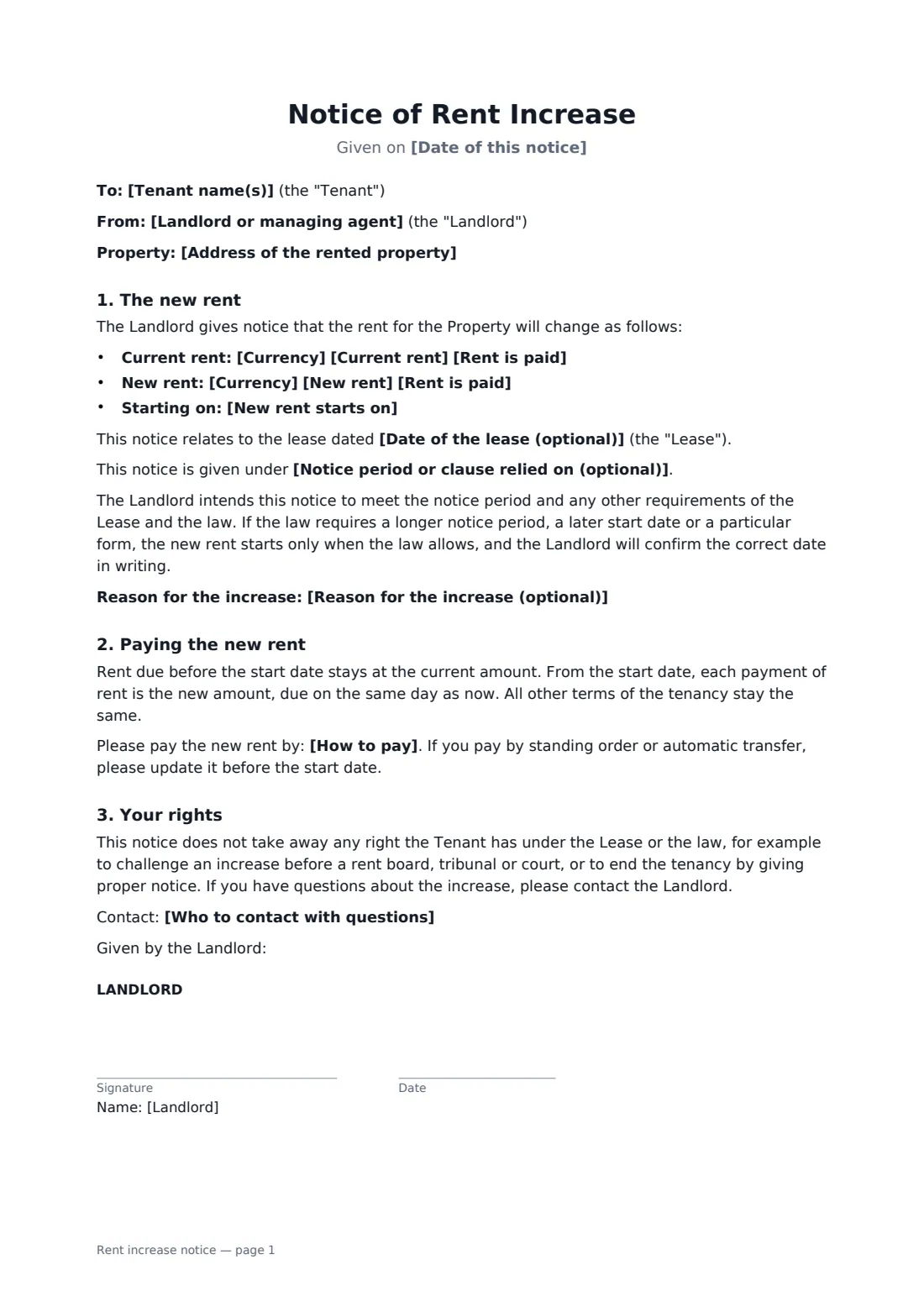
A landlord gives written notice of a new rent and the date it starts, and the tenant acknowledges receiving it — with the old and new amounts, the lease it relates to and how to pay. Start from this template in FileIt eSignature: fill in the blanks, add the people who sign, and send it. Everyone signs online and the signed PDF is filed in your vault.
What you fill in
14 blanks, then the name and email of each person who signs: landlord, tenant.
1 The tenancy
- Date of this notice*
- Landlord or managing agent*
- Tenant name(s)*
- Address of the rented property*
- Date of the lease (optional)
2 The new rent
- Currency*
- Current rent*
- New rent*
- Rent is paid* per month · per week · every two weeks · per quarter · per year
- New rent starts on*
- Notice period or clause relied on (optional)
- Reason for the increase (optional)
3 Payment
- How to pay
- Who to contact with questions
4 Who signs
- Landlord signature and date · The landlord or the managing agent who gives the notice.
- Tenant signature and date · The tenant who receives the notice and acknowledges it. If several tenants are on the lease, send a copy to each one.
What the rent increase notice covers
- The new rent
- Paying the new rent
- Your rights
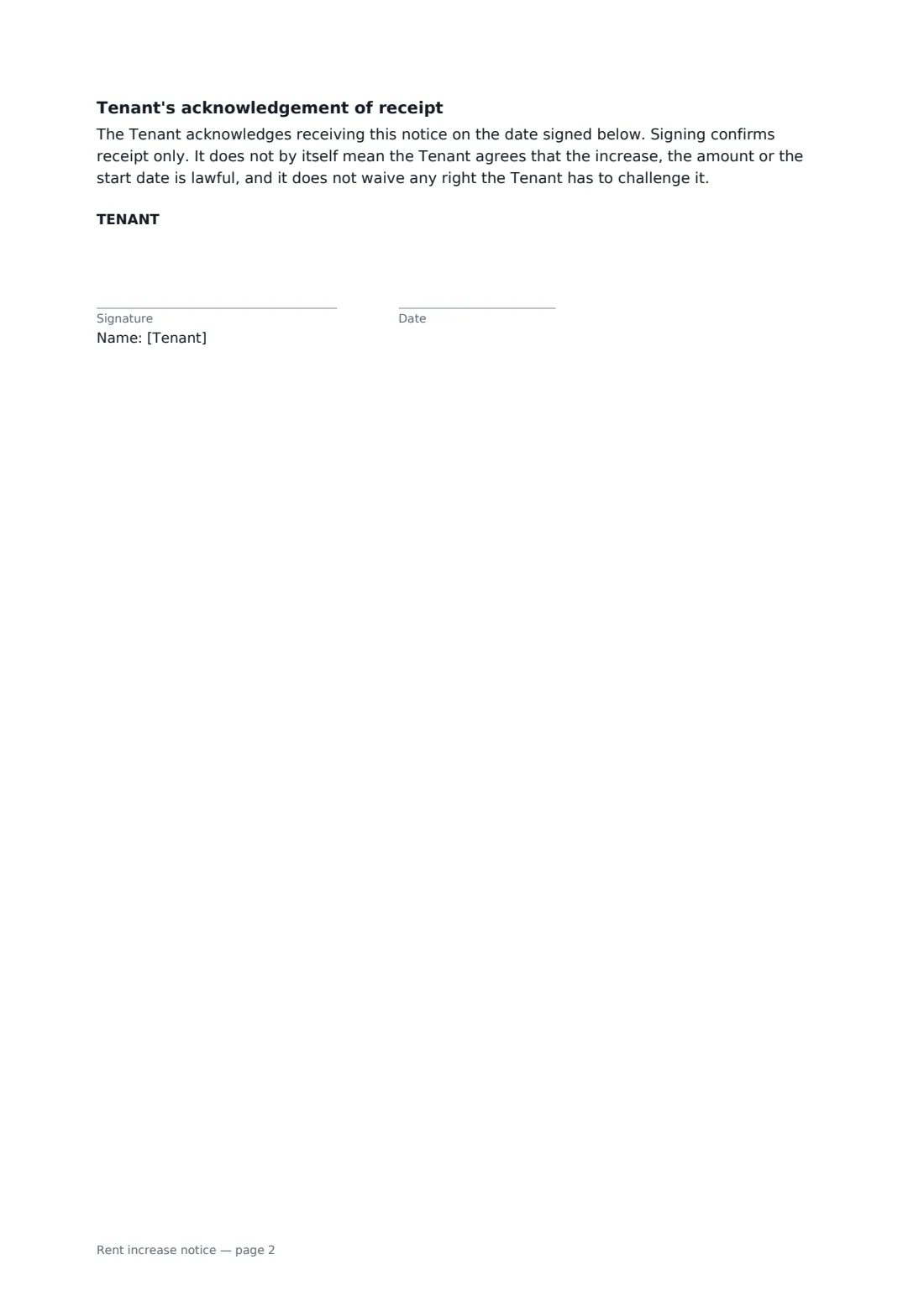
- Tenant's acknowledgement of receipt
Sign it online in minutes
- Fill in the blanks. Names, dates and amounts go straight into the agreement — the preview shows exactly where.
- Name who signs. Tick “This is me” for your own part. FileIt builds the PDF with every signature, date box on the right line, and you can check or move anything before sending.
- Send it. Each signer gets a secure link and signs from any device — no account needed. The signed PDF, with an audit trail and a Certificate of Completion, is filed in your vault and emailed to everyone.