What is Form CT-W4?
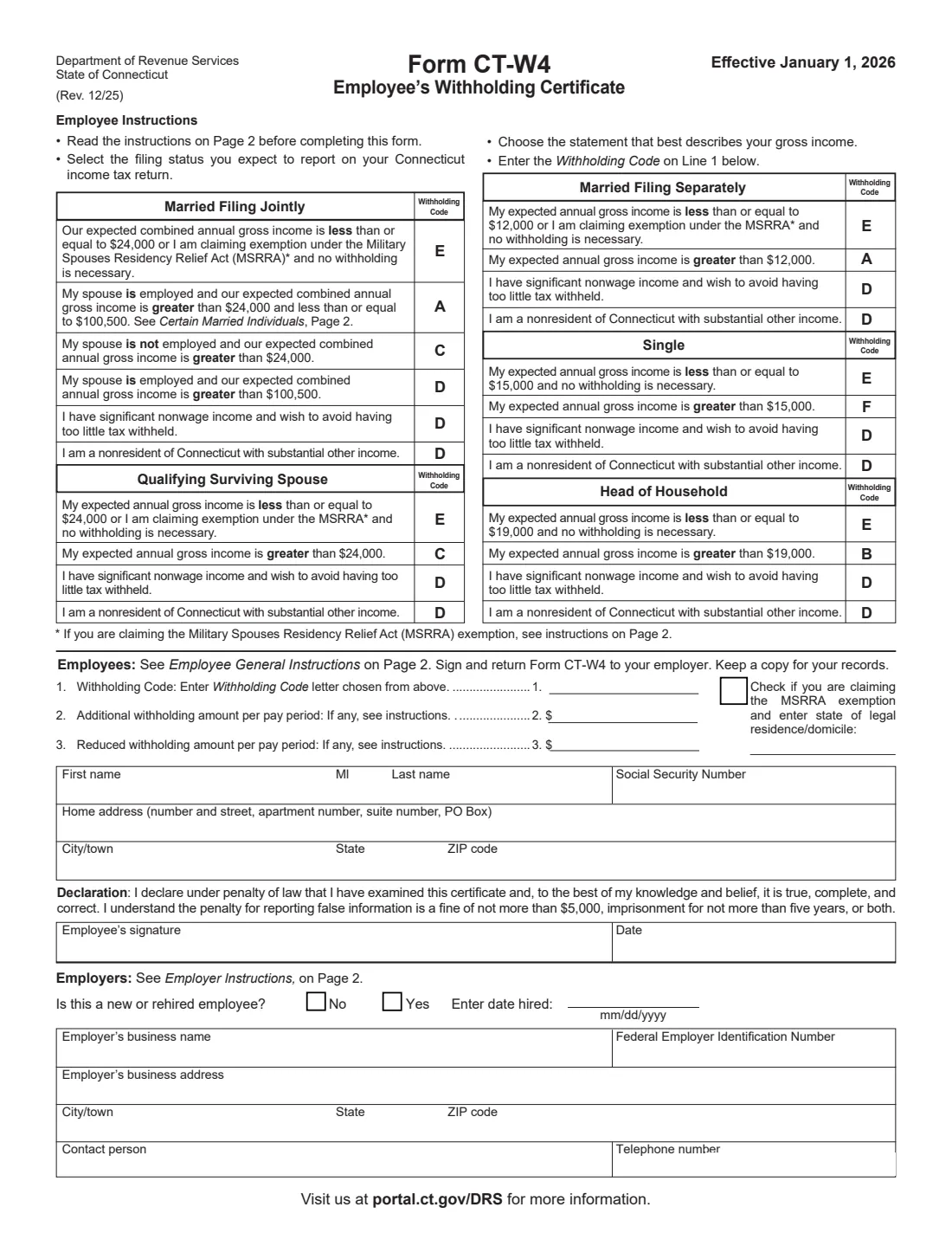
Tells your employer how much Connecticut income tax to withhold from your wages. You pick the Withholding Code (A to F) that matches your filing status and expected income, add any extra or reduced amount per pay, sign it and give it to your employer.
What’s on Form CT-W4
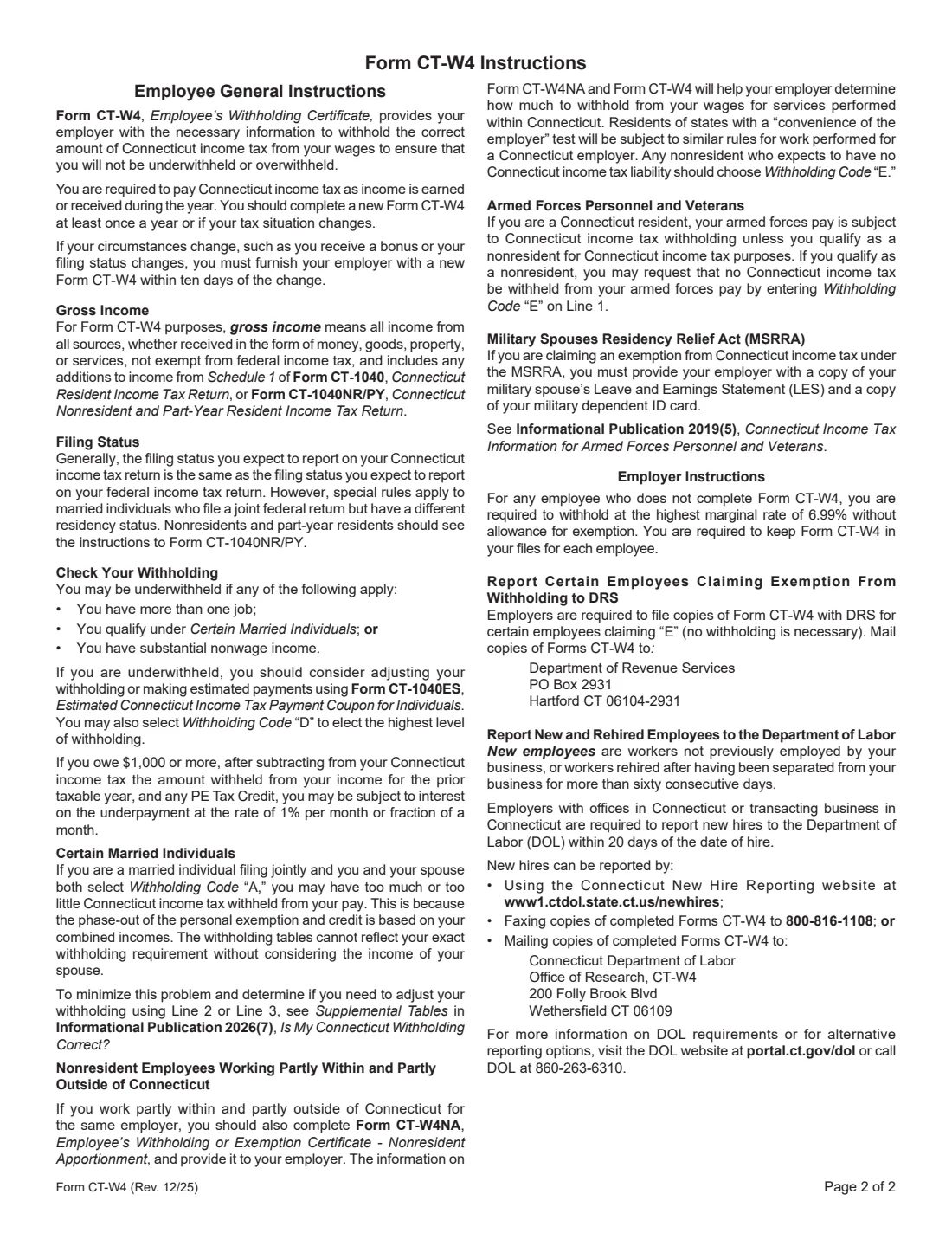
The 2025 edition has 2 pages. FileIt asks for it in 4 parts, and it is signed by Employee:
- Line 1: Your Withholding CodeEmployee
- Lines 2 and 3: Adjust the amount per pay periodEmployee
- Your name, SSN and home addressEmployee
- Employer sectionEmployer
Fill out Form CT-W4 online with FileIt
- Pick the person. Choose someone from People and FileIt fills in their name, date of birth, address and other details it already knows.
- Answer plain-language questions. One part of the form at a time, with the official help text beside each question — 30 fields in all. Your answers save as you go.
- Check the live preview. Watch your answers land on the real Connecticut Department of Revenue Services (DRS) form, and let FileIt do any worksheet arithmetic.
- Generate the official PDF. FileIt prints your answers into the agency’s own PDF and files it in that person’s folder in your vault. Sign it, or send it for e-signature.
FileIt fills the form — it never files or submits anything for you. Deliver the finished form to whoever asked for it, the way the form’s instructions say.
Start Form CT-W4 now — it’s freeOfficial sources
- Blank form (PDF), published by Connecticut Department of Revenue Services (DRS): https://portal.ct.gov/-/media/drs/forms/2026/wth/ct-w4_1225fillable.pdf
- Official instructions and guidance: https://portal.ct.gov/drs/withholding-tax/withholding-tax
- Edition shown on this page: CT-W4 (Rev. 12/25), effective January 1, 2026 (checked 2026-09-28).
FileIt is not affiliated with or endorsed by Connecticut Department of Revenue Services (DRS) or any government. This page explains the form in general terms and is not legal, tax or immigration advice. Always read the official instructions, and check that you are using the edition the recipient accepts.