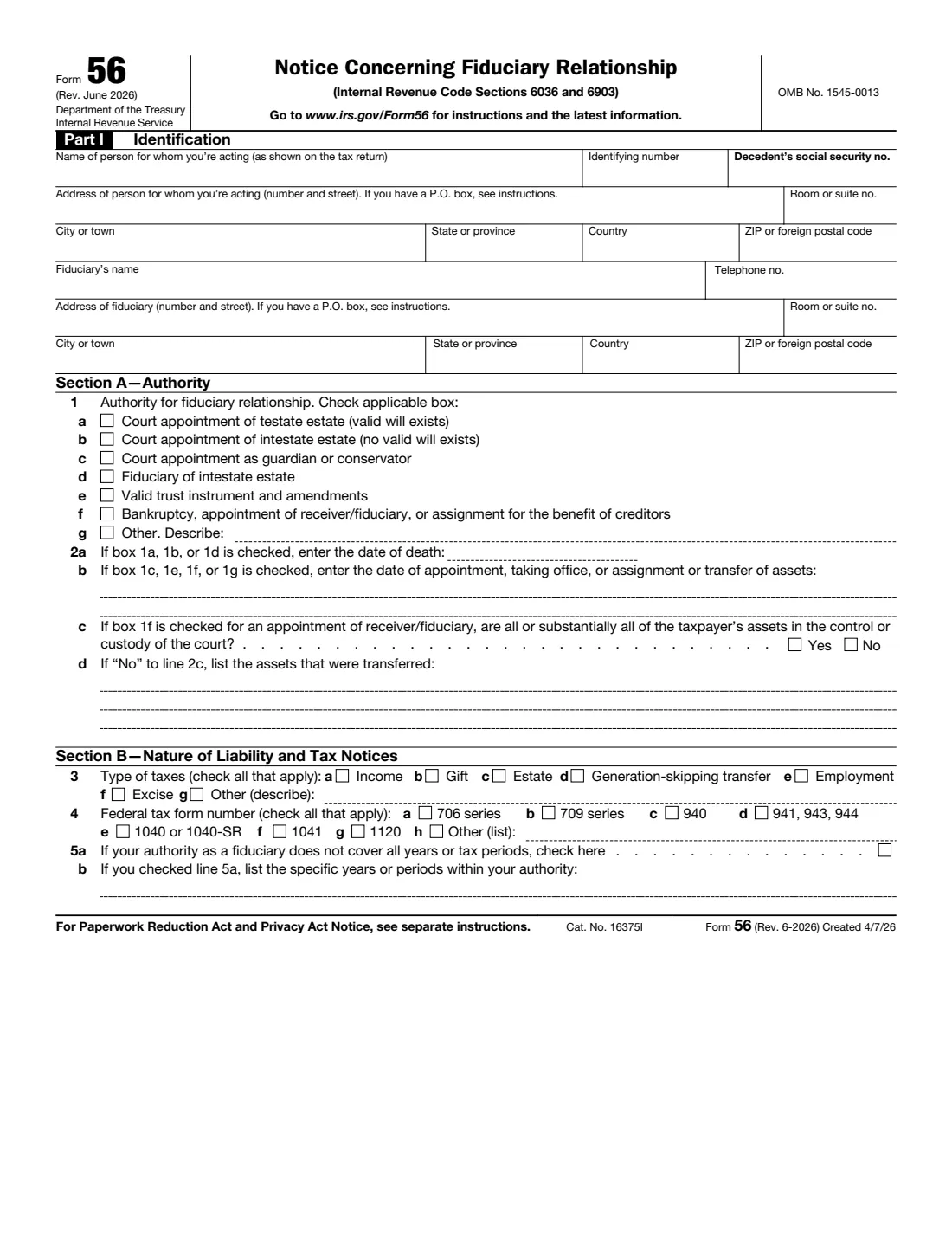
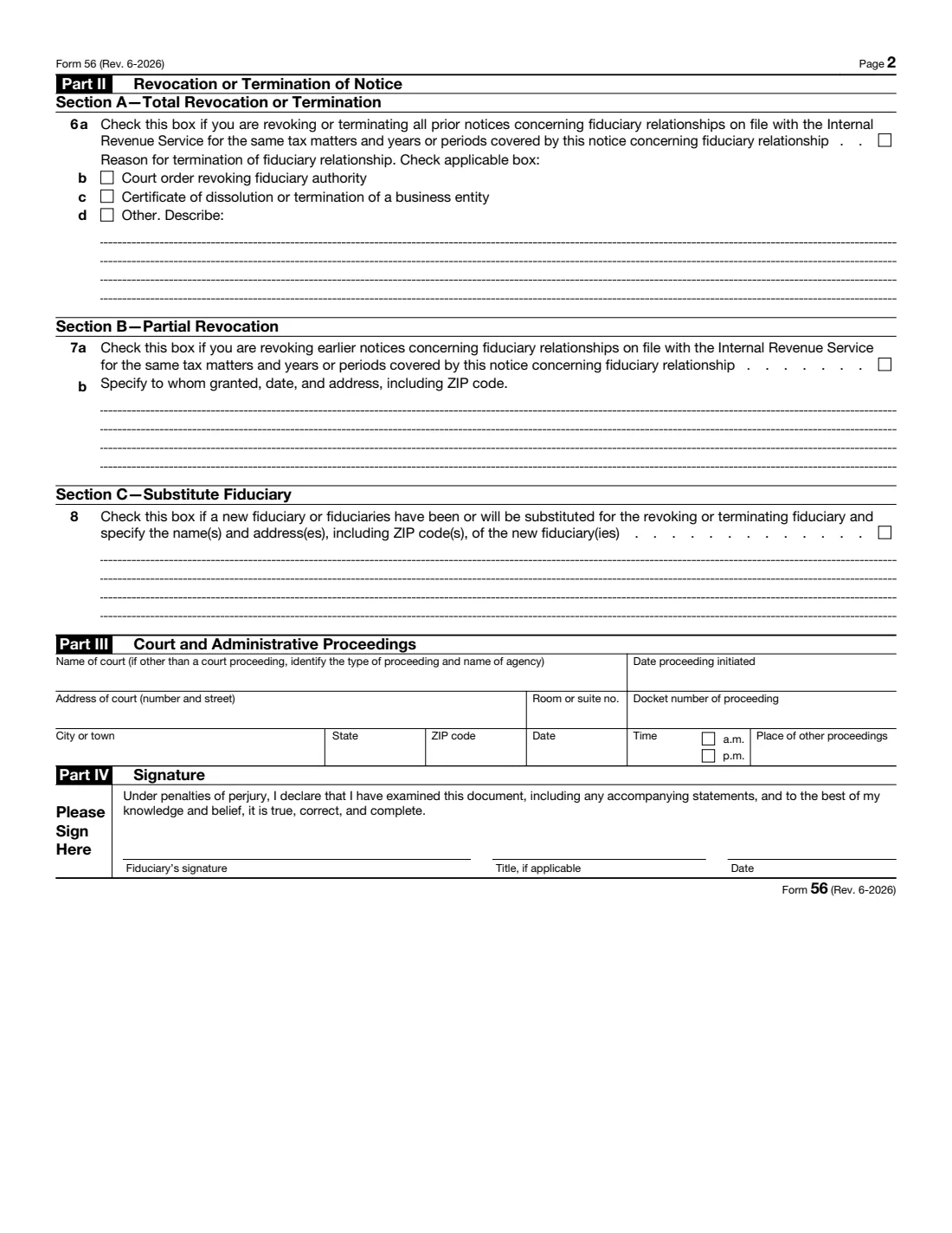
What is Form 56?
Tells the IRS that you've become (or stopped being) a fiduciary acting for someone else — an executor or administrator of a deceased person's estate, a guardian or conservator, a trustee, or a receiver. The IRS then treats you as standing in that person's shoes for the tax matters and years you list.
What’s on Form 56
The 2026 edition has 2 pages. FileIt asks for it in 7 parts, and it is signed by Fiduciary:
- Part I: The person you're acting forFiduciary
- Part I: You, the fiduciaryFiduciary
- Section A: Your authorityFiduciary
- Section B: Taxes, forms and yearsFiduciary
- Part II: Revoking or ending a noticeFiduciary
- Part III: Court and administrative proceedingsFiduciary
- Part IV: SignatureFiduciary
Fill out Form 56 online with FileIt
- Pick the person. Choose someone from People and FileIt fills in their name, date of birth, address and other details it already knows.
- Answer plain-language questions. One part of the form at a time, with the official help text beside each question — 63 fields in all. Your answers save as you go.
- Check the live preview. Watch your answers land on the real Internal Revenue Service (IRS) form, and let FileIt do any worksheet arithmetic.
- Generate the official PDF. FileIt prints your answers into the agency’s own PDF and files it in that person’s folder in your vault. Sign it, or send it for e-signature.
FileIt fills the form — it never files or submits anything for you. Deliver the finished form to whoever asked for it, the way the form’s instructions say.
Start Form 56 now — it’s freeOfficial sources
- Blank form (PDF), published by Internal Revenue Service (IRS): https://www.irs.gov/pub/irs-pdf/f56.pdf
- Official instructions and guidance: https://www.irs.gov/forms-pubs/about-form-56
- Edition shown on this page: Rev. June 2026 (checked 2026-09-28).
FileIt is not affiliated with or endorsed by Internal Revenue Service (IRS) or any government. This page explains the form in general terms and is not legal, tax or immigration advice. Always read the official instructions, and check that you are using the edition the recipient accepts.