What is the wholesale account application form template?
Opening a wholesale account for a retailer usually means an email thread asking for their business name, tax number, resale certificate, website and an idea of what they'll order. Brands also want to know where their products will sit — a boutique, an online shop, a marketplace — before agreeing to supply.
This wholesale account application template collects all of that in one go: business details and address, the channels the retailer sells through and the type of store, their customers and the brands they carry, a tax ID and a resale or exemption certificate upload, the products they're interested in, their expected opening order and reorder rhythm, and preferred payment. Anyone applying for payment terms is asked for trade references.
Each application is saved as a signed PDF in your FileIt vault together with the certificate and store photos, so you have what you need to approve the account and a record of what the retailer agreed to.
- Best for
- Brands, makers, distributors and manufacturers selling to retailers
- Filled in by
- Shop owners and buyers applying for a wholesale account
- Time to complete
- About 8–10 minutes, plus uploading a certificate
- Includes
- Business and store details, tax ID, resale certificate upload, order expectations, trade references and signature
Who uses a wholesale account application form?
- An independent brand screening new boutique stockists
- A food or drink producer opening accounts for delis and cafés
- A distributor onboarding retailers across several regions
- Following up leads collected at a trade show
- A maker moving wholesale enquiries off email and into one process
- A brand that wants to see a retailer's store and customers before approving
Questions on this wholesale account application form
29 questions over 4 pages · includes signature, file upload, conditional questions, multiple pages, consent checkbox.
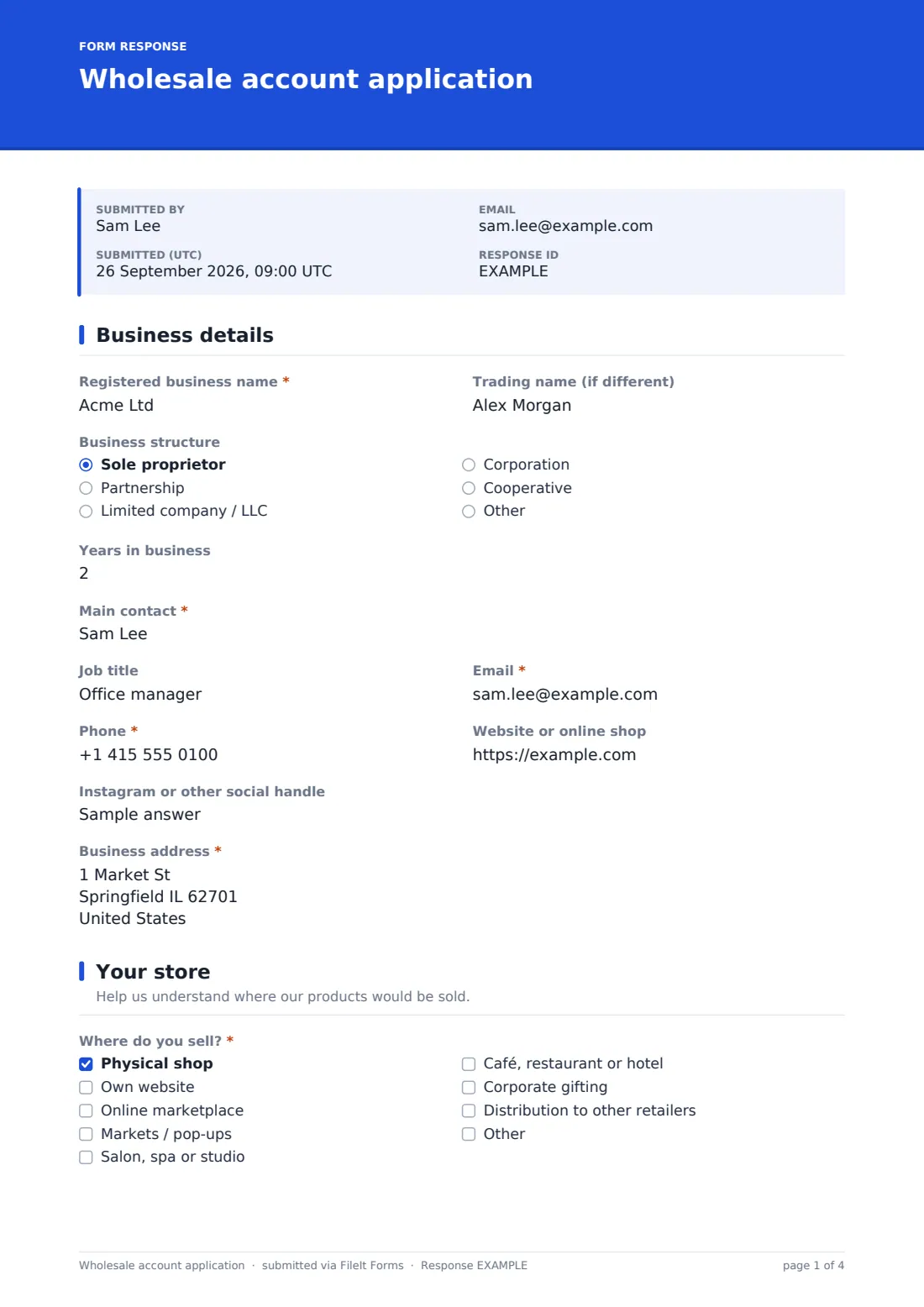
1 Business details
- Registered business name*
- Trading name (if different)
- Business structure Sole proprietor · Partnership · Limited company / LLC · Corporation · Cooperative · Other
- Years in business
- Main contact*
- Job title
- Email*
- Phone*
- Website or online shop
- Instagram or other social handle
- Business address*
2 Your store
- Where do you sell?* Physical shop · Own website · Online marketplace · Markets / pop-ups · Salon, spa or studio · Café, restaurant or hotel · Corporate gifting · Distribution to other retailers
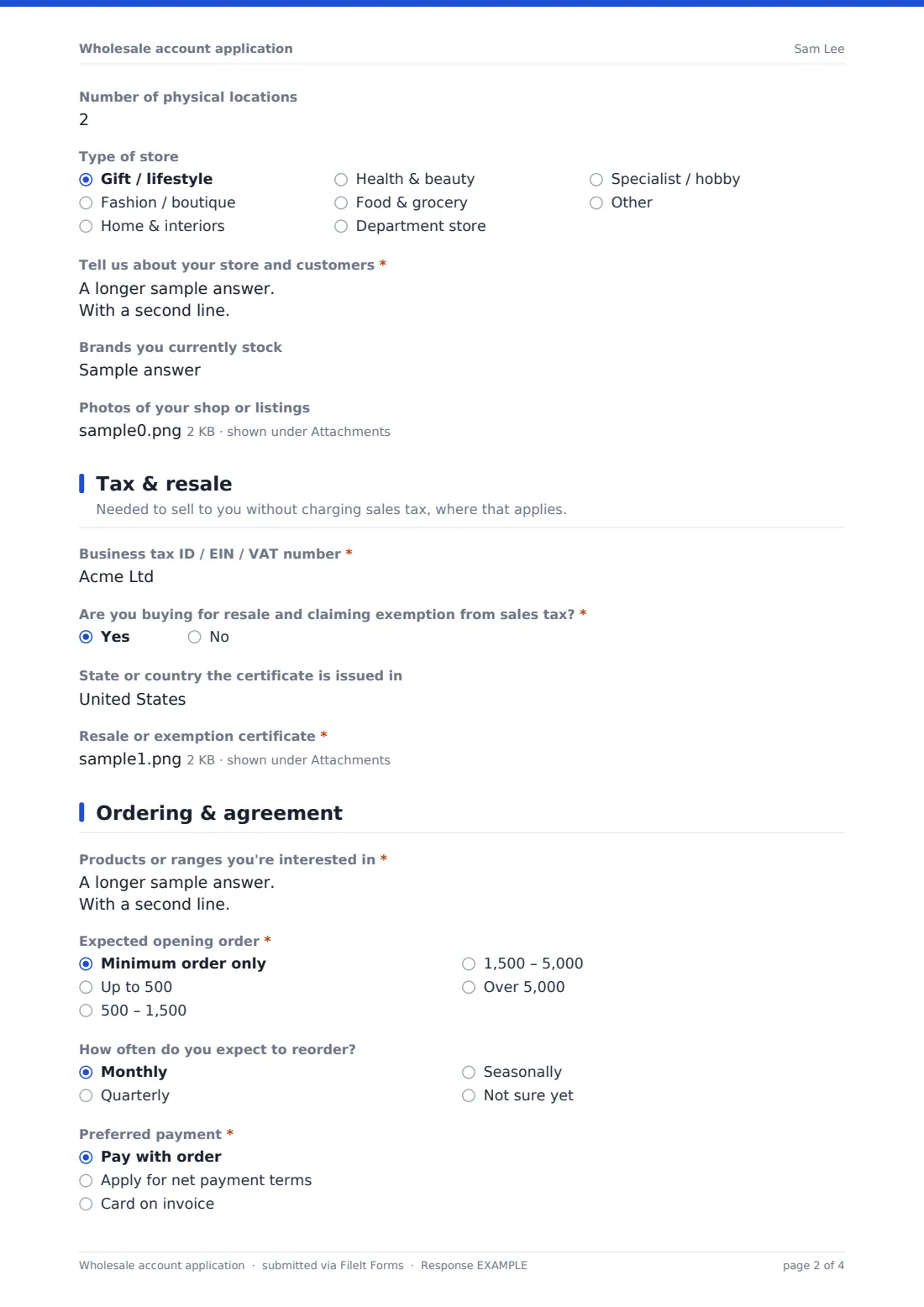
- Number of physical locations asked only when it applies
- Type of store Gift / lifestyle · Fashion / boutique · Home & interiors · Health & beauty · Food & grocery · Department store · Specialist / hobby · Other
- Tell us about your store and customers*
- Brands you currently stock
- Photos of your shop or listings
3 Tax & resale
- Business tax ID / EIN / VAT number*
- Are you buying for resale and claiming exemption from sales tax?*
- State or country the certificate is issued in asked only when it applies
- Resale or exemption certificate* asked only when it applies
4 Ordering & agreement
- Products or ranges you're interested in*
- Expected opening order* Minimum order only · Up to 500 · 500 – 1,500 · 1,500 – 5,000 · Over 5,000
- How often do you expect to reorder? Monthly · Quarterly · Seasonally · Not sure yet
- Preferred payment* Pay with order · Apply for net payment terms · Card on invoice
- Two trade references* asked only when it applies
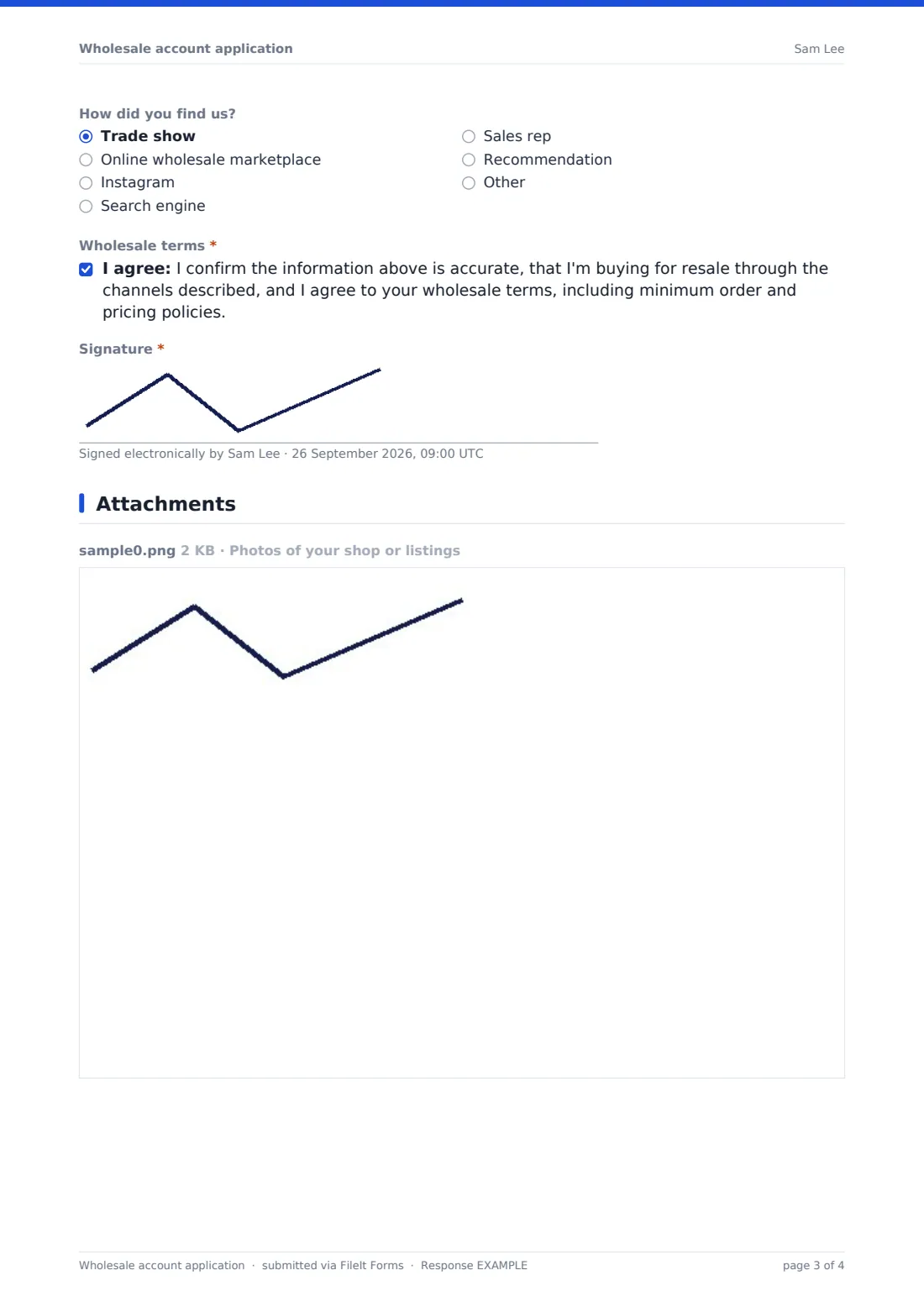
- How did you find us? Trade show · Online wholesale marketplace · Instagram · Search engine · Sales rep · Recommendation · Other
- Wholesale terms*
- Signature*
The wholesale account application form, page by page
1 Business details
The applicant gives the registered business name and trading name, business structure, years in business, the main contact with job title, email and phone, their website and social handle, and the business address.
2 Your store
They tick every channel they sell through — physical shop, own website, marketplace, markets, salon, hospitality, corporate gifting or distribution — with the number of locations if they have a shop. They choose a store type, describe the store and its customers, list brands they already stock and can upload photos of the shop or their listings.
3 Tax & resale
The applicant enters a business tax ID, EIN or VAT number. If they're buying for resale and claiming exemption from sales tax, they say which state or country issued the certificate and must upload the resale or exemption certificate.
4 Ordering & agreement
The last page covers the products they're interested in, the expected opening order, reorder frequency and preferred payment. Choosing net payment terms opens a required question for two trade references. They say how they found you, agree to your wholesale terms and sign.
Make the template yours
- Replace the opening order bands with your own minimums and currency
- Remove the resale certificate section if you operate where it doesn't apply, or rename it to fit local tax rules
- Link to your wholesale terms in the cover text so applicants can read them before agreeing
- Add a question about exclusivity or distance from other stockists if you protect territories
- File applications in a Wholesale folder so approved accounts are easy to find
- Say in the confirmation message how long account approval usually takes and when applicants will see your price list
Tips for a better wholesale account application form
- Look at the applicant's website or social feed before approving — it tells you a lot about fit
- Check that the resale certificate is current and in the business's name
- Be clear about your minimum order in the cover text to avoid mismatched applications
- Call trade references for anyone asking for payment terms
- Reply to every applicant, even when the answer is no
Every response becomes a PDF in your vault
When a retailer applies, FileIt saves the signed application as a PDF with the certificate and photos attached, files it in your vault and emails you. The applicant can receive their own copy.
Use the Responses table to review new applications, compare expected order sizes and store types, and export the list to CSV for your sales or accounts system once an account is approved.
- Start from this template. It opens in the FileIt Forms designer — change any question, add pages, set the rules for when questions appear.
- Share it. Turn on a public link, or send it to people by email, each with their own link. They don’t need a FileIt account.
- Get the answers as PDFs. Each response is saved as a PDF in the vault folder you choose, with uploaded files attached — and listed in a Responses table you can export to CSV.
Wholesale account application form: frequently asked questions
Is this wholesale application template free?
Yes. It's a starter template in FileIt's Forms app, included on every plan including the free plan.
Can retailers upload their resale certificate?
Yes. If they claim exemption from sales tax for resale, a required upload field appears for the certificate.
Is the certificate checked automatically?
No. FileIt stores the file with the application; checking that it's valid for your situation is up to you.
Can I use it outside the US?
Yes. The tax ID question accepts an EIN, VAT or other business tax number, and you can reword or remove the resale section to fit local rules.
Does it collect bank or card details?
No. It asks only for the preferred payment method and, for credit terms, trade references. For a full credit check, pair it with a credit account application.
Where are applications stored?
Each signed application is saved as a PDF in your FileIt vault and listed in the Responses table.