What is the warranty claim form template?
Warranty claims that start with an email saying "it's stopped working" usually need three or four replies before anyone can decide what to do: which model, what serial number, when and where it was bought, what exactly is wrong, and whether it's been dropped or repaired. Customers get frustrated and claims sit in limbo.
This warranty claim template asks for everything at once. Customers give their contact and delivery details, identify the product with its model and serial number, upload a receipt, describe the fault and what they've already tried, attach photos, and say whether they'd like a repair, replacement or refund — plus how the product could reach you if it needs inspecting.
Every claim is saved as a PDF in your FileIt vault with the receipt and photos attached, so your service team has a complete file to assess from the first day.
- Best for
- Manufacturers, retailers and repairers handling product warranty claims
- Filled in by
- Customers with a faulty product still under warranty
- Time to complete
- About 5-7 minutes with the receipt to hand
- Includes
- Proof of purchase and photo uploads, a damage follow-up question, and the customer's preferred resolution
Who uses a warranty claim form?
- An appliance brand taking warranty claims directly from customers
- An online shop handling faulty-item claims for the products it sells
- A furniture maker assessing claims about broken parts or finishes
- A bike or electronics store collecting claims to pass to the manufacturer
- An installer handling warranty call-outs for systems it has fitted
- A small brand replacing warranty emails with one consistent claim process
Questions on this warranty claim form
28 questions over 4 pages · includes file upload, conditional questions, multiple pages, consent checkbox.
1 Your details
- Your name*
- Email*
- Phone
- Address*
- Are you claiming on behalf of a business?
- Business name asked only when it applies
2 The product
- Product name*
- Model number*
- Serial number
- Date of purchase*
- Where did you buy it?*
- Order or receipt number
- Was it a gift?
- Proof of purchase*
- Photo of the serial number label
3 The problem
- What's the problem?* It doesn't work at all · It works some of the time · A part is faulty or broken · It works but not as it should · It arrived damaged · Parts are missing
- When did the problem start?*
- How has the product been used?* At home, as intended · In a business or commercial setting · Other
- Describe the fault*
- What have you tried so far?
- Has the product been dropped, damaged, modified or repaired by anyone else?*
- Please tell us what happened* asked only when it applies
- Photos of the fault
4 Getting it sorted
- What would you like us to do?* Repair it · Replace it · Refund it · I'm not sure — please advise
- Do you still have the original packaging?
- If we need to inspect it, how could it get to us?* I can post or courier it · I can drop it off · It needs collecting · It's installed and needs an on-site visit
- When are you usually available? asked only when it applies
- Declaration*
The warranty claim form, page by page
1 Your details
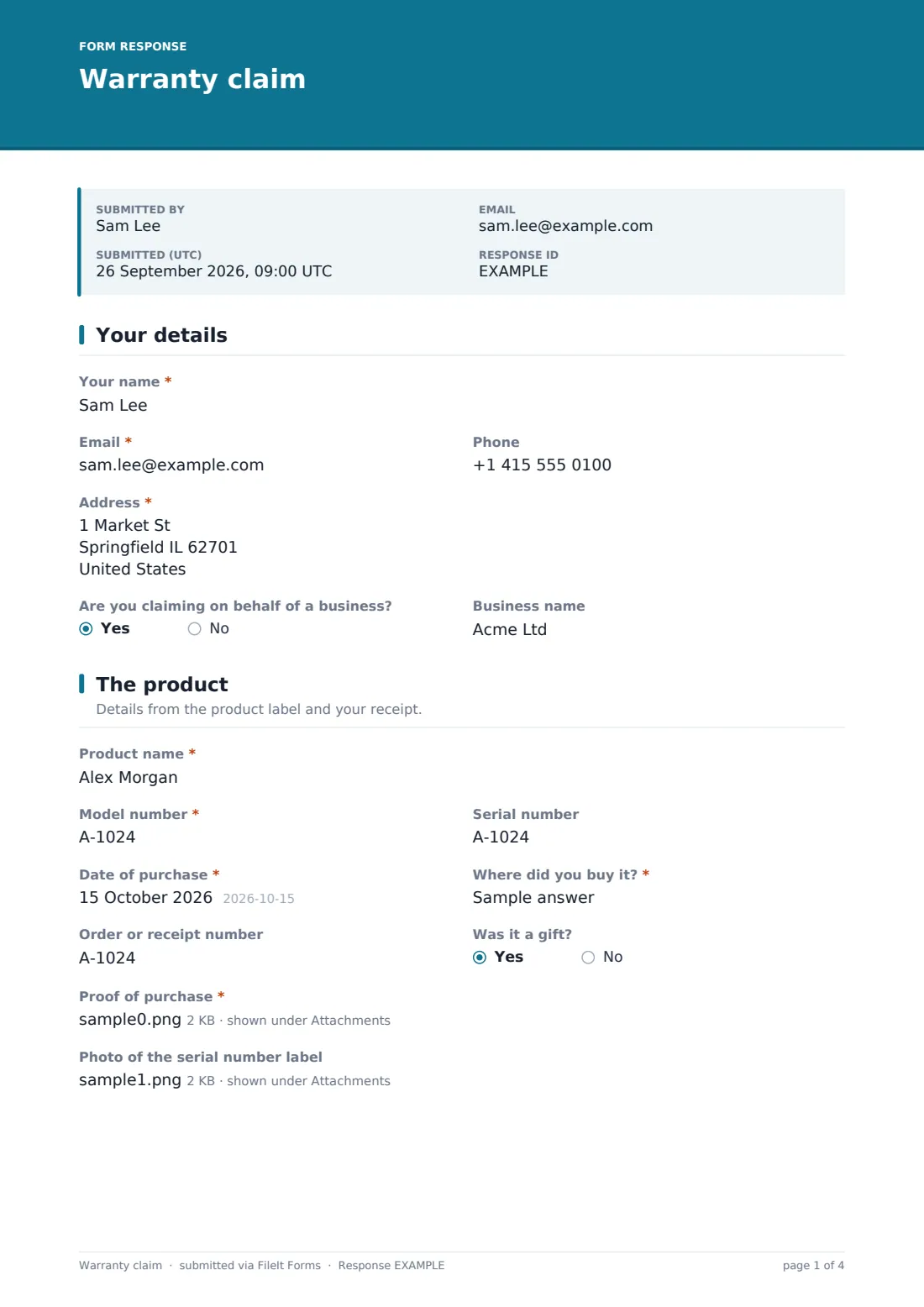
The customer gives their name, email, phone and the address a repaired or replacement product should be sent to. If they're claiming for a business, a field for the business name appears.
2 The product
The customer identifies the product by name, model number and serial number (with a hint that it's usually on a label on the back or underside), and gives the date of purchase, where they bought it, the order or receipt number and whether it was a gift. They must upload proof of purchase, and can add a photo of the serial number label.
3 The problem
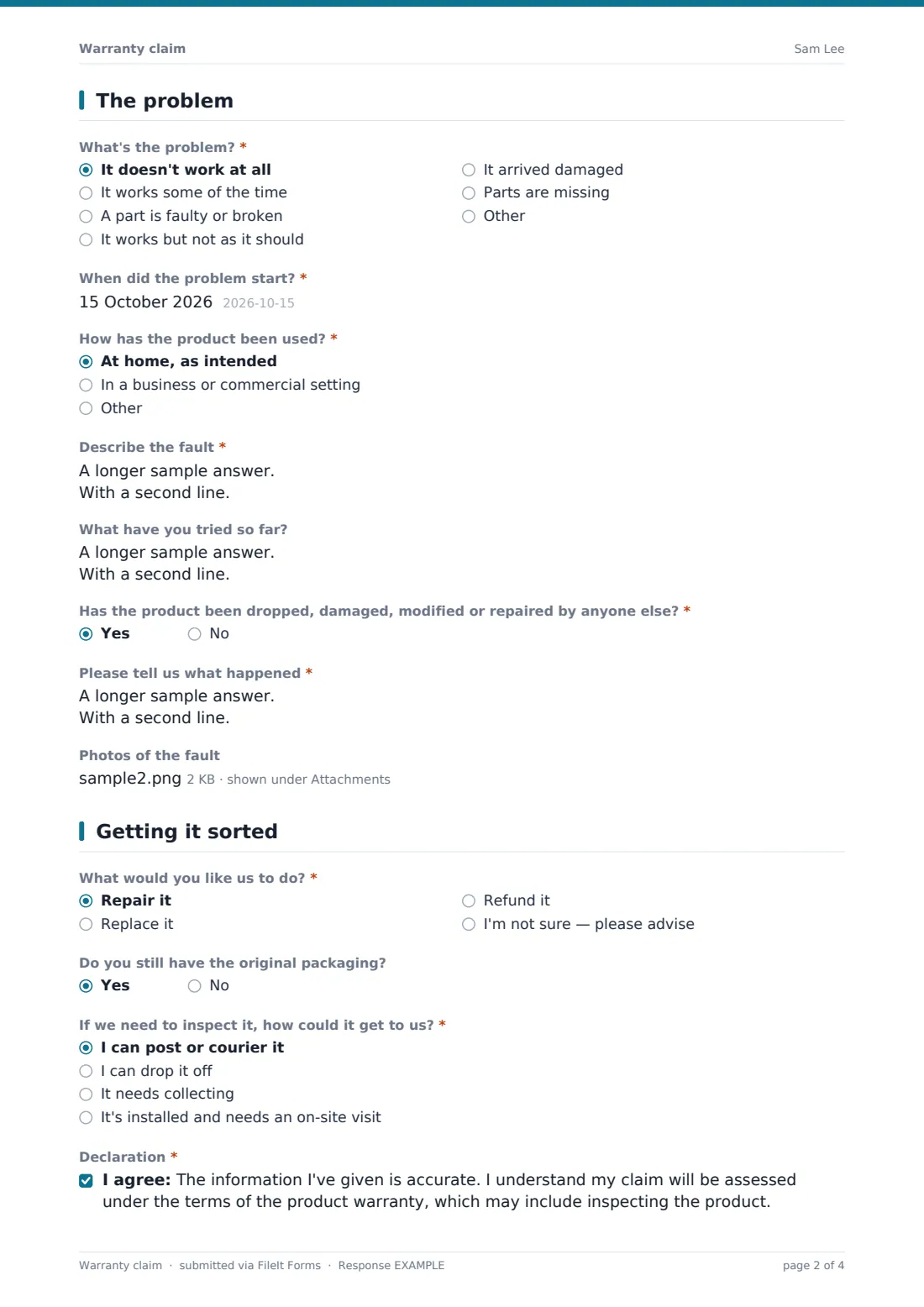
A required question sorts the fault — doesn't work at all, works some of the time, a faulty part, not working as it should, arrived damaged, or missing parts — and the customer says when it started and how the product has been used: at home, commercially or otherwise.
They describe the fault, including error codes, sounds or smells, and what they've tried. A required yes/no question asks whether the product has been dropped, damaged, modified or repaired by anyone else; a yes asks what happened. Up to five photos can be attached.
4 Getting it sorted
The customer says whether they'd like a repair, replacement, refund or advice, whether they still have the original packaging, and how the product could get to you — posted, dropped off, collected, or an on-site visit, which asks when they're usually available. They confirm that their information is accurate and that the claim will be assessed under the warranty terms.
Make the template yours
- Replace the product name field with a dropdown of your own product range
- Add your warranty period and a link to the full terms in the cover text
- Remove the refund option if your warranty only covers repair or replacement
- Add a question about extended warranty or registration numbers if you offer them
- Route claims to a Warranty folder in your vault, with a subfolder per product line
- Add your service team's inbox to the notification emails
Tips for a better warranty claim form
- Check the purchase date against your warranty period before anything else
- Ask for a video link by email if the fault is intermittent and hard to show in photos
- Reply quickly with a claim reference, even if the assessment takes longer
- Look for repeat faults across claims — they can reveal a batch or design problem
- Tell customers how to pack the product safely if you ask them to send it in
- Keep the claim PDF with the repair or replacement record so the history stays together
Every response becomes a PDF in your vault
Each claim is saved as a PDF in your vault with the proof of purchase, label photo and fault photos attached. With owner notifications on, your service team is emailed straight away, and the customer receives a copy of what they submitted.
The Responses table lets you track every claim and export them to a CSV, which makes it easy to spot products or batches with repeat faults. Assessing the claim and arranging the repair, replacement or refund happens in your usual process.
- Start from this template. It opens in the FileIt Forms designer — change any question, add pages, set the rules for when questions appear.
- Share it. Turn on a public link, or send it to people by email, each with their own link. They don’t need a FileIt account.
- Get the answers as PDFs. Each response is saved as a PDF in the vault folder you choose, with uploaded files attached — and listed in a Responses table you can export to CSV.
Warranty claim form: frequently asked questions
Is this warranty claim form free?
Yes. It's a starter template in the FileIt Forms app, and you can edit every question, including the options for resolving a claim.
Do customers need an account to submit a claim?
No. Customers use the form's link and submit without creating an account.
Does the form check whether the product is still under warranty?
No. It collects the purchase date and proof of purchase so your team can check the claim against your warranty terms.
Can customers upload videos of the fault?
The uploads accept photos and PDFs. If you need videos, ask the customer to share a link in the fault description.
Can we use this for items bought from other retailers?
Yes. The form asks where the product was bought, so it works whether customers bought directly from you or through a shop or website.
How do we let the customer know the outcome?
Reply to the email address on the claim. The form records the claim; decisions and follow-up happen outside it.