What is the vacant property inspection log form template?
An empty house can go weeks without anyone noticing a burst pipe, a forced back door or a pile of mail that tells the whole street nobody's home. Owners selling an inherited property, managers between tenants, and relatives keeping an eye on a parent's house while they're in care all face the same job: drop by regularly, look at the same things every time, and keep proof that someone did. Many insurers also expect regular checks on an unoccupied home, so a dated log is worth having.
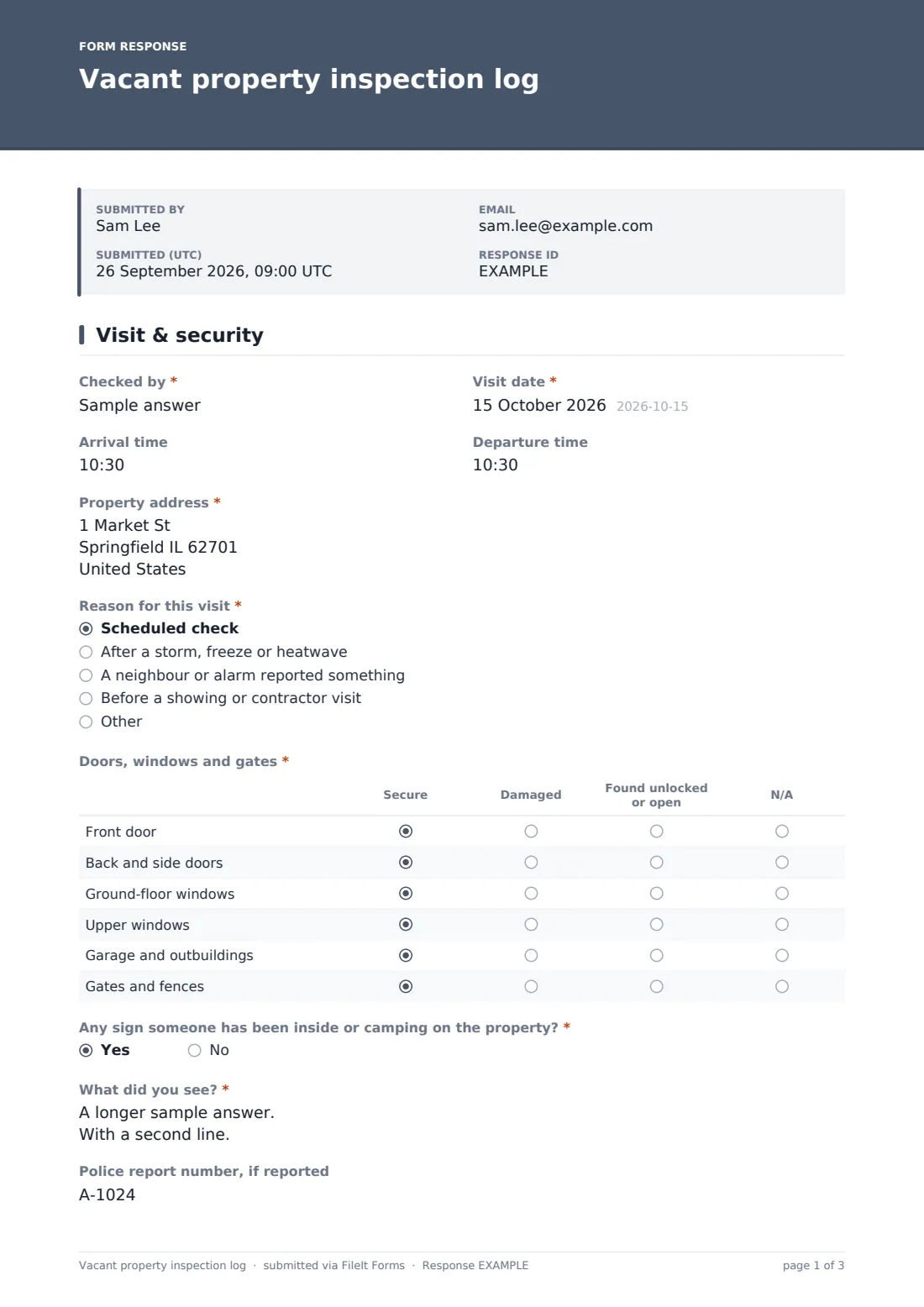
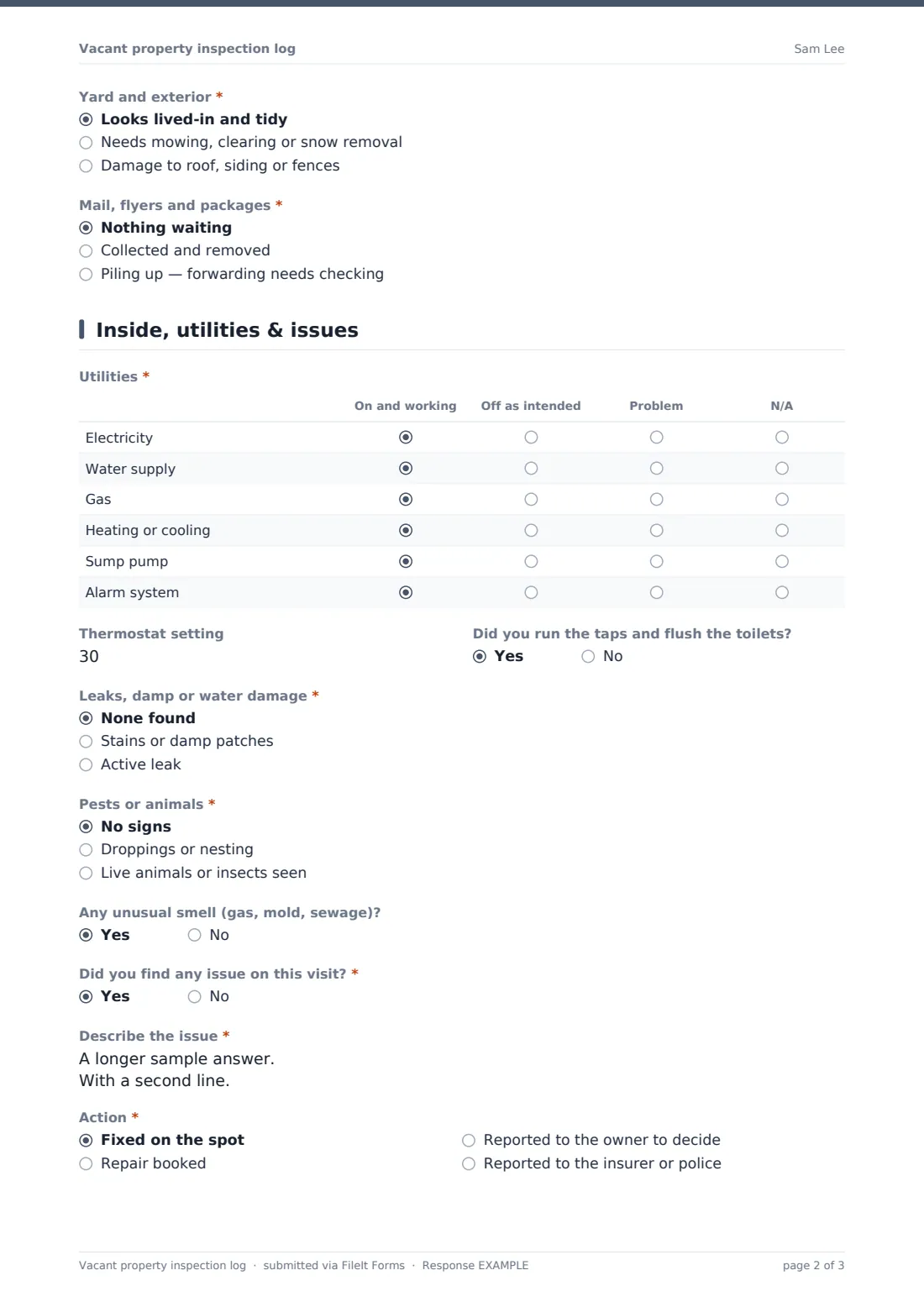
This template turns each visit into one short record. The first page opens with who checked and when, the reason for the visit, then a "Doors, windows and gates" grid that marks each entry point secure, damaged or found unlocked. A direct question, "Any sign someone has been inside or camping on the property?", opens a description and a police report number when the answer is yes. The second page covers a "Utilities" grid, leaks, pests and smells, and ends with the question that matters most: "Did you find any issue on this visit?" Say yes and the form asks you to describe it, pick an action and record what's been done or is still needed.
Fill it in on your phone while you walk around. Photos come straight from the camera, you sign with your finger, and each visit lands in your FileIt vault as a PDF you can hand to the owner or an insurer.
- Best for
- Owners, property managers, executors and family members checking an empty home
- Filled in by
- Whoever does the visit, on site
- Time to complete
- About 10 minutes per visit
- Includes
- Entry-point and utilities grids, an issue-and-action section, up to 10 photos and a signature
Who uses a vacant property inspection log form?
- Weekly checks on a house that's on the market and already empty
- Keeping an eye on a relative's home while they're in hospital or care
- A rental between tenants, especially over a long turnover
- Visits after a storm, freeze or heatwave
- Executors looking after an estate property until it's sold
- Showing an insurer that an unoccupied home was checked regularly
Questions on this vacant property inspection log form
26 questions over 2 pages · includes signature, file upload, conditional questions, multiple pages, ratings.
1 Visit & security
- Checked by*
- Visit date*
- Arrival time
- Departure time
- Property address*
- Reason for this visit* Scheduled check · After a storm, freeze or heatwave · A neighbour or alarm reported something · Before a showing or contractor visit
- Doors, windows and gates* Secure · Damaged · Found unlocked or open · N/A
- Any sign someone has been inside or camping on the property?*
- What did you see?* asked only when it applies
- Police report number, if reported asked only when it applies
- Yard and exterior* Looks lived-in and tidy · Needs mowing, clearing or snow removal · Damage to roof, siding or fences
- Mail, flyers and packages* Nothing waiting · Collected and removed · Piling up — forwarding needs checking
2 Inside, utilities & issues
- Utilities* On and working · Off as intended · Problem · N/A
- Thermostat setting
- Did you run the taps and flush the toilets?
- Leaks, damp or water damage* None found · Stains or damp patches · Active leak
- Pests or animals* No signs · Droppings or nesting · Live animals or insects seen
- Any unusual smell (gas, mold, sewage)?
- Did you find any issue on this visit?*
- Describe the issue* asked only when it applies
- Action* asked only when it applies Fixed on the spot · Repair booked · Reported to the owner to decide · Reported to the insurer or police
- Action taken or still needed* asked only when it applies
- Follow up by asked only when it applies
- Photos
- Next visit planned
- Signature of the person who checked*
The vacant property inspection log form, page by page
1 Visit & security
"Checked by", the visit date, arrival and departure times and the property address. "Reason for this visit" separates routine checks from trips made after bad weather or a neighbour's call. The "Doors, windows and gates" grid rates the front door, back and side doors, ground-floor and upper windows, the garage and outbuildings, and gates and fences. Signs of entry open a description and a police report number. The yard and the mail situation finish the page — mail "piling up" is a reminder to check the forwarding.
2 Inside, utilities & issues
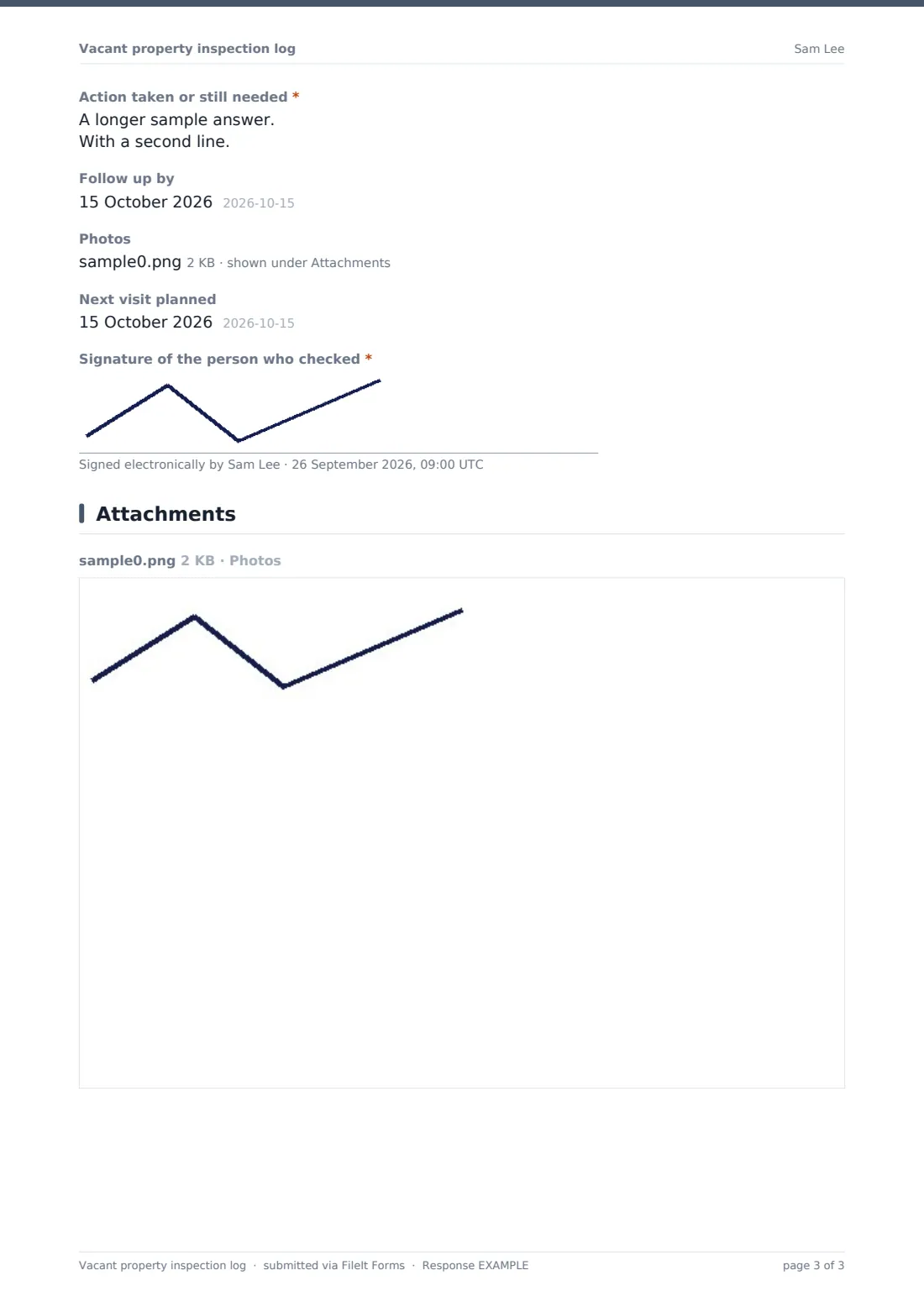
The "Utilities" grid marks electricity, water, gas, heating or cooling, the sump pump and the alarm as on and working, off as intended, or a problem. There's a "Thermostat setting" and a check that you ran the taps and flushed the toilets. Next come leaks, pests and unusual smells. If you answer yes to "Did you find any issue on this visit?", the form asks you to describe the issue and choose an action: fixed on the spot, repair booked, reported to the owner, or reported to the insurer or police. You then add the action taken and a follow-up date. Photos, the next planned visit and a signature close the log.
Make the template yours
- Add rows to the utilities grid for a well pump, septic alarm or pool equipment
- Put the owner's email in the notification list so every visit reaches them
- Make photos required if you check properties on someone else's behalf
- File each property's visits into its own vault folder
- Change the thermostat range to Celsius if that's how your heating reads
- Add a checkbox list of lights on timers or curtains you move to make the house look lived in
Tips for a better vacant property inspection log form
- Vary the time of day you visit so the house doesn't look checked on a timetable
- Photograph the same spots each time — the boiler, under the kitchen sink, the back door
- Leave the heating high enough to stop pipes freezing in cold weather
- Ask a neighbour to call you if they see anything, and note it as the reason for the visit
- Read your insurance policy's vacancy terms so you know how often visits are expected
Every response becomes a PDF in your vault
Each visit is filed in your vault as a signed PDF with its photos attached, and you get an email. The owner can get their own copy if you add them to the notification list.
Over a few months the Responses table becomes the property's visit history. Search it by address, or export it to CSV if an insurer or buyer asks how often the home was checked.
- Start from this template. It opens in the FileIt Forms designer — change any question, add pages, set the rules for when questions appear.
- Share it. Turn on a public link, or send it to people by email, each with their own link. They don’t need a FileIt account.
- Get the answers as PDFs. Each response is saved as a PDF in the vault folder you choose, with uploaded files attached — and listed in a Responses table you can export to CSV.
Vacant property inspection log form: frequently asked questions
Is this vacant property inspection log free?
Yes. It's one of the starter templates in FileIt's Forms app, which is available on every plan, including free.
Can I use it for more than one property?
Yes. The address is asked on every visit, so one form can cover several homes. If you'd rather keep them apart, make a copy for each property and file it into its own folder.
Does it tell me how often my insurer wants checks?
No. It records each visit. How often visits are needed depends on your policy, so check with your insurer.
What happens when I find a problem?
Answer yes to the issue question and the form asks for a description, the action you chose, what's been done or still needs doing, and a follow-up date.
Does it work offline?
You need a connection to submit, but answers in progress are kept on your phone, so a weak signal in a back bedroom won't lose your work.