What is the stop payment request form template?
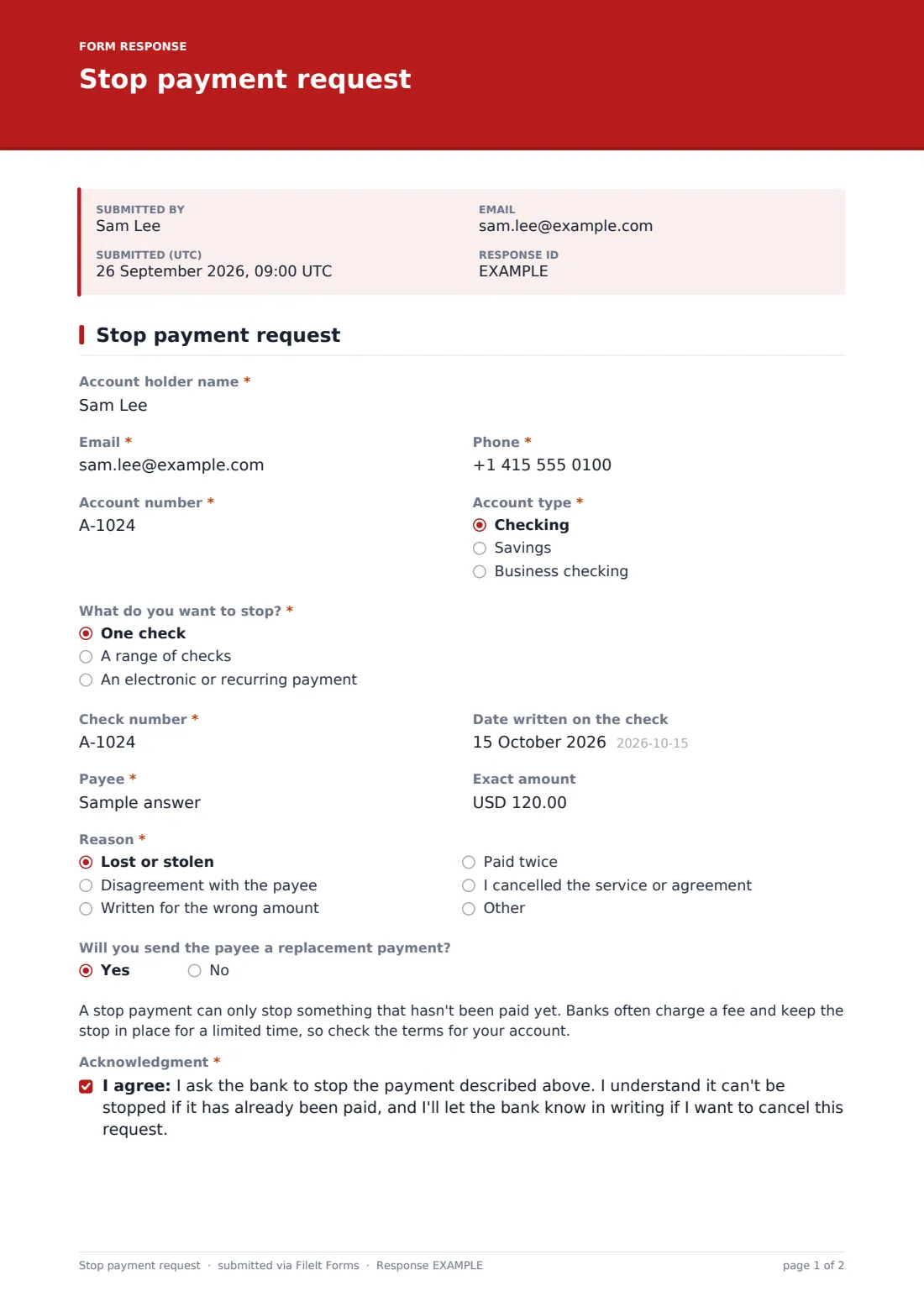
A stop payment is a race against the clock: it only works if the bank gets it before the item is paid. That's why the request needs to be complete the first time, with the right account, the exact check number or payment and the payee, and signed. This stop payment request form template fits on one page and takes a few minutes on a phone.
It's built for banks and credit unions that want to take requests online, and for businesses that keep a signed record of every stop they ask their bank for. The customer chooses what they want stopped. One check asks for the check number and the date written on it. A range of checks asks for the first and last check numbers, which is common when a checkbook goes missing. An electronic or recurring payment asks for the company taking the payment, the next payment date, and whether to stop just the next payment or all future ones.
Every request is saved as a signed PDF in your FileIt vault and you're emailed straight away, so the request can be acted on quickly.
- Best for
- Community banks, credit unions and businesses that ask their bank to stop payments
- Filled in by
- The account holder
- Time to complete
- About 3 minutes
- Includes
- Single check, range of checks and electronic payment logic, payee and amount, reason, acknowledgment and signature
Who uses a stop payment request form?
- A member reporting a lost or stolen checkbook and stopping the missing range
- A customer stopping a check sent with the wrong amount
- Stopping a recurring payment to a company the customer has cancelled with
- A small business stopping a check after a dispute with a supplier
- Taking stop requests out of hours through a link on the bank's website
- Keeping a signed record of every stop payment a business has requested
Questions on this stop payment request form
20 questions · includes signature, conditional questions, consent checkbox.
1 Stop payment request
- Account holder name*
- Email*
- Phone*
- Account number*
- Account type* Checking · Savings · Business checking
- What do you want to stop?* One check · A range of checks · An electronic or recurring payment
- Check number* asked only when it applies
- Date written on the check asked only when it applies
- First check number* asked only when it applies
- Last check number* asked only when it applies
- Company taking the payment* asked only when it applies
- Next payment date asked only when it applies
- Stop* asked only when it applies Just the next payment · This and all future payments
- Payee*
- Exact amount
- Reason* Lost or stolen · Disagreement with the payee · Written for the wrong amount · Paid twice · I cancelled the service or agreement
- Will you send the payee a replacement payment?
- Acknowledgment*
- Signature*
- Date*
The stop payment request form, page by page
1 Stop payment request
The customer gives the account holder name, email and phone, the account number and the account type: checking, savings or business checking.
What do you want to stop? has three answers. One check asks for the check number (required) and the date written on the check. A range of checks asks for the first check number and last check number, both required. An electronic or recurring payment asks for the company taking the payment as it appears on the statement, the next payment date, and whether to stop just the next payment or this and all future payments.
Everyone gives the payee, with help text explaining it's who the check or payment is made out to, and the exact amount, with a note that leaving it blank is fine for a range. Reason offers lost or stolen, disagreement with the payee, written for the wrong amount, paid twice, cancelled the service, or something else. Will you send the payee a replacement payment? is a quick yes or no.
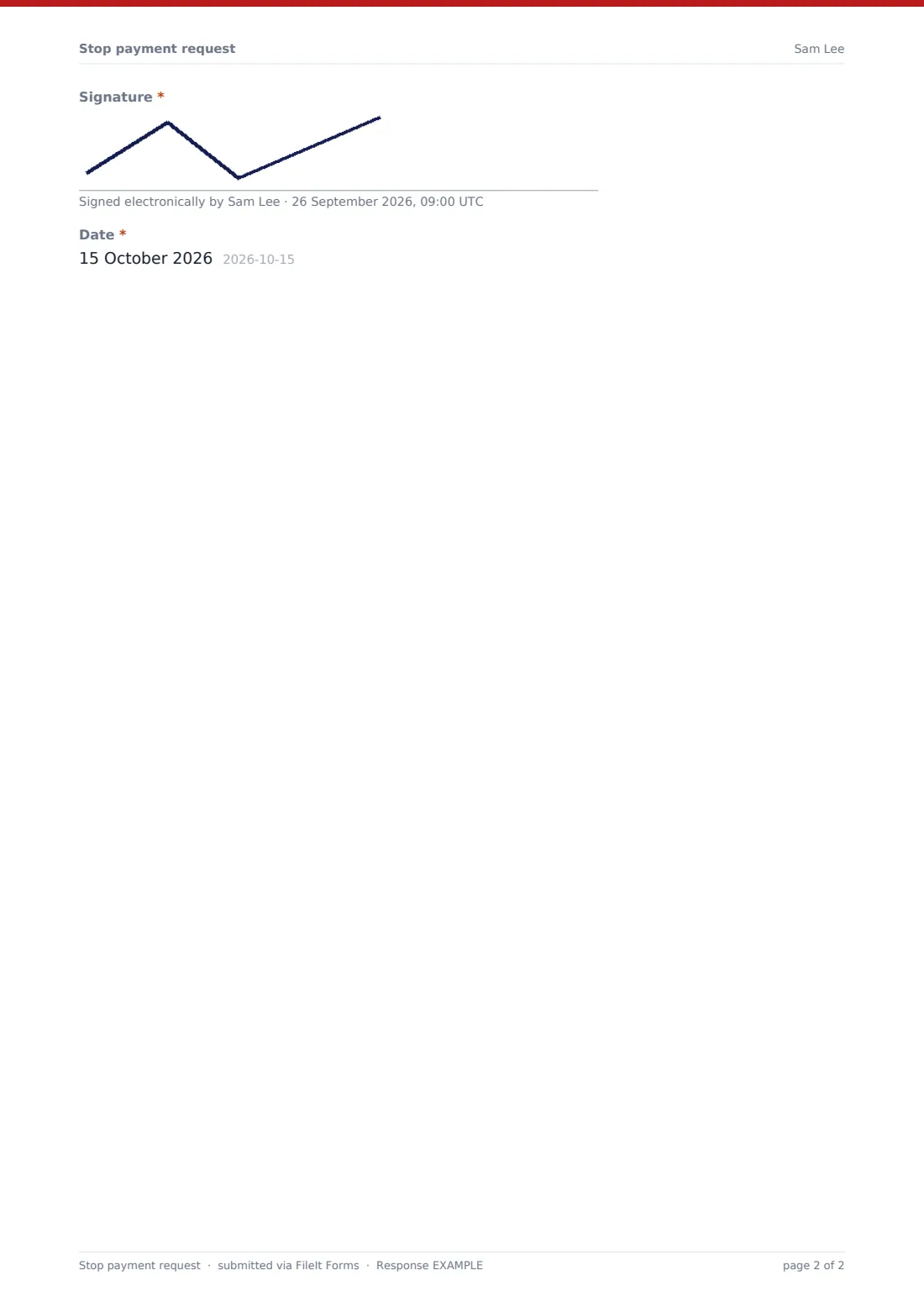
A note explains that a stop can only catch something that hasn't been paid yet and that fees and time limits vary, so customers should check their account's terms. The customer agrees to an acknowledgment, signs and dates the request.
Make the template yours
- Put your stop payment fee and how long a stop stays in place in the note
- Add a field for the member number or branch
- Remove the electronic payment option if you handle those through another process
- Edit the acknowledgment to match your account terms
- Add your operations team to the notification emails so requests are acted on quickly
- File requests into a Stop payments folder for each month
Tips for a better stop payment request form
- Act on stop requests the moment they arrive, since timing matters
- Check the check number and amount against the account before placing the stop
- For a lost checkbook, stop the whole range of unused checks
- Tell the customer whether the stop is in place, and when it expires
- Remind customers that stopping a payment doesn't cancel the agreement behind it
Every response becomes a PDF in your vault
Each request is saved as a signed PDF in your vault, titled with the account holder's name and the date, and an email goes to you the moment it's submitted. The customer can be sent their own copy as a record.
The Responses table lists every request with its type and payee, and the CSV export gives operations teams a log of stops by date, account and reason.
- Start from this template. It opens in the FileIt Forms designer — change any question, add pages, set the rules for when questions appear.
- Share it. Turn on a public link, or send it to people by email, each with their own link. They don’t need a FileIt account.
- Get the answers as PDFs. Each response is saved as a PDF in the vault folder you choose, with uploaded files attached — and listed in a Responses table you can export to CSV.
Stop payment request form: frequently asked questions
Is this stop payment request template free?
Yes. It's a starter template in FileIt's Forms app, on every plan including free.
Does submitting this form stop the payment?
No. It sends a signed request to whoever runs the form, usually the bank or credit union. The payment is stopped when they place the stop on the account.
How do I stop several checks at once?
Choose A range of checks, and the form asks for the first and last check numbers.
Can it stop an automatic payment?
Yes. Choose An electronic or recurring payment, then name the company and say whether to stop only the next payment or all future ones.
Is there a fee?
The form doesn't charge anything. Banks often charge for a stop payment, and you can add your fee to the note on the form.
Do customers need a FileIt account?
No. They open the link, fill it in and sign on screen without signing up.