What is the sports equipment loan agreement form template?
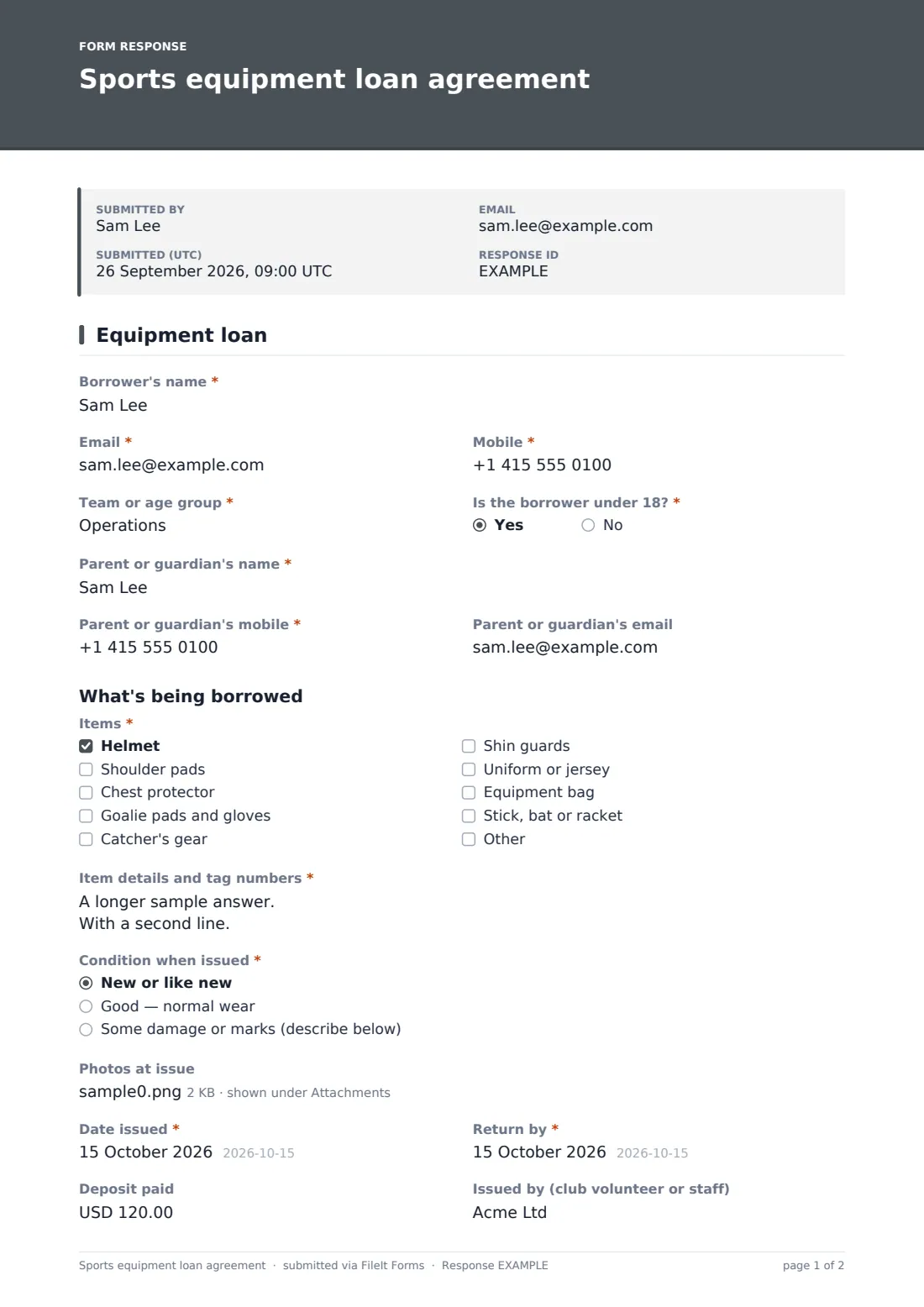
Clubs that lend kit — hockey pads, football helmets, catcher's gear, goalie gloves — lose a surprising amount of it each season, usually because nobody wrote down who took what. This one-page loan agreement records it at the moment of handover: the borrower, the items with their tag numbers, the condition they left in, and the date they're due back.
The borrower gives their name, email, mobile and team or age group, and says whether they're under 18. A yes asks for a parent or guardian's name, mobile and email, and adds a second signature line for them at the end. The items checklist covers common kit from helmets to sticks and bats, with an Other option, and a required 'Item details and tag numbers' box takes one line per item.
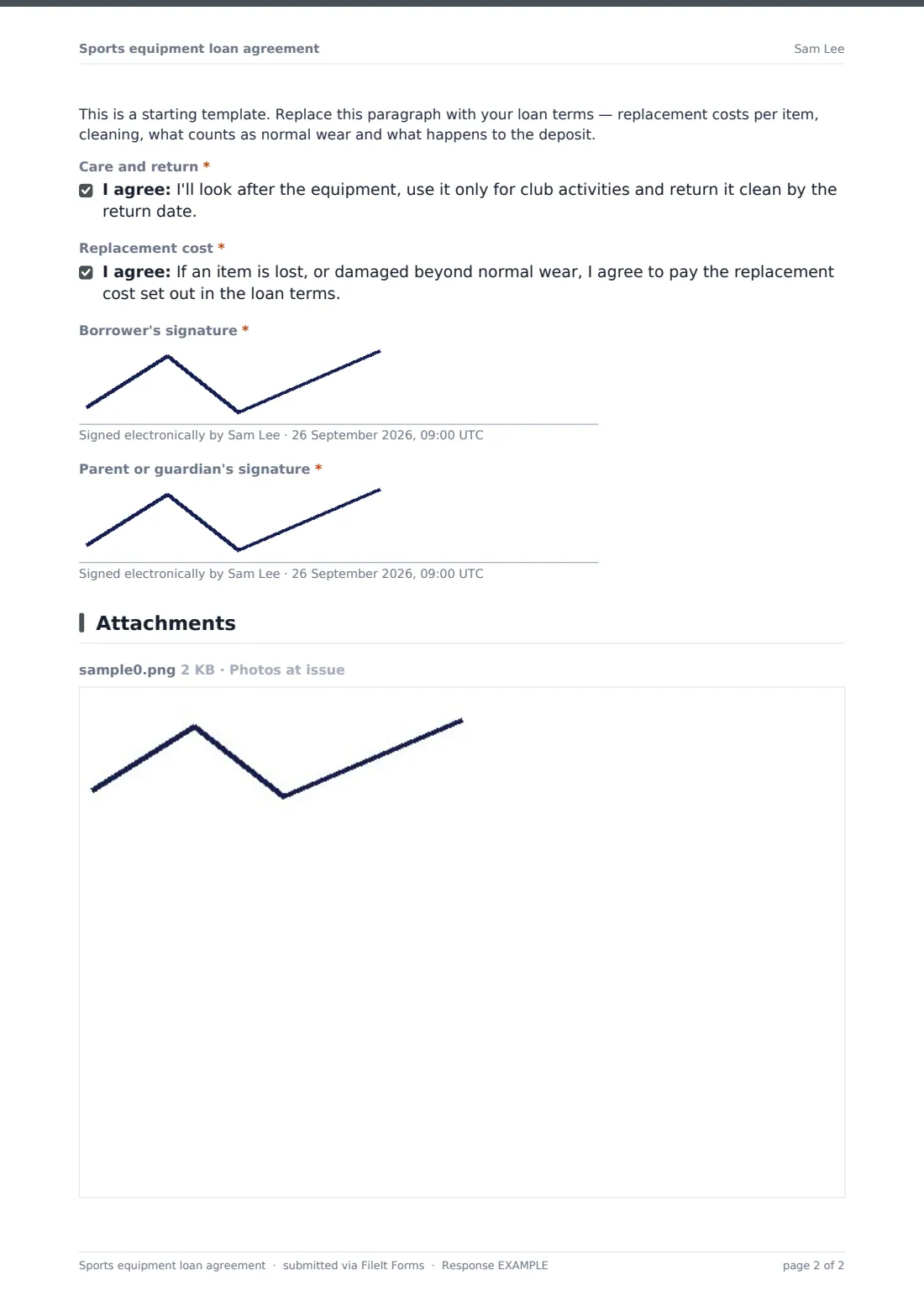
'Condition when issued' has three choices; anything with damage or marks must be described, and up to five photos can be added so there's no argument at return time. The issue date, return date, deposit and the volunteer who issued the kit come next. Your loan terms go in a placeholder, and the borrower agrees to look after the kit and to pay the replacement cost if it's lost or damaged beyond normal wear. Each signed agreement is saved as a PDF in your FileIt vault.
- Best for
- Youth sports clubs, school athletics, community leagues and equipment libraries
- Filled in by
- The borrower, with a parent or guardian for under-18s
- Time to complete
- About 2 minutes
- Includes
- Items and tag numbers, condition and photos, return date, deposit, replacement-cost agreement, signatures
Who uses a sports equipment loan agreement form?
- A youth hockey club lends goalie pads to a new keeper for the season
- A football program issues helmets and shoulder pads on equipment night
- A school lends cricket or baseball gear for a summer tournament
- A club records a deposit for a full set of catcher's gear
- A volunteer photographs a scuffed helmet before handing it over
- A league tracks which players still have kit at the end of the season
Questions on this sports equipment loan agreement form
21 questions · includes signature, file upload, conditional questions, consent checkbox.
1 Equipment loan
- Borrower's name*
- Email*
- Mobile*
- Team or age group*
- Is the borrower under 18?*
- Parent or guardian's name* asked only when it applies
- Parent or guardian's mobile* asked only when it applies
- Parent or guardian's email asked only when it applies
- Items* Helmet · Shoulder pads · Chest protector · Goalie pads and gloves · Catcher's gear · Shin guards · Uniform or jersey · Equipment bag · Stick, bat or racket
- Item details and tag numbers*
- Condition when issued* New or like new · Good — normal wear · Some damage or marks (describe below)
- Describe the damage or marks* asked only when it applies
- Photos at issue
- Date issued*
- Return by*
- Deposit paid
- Issued by (club volunteer or staff)
- Care and return*
- Replacement cost*
- Borrower's signature*
- Parent or guardian's signature* asked only when it applies
The sports equipment loan agreement form, page by page
1 Equipment loan
Borrower's name, email, mobile and team or age group, and a required 'Is the borrower under 18?' — a yes asks for a parent or guardian's name and mobile (required) and email. A required items checklist (with Other) and item details and tag numbers. A required condition when issued — damage or marks must be described — and up to five optional photos. Required issue and return dates, deposit paid and who issued it. Your loan terms placeholder, required care and replacement-cost agreements, the borrower's signature and, for under-18s, the parent or guardian's signature.
Make the template yours
- Replace the placeholder with your replacement costs, cleaning rules and deposit policy
- Edit the items checklist to the kit your club actually lends
- Change the deposit currency, or remove the deposit if you don't take one
- Make the condition photos required for expensive items
- Add a sizes question if you lend uniforms
- File agreements in a vault folder per season
Tips for a better sports equipment loan agreement form
- Fill in the form on a tablet at the handover table so condition and photos are recorded on the spot
- Label every item with a tag number before equipment night
- Search the Responses table by tag number when an item turns up in the lost property box
- Send reminders a week before the return date
- Check returned items against the issue photos before refunding a deposit
Every response becomes a PDF in your vault
Each signed agreement is saved as a PDF in your FileIt vault, with the condition photos attached. The borrower or parent can receive a copy, and the equipment manager can be emailed for each loan.
Use the Responses table to see what's out, export to CSV to sort by return date, and search by name or tag number.
- Start from this template. It opens in the FileIt Forms designer — change any question, add pages, set the rules for when questions appear.
- Share it. Turn on a public link, or send it to people by email, each with their own link. They don’t need a FileIt account.
- Get the answers as PDFs. Each response is saved as a PDF in the vault folder you choose, with uploaded files attached — and listed in a Responses table you can export to CSV.
Sports equipment loan agreement form: frequently asked questions
Is the sports equipment loan template free?
Yes. It's one of the starter templates in the FileIt Forms app, available on the free plan.
Can I record the condition of each item?
Yes. Choose the condition when issued; damage or marks must be described, and up to five photos can be added.
What happens for under-18 borrowers?
Answering yes to 'Is the borrower under 18?' asks for a parent or guardian's details and adds their signature.
Does FileIt charge the replacement cost?
No. The form records the agreement; any charge or deposit is handled by your club.
Is this a legally binding contract?
FileIt doesn't give legal advice. Replace the placeholder with terms that suit your club and have them checked if you need to.
Do borrowers need a FileIt account?
No. They sign from a link or on your device at the handover.