What is the right to work check record form template?
Many employers have to check that new staff are allowed to do the work offered, keep evidence of the check, and repeat it before time-limited permission runs out. In practice the evidence ends up as a photocopy in a drawer or a scan with no note of who checked it, when or how — and the follow-up date gets missed.
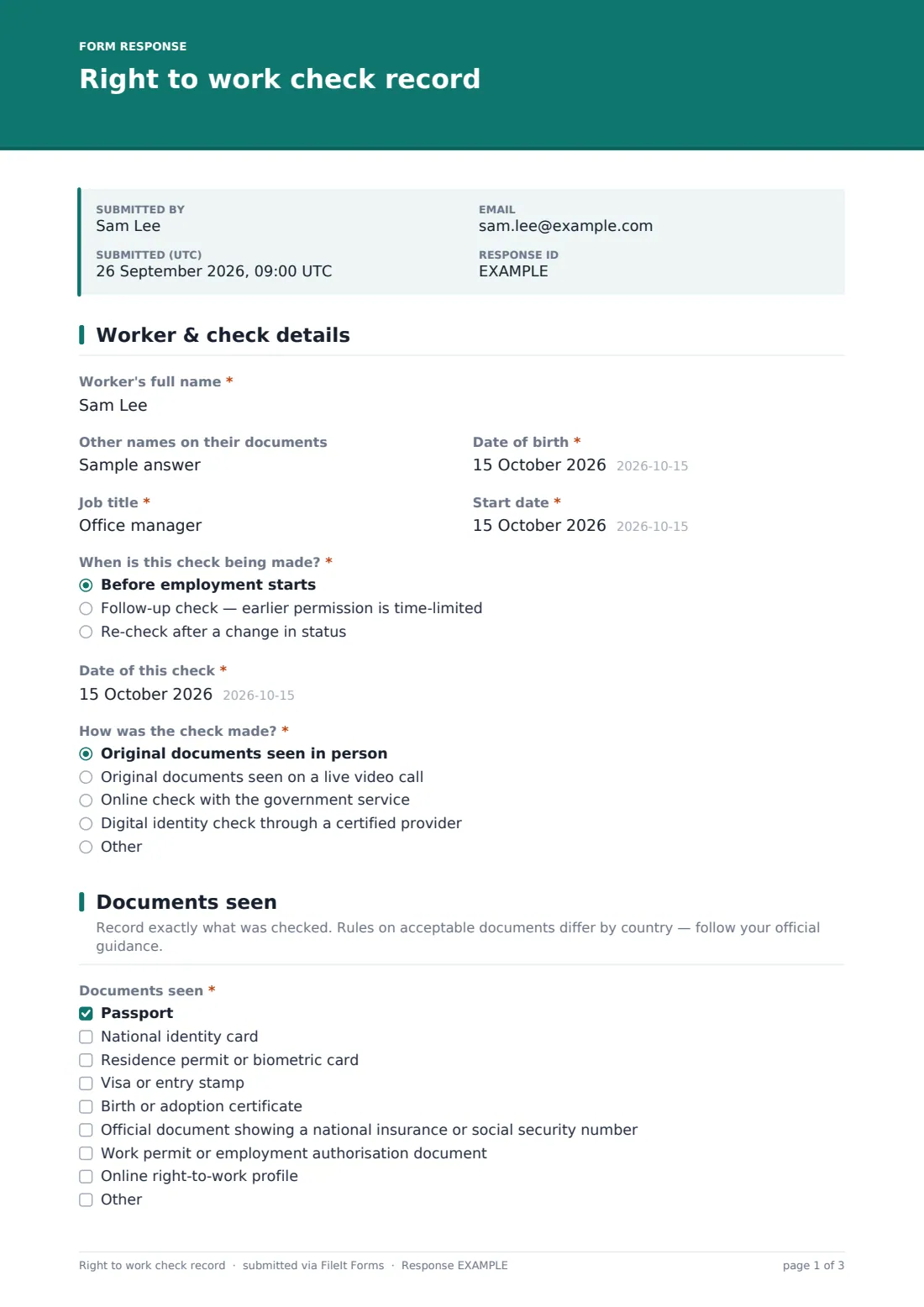
This template turns the check into a consistent record. HR enters the worker's details and start date, says whether this is a pre-start, follow-up or re-check, and how it was made: original documents in person or on a live video call, an online government check, or a digital identity provider. The checker ticks the documents seen, records the issuing country and whether permission is unlimited or time-limited, works through a short checks grid and uploads copies.
The final page records the outcome, a follow-up date when permission is time-limited, and the checker's declaration and signature. Rules on acceptable documents and methods differ by country, so adapt the lists to your official guidance; each record is filed as a PDF with its copies in your FileIt vault.
- Best for
- HR teams, recruiters and small employers who check right to work
- Filled in by
- The person who carried out the check
- Time to complete
- About 6 minutes, plus uploading copies
- Includes
- Check method, documents seen, checks grid, expiry and follow-up date, required uploads and signature
Who uses a right to work check record form?
- A retailer recording checks for every new store hire before their first shift
- A care provider re-checking staff whose visas are time-limited
- An agency onboarding temporary workers across several sites
- A small business keeping one consistent record instead of loose photocopies
- An HR team preparing evidence ahead of an internal compliance audit
- A hospitality group checking seasonal staff at the start of each season
Questions on this right to work check record form
28 questions over 3 pages · includes signature, file upload, conditional questions, multiple pages, consent checkbox, ratings.
1 Worker & check details
- Worker's full name*
- Other names on their documents
- Date of birth*
- Job title*
- Start date*
- When is this check being made?* Before employment starts · Follow-up check — earlier permission is time-limited · Re-check after a change in status
- Date of the previous check asked only when it applies
- Date of this check*
- How was the check made?* Original documents seen in person · Original documents seen on a live video call · Online check with the government service · Digital identity check through a certified provider
- Online check reference or share code asked only when it applies
- Identity provider and check reference asked only when it applies
2 Documents seen
- Documents seen* Passport · National identity card · Residence permit or biometric card · Visa or entry stamp · Birth or adoption certificate · Official document showing a national insurance or social security number · Work permit or employment authorisation document · Online right-to-work profile
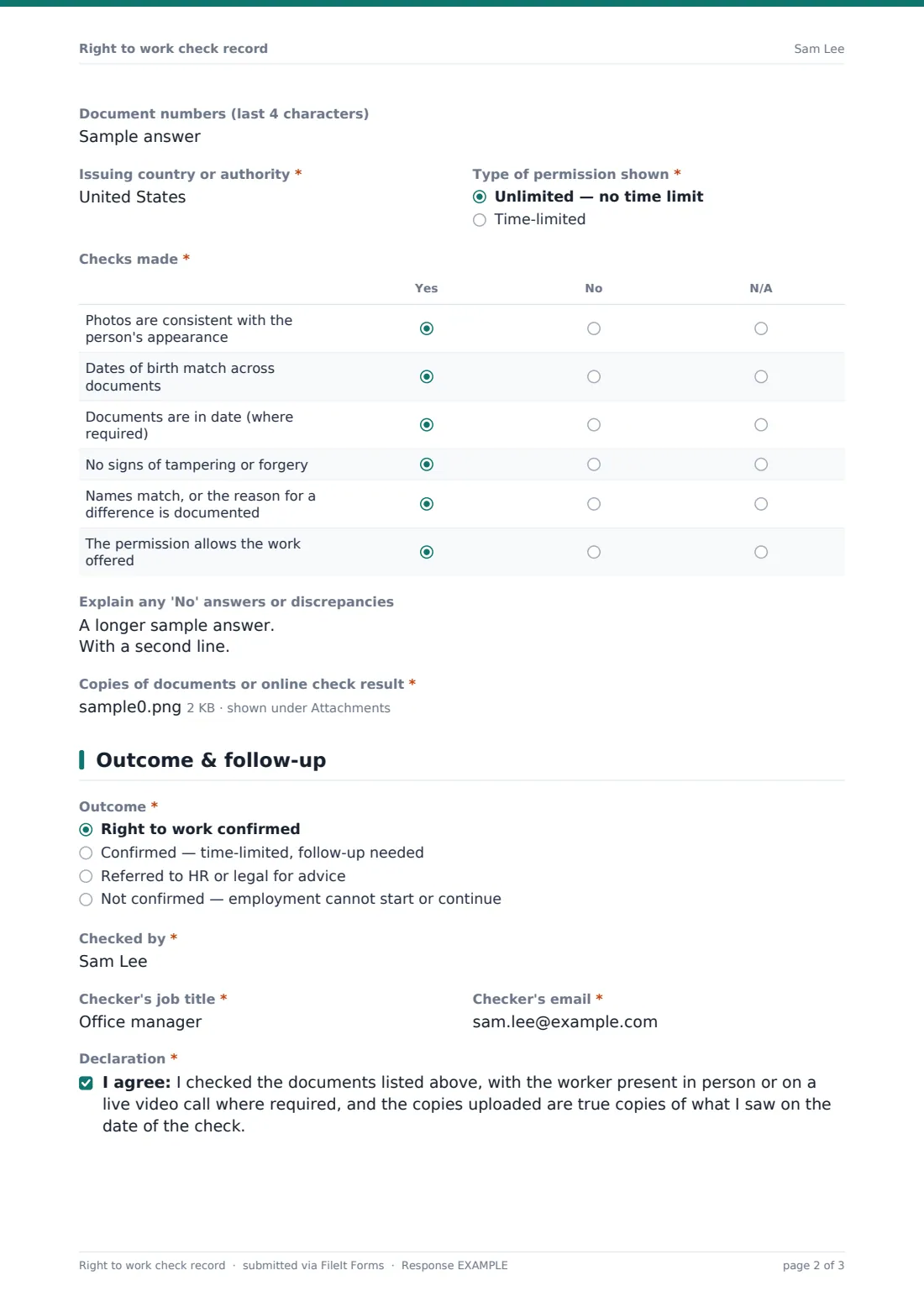
- Document numbers (last 4 characters)
- Issuing country or authority*
- Type of permission shown* Unlimited — no time limit · Time-limited
- Permission expires on* asked only when it applies
- Work restrictions shown asked only when it applies
- Checks made* Yes · No · N/A
- Explain any 'No' answers or discrepancies
- Copies of documents or online check result*
3 Outcome & follow-up
- Outcome* Right to work confirmed · Confirmed — time-limited, follow-up needed · Referred to HR or legal for advice · Not confirmed — employment cannot start or continue
- Follow-up check due by* asked only when it applies
- Notes on the outcome asked only when it applies
- Checked by*
- Checker's job title*
- Checker's email*
- Declaration*
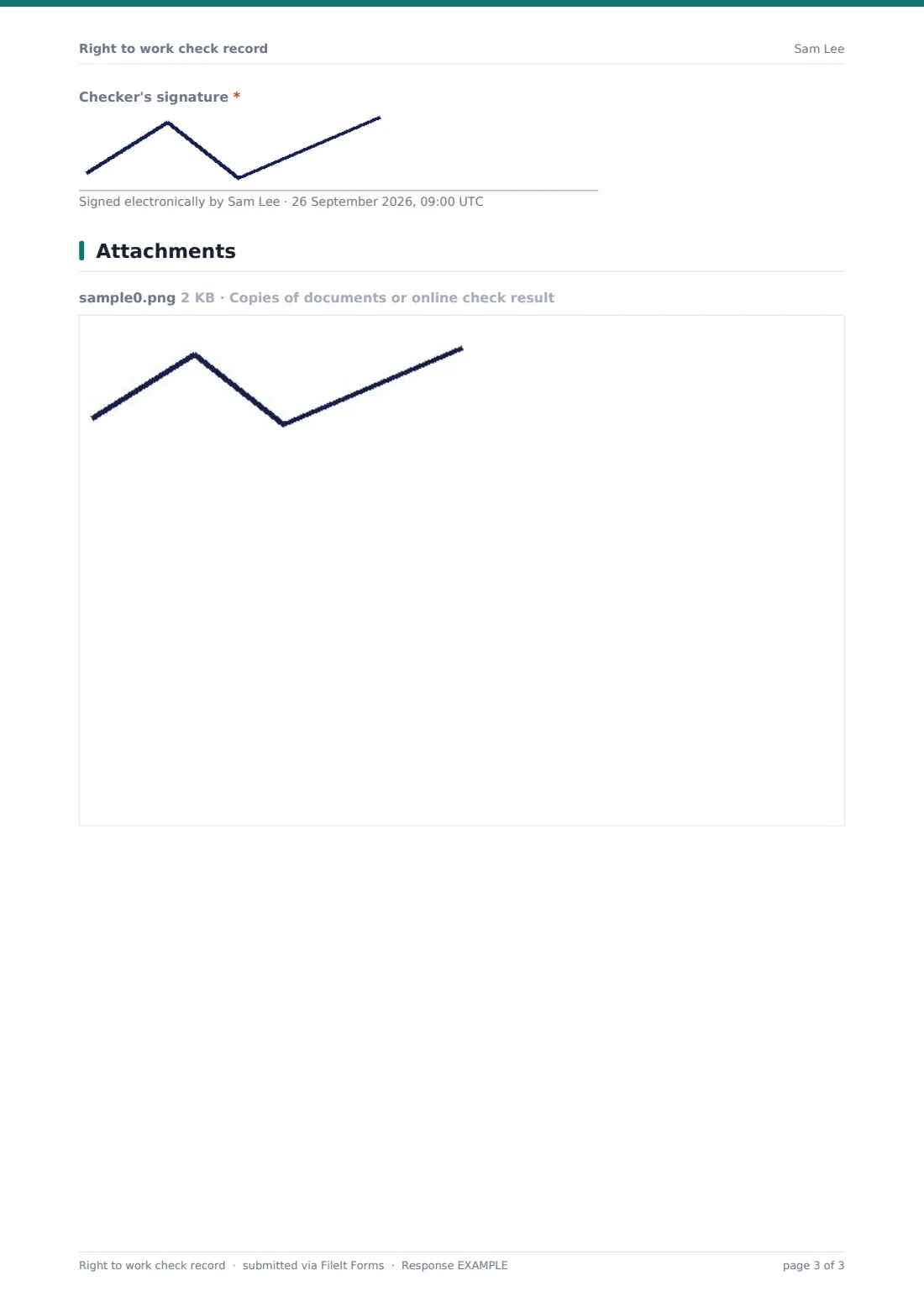
- Checker's signature*
The right to work check record form, page by page
1 Worker & check details
The checker records the Worker's full name, any other names on their documents, Date of birth, Job title and Start date. When is this check being made? distinguishes a pre-start check from a follow-up or re-check, which asks for the previous check's date. How was the check made? covers original documents in person, on a live video call, an online government check (with a reference or share code) or a digital identity provider (with the provider and reference).
2 Documents seen
Documents seen is a tick list — passport, national identity card, residence permit, visa, birth or adoption certificate, an official document showing a social security number, a work permit or an online profile — with room for others. The checker records the last characters of each document number, the issuing country and whether permission is unlimited or time-limited. Time-limited permission asks for the expiry date and any work restrictions.
The Checks made grid asks yes, no or N/A for photo consistency, matching dates of birth, documents in date, no signs of tampering, matching names and whether the permission allows the work offered. Any no can be explained underneath, and copies of the documents or the online result must be uploaded.
3 Outcome & follow-up
The outcome is confirmed, confirmed with follow-up needed, referred for advice, or not confirmed. Time-limited permission requires a follow-up date, and anything other than a clean pass asks for notes. The checker gives their name, job title and email, agrees to the declaration and signs.
Make the template yours
- Edit the document list to match the acceptable documents in your country's official guidance
- Remove check methods your organisation doesn't use, such as digital identity providers
- Pre-fill the form with each new hire's name and start date by sending personal links to your hiring managers
- Route records into a restricted vault folder per site or per year
- Add your HR inbox to notifications so referred or failed checks are seen the same day
- Add a question for the hiring manager's name if checks are carried out at different locations
Tips for a better right to work check record form
- Check before the first day of work, not on it — a failed check is much harder to handle after someone has started
- Put the follow-up date in a calendar or FileIt reminder as soon as the record is saved
- Record the check method accurately; a video call and an in-person check are not always treated the same
- Never accept photocopies or photos from the worker as the document itself
- Keep copies secure and only as long as your record-keeping rules require
- Use the same process for every new hire so no one is singled out because of nationality or accent
Every response becomes a PDF in your vault
Each check is saved as a PDF in your vault with the uploaded copies attached, so the evidence, the method and the checker's signature are kept together. The checker's name, job title, email and signature are on every record, and the checker gets an emailed copy.
From the Responses table HR can find records by name, filter by outcome and export a CSV of follow-up dates to plan repeat checks before permission expires.
- Start from this template. It opens in the FileIt Forms designer — change any question, add pages, set the rules for when questions appear.
- Share it. Turn on a public link, or send it to people by email, each with their own link. They don’t need a FileIt account.
- Get the answers as PDFs. Each response is saved as a PDF in the vault folder you choose, with uploaded files attached — and listed in a Responses table you can export to CSV.
Right to work check record form: frequently asked questions
Is this right to work check template free?
Yes. It's part of the FileIt Forms app on every plan, including the free plan.
Does this form check whether a document is genuine?
No. It records the check a person carried out. Whether a document or method is acceptable depends on your country's rules and official guidance.
Which countries is it for?
It's written in general terms so it can be adapted. Edit the document list and check methods to match the guidance where you employ people.
Who fills it in — the worker or HR?
HR or whoever carried out the check. The worker doesn't fill it in; they show their documents to the checker.
How are follow-up checks handled?
Marking permission as time-limited requires an expiry date and a follow-up date. You can set a reminder for that date or export the dates from the Responses table.
Are the document copies stored with the record?
Yes. Uploaded copies are saved alongside the PDF in the vault folder you choose.
Why does the form ask only for the last characters of document numbers?
It keeps full numbers out of the summary while the uploaded copies hold the complete document. You can change the question if your process needs the full number.