
What is the pageant contestant application form template?
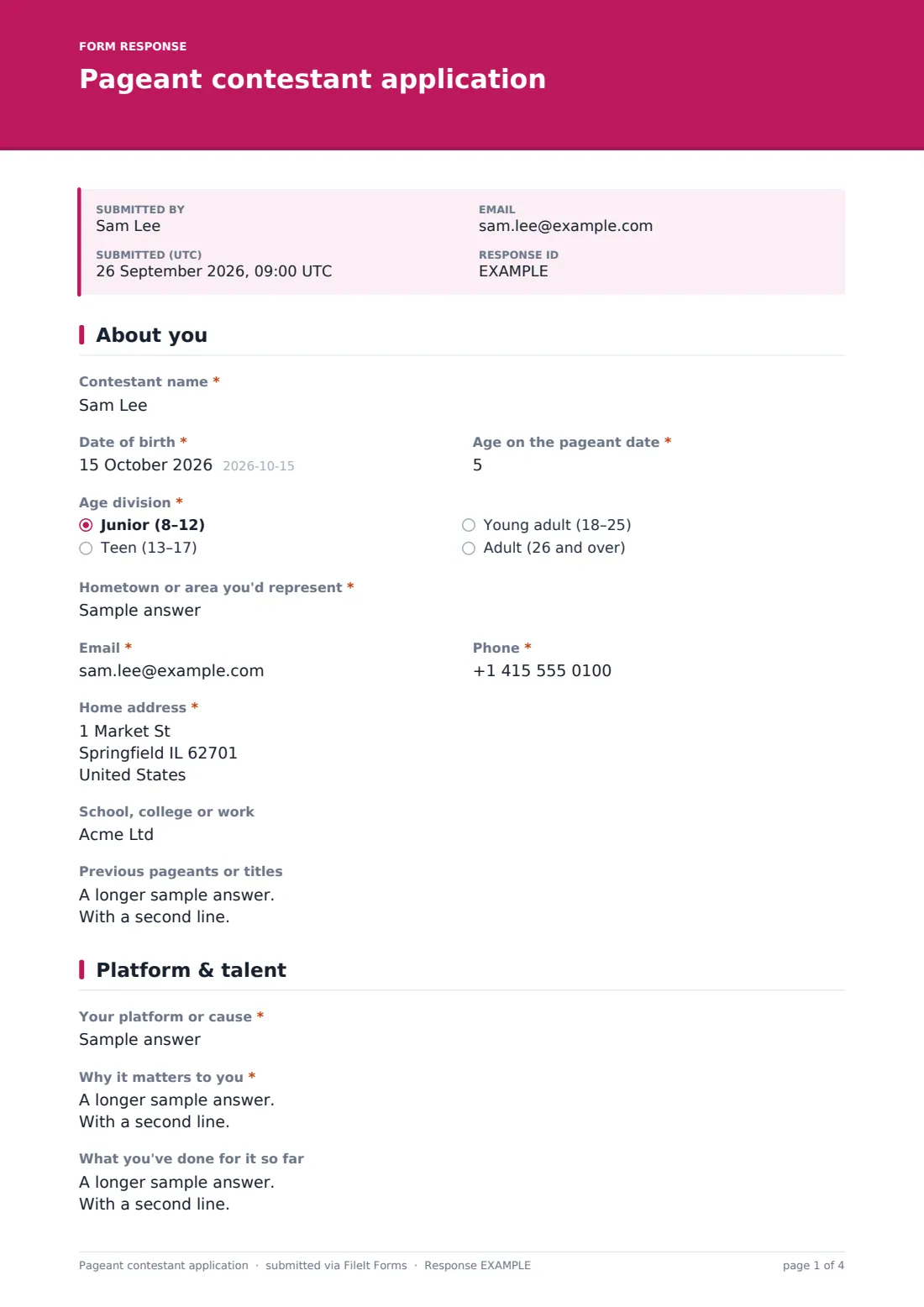
Pageant organisers need a lot from each contestant before the first rehearsal: the right age division, the platform they'll speak about, what they're performing and for how long, an introduction the emcee can read aloud, photos for the program and a sponsor if they have one. This application gathers all of it over three short pages.
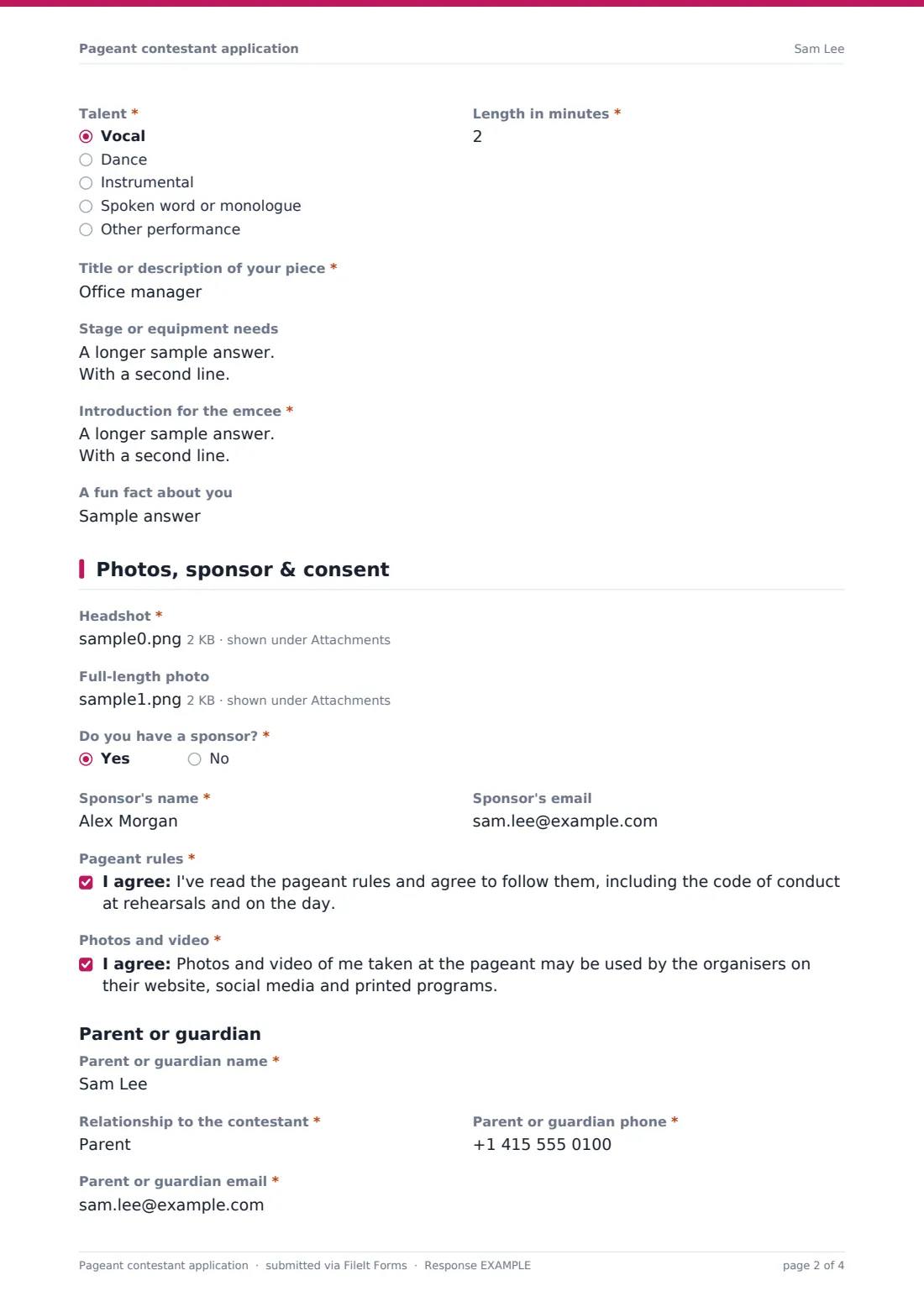
Age drives the important logic. Every contestant gives their age on the pageant date. Anyone under 18 sees a parent or guardian section on the last page, with the guardian's name, relationship, phone and email, a consent to take part and follow the rules, and a guardian signature. Adult contestants never see it.
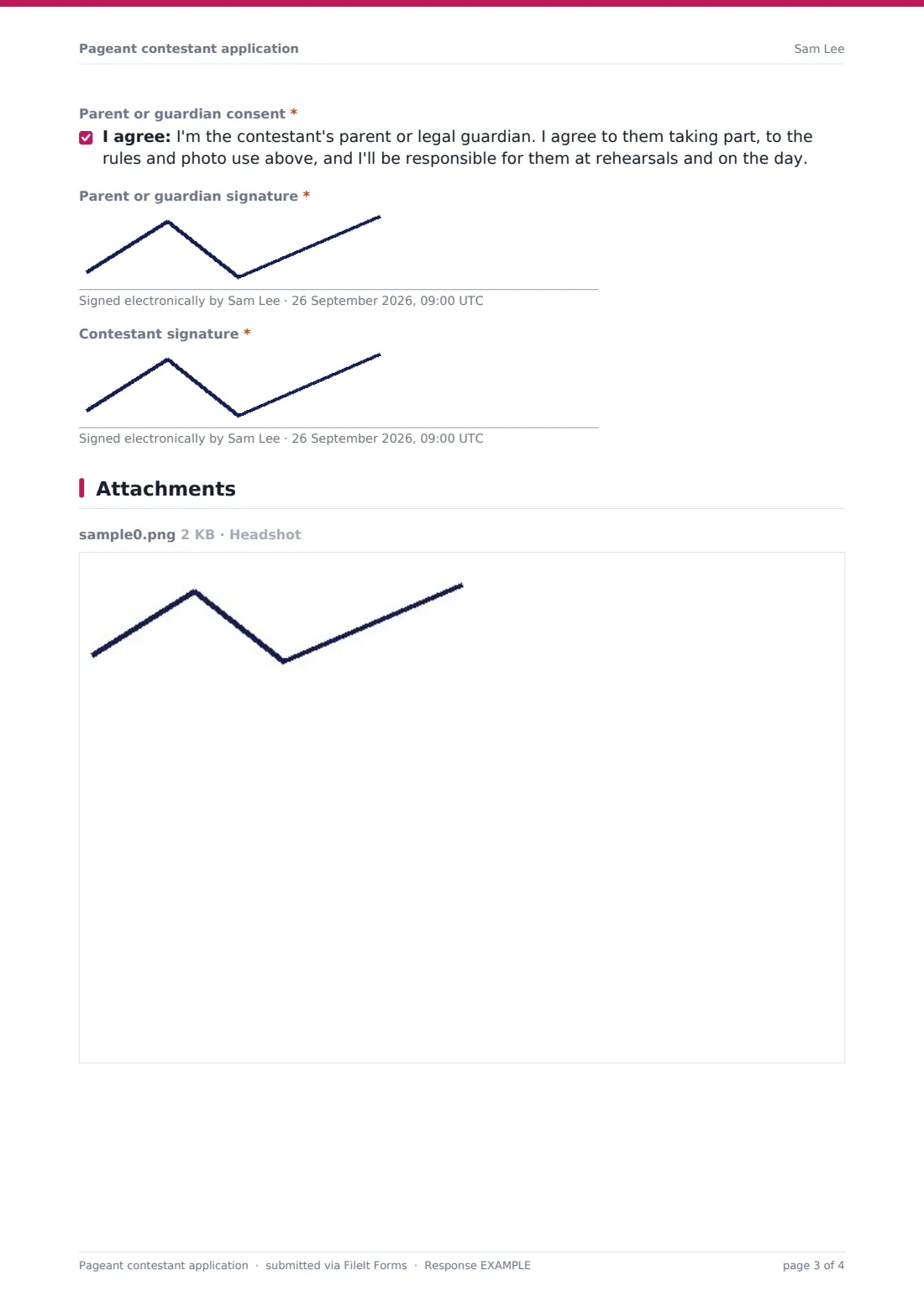
Each application is signed and filed as a PDF in your FileIt vault, with the headshot and full-length photo embedded and also kept as full-size attachments for the program designer.
- Best for
- Scholarship pageants, county and state fair pageants, festival queens and community pageants
- Filled in by
- Contestants, with a parent or guardian for under-18s
- Time to complete
- About 15 minutes
- Includes
- Age and division, hometown, platform, talent and length, stage needs, emcee introduction, headshot, sponsor, rules and photo consents, guardian consent and signature
Who uses a pageant contestant application form?
- A county fair queen or ambassador competition
- A scholarship pageant with platform and talent phases
- A city festival choosing its ambassador court
- A cultural heritage pageant
- A teen or junior pageant where every contestant needs guardian consent
Questions on this pageant contestant application form
33 questions over 3 pages · includes signature, file upload, conditional questions, multiple pages, consent checkbox.
1 About you
- Contestant name*
- Date of birth*
- Age on the pageant date*
- Age division* Junior (8–12) · Teen (13–17) · Young adult (18–25) · Adult (26 and over)
- Hometown or area you'd represent*
- Email*
- Phone*
- Home address*
- School, college or work
- Previous pageants or titles
2 Platform & talent
- Your platform or cause*
- Why it matters to you*
- What you've done for it so far
- Talent* Vocal · Dance · Instrumental · Spoken word or monologue · Other performance
- Length in minutes*
- Title or description of your piece*
- Stage or equipment needs
- Introduction for the emcee*
- A fun fact about you
3 Photos, sponsor & consent
- Headshot*
- Full-length photo
- Do you have a sponsor?*
- Sponsor's name* asked only when it applies
- Sponsor's email asked only when it applies
- Pageant rules*
- Photos and video*
- Parent or guardian name* asked only when it applies
- Relationship to the contestant* asked only when it applies
- Parent or guardian phone* asked only when it applies
- Parent or guardian email* asked only when it applies
- Parent or guardian consent* asked only when it applies
- Parent or guardian signature* asked only when it applies
- Contestant signature*
The pageant contestant application form, page by page
1 About you
Contestants give their name, date of birth and "Age on the pageant date", then choose an "Age division": Junior (8–12), Teen (13–17), Young adult (18–25) or Adult (26 and over). They name the hometown or area they'd represent, with email, phone, home address, school or work, and any previous pageants or titles.
2 Platform & talent
"Your platform or cause", "Why it matters to you" and "What you've done for it so far" give judges the background for the interview. For talent, contestants choose a type — vocal, dance, instrumental, spoken word or other — with the length in minutes (up to three), a title or description, and stage or equipment needs. The "Introduction for the emcee" is about 60 words, and there's room for a fun fact.
3 Photos, sponsor & consent
A headshot is required and a full-length photo optional. "Do you have a sponsor?" opens the sponsor's name and email. Contestants agree to the pageant rules and to photos and video being used in the program, website and social media. For contestants under 18, a parent or guardian section appears with their details, a consent and a signature. The contestant signs last.
Make the template yours
- Change the age divisions and the talent time limit to match your rules
- Add your entry fee and how to pay it to the cover text
- Remove the talent questions if your pageant has no talent phase
- Add wardrobe or measurement questions if you supply sashes or gowns
- Set a close date for your application deadline
Tips for a better pageant contestant application form
- Check the date of birth against the division before confirming each contestant
- Send the emcee introductions to the script writer straight from the CSV export
- Ask for headshots on plain backgrounds so the program looks consistent
- Confirm talent lengths early so the running order fits the evening
- Keep signed guardian consents on file for every under-18 contestant
Every response becomes a PDF in your vault
Each signed application is filed as a PDF in the vault folder you choose, with the photos attached to the same document. You get an email notice, and the contestant gets a copy if you've left that on.
The Responses table lists contestants with search by name, division or hometown. Export to CSV for the program, the running order and the judges' sheets.
- Start from this template. It opens in the FileIt Forms designer — change any question, add pages, set the rules for when questions appear.
- Share it. Turn on a public link, or send it to people by email, each with their own link. They don’t need a FileIt account.
- Get the answers as PDFs. Each response is saved as a PDF in the vault folder you choose, with uploaded files attached — and listed in a Responses table you can export to CSV.
Pageant contestant application form: frequently asked questions
Is this pageant application template free?
Yes. It's included in the Forms app on every FileIt account, including the free plan.
How does the guardian consent work?
When the contestant's age is under 18, a parent or guardian section appears on the last page with a consent and a signature pad. The guardian signs on the same device, before the form is submitted.
Can contestants upload a backing track?
Uploads accept images, PDFs and office documents, not audio. Ask contestants to describe the track in the stage needs question and send it separately.
Do contestants need a FileIt account?
No. They apply through your link without signing up.
Can I change the divisions?
Yes. Edit the options in the designer — for example to add a Miss and Mrs. division.