
What is the local business directory listing form template?
A business directory is only as good as its least complete listing. When owners send their details by email, one sends a logo and no hours, another a paragraph of history and no phone number. This listing form asks every business for the same things in the same order: name, category, a short description, where to find them, how to reach them, opening hours, a logo and photos, and social links.
It also respects the way small businesses actually work. Not everyone has a storefront. Owners choose between a place customers visit, a service area they travel to, or online only — and online-only businesses don't see the address questions at all. Anyone with an address can choose whether the street address is shown, which matters for home-based businesses. The owner's own name and email are marked as not published, separate from the phone and email that go in the listing.
Each listing is filed as a PDF in your FileIt vault with the logo and photos attached, so the person building the directory has everything for one business in one document.
- Best for
- Chambers of commerce, towns, business improvement districts, shop-local campaigns and community magazines
- Filled in by
- Business owners and managers
- Time to complete
- About 6 minutes
- Includes
- Category, listing description, search words, ownership tags, storefront or service-area or online-only, hours, logo, photos, social links, reader offer, publishing consent
Who uses a local business directory listing form?
- A chamber of commerce member directory
- A town's shop-local guide for the holiday season
- A downtown association's printed map of shops and restaurants
- A community magazine's annual services guide
- A neighbourhood group listing local tradespeople
- A farmers market directory of its regular vendors
Questions on this local business directory listing form
26 questions over 2 pages · includes file upload, conditional questions, multiple pages, consent checkbox.
1 Your business
- Business name*
- Category* Restaurant or café · Shop or retail · Health and wellness · Beauty and personal care · Home services and trades · Professional services · Auto and transport · Arts and entertainment · Education and childcare · Nonprofit or community group · Other
- Describe your category* asked only when it applies
- Listing description*
- Search words
- Is your business… Locally owned · Family-owned · Woman-owned · Minority-owned · Veteran-owned
- In business since
- Are you a member of our chamber or association?
- Membership number asked only when it applies
- Your name (not published)*
- Your email (not published)*
2 Location, hours & links
- How do customers find you?* A storefront or office they visit · We go to them in a service area · Online only
- Business address* asked only when it applies
- Show the street address in the listing?* asked only when it applies
- Areas you serve asked only when it applies
- Phone for the listing
- Email for the listing
- Website
- Opening hours
- Other social or booking link
- Logo
- Photos of your business
- Offer for directory readers
- Publishing your listing*
The local business directory listing form, page by page
1 Your business
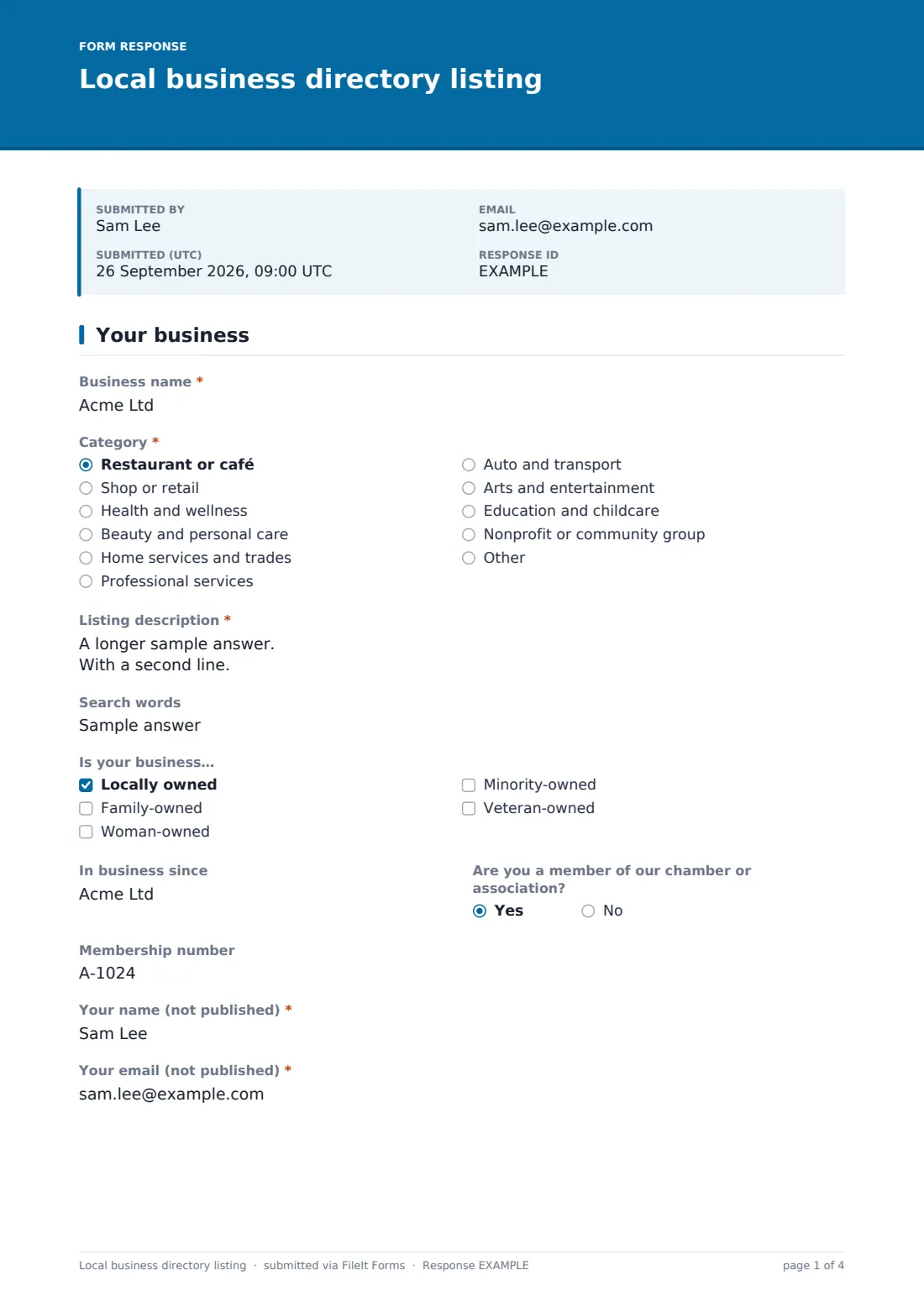
Owners give the business name and pick a "Category" from restaurants, shops, health, beauty, trades, professional services, auto, arts, education and nonprofits; "Other" asks them to describe it. The "Listing description" is about 50 to 80 words, with optional "Search words". "Is your business…" lets them tag it as locally owned, family-owned, woman-owned, minority-owned or veteran-owned. They add "In business since", whether they're a member (with a membership number), and their own name and email, both marked not published.
2 Location, hours & links
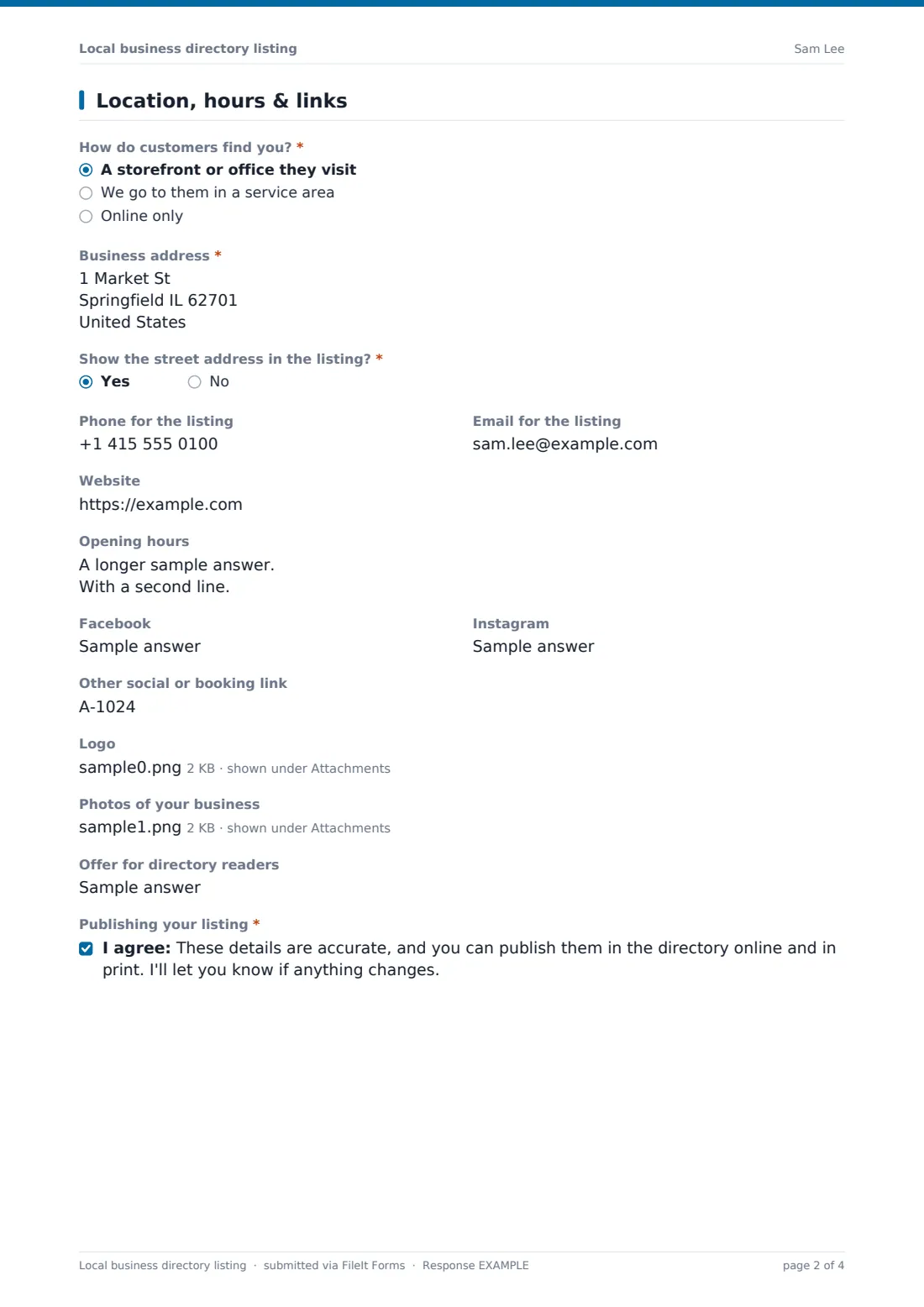
"How do customers find you?" offers a storefront or office, a service area, or online only. Unless they're online only, they give the business address and say whether to show the street address in the listing; service-area businesses also list the areas they serve. Then come the listing phone and email, website, opening hours, Facebook, Instagram and another social or booking link. They can upload a logo and up to three photos, add an offer for directory readers, and agree to the publishing consent.
Make the template yours
- Replace the category list with your directory's own sections
- Remove the membership question if your directory is open to everyone
- Add a currency question for a paid or featured listing and explain how to pay
- Set a close date for your print deadline
- Add the designer or editor to the notification list
Tips for a better local business directory listing form
- Ask for the description in a fixed length so printed listings line up
- Respect the "show the street address" answer — some owners work from home
- Export the Responses table to CSV to import listings into your website or layout tool
- Send owners a yearly link to check their listing is still right
- Keep logos at the original size — the attachment in the vault is the full-resolution file
Every response becomes a PDF in your vault
Each submission becomes a PDF in your chosen vault folder, with the logo and photos attached as the original files. You get an email for every new listing, and the owner gets a copy if you've left that on.
Use the Responses table to search by category or name and export to CSV for your website, print layout or mailing list.
- Start from this template. It opens in the FileIt Forms designer — change any question, add pages, set the rules for when questions appear.
- Share it. Turn on a public link, or send it to people by email, each with their own link. They don’t need a FileIt account.
- Get the answers as PDFs. Each response is saved as a PDF in the vault folder you choose, with uploaded files attached — and listed in a Responses table you can export to CSV.
Local business directory listing form: frequently asked questions
Is this business directory template free?
Yes. It's one of the templates in the Forms app, available on every FileIt account.
Does FileIt publish the directory?
No. The form collects listings for you to review; you publish them on your own website or in print.
Can businesses without an address list themselves?
Yes. Online-only businesses skip the address questions, and service-area businesses list the areas they cover.
Do business owners need a FileIt account?
No. They open the link, fill in two pages and submit.
Can owners update their listing later?
They can submit the form again; use the most recent response, which is dated in the Responses table.