What is the linen par count form template?
Running out of bath towels on a full night is avoidable if housekeeping knows how much clean linen is really on the shelves compared with the par level the property runs on. A regular count also shows where stock is going missing, wearing out or sitting in the laundry too long.
This template takes a housekeeping supervisor through a count in four steps: where and when the count was taken, clean stock on hand for the main linen items, soiled, damaged and discarded items, and a stock-against-par grid with any order quantities and a sign-off.
Each count is saved as a PDF in your FileIt vault, so you build up a history of counts by location and date that's easy to compare when you plan a linen order or budget.
- Best for
- Hotels, B&Bs, serviced apartments, holiday lets, hostels and care homes
- Filled in by
- Housekeeping supervisors, linen room attendants and executive housekeepers
- Time to complete
- 5 to 10 minutes to enter a completed count
- Includes
- Counts by item, soiled and damaged items, shortages, a par status grid and order quantities
Who uses a linen par count form?
- A hotel housekeeping team doing a weekly count of each floor's linen closet
- An executive housekeeper running a monthly physical inventory before a linen order
- A serviced apartment operator checking stock across several buildings
- A B&B owner keeping track of towel losses over a season
- A laundry manager reconciling what went out with what came back
- A resort counting pool and beach towels separately from room linen
Questions on this linen par count form
29 questions over 4 pages · includes signature, conditional questions, multiple pages, ratings.
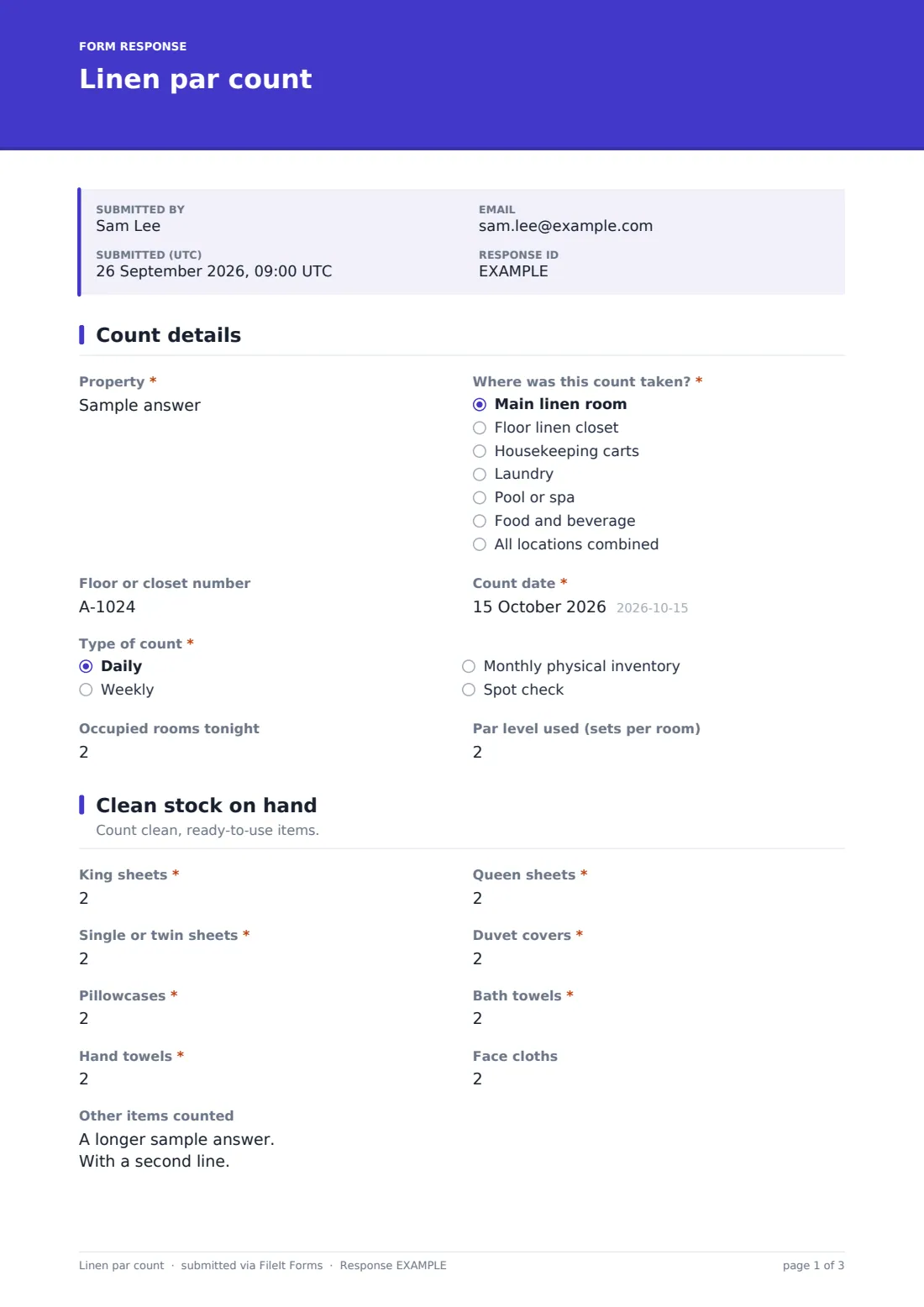
1 Count details
- Property*
- Where was this count taken?* Main linen room · Floor linen closet · Housekeeping carts · Laundry · Pool or spa · Food and beverage · All locations combined
- Floor or closet number
- Count date*
- Type of count* Daily · Weekly · Monthly physical inventory · Spot check
- Occupied rooms tonight
- Par level used (sets per room)
2 Clean stock on hand
- King sheets*
- Queen sheets*
- Single or twin sheets*
- Duvet covers*
- Pillowcases*
- Bath towels*
- Hand towels*
- Face cloths
- Other items counted
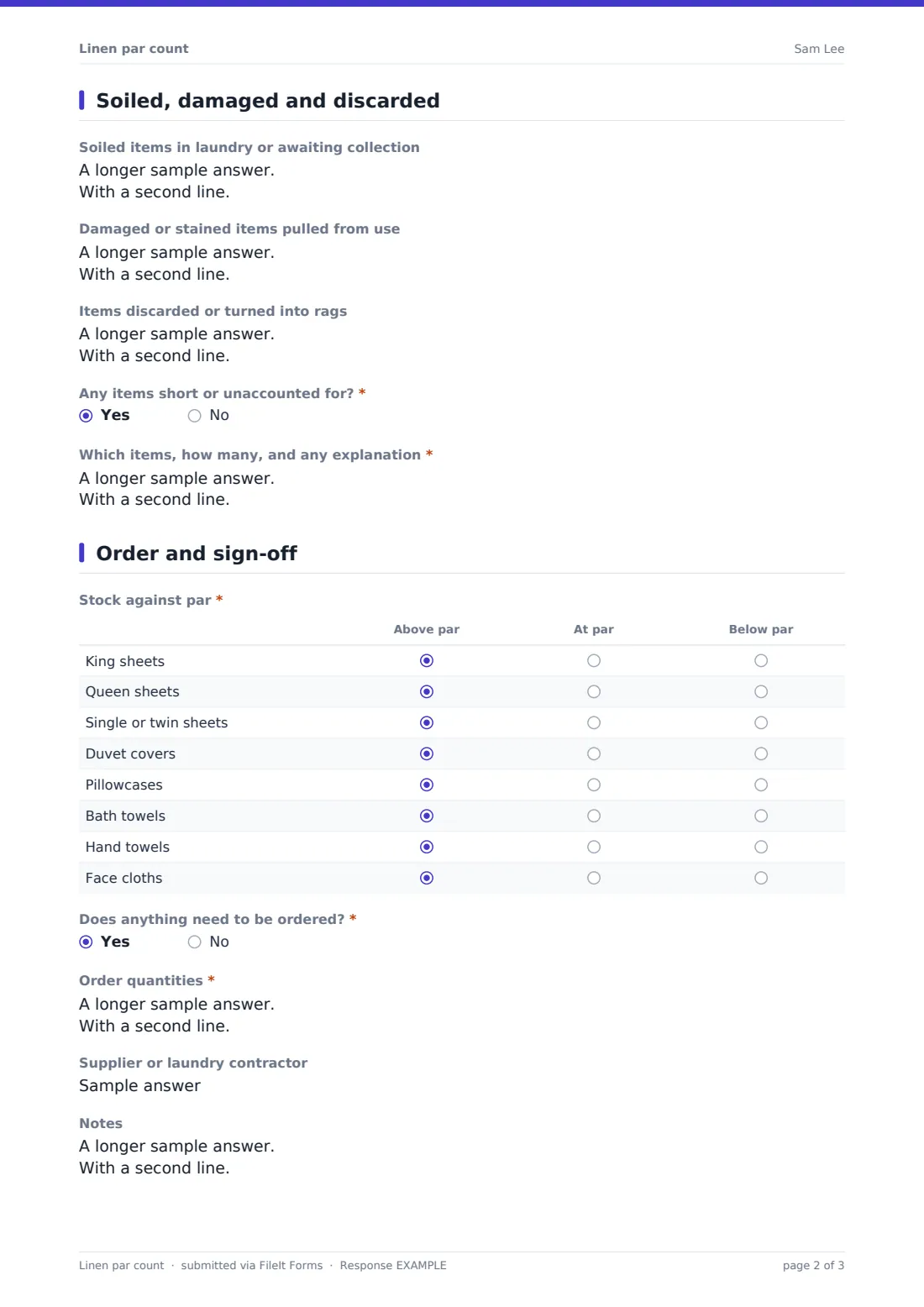
3 Soiled, damaged and discarded
- Soiled items in laundry or awaiting collection
- Damaged or stained items pulled from use
- Items discarded or turned into rags
- Any items short or unaccounted for?*
- Which items, how many, and any explanation* asked only when it applies
4 Order and sign-off
- Stock against par* Above par · At par · Below par
- Does anything need to be ordered?*
- Order quantities* asked only when it applies
- Supplier or laundry contractor asked only when it applies
- Notes
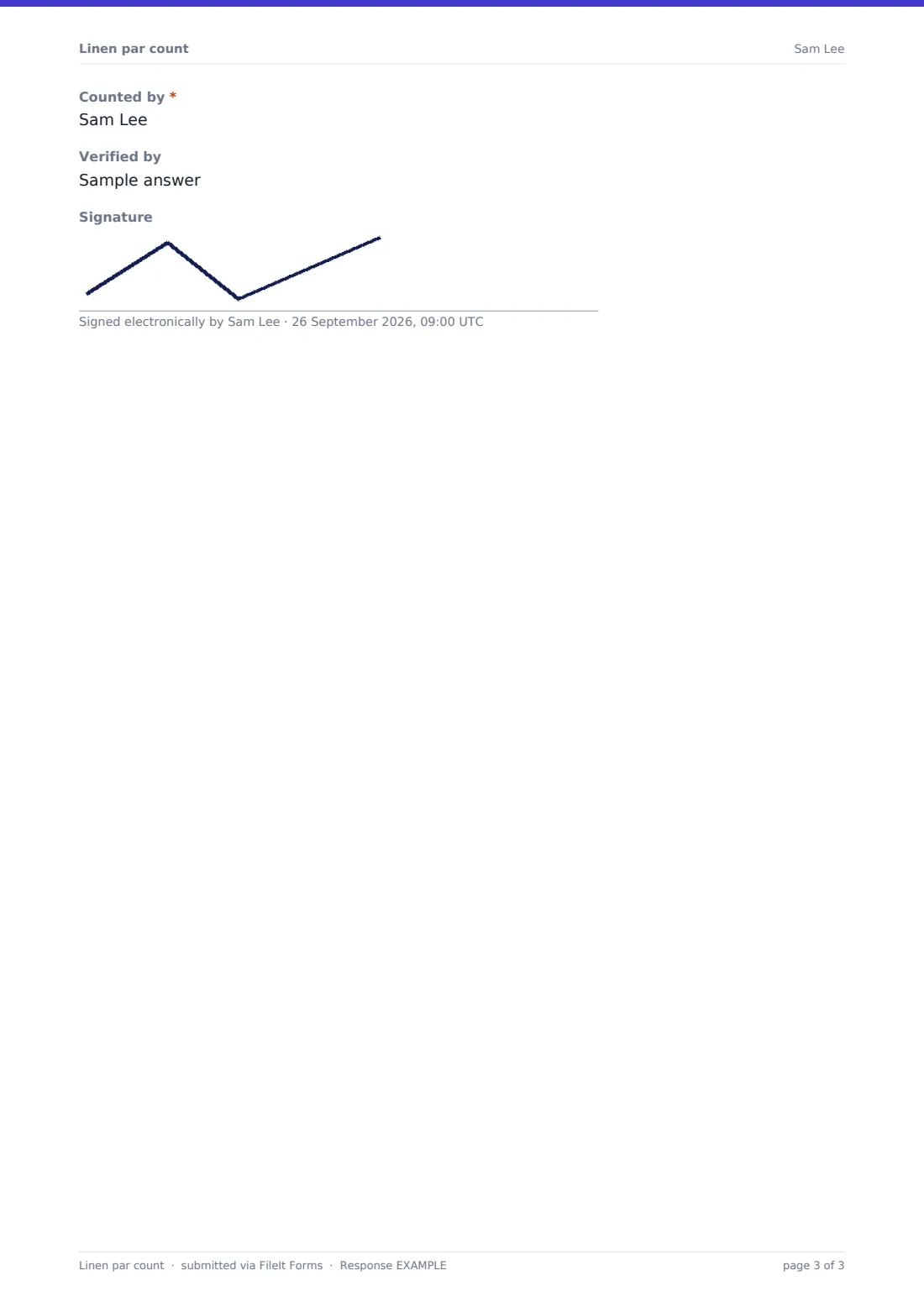
- Counted by*
- Verified by
- Signature
The linen par count form, page by page
1 Count details
Record the property, the location of the count (main linen room, a floor closet, carts, laundry, pool or spa, food and beverage, or all locations combined), the floor or closet number, date and type of count. Occupied rooms and the par level in use give the count some context.
2 Clean stock on hand
Enter clean, ready-to-use quantities for king, queen and single sheets, duvet covers, pillowcases, bath towels, hand towels and face cloths, plus a box for other items such as bathrobes or pool towels.
3 Soiled, damaged and discarded
List soiled items in the laundry or awaiting collection, damaged or stained items pulled from use with the reason, and anything discarded or turned into rags. If items are short or unaccounted for, the form asks which items, how many and any explanation.
4 Order and sign-off
A grid marks each main item as above, at or below par. If anything needs ordering, staff list the items, sizes and quantities and the supplier or laundry contractor. The count ends with notes, who counted, who verified it and an optional signature.
Make the template yours
- Rename the linen items to match your own stock, such as adding super king or kitchen linen
- Add your properties to a dropdown if you run several sites
- Make the verifier's signature required for monthly inventories
- Send counts to the executive housekeeper or purchasing by email
- Add a field for the laundry delivery note number
- File counts into a vault folder per property
Tips for a better linen par count form
- Count at the same time of day each time, ideally after the laundry delivery has been put away
- Count soiled linen separately so it isn't counted twice
- Pull stained or torn items out of use as you count rather than putting them back
- Work out your target quantities from your par level and number of rooms before you count
- Compare counts over a few months to spot a location where stock keeps going missing
Every response becomes a PDF in your vault
Each count is filed as a PDF in your FileIt vault, and the person responsible for ordering can be emailed when a new count arrives.
Use the Responses table to filter counts by location or date, or export them to CSV to track usage and losses between counts.
- Start from this template. It opens in the FileIt Forms designer — change any question, add pages, set the rules for when questions appear.
- Share it. Turn on a public link, or send it to people by email, each with their own link. They don’t need a FileIt account.
- Get the answers as PDFs. Each response is saved as a PDF in the vault folder you choose, with uploaded files attached — and listed in a Responses table you can export to CSV.
Linen par count form: frequently asked questions
Is this linen par count form free?
Yes. It's included in the FileIt Forms app on every account, including the free plan.
Does the form work out what to order?
No. It doesn't calculate. Staff mark each item against par and list the quantities to order.
What does par level mean?
Par is the number of complete sets of linen kept per bed or room, for example one in use, one in the laundry and one on the shelf. Your own par level depends on your laundry turnaround.
Can I count several locations?
Yes. Submit one count per location, or choose all locations combined for a single total.
Can I add more linen types?
Yes. Add number fields in the designer, or use the other items box.
Do staff need a FileIt account?
No. Share the form link with your housekeeping team.