What is the lawn care service sign-up form template?
Signing up a new lawn customer usually takes a phone call, a scribbled address and a second call to ask about the gate. Then the crew arrives to find a locked side gate and a dog in the yard nobody mentioned. A sign-up form asks those questions once, up front, in the same order every time.
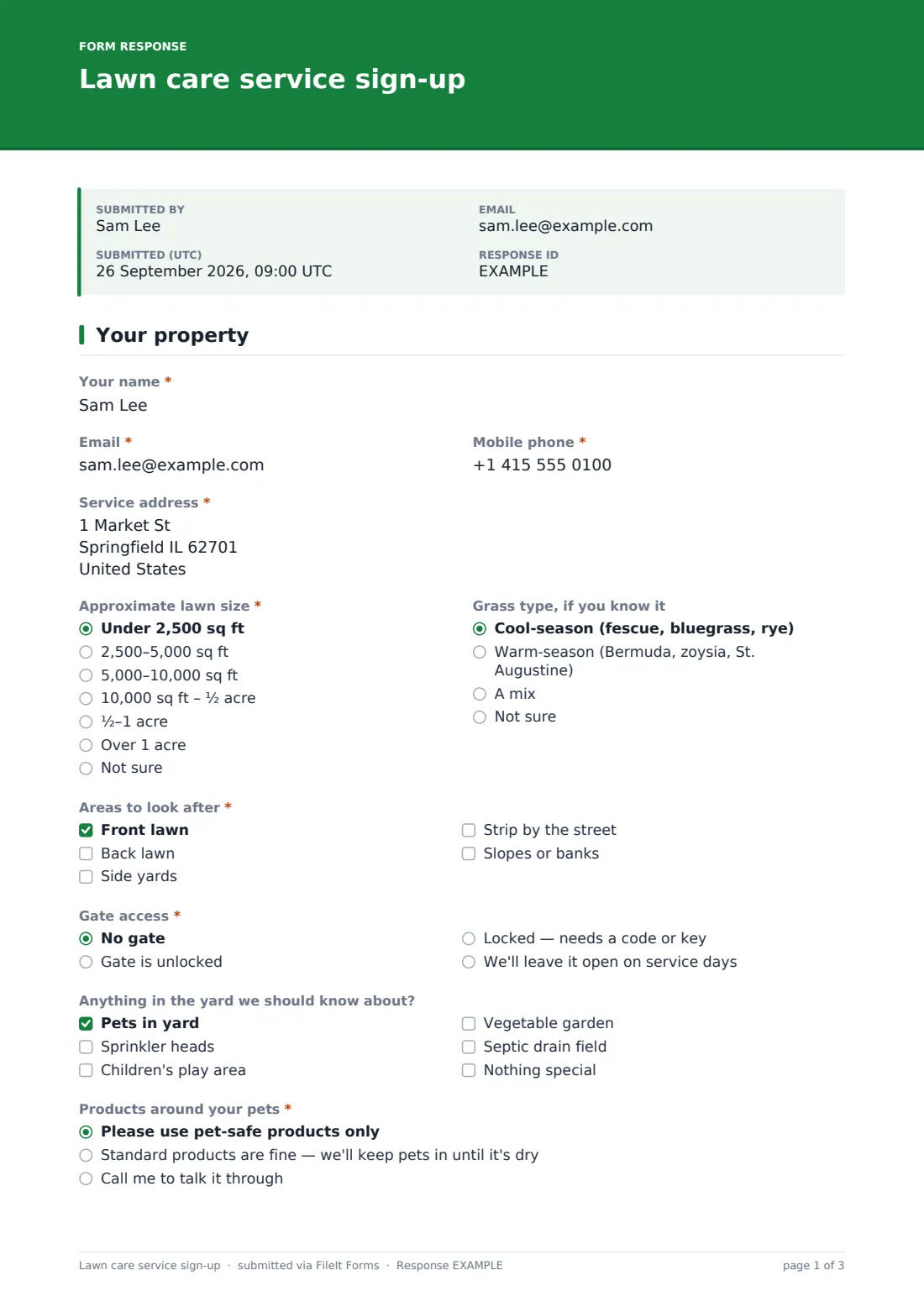
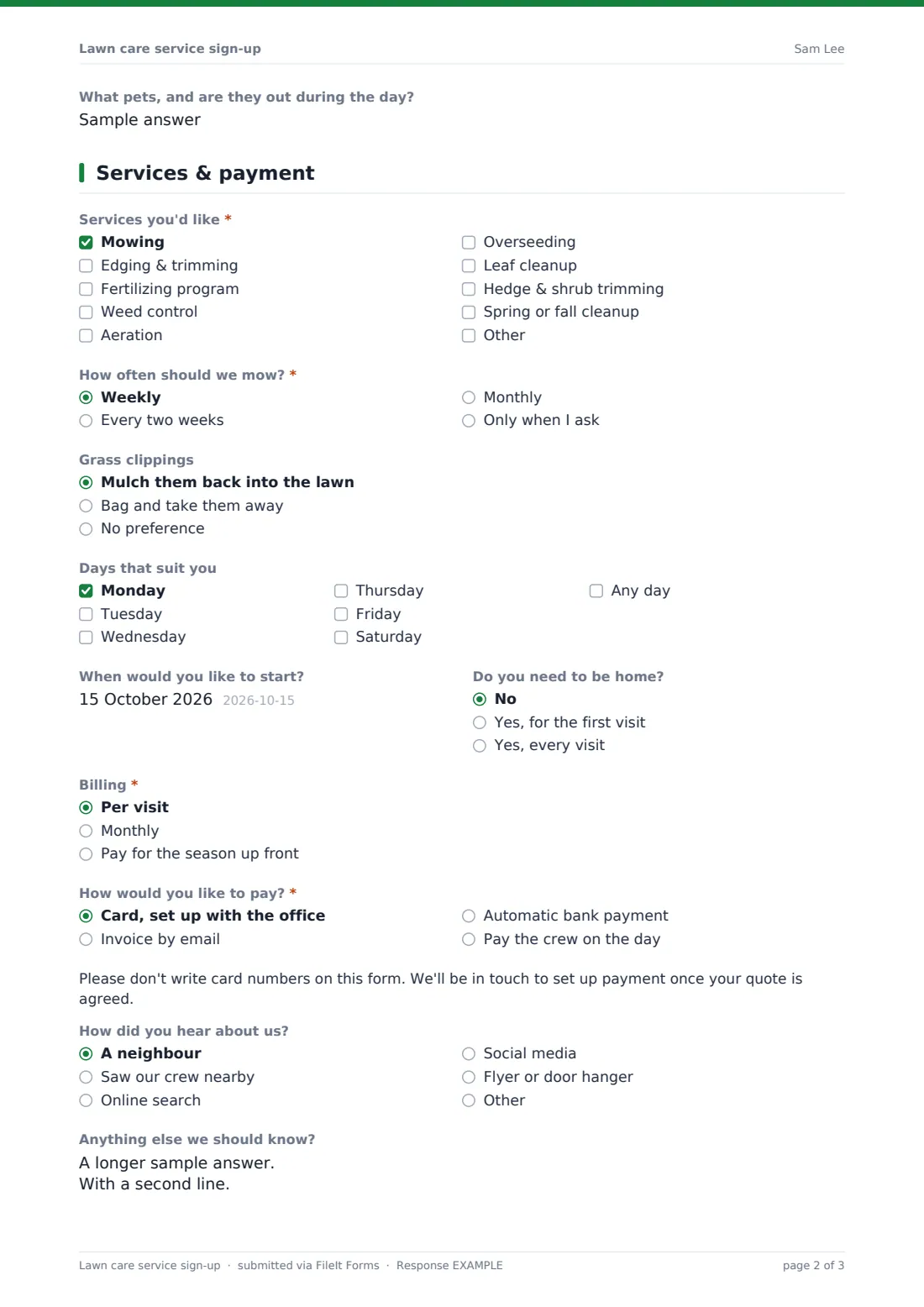
This template gives homeowners two short pages. The first is the property: address, lawn size, grass type, which areas to look after, gate access and anything in the yard your crew should know about. Ticking "Pets in yard" brings up a question on products used around pets and what animals are out during the day. The second page is the service: what they want done, how often to mow, preferred days, start date, billing and how they'd like to pay — without asking for card numbers.
Every sign-up is saved as a PDF in your FileIt vault, and the homeowner receives a copy by email. The customer doesn't need a FileIt account; they only need the link.
- Best for
- Lawn care companies, landscapers, and solo mowing businesses
- Filled in by
- The homeowner or tenant, on their phone or computer
- Time to complete
- About 4 minutes
- Includes
- Lawn size, services, mowing frequency, gate access, pet-safe products, payment preference
Who uses a lawn care service sign-up form?
- Taking spring sign-ups from a link on your website or social media page
- A door hanger with a QR code that leads to the form
- Signing up a whole street after a neighbour recommends you
- Moving existing phone customers onto a written record of what they asked for
- Collecting gate codes and pet details before the first visit of the season
- Adding fall cleanup or aeration customers alongside regular mowing
Questions on this lawn care service sign-up form
24 questions over 2 pages · includes file upload, conditional questions, multiple pages, consent checkbox.
1 Your property
- Your name*
- Email*
- Mobile phone*
- Service address*
- Approximate lawn size* Under 2,500 sq ft · 2,500–5,000 sq ft · 5,000–10,000 sq ft · 10,000 sq ft – ½ acre · ½–1 acre · Over 1 acre · Not sure
- Grass type, if you know it Cool-season (fescue, bluegrass, rye) · Warm-season (Bermuda, zoysia, St. Augustine) · A mix · Not sure
- Areas to look after* Front lawn · Back lawn · Side yards · Strip by the street · Slopes or banks
- Gate access* No gate · Gate is unlocked · Locked — needs a code or key · We'll leave it open on service days
- Gate code or where the key is kept* asked only when it applies
- Anything in the yard we should know about? Pets in yard · Sprinkler heads · Children's play area · Vegetable garden · Septic drain field · Nothing special
- Products around your pets* asked only when it applies Please use pet-safe products only · Standard products are fine — we'll keep pets in until it's dry · Call me to talk it through
- What pets, and are they out during the day? asked only when it applies
2 Services & payment
- Services you'd like* Mowing · Edging & trimming · Fertilizing program · Weed control · Aeration · Overseeding · Leaf cleanup · Hedge & shrub trimming · Spring or fall cleanup
- How often should we mow?* asked only when it applies Weekly · Every two weeks · Monthly · Only when I ask
- Grass clippings asked only when it applies Mulch them back into the lawn · Bag and take them away · No preference
- Days that suit you Monday · Tuesday · Wednesday · Thursday · Friday · Saturday · Any day
- When would you like to start?
- Do you need to be home? No · Yes, for the first visit · Yes, every visit
- Billing* Per visit · Monthly · Pay for the season up front
- How would you like to pay?* Card, set up with the office · Invoice by email · Automatic bank payment · Pay the crew on the day
- How did you hear about us? A neighbour · Saw our crew nearby · Online search · Social media · Flyer or door hanger · Other
- Anything else we should know?
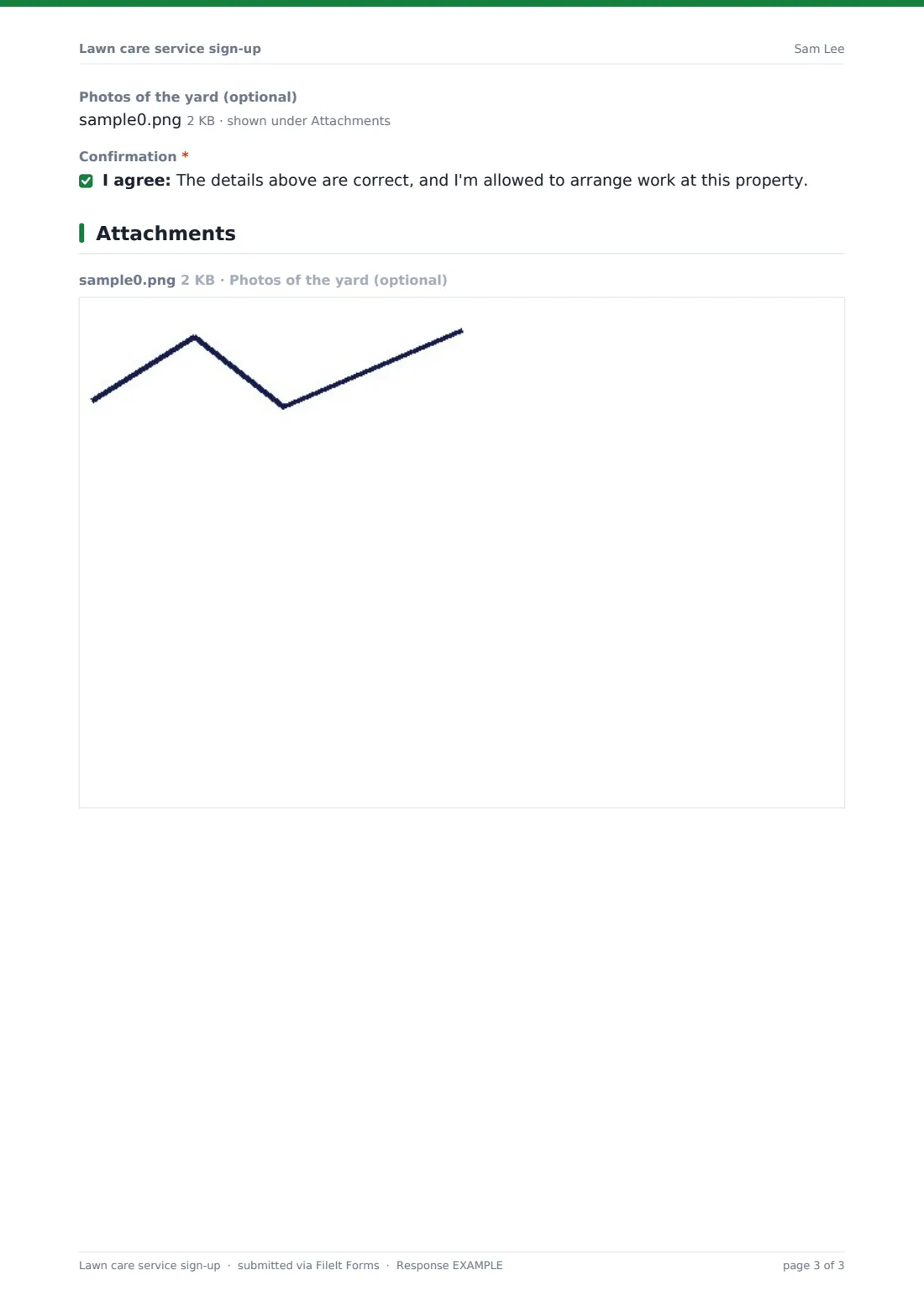
- Photos of the yard (optional)
- Confirmation*
The lawn care service sign-up form, page by page
1 Your property
Customers give Your name, Email, Mobile phone and the Service address, then pick an Approximate lawn size from under 2,500 sq ft to over an acre, and the Grass type, if they know it. Areas to look after covers the front and back lawn, side yards, the strip by the street, and slopes or banks.
Gate access is no gate, unlocked, locked, or left open on service days; choosing locked asks for the "Gate code or where the key is kept". "Anything in the yard we should know about?" lists sprinkler heads, a play area, a vegetable garden or a septic drain field. Ticking "Pets in yard" opens "Products around your pets" — pet-safe products only, standard products with pets kept in until dry, or a call to talk it through — and asks what pets are out during the day.
2 Services & payment
Services you'd like includes mowing, edging, a fertilizing program, weed control, aeration, overseeding, leaf cleanup, hedge trimming and seasonal cleanups, with room to write something else. If mowing is ticked, "How often should we mow?" and a question about grass clippings follow.
Days that suit you, "When would you like to start?" and "Do you need to be home?" help you schedule. Billing is per visit, monthly or for the season up front, and "How would you like to pay?" records a preference only; a note asks customers not to write card numbers. The page ends with how they heard about you, notes, optional photos of the yard and a short confirmation.
Make the template yours
- Swap the service list for the ones you actually sell, and add prices in the option labels if you publish them
- Change lawn sizes to square metres or acres to suit your area
- Add a close date for spring sign-ups so the form stops when your route is full
- Use a cap on responses if you only take a set number of new customers
- Rewrite the confirmation message to say when you'll send the quote
- Point the PDFs at a "New customers" folder in your vault
Tips for a better lawn care service sign-up form
- Share the link wherever people already ask about you — your website, map listing and texts
- Call back any customer who picked "Call me to talk it through" about pets before the first visit
- Read the photos before quoting; they answer most questions about slopes and obstacles
- Keep gate codes out of group chats — they're on the PDF where the crew lead can see them
- Ask what days suit customers, then cluster stops by street
- Confirm the first visit date by email so nobody is surprised by the mower
Every response becomes a PDF in your vault
Each sign-up is saved as a PDF in your FileIt vault, named with the customer's name, and the account owner is told by email. The homeowner receives their own copy.
The Responses table lets you sort new customers by lawn size, services or days, and a CSV export drops them straight into your route planning or invoicing tool.
- Start from this template. It opens in the FileIt Forms designer — change any question, add pages, set the rules for when questions appear.
- Share it. Turn on a public link, or send it to people by email, each with their own link. They don’t need a FileIt account.
- Get the answers as PDFs. Each response is saved as a PDF in the vault folder you choose, with uploaded files attached — and listed in a Responses table you can export to CSV.
Lawn care service sign-up form: frequently asked questions
Is this lawn care sign-up form free?
Yes. It's included in the Forms app on every FileIt account, including the free plan.
Can customers pay through the form?
No. FileIt doesn't take payments. The form records how the customer would like to pay, and you set that up with them afterwards.
What happens when someone ticks "Pets in yard"?
The form asks which products they're comfortable with around their pets and what pets are out during the day.
Do customers need an account?
No. They fill it in from the link you share, on a phone or computer.
Can I use it for snow removal or other seasonal work?
Yes. Edit the service list in the designer and it becomes a sign-up form for whatever you offer.
Where do gate codes end up?
In the response and its PDF in your FileIt vault, which stays private to your account. Customers can leave it blank and tell you by phone instead.