What is the key account plan form template?
Key account plans often live in slide decks that are built once for a review and never opened again. A form keeps every plan in the same shape, so a manager can compare accounts side by side and the next account manager inherits something useful.
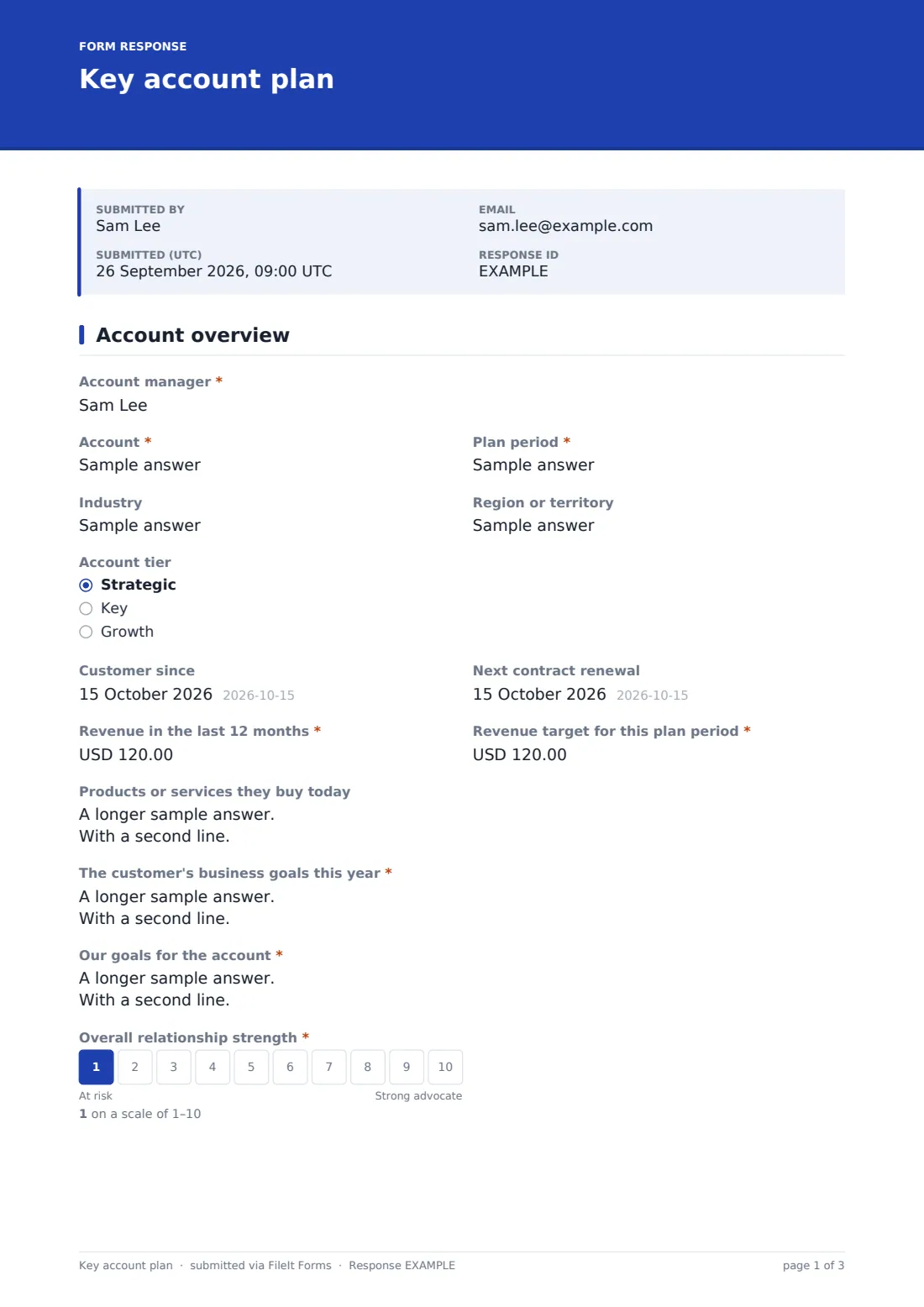
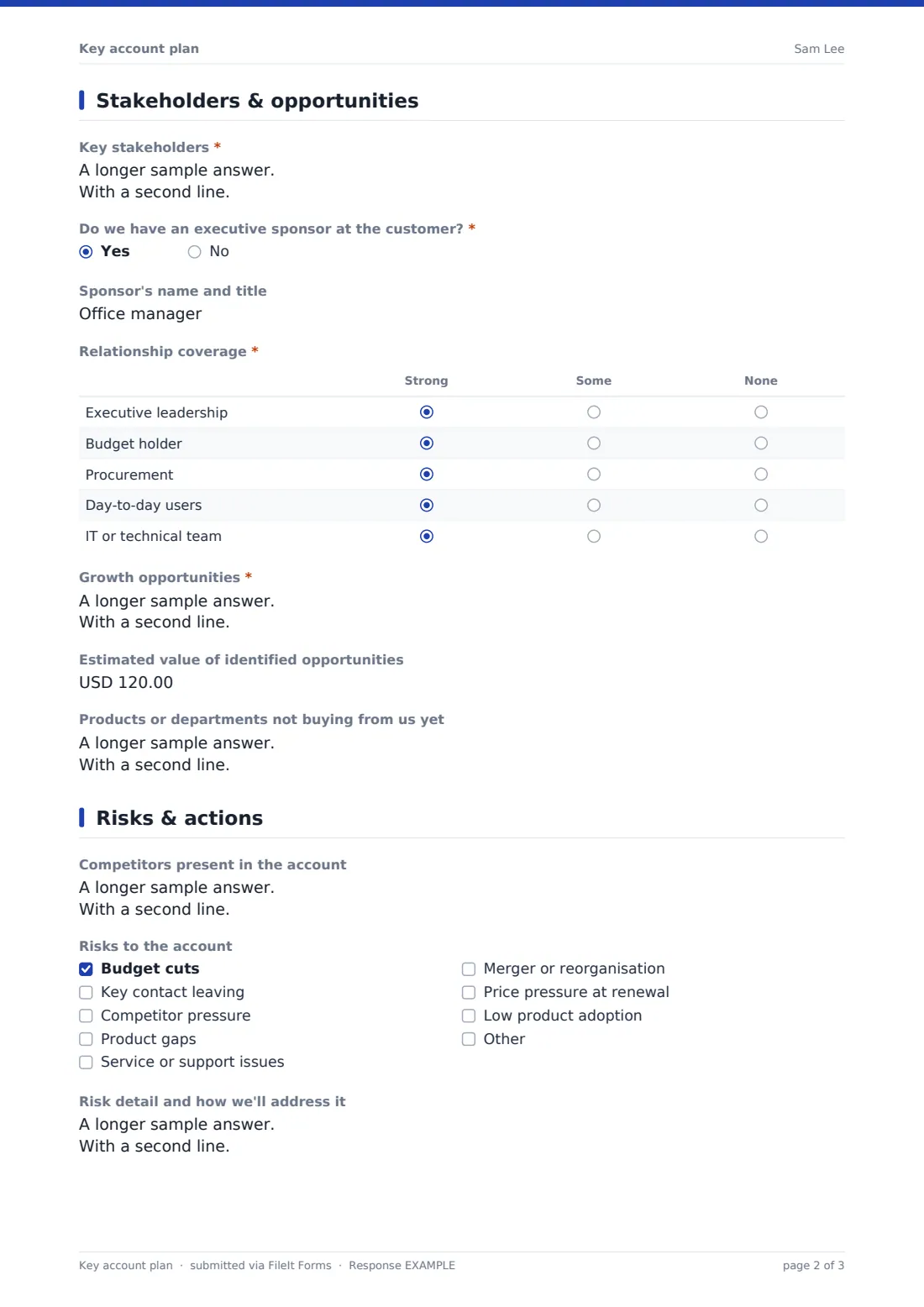
This key account plan template starts with an overview: the account, plan period, tier, renewal date, revenue in the last 12 months, the target for the period, what the customer buys today, their business goals, your goals for the account and a 1–10 rating of relationship strength. The second page maps stakeholders and their role in decisions, records whether there's an executive sponsor, and grades relationship coverage from executive leadership to the IT team, before listing growth opportunities and their estimated value.
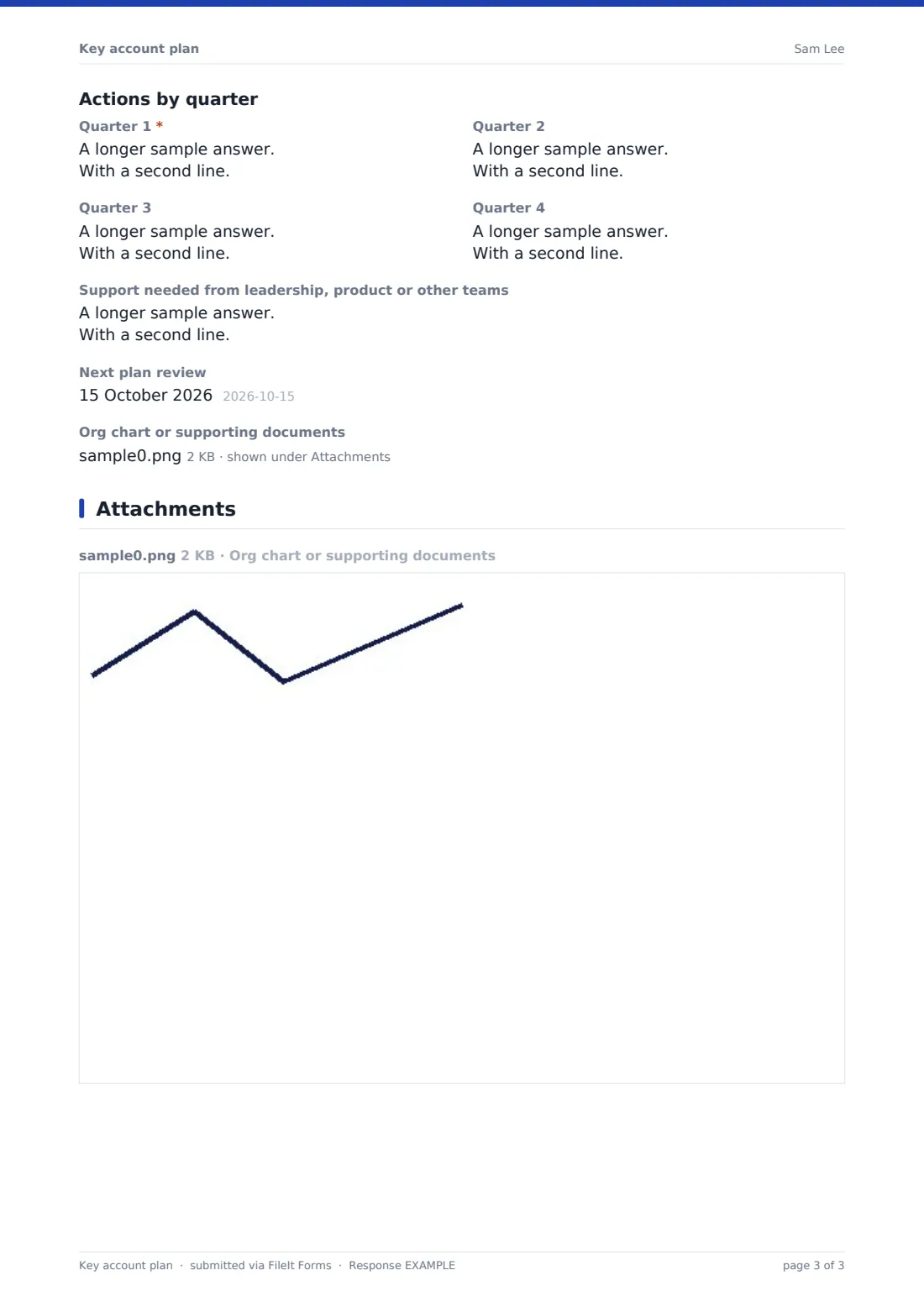
The last page captures competitors in the account, risks from budget cuts to low adoption, an action plan for each quarter and the support needed from other teams. Each plan is saved as a PDF in your FileIt vault, ready for the next account review.
- Best for
- B2B sales teams, key account managers and customer success leaders
- Filled in by
- The account manager responsible for the customer
- Time to complete
- About 20–30 minutes per account
- Includes
- Revenue and target, relationship scale, stakeholder coverage grid, risk checklist and quarterly action boxes
Who uses a key account plan form?
- Annual planning for a sales team's top accounts
- Preparing for a quarterly account review with a sales director
- Handing an account over to a new account manager
- Spotting gaps in executive relationships across a portfolio
- Building a growth plan ahead of a contract renewal
- Customer success teams planning expansion in strategic accounts
Questions on this key account plan form
31 questions over 3 pages · includes file upload, conditional questions, multiple pages, ratings.
1 Account overview
- Account manager*
- Account*
- Plan period*
- Industry
- Region or territory
- Account tier Strategic · Key · Growth
- Customer since
- Next contract renewal
- Revenue in the last 12 months*
- Revenue target for this plan period*
- Products or services they buy today
- The customer's business goals this year*
- Our goals for the account*
- Overall relationship strength*
2 Stakeholders & opportunities
- Key stakeholders*
- Do we have an executive sponsor at the customer?*
- Sponsor's name and title asked only when it applies
- Relationship coverage* Strong · Some · None
- Growth opportunities*
- Estimated value of identified opportunities
- Products or departments not buying from us yet
3 Risks & actions
- Competitors present in the account
- Risks to the account Budget cuts · Key contact leaving · Competitor pressure · Product gaps · Service or support issues · Merger or reorganisation · Price pressure at renewal · Low product adoption
- Risk detail and how we'll address it asked only when it applies
- Quarter 1*
- Quarter 2
- Quarter 3
- Quarter 4
- Support needed from leadership, product or other teams
- Next plan review
- Org chart or supporting documents
The key account plan form, page by page
1 Account overview
The account manager names the account, plan period, industry, region and tier, then records when the customer started and when the contract next renews. Revenue in the last 12 months and the revenue target for this plan period are both required.
What the customer buys today, their own business goals — with a reminder that these are their goals, not yours — and your goals for the account follow, ending with a required 1–10 scale from At risk to Strong advocate.
2 Stakeholders & opportunities
Key stakeholders asks for name, title, role in decisions and how each sees you. A yes/no question on an executive sponsor opens a field for their name, and a Relationship coverage grid rates executive leadership, budget holder, procurement, day-to-day users and the IT team as strong, some or none.
Growth opportunities are listed with value and timing, followed by an estimated total value and the products or departments not yet buying from you.
3 Risks & actions
Competitors present in the account and a risk checklist — budget cuts, a key contact leaving, competitor pressure, product gaps, service issues, reorganisation, renewal price pressure and low adoption — come first. Ticking any risk opens a box for the detail and mitigation.
Four quarterly action boxes follow, with the first required, then the support needed from leadership or other teams, the next plan review date and an upload for an org chart or supporting documents.
Make the template yours
- Rename the quarterly boxes to months or sprints if you plan on a shorter cycle
- Change the account tiers to match your own segmentation
- Add rows to the coverage grid for roles that matter in your sales motion
- Change the currency on the revenue fields
- File plans in a vault folder per account so each year's plan sits together
- Add a manager sign-off signature if plans are formally approved
Tips for a better key account plan form
- Start with the customer's goals; opportunities that don't connect to them rarely close
- Be honest on the relationship scale — an inflated score hides the accounts that need attention
- Treat any None in the coverage grid as an action for the quarter
- Give each quarterly action an owner and a date, not just an intention
- Review the plan at least every quarter and file a new version when it changes
- Compare plans across accounts to see which risks keep coming up
Every response becomes a PDF in your vault
Each plan is saved as a PDF in the vault folder you choose, with any org chart or documents attached. Owner notifications let a sales director know when a plan has been submitted.
The Responses table lists every plan, so managers can open any account's plan, see how many accounts flag a given risk, or export the lot to CSV for a portfolio view.
- Start from this template. It opens in the FileIt Forms designer — change any question, add pages, set the rules for when questions appear.
- Share it. Turn on a public link, or send it to people by email, each with their own link. They don’t need a FileIt account.
- Get the answers as PDFs. Each response is saved as a PDF in the vault folder you choose, with uploaded files attached — and listed in a Responses table you can export to CSV.
Key account plan form: frequently asked questions
Is this template free?
Yes. It's included in the FileIt Forms app on every account, including the free plan, and every question can be edited, removed or added to.
Who should fill in a key account plan?
The account manager responsible for the customer. Managers can review the saved PDF or the Responses table.
Does it connect to our CRM?
No. FileIt Forms doesn't sync with CRMs. The plan is saved as a PDF and in the Responses table, which can be exported to CSV.
Can we update a plan later?
Each submission is a snapshot. Submit a new plan when it changes, and earlier versions stay in the vault for reference.
Can I add more quarters or a longer horizon?
Yes. Duplicate or rename the quarterly action boxes in the designer.
Is the customer shown this form?
No — it's an internal planning document. Share the personal or public link only with your own team.
Can account managers attach an org chart?
Yes. The last page accepts up to 5 files, including PDFs, spreadsheets and images.
Can I change the risk list?
Yes. Edit the options in the designer, and account managers can also add their own under Other.