What is the generator service report form template?
A standby generator only matters on the day the power goes out, which is exactly why its maintenance record matters the rest of the year. When a customer asks whether their unit is ready for storm season, the honest answer lives in the last service report: the engine hours, the state of the battery, and whether it actually carried a load.
This template walks a technician through a generator visit on two pages. The first covers the customer, the unit and its fluids. The second covers the battery, the load test, the work done and how the generator was left. If the load test fails, a follow-up quote section opens on the same page, so the scope of work, parts list and estimated cost are written down while the technician is still standing next to the machine.
Every report is saved as a PDF in your FileIt vault, with photos attached, and the customer can receive a copy by email. Keep each customer's reports in one folder and you have a service history that shows hours climbing visit by visit.
- Best for
- Generator dealers, electrical contractors, facilities teams and rental fleets
- Filled in by
- The service technician, on site
- Time to complete
- About 6–10 minutes
- Includes
- Fluids grid, battery check, load test, follow-up quote, photos, signatures
Who uses a generator service report form?
- An annual service on a home standby generator before hurricane or winter storm season
- A maintenance contract visit to a diesel unit backing up a clinic or data closet
- A repair call after a generator failed to start during an outage
- A check after a long outage, when the unit has run for days and needs fresh oil
- A rental company inspecting portable generators between hires
- A facilities team keeping its own records for the building's emergency power
Questions on this generator service report form
41 questions over 2 pages · includes signature, file upload, conditional questions, multiple pages, ratings.
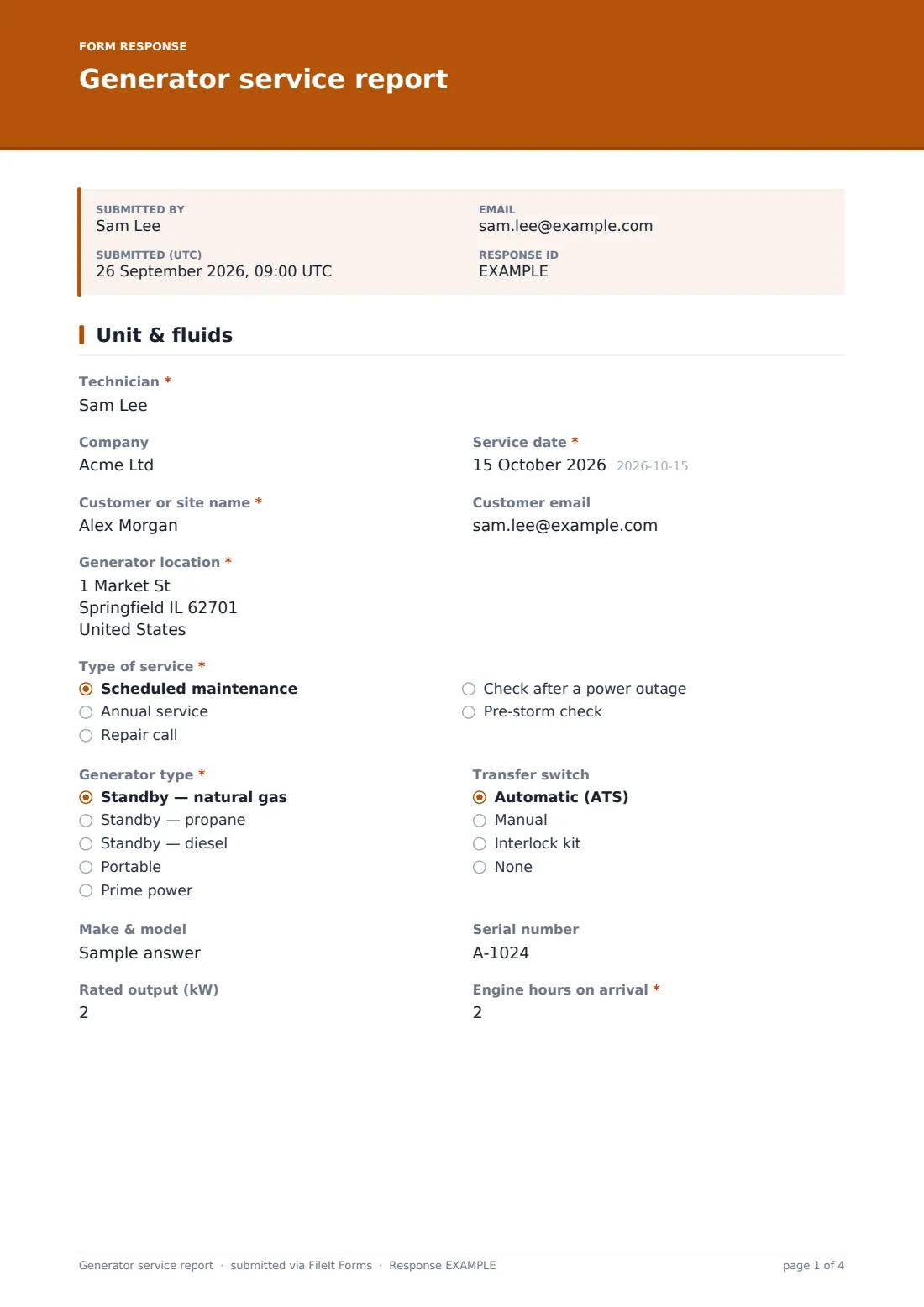
1 Unit & fluids
- Technician*
- Company
- Service date*
- Customer or site name*
- Customer email
- Generator location*
- Type of service* Scheduled maintenance · Annual service · Repair call · Check after a power outage · Pre-storm check
- What did the customer report?* asked only when it applies
- Generator type* Standby — natural gas · Standby — propane · Standby — diesel · Portable · Prime power
- Transfer switch Automatic (ATS) · Manual · Interlock kit · None
- Make & model
- Serial number
- Rated output (kW)
- Engine hours on arrival*
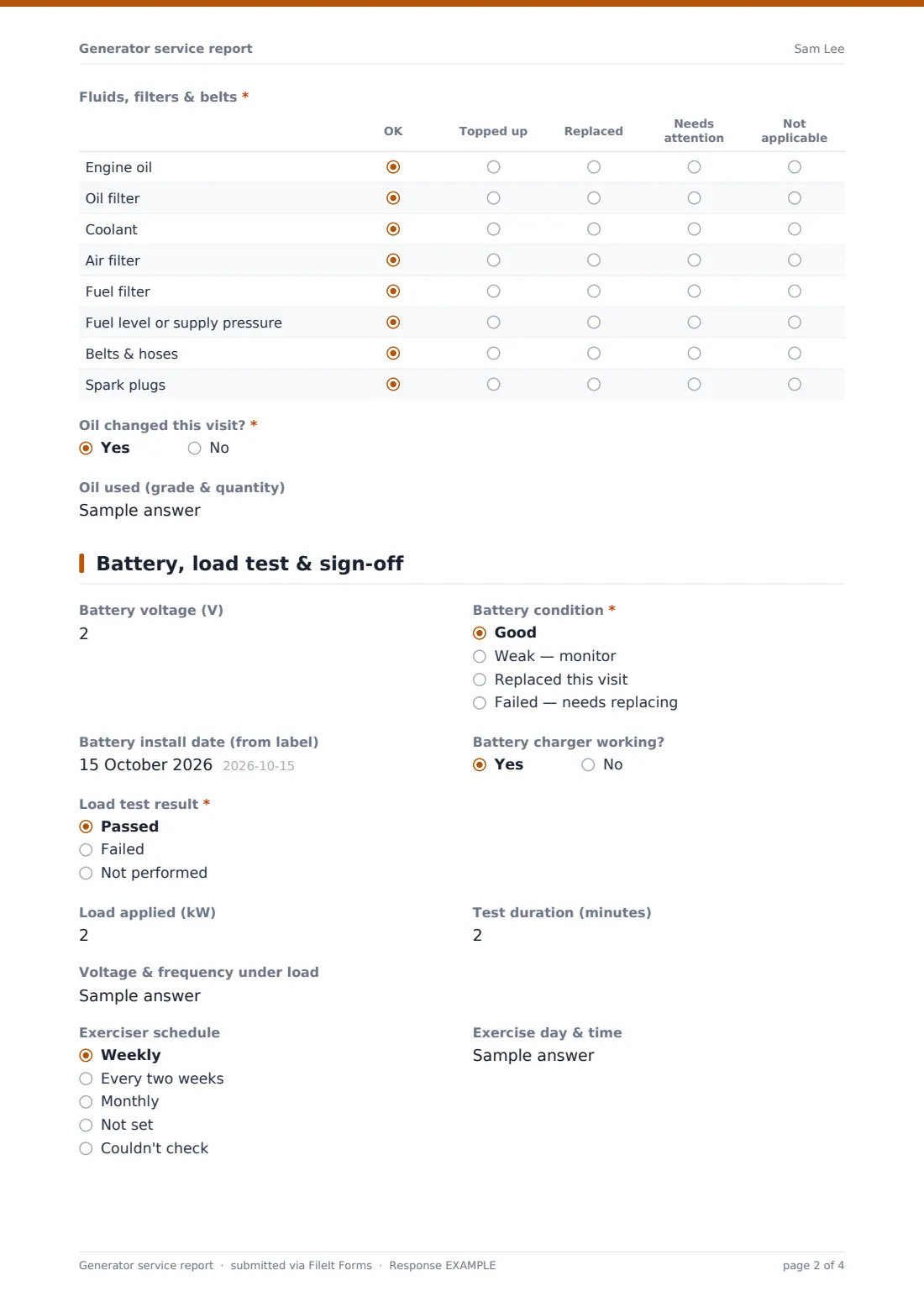
- Fluids, filters & belts* OK · Topped up · Replaced · Needs attention · Not applicable
- Oil changed this visit?*
- Oil used (grade & quantity) asked only when it applies
2 Battery, load test & sign-off
- Battery voltage (V)
- Battery condition* Good · Weak — monitor · Replaced this visit · Failed — needs replacing
- Battery install date (from label)
- Battery charger working?
- Load test result* Passed · Failed · Not performed
- Load applied (kW) asked only when it applies
- Test duration (minutes) asked only when it applies
- Voltage & frequency under load asked only when it applies
- What happened during the load test?* asked only when it applies
- Work needed to put it right* asked only when it applies
- Parts to order asked only when it applies
- Estimated cost asked only when it applies
- Quote sent to customer by asked only when it applies
- Exerciser schedule Weekly · Every two weeks · Monthly · Not set · Couldn't check
- Exercise day & time
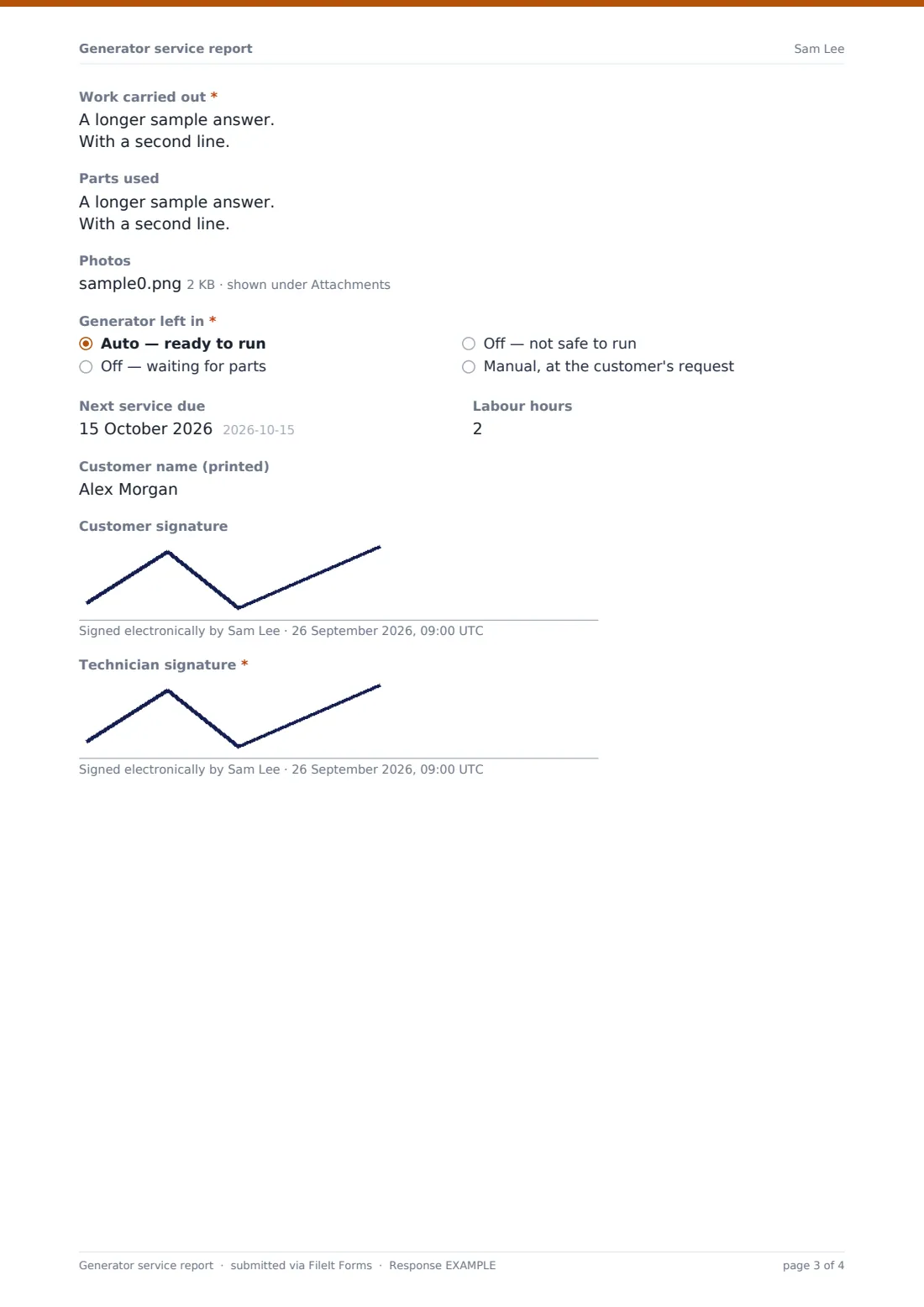
- Work carried out*
- Parts used
- Photos
- Generator left in* Auto — ready to run · Off — waiting for parts · Off — not safe to run · Manual, at the customer's request
- Next service due
- Labour hours
- Customer name (printed)
- Customer signature
- Technician signature*
The generator service report form, page by page
1 Unit & fluids
The technician records their name, company and Service date, then the Customer or site name, Customer email and Generator location. Type of service is scheduled maintenance, annual service, repair call, a check after a power outage, or a pre-storm check; a repair call asks "What did the customer report?" before going further.
Generator type (natural gas, propane or diesel standby, portable, or prime power) and Transfer switch sit side by side with Make & model, Serial number, Rated output (kW) and the required Engine hours on arrival. A required grid then rates engine oil, oil filter, coolant, air filter, fuel filter, fuel level or supply pressure, belts and hoses, and spark plugs as OK, topped up, replaced, needs attention or not applicable. Answer yes to "Oil changed this visit?" and the form asks for the oil grade and quantity.
2 Battery, load test & sign-off
Battery voltage (V), Battery condition, the install date from the label and "Battery charger working?" come first. Load test result is passed, failed or not performed; when a test was run, the load in kW, the duration and the voltage and frequency under load are recorded.
A failed test opens two things: a required "What happened during the load test?" and a Follow-up quote section with the work needed, parts to order, an estimated cost and the date the quote goes to the customer. The visit closes with the exerciser schedule, Work carried out, Parts used, photos, how the Generator left in its final state (auto, off waiting for parts, off and not safe, or manual at the customer's request), the next service date, labour hours and signatures.
Make the template yours
- Remove the generator types you don't work on, or add a row to the fluids grid for a DEF tank or block heater
- Change the currency on the estimated cost to match where you work
- Make the customer signature required if your contracts need one on every visit
- Add your office address to notification emails so the quote team sees failed load tests at once
- File reports into one folder per customer or per site to keep each unit's history together
- Rename "Prime power" or the exerciser options to match the controllers you see most
Tips for a better generator service report form
- Photograph the hour meter every time — it settles any question about when the oil was last changed
- Write down the load and duration even when the test passes; it's the baseline for next year
- Check the battery date label before you start, not after you've closed the panel
- If you leave a unit off, tell the customer in person as well as in the report
- Fill the follow-up quote while you can still see the fault, then price it at the office
- Reset the exerciser to a time the customer won't mind the noise
Every response becomes a PDF in your vault
The report is filed in your FileIt vault as a PDF named with the date, with photos and signatures included. If you entered the customer's email, they receive a copy, and the account owner is notified of each new report.
Back at the office, the Responses table makes it easy to spot every failed load test and open quote, and a CSV export gives you engine hours and service dates for planning the next round of visits.
- Start from this template. It opens in the FileIt Forms designer — change any question, add pages, set the rules for when questions appear.
- Share it. Turn on a public link, or send it to people by email, each with their own link. They don’t need a FileIt account.
- Get the answers as PDFs. Each response is saved as a PDF in the vault folder you choose, with uploaded files attached — and listed in a Responses table you can export to CSV.
Generator service report form: frequently asked questions
Is this generator service report template free?
Yes. It's included with the Forms app on every FileIt account, including the free plan, and every question can be edited.
Does it work for portable generators as well as standby units?
Yes. Choose Portable under Generator type and skip the questions that don't apply, such as the transfer switch.
What happens when a load test fails?
The form asks what happened and opens a follow-up quote section for the work needed, parts, an estimated cost and when the quote will be sent.
Can I attach photos of the nameplate and controller?
Yes. Up to six photos can be added to each report, and they're kept with the PDF in your vault.
Does the customer need to be there to sign?
No. The customer signature is optional, so you can complete a report at an unattended site; the technician's signature is required.
Can I see a unit's history over several years?
Yes. File each customer's reports in their own folder and every visit stays there as a separate PDF, with engine hours recorded on each one.