What is the custom order request form template?
Custom work starts with a conversation, but the first message is often just "Can you make me something like this?" with a blurry photo. Before you can quote, you need the size, materials, any wording to include, a budget, a date and whether it's being delivered. This template asks for all of it in the first message.
It suits bakers, furniture makers, jewellers, printers, florists, tailors and anyone else who makes things to order. Customers describe their idea, add sizes, colours and materials, upload up to six inspiration images or sketches, and choose a budget band. Personalisation text, a delivery address and a gift message appear only when they're needed.
Each request is filed as a PDF in your FileIt vault with the images attached, so you have the brief, the references and the agreed deadline together when you start work.
- Best for
- Makers, bakers, studios and workshops that take commissions
- Filled in by
- The customer
- Time to complete
- About 5–8 minutes
- Includes
- Inspiration uploads, personalisation and delivery follow-ups, budget bands and a flexible-date question
Who uses a custom order request form?
- A bakery taking celebration cake orders through one link
- A furniture maker collecting dimensions and wood preferences before quoting
- A jeweller handling engraving and personalised pieces
- A print studio receiving corporate gift orders with quantities
- An online maker replacing direct messages with a structured brief
Questions on this custom order request form
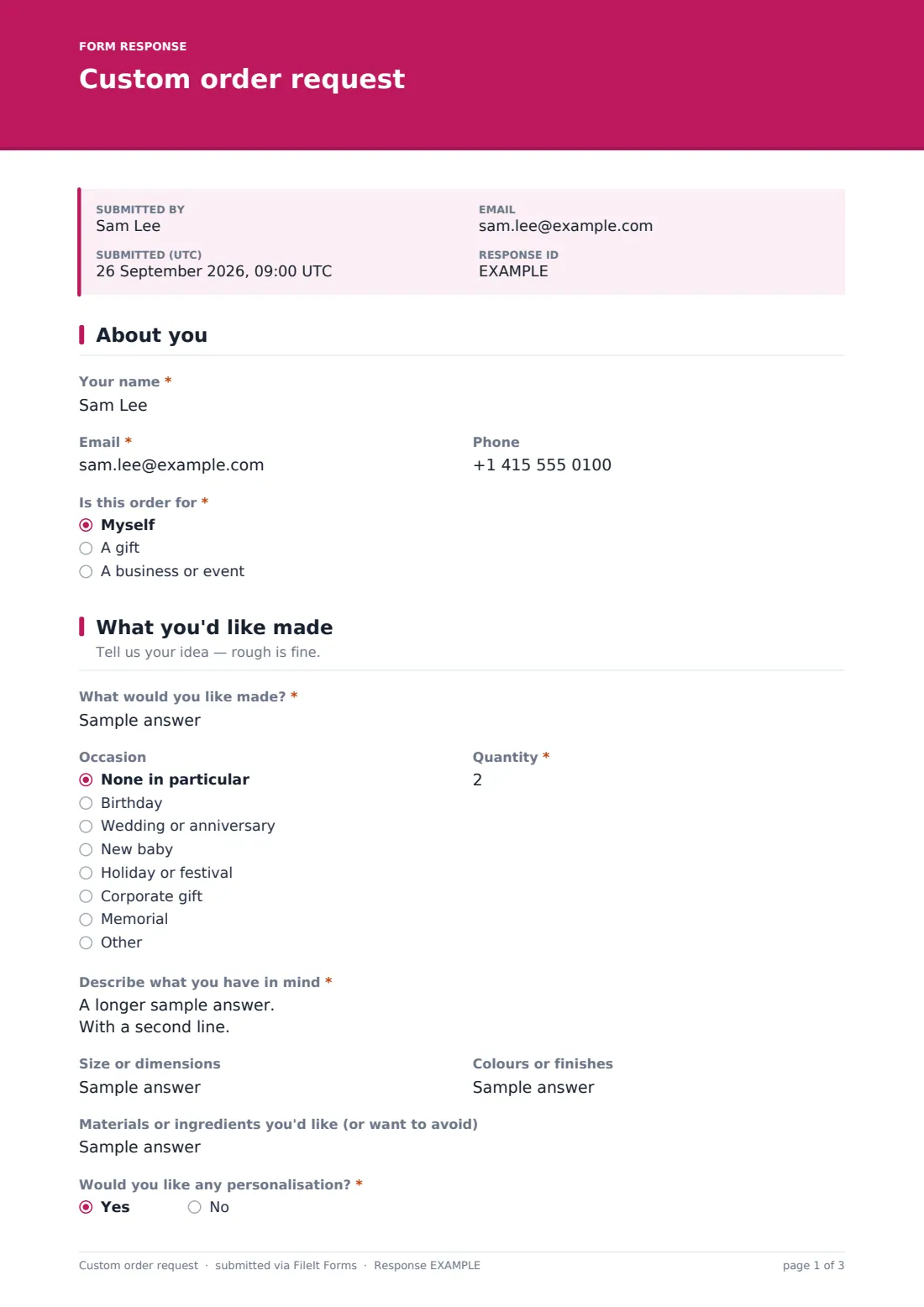
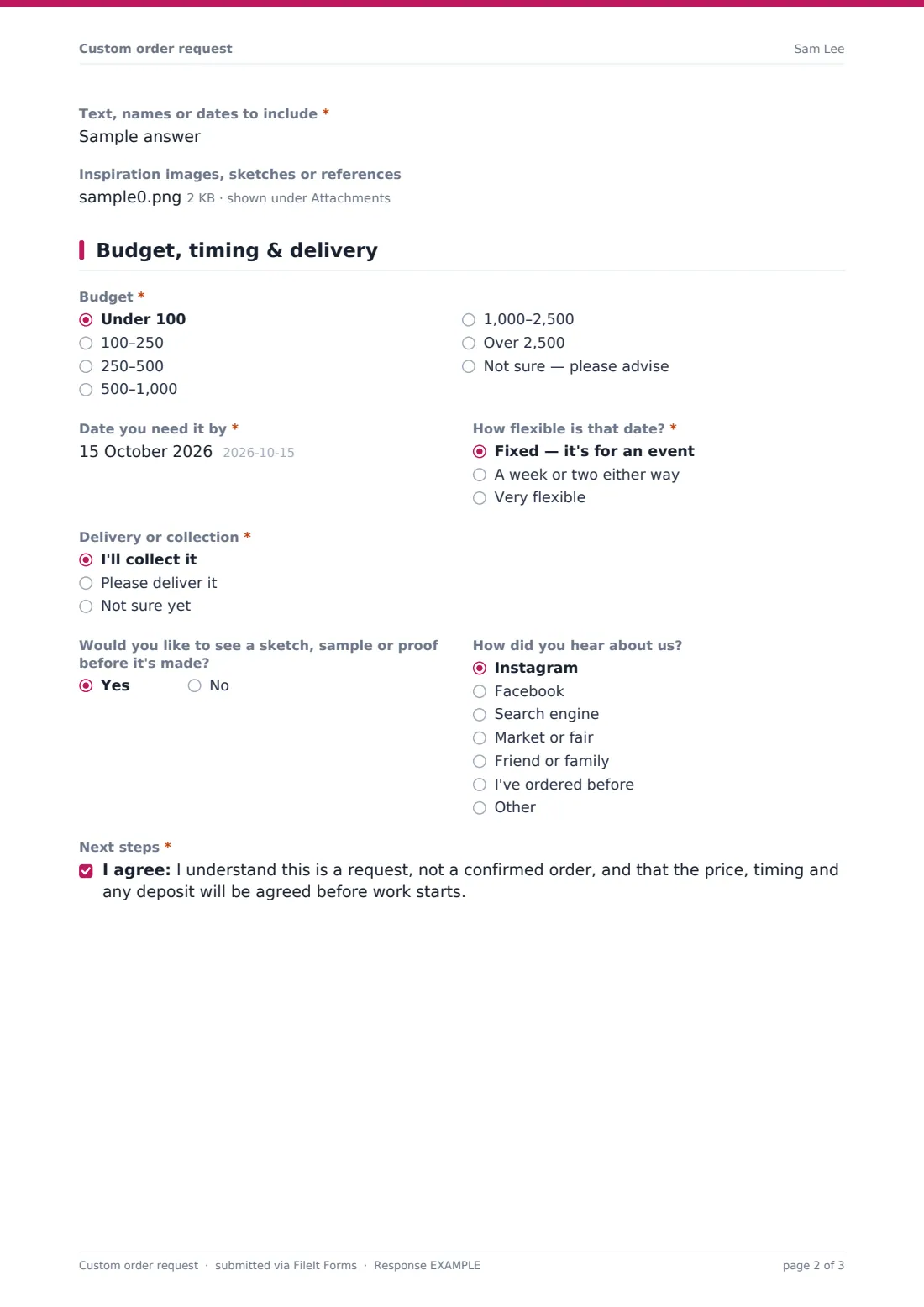
25 questions over 3 pages · includes file upload, conditional questions, multiple pages, consent checkbox.
1 About you
- Your name*
- Email*
- Phone
- Is this order for* Myself · A gift · A business or event
- Business or event name asked only when it applies
2 What you'd like made
- What would you like made?*
- Occasion None in particular · Birthday · Wedding or anniversary · New baby · Holiday or festival · Corporate gift · Memorial · Other
- Quantity*
- Describe what you have in mind*
- Size or dimensions
- Colours or finishes
- Materials or ingredients you'd like (or want to avoid)
- Would you like any personalisation?*
- Text, names or dates to include* asked only when it applies
- Inspiration images, sketches or references
3 Budget, timing & delivery
- Budget* Under 100 · 100–250 · 250–500 · 500–1,000 · 1,000–2,500 · Over 2,500 · Not sure — please advise
- Date you need it by*
- How flexible is that date?* Fixed — it's for an event · A week or two either way · Very flexible
- Delivery or collection* I'll collect it · Please deliver it · Not sure yet
- Delivery address* asked only when it applies
- Gift wrap or a gift message? asked only when it applies
- Gift message asked only when it applies
- Would you like to see a sketch, sample or proof before it's made?
- How did you hear about us? Instagram · Facebook · Search engine · Market or fair · Friend or family · I've ordered before · Other
- Next steps*
The custom order request form, page by page
1 About you
The customer gives their name, email and phone and says whether the order is for themselves, a gift, or a business or event. Choosing a business or event adds a question for its name.
2 What you'd like made
What would you like made? is a short required answer with examples in the placeholder. The customer picks an occasion and a quantity, then describes what they have in mind, with help text asking for shape, style and feel.
Optional questions cover size or dimensions, colours or finishes, and materials or ingredients they'd like or want to avoid, which is handy for allergies or a particular wood. A Yes to Would you like any personalisation? asks for the exact text, names or dates to include, with a reminder to check the spelling. Up to six inspiration images, sketches or references can be uploaded.
3 Budget, timing & delivery
The customer picks a budget band, from under 100 to over 2,500, or asks you to advise, and gives the date they need it by and how flexible that date is. Delivery or collection follows, and Please deliver it asks for a delivery address. Gift orders get a gift wrap question, and a Yes opens a box for the gift message.
They say whether they'd like a sketch, sample or proof first and how they heard about you. Finally they confirm they understand this is a request, not a confirmed order, and that price, timing and any deposit come next.
Make the template yours
- Change the budget bands and the currency note to suit your prices
- Swap the occasion list for categories that match what you make
- Add questions specific to your craft, such as cake flavours or ring size
- Set a maximum number of responses when you only have a few commission slots
- Add a close date for seasonal orders such as holiday gifts
Tips for a better custom order request form
- Reply with a quote quickly while the customer is still excited
- Confirm personalisation text back in writing before you make anything
- Use the flexible-date answer to plan your workload
- Ask for a deposit before starting on fixed-date orders
- Keep the inspiration images with the order so you can check them as you work
Every response becomes a PDF in your vault
Each request lands in your vault as a PDF named after the customer and dated, with every inspiration image attached to the document. You're notified by email, and the customer can receive a copy of their request.
Use the Responses table as a simple order book. Search by name or product, open the PDF with all the details, or export to CSV to see your upcoming deadlines in one list.
- Start from this template. It opens in the FileIt Forms designer — change any question, add pages, set the rules for when questions appear.
- Share it. Turn on a public link, or send it to people by email, each with their own link. They don’t need a FileIt account.
- Get the answers as PDFs. Each response is saved as a PDF in the vault folder you choose, with uploaded files attached — and listed in a Responses table you can export to CSV.
Custom order request form: frequently asked questions
Is this custom order form free?
Yes. It's a starter template in FileIt's Forms app, and you can change every question and option.
Can customers pay through the form?
No. Forms doesn't take payments. Agree the price and any deposit with the customer after you've reviewed the request.
How many images can customers upload?
Up to six inspiration images, sketches or PDFs, each attached to the filed document in your vault.
Can I limit how many commissions I take?
Yes. Set a maximum number of responses, and the form closes itself once it's reached. You can also set a close date.
Do customers need an account?
No. Share the link on your website, shop page or social profile and anyone can fill it in.
Can I use it for business orders?
Yes. Choosing A business or event adds a business name, and the quantity field takes large orders.