What is the construction request for information form template?
Requests for information are how contractors ask the architect or engineer to clear up a conflict, a missing dimension or a detail that won't build as drawn. A good RFI is specific: one question, one location, a reference to the sheet, and a date by which work will be held up without an answer.
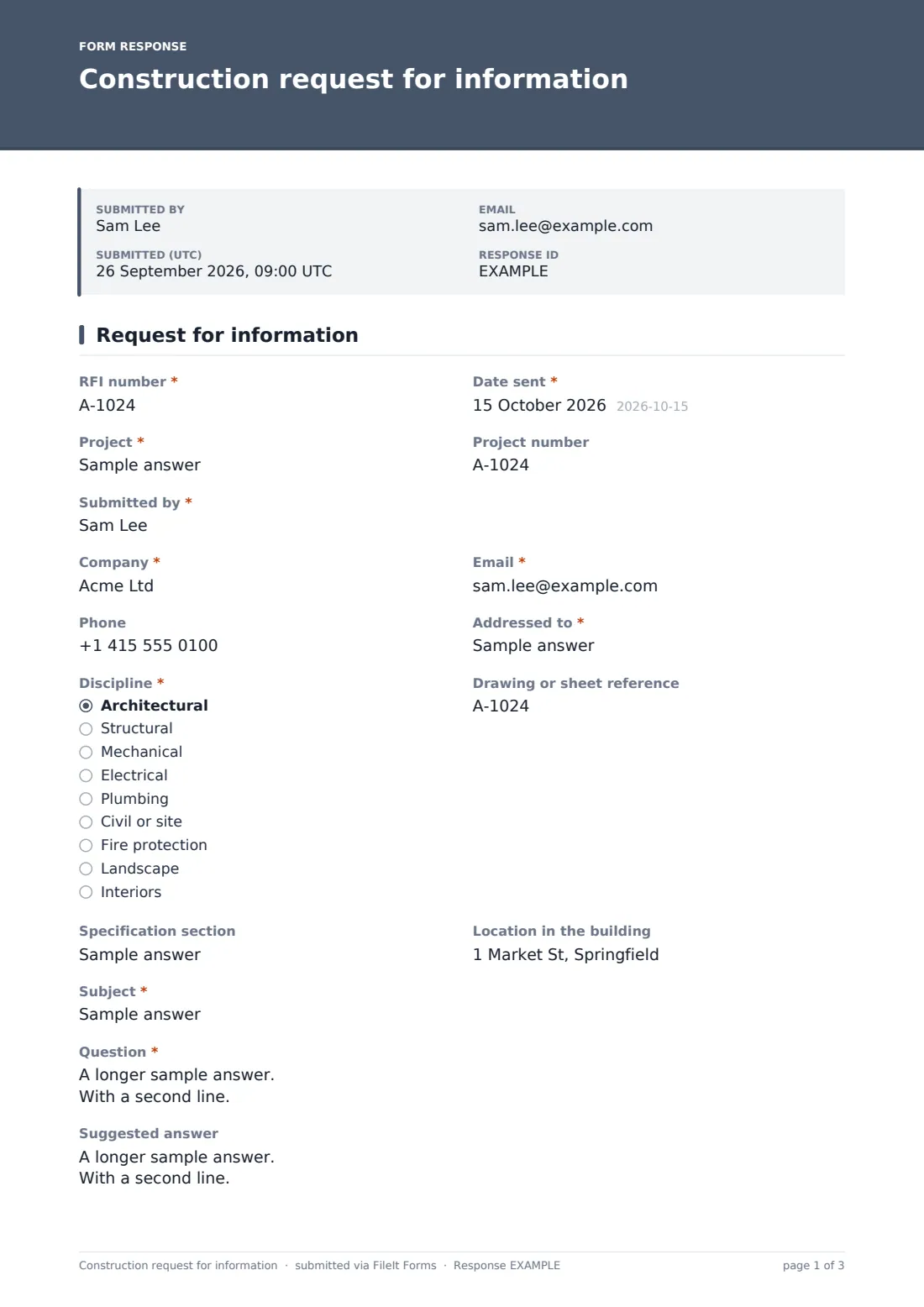
This template keeps every RFI on one page with the same structure. It starts with the RFI number, date, project and who it's from and to, then the discipline, drawing or sheet reference, specification section and location in the building. The question is required; a suggested answer and marked-up drawings or photos are optional but encouraged. The contractor sets a response deadline and priority and ticks the possible impact. Ticking "Cost impact" opens fields for an estimated amount, whether the estimate is rough or priced from quotes, and how it was worked out; ticking "Schedule impact" asks for the estimated delay in working days.
Each RFI is filed as a PDF in your FileIt vault with its attachments, so the project keeps a numbered, dated record of every question asked.
- Best for
- General contractors, subcontractors and project managers
- Filled in by
- The contractor's project manager, engineer or foreman
- Time to complete
- About 5 minutes
- Includes
- Drawing and spec references, suggested answer, attachments, deadline, cost and schedule impact
Who uses a construction request for information form?
- A dimension on the architectural plan doesn't match the structural drawing
- A specified product has been discontinued and you need an approved alternative
- Ductwork clashes with a beam that isn't shown on the mechanical sheet
- A site condition uncovered during excavation needs an engineer's direction
- A subcontractor asks the general contractor to clarify a finish schedule
- A detail is missing for an unusual junction between two wall types
Questions on this construction request for information form
26 questions · includes signature, file upload, conditional questions.
1 Request for information
- RFI number*
- Date sent*
- Project*
- Project number
- Submitted by*
- Company*
- Email*
- Phone
- Addressed to*
- Discipline* Architectural · Structural · Mechanical · Electrical · Plumbing · Civil or site · Fire protection · Landscape · Interiors
- Drawing or sheet reference
- Specification section
- Location in the building
- Subject*
- Question*
- Suggested answer
- Marked-up drawings or photos
- Response needed by*
- Priority* Routine · Affects work this week · Work is stopped
- Possible impact* Cost impact · Schedule impact · None expected
- Estimated cost impact* asked only when it applies
- Estimate is asked only when it applies Rough order of magnitude · Priced from quotes
- How the estimate was worked out asked only when it applies
- Estimated delay (working days) asked only when it applies
- Copy to
- Signature
The construction request for information form, page by page
1 Request for information
The RFI number, Date sent, Project and Project number come first, then who it's Submitted by, their Company, Email and Phone. Addressed to names the architect, engineer or consultant, and Discipline narrows it to architectural, structural, mechanical, electrical, plumbing, civil, fire protection, landscape or interiors.
Drawing or sheet reference, Specification section and Location in the building pin down where the problem is. Subject and Question are required; Suggested answer lets the contractor propose a fix, and Marked-up drawings or photos takes up to five files.
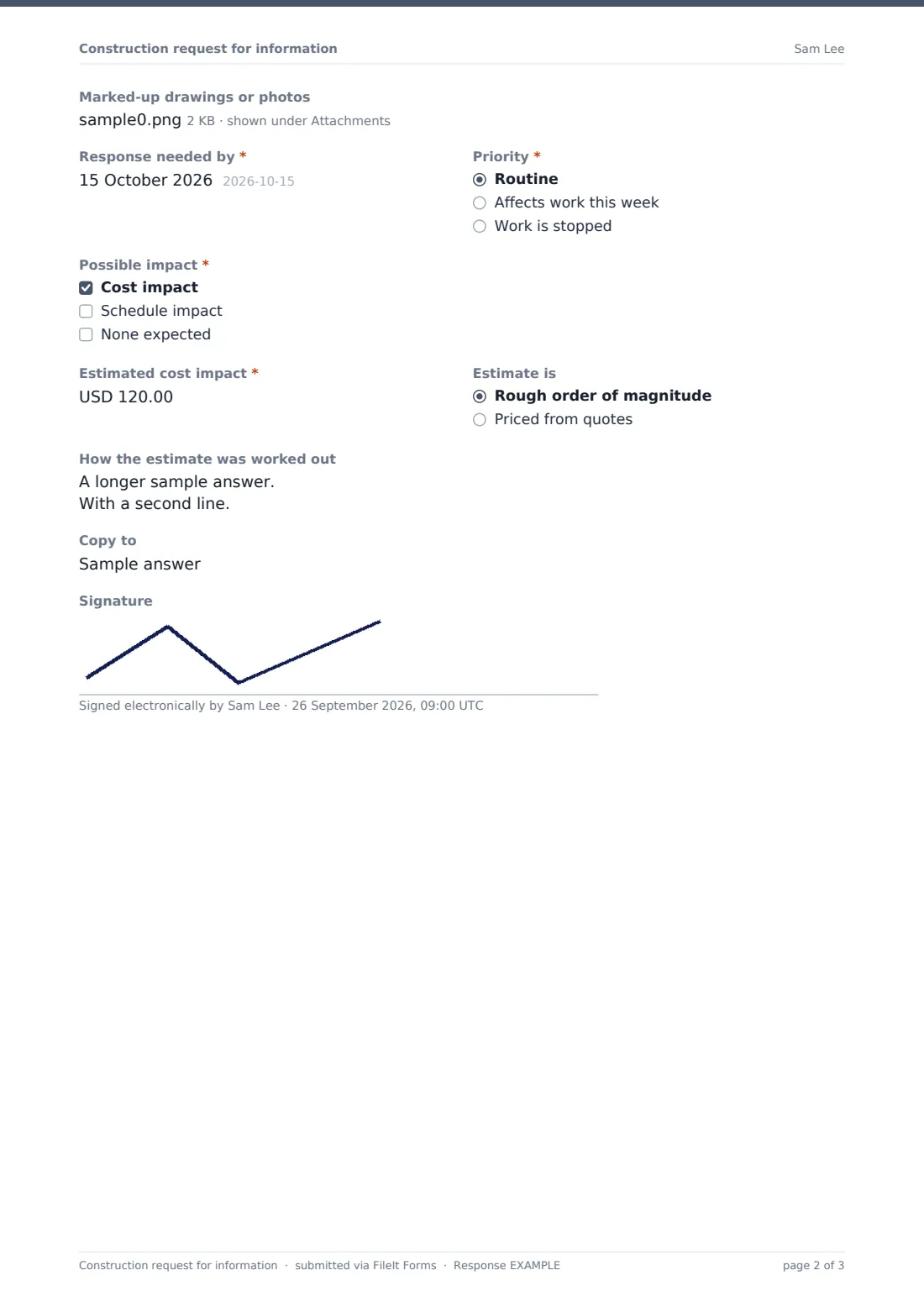
Response needed by and Priority — routine, affects work this week, or work is stopped — set the urgency. Possible impact is cost, schedule or none expected. Cost impact opens Estimated cost impact, whether the estimate is a rough order of magnitude or priced from quotes, and How the estimate was worked out. Schedule impact opens Estimated delay (working days). The page closes with Copy to and a signature.
Make the template yours
- Set the RFI number format your project uses, and add a pattern to enforce it
- Add the design team's emails to the notifications so every new RFI reaches them
- Replace Project with a dropdown of your active projects
- Change the currency on the cost estimate
- Add a field for the drawing revision if your sheets change often
- File each project's RFIs into its own vault folder
Tips for a better construction request for information form
- One question per RFI — combined questions get partial answers
- Quote the exact sheet and detail number so nobody has to hunt
- Always offer a suggested answer; it's often approved as written
- Give a realistic deadline tied to when the work will actually reach that area
- Attach a photo or a clouded markup — it saves a site visit
- Flag cost or time impact early, even as a rough number
Every response becomes a PDF in your vault
The RFI is filed as a PDF in your FileIt vault, named with the date, with attachments kept alongside it. The account owner and any extra notification addresses are told when one comes in, and the person submitting gets a copy at the email address they entered.
The Responses table works as a simple RFI log you can sort by project, discipline or deadline, and export to CSV for meeting minutes. Record the design team's answer in the same folder when it arrives.
- Start from this template. It opens in the FileIt Forms designer — change any question, add pages, set the rules for when questions appear.
- Share it. Turn on a public link, or send it to people by email, each with their own link. They don’t need a FileIt account.
- Get the answers as PDFs. Each response is saved as a PDF in the vault folder you choose, with uploaded files attached — and listed in a Responses table you can export to CSV.
Construction request for information form: frequently asked questions
Is this RFI form template free?
Yes. It's included in the Forms app on every FileIt account, including the free plan.
Does the design team reply through the form?
No. The form sends and files the request. Keep the answer in the same project folder, or build a second form for responses.
What happens when I tick "Cost impact"?
The form asks for an estimated amount, whether it's a rough figure or priced from quotes, and how you worked it out.
Can I attach drawings?
Yes. Up to five PDF or image files can be attached to each RFI.
Can subcontractors use it?
Yes. Share the link with your subcontractors and their RFIs arrive in your vault in the same format.
Does it number RFIs automatically?
No. Each RFI number is typed in. Every response also gets its own reference code from FileIt.