What is the coach session plan form template?
Coaches who plan sessions in advance tend to run tighter practices: clear objectives, activities that build on each other, and the right equipment out before players arrive. Writing it down also gives a club a record of what each group has covered across a season.
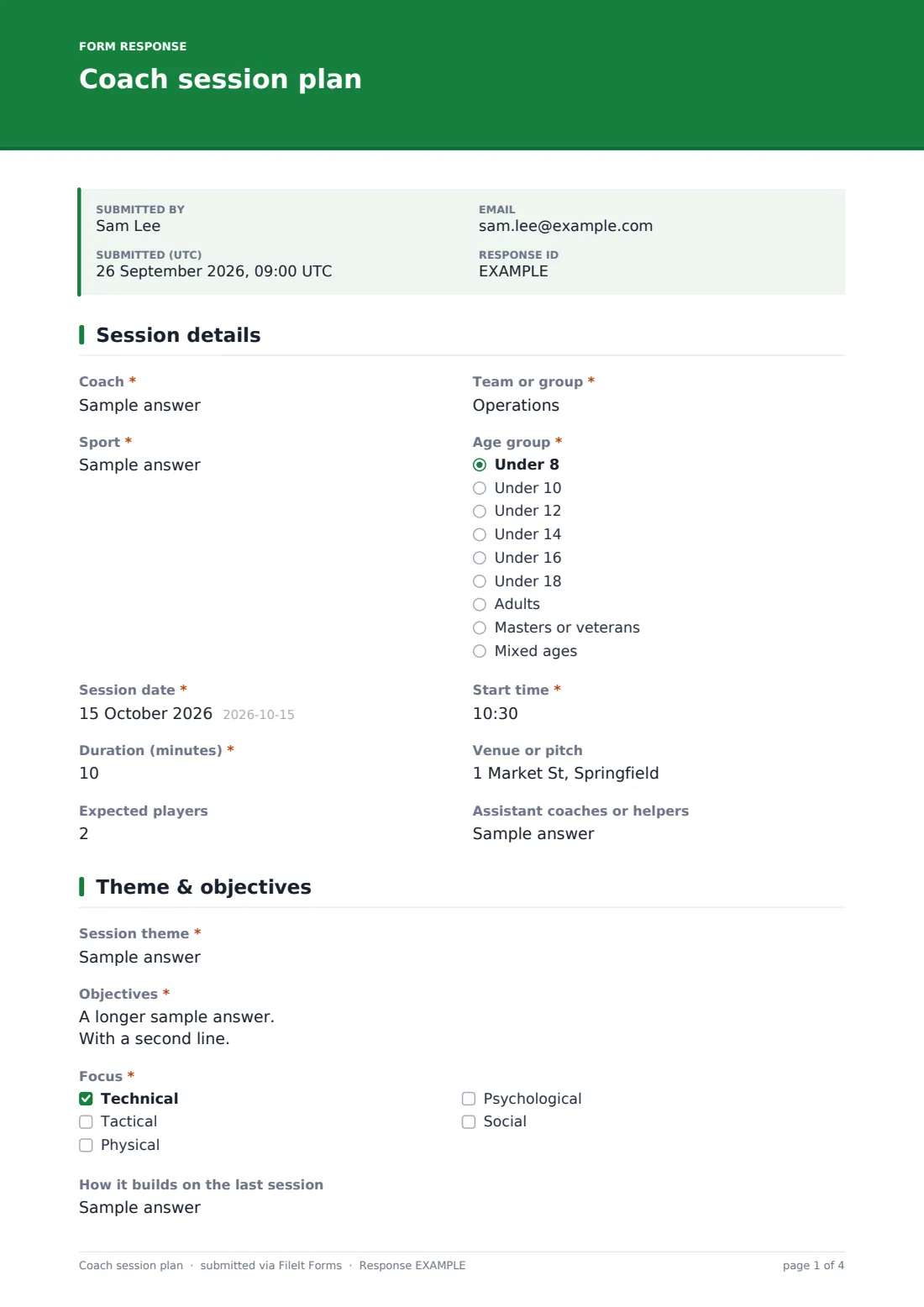
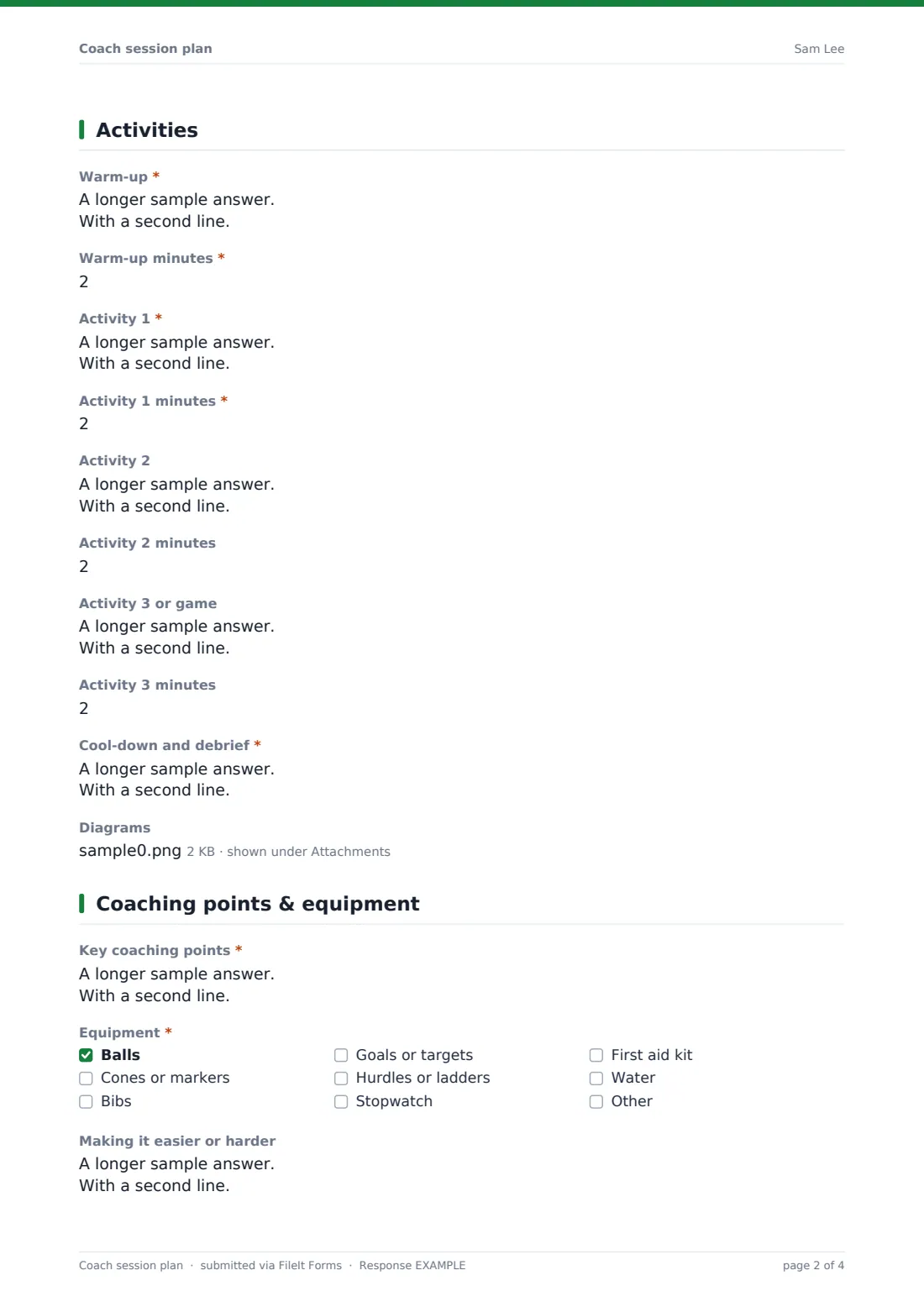
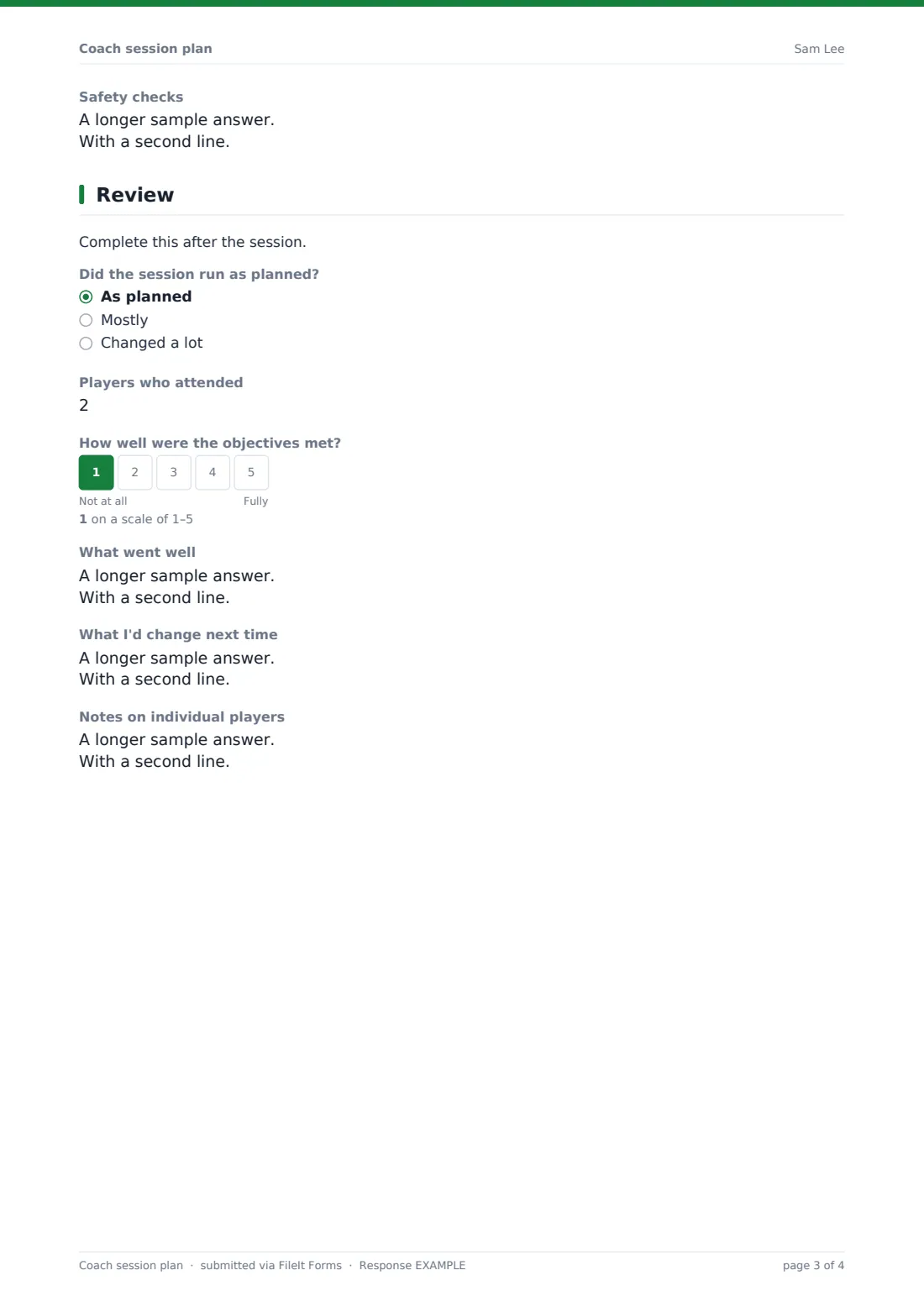
This template is laid out like a coaching session plan sheet over five pages. It starts with the coach, team, sport, age group, date, time, duration, venue, numbers and helpers. Then the theme, objectives, focus areas and how it builds on the last session. The activities page has a warm-up, up to three activities with minutes for each, a cool-down and optional diagrams. Coaching points, equipment, ways to make activities easier or harder and safety checks come next, and a short review page records attendance, a 1-5 rating of how well objectives were met, what went well and what to change.
Each plan is saved as a PDF in your FileIt vault, building a season's worth of sessions for the team.
- Best for
- Grassroots and school coaches, academies, club coaching coordinators, any team sport
- Filled in by
- The coach, before and after the session
- Time to complete
- About 15 minutes to plan, 3 minutes to review
- Includes
- Timed activities, diagram upload, equipment checklist, differentiation, post-session review
Who uses a coach session plan form?
- A volunteer football coach plans a 60-minute U10 session
- A basketball coach builds a season of practices
- A club coordinator checks coaches are covering the curriculum
- A coaching student logs sessions for a qualification portfolio
- A netball coach reviews what worked after each practice
- A school PE department shares plans between staff
Questions on this coach session plan form
34 questions over 5 pages · includes file upload, multiple pages, ratings.
1 Session details
- Coach*
- Team or group*
- Sport*
- Age group* Under 8 · Under 10 · Under 12 · Under 14 · Under 16 · Under 18 · Adults · Masters or veterans · Mixed ages
- Session date*
- Start time*
- Duration (minutes)*
- Venue or pitch
- Expected players
- Assistant coaches or helpers
2 Theme & objectives
- Session theme*
- Objectives*
- Focus* Technical · Tactical · Physical · Psychological · Social
- How it builds on the last session
3 Activities
- Warm-up*
- Warm-up minutes*
- Activity 1*
- Activity 1 minutes*
- Activity 2
- Activity 2 minutes
- Activity 3 or game
- Activity 3 minutes
- Cool-down and debrief*
- Diagrams
4 Coaching points & equipment
- Key coaching points*
- Equipment* Balls · Cones or markers · Bibs · Goals or targets · Hurdles or ladders · Stopwatch · First aid kit · Water
- Making it easier or harder
- Safety checks
5 Review
- Did the session run as planned? As planned · Mostly · Changed a lot
- Players who attended
- How well were the objectives met?
- What went well
- What I'd change next time
- Notes on individual players
The coach session plan form, page by page
1 Session details
Coach, team, sport, age group, session date, start time and duration in minutes are required. Optional venue, expected players and helpers.
2 Theme & objectives
A required theme, objectives and focus areas (technical, tactical, physical, psychological or social), plus how the session builds on the last one.
3 Activities
A required warm-up with minutes, Activity 1 with minutes, optional Activities 2 and 3 with their minutes, a required cool-down and debrief, and up to four diagrams.
4 Coaching points & equipment
Key coaching points and an equipment checklist are required. Optional notes on making activities easier or harder and safety checks.
5 Review
Filled in after the session: whether it ran as planned, players who attended, a 1-5 rating of how well objectives were met, what went well, what to change and notes on individual players.
Make the template yours
- Rename the activities for your sport, such as 'Practice' or 'Game'
- Add a fourth activity if your sessions run long
- Change the age groups to your league's categories
- Remove the review page if you review in a separate log
- Add your club's coaching curriculum themes as a dropdown
- Turn off email copies if coaches only save plans for themselves
Tips for a better coach session plan form
- Keep objectives to two or three
- Check activity minutes add up to the session duration
- Write coaching points as short cues players will remember
- Fill in the review the same day while it's fresh
- Look back over a month of reviews to plan the next block
Every response becomes a PDF in your vault
Each plan is saved as a PDF in your vault with any diagrams attached. The owner is emailed, and coaches can be sent a copy.
The Responses table shows each team's sessions by date and theme, and you can export a CSV to review a season.
- Start from this template. It opens in the FileIt Forms designer — change any question, add pages, set the rules for when questions appear.
- Share it. Turn on a public link, or send it to people by email, each with their own link. They don’t need a FileIt account.
- Get the answers as PDFs. Each response is saved as a PDF in the vault folder you choose, with uploaded files attached — and listed in a Responses table you can export to CSV.
Coach session plan form: frequently asked questions
Is this coach session plan template free?
Yes. It's one of the Forms app's starter templates, available on every FileIt account, including the free plan.
Does it work for any sport?
Yes. Sport and activities are free text, so it suits football, basketball, rugby, hockey, netball, swimming and more.
Can I add drawings of drills?
Yes. Upload up to four photos or sketches of your set-ups.
How do I complete the review afterwards?
The review page is optional. Fill it in after training, or duplicate the form so planning and review are separate.
Is this the same as the lesson plan template?
No. The lesson plan template is for classroom teaching. This one is built around training activities, timings and coaching points.
Do coaches need a FileIt account?
No. They can fill it in from a link.