What is the business impact analysis form template?
A business continuity or disaster recovery plan is only as good as its priorities. Before IT can decide which systems to recover first, someone has to ask each department which processes matter most, how quickly the damage grows when they stop, and what they depend on. That's the business impact analysis.
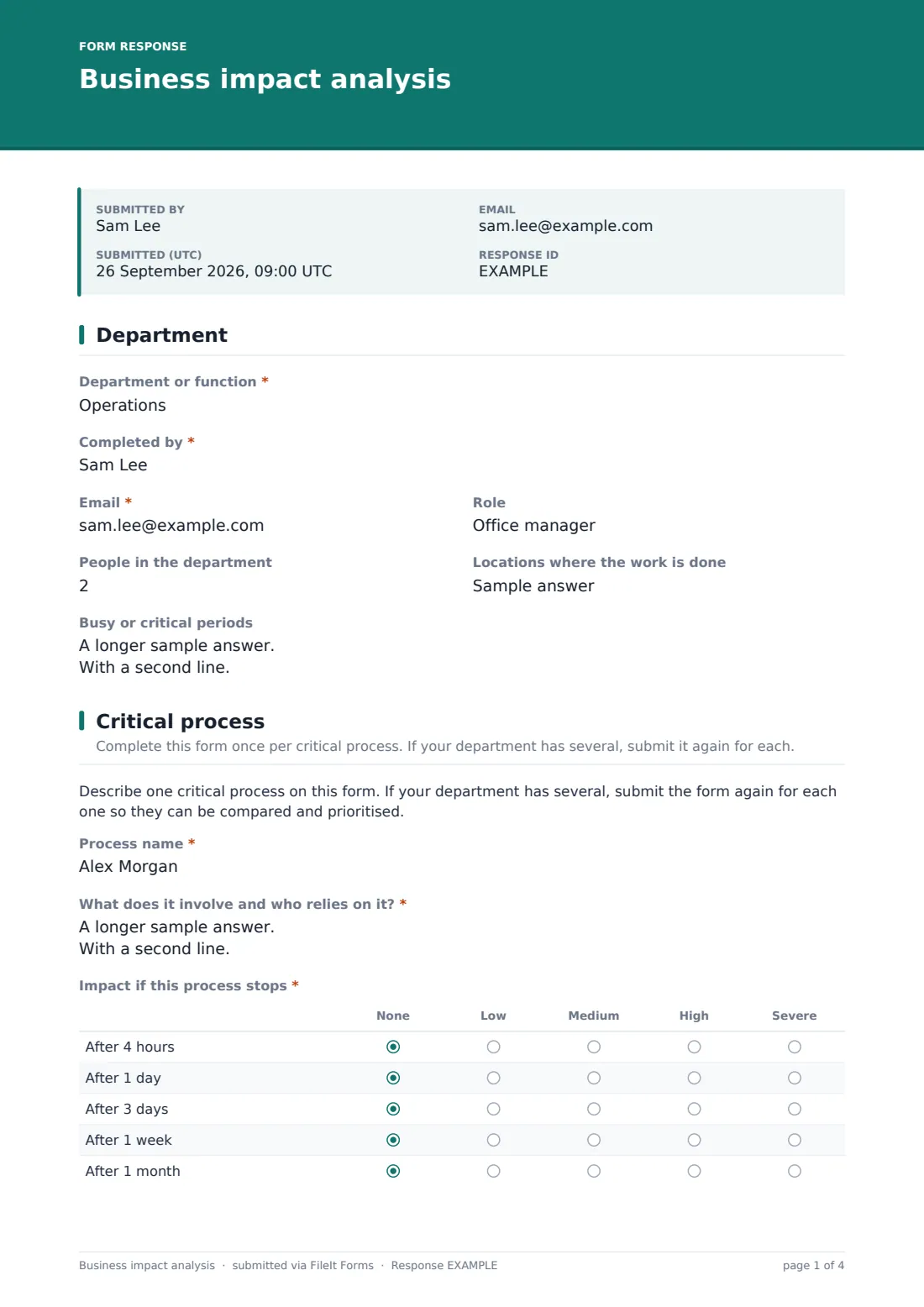
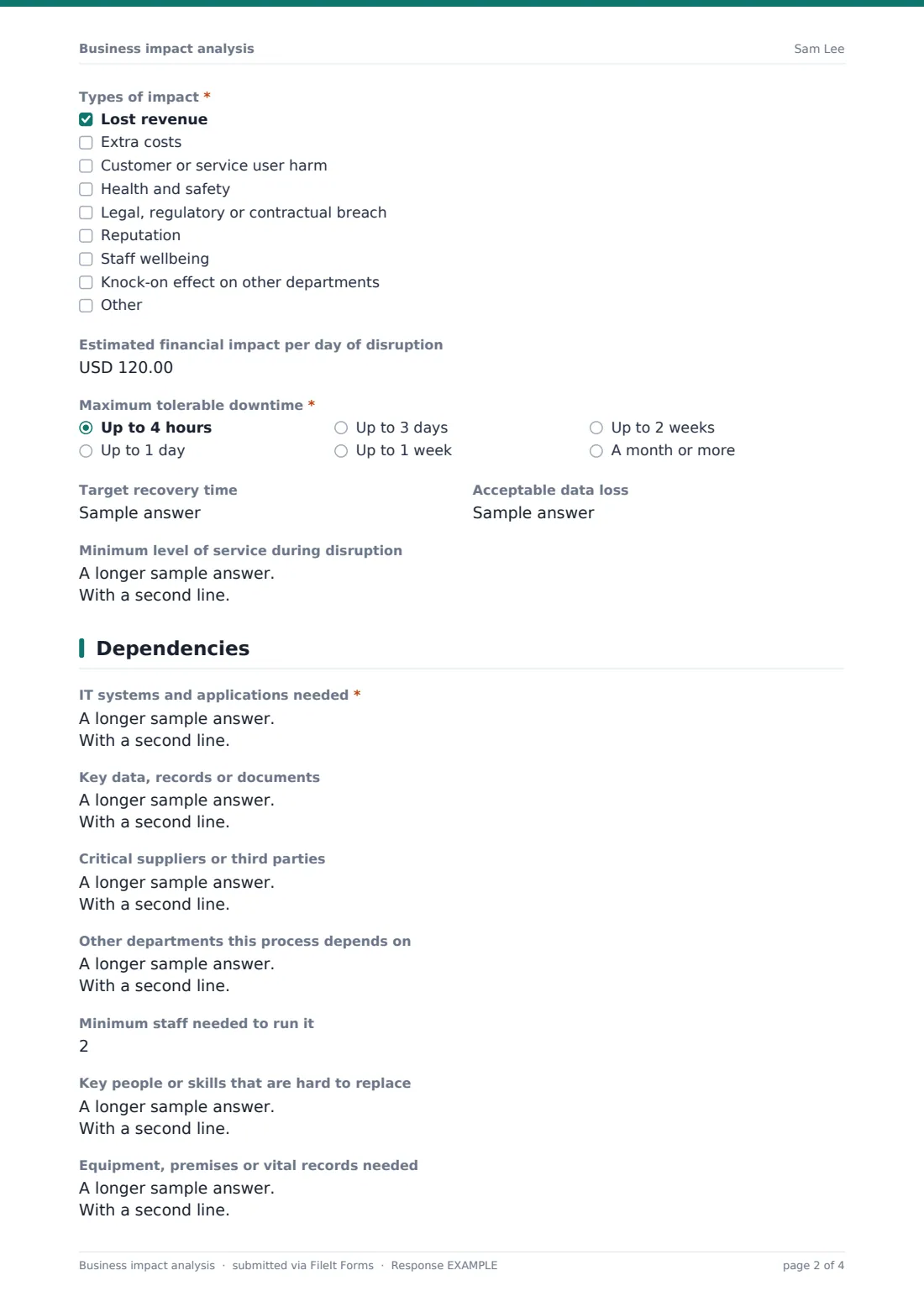
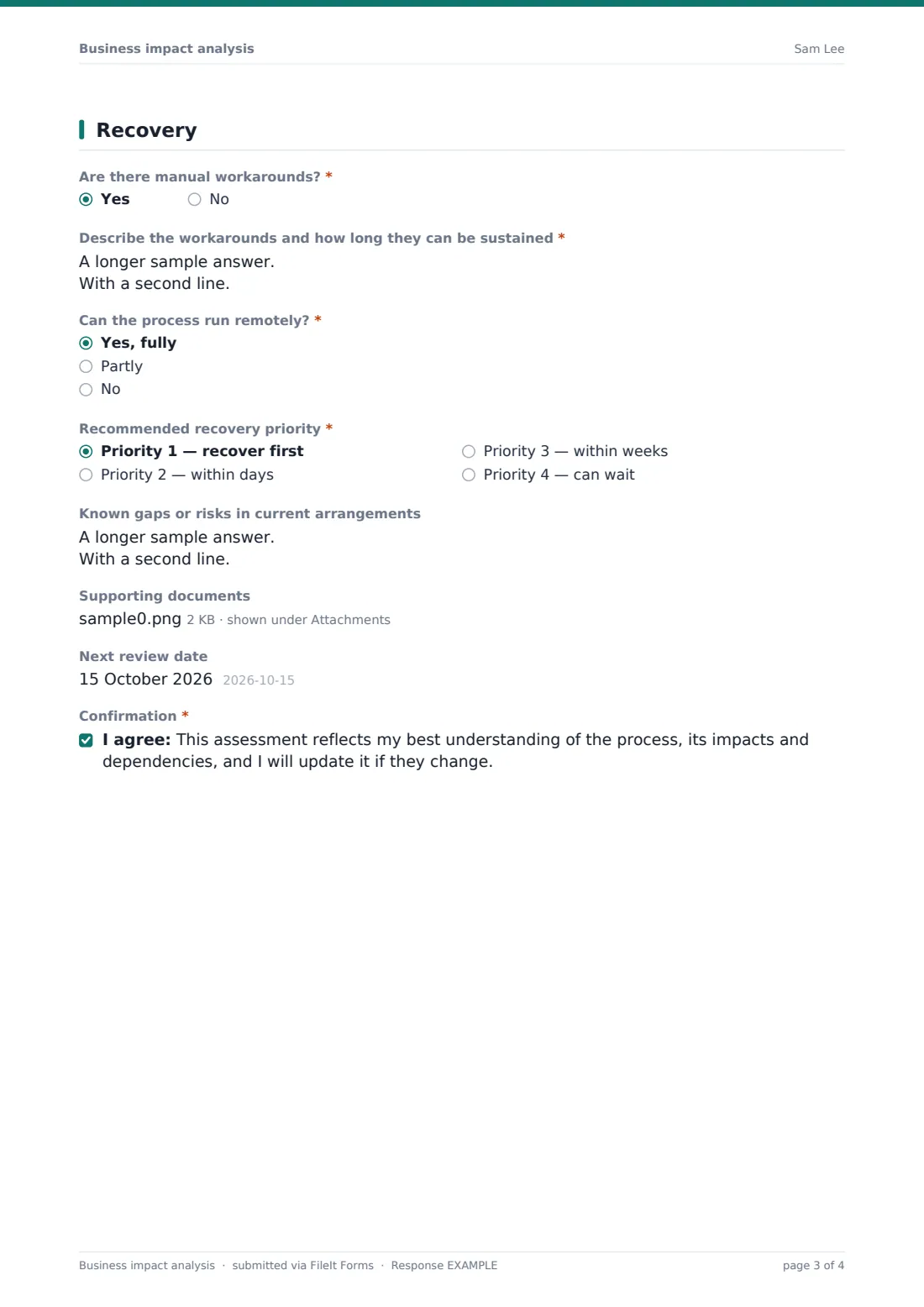
This BIA form is completed once per critical process. It records the department and its busy periods, then the process, an impact grid from four hours to one month, the types of impact, an estimated daily financial impact, maximum tolerable downtime, target recovery time, acceptable data loss and a minimum service level. The dependencies page covers systems, data, suppliers, other departments, minimum staff, key skills and equipment. The last page records workarounds, whether it can run remotely, a recommended recovery priority, known gaps and a review date.
Each assessment is saved as a PDF in your FileIt vault. Collected together, they give the continuity lead a consistent basis for recovery priorities and for the DR plan itself.
- Best for
- Business continuity leads, IT managers, risk and operations teams
- Filled in by
- Department heads and process owners
- Time to complete
- About 15–25 minutes per process
- Includes
- Impact-over-time grid, downtime tolerance, dependency questions, workaround logic, confirmation
Who uses a business impact analysis form?
- Starting a business continuity plan for the first time
- An annual refresh of the BIA across every department
- Setting recovery priorities before choosing a backup or DR service
- Preparing for a certification or customer resilience review
- Understanding dependencies on a key supplier after a scare
- A school, clinic or charity planning for loss of premises or systems
Questions on this business impact analysis form
31 questions over 4 pages · includes file upload, conditional questions, multiple pages, consent checkbox, ratings.
1 Department
- Department or function*
- Completed by*
- Email*
- Role
- People in the department
- Locations where the work is done
- Busy or critical periods
2 Critical process
- Process name*
- What does it involve and who relies on it?*
- Impact if this process stops* None · Low · Medium · High · Severe
- Types of impact* Lost revenue · Extra costs · Customer or service user harm · Health and safety · Legal, regulatory or contractual breach · Reputation · Staff wellbeing · Knock-on effect on other departments
- Estimated financial impact per day of disruption
- Maximum tolerable downtime* Up to 4 hours · Up to 1 day · Up to 3 days · Up to 1 week · Up to 2 weeks · A month or more
- Target recovery time
- Acceptable data loss
- Minimum level of service during disruption
3 Dependencies
- IT systems and applications needed*
- Key data, records or documents
- Critical suppliers or third parties
- Other departments this process depends on
- Minimum staff needed to run it
- Key people or skills that are hard to replace
- Equipment, premises or vital records needed
4 Recovery
- Are there manual workarounds?*
- Describe the workarounds and how long they can be sustained* asked only when it applies
- Can the process run remotely?* Yes, fully · Partly · No
- Recommended recovery priority* Priority 1 — recover first · Priority 2 — within days · Priority 3 — within weeks · Priority 4 — can wait
- Known gaps or risks in current arrangements
- Supporting documents
- Next review date
- Confirmation*
The business impact analysis form, page by page
1 Department
The person completing it gives the department or function, their name, email and role, the department's headcount and locations, and any busy or critical periods such as month-end or payroll cut-off.
2 Critical process
A note explains the form covers one process at a time. The process is named and described. An impact grid rates the impact of a stoppage after four hours, one day, three days, one week and one month from none to severe. The types of impact are ticked — revenue, costs, customer harm, safety, legal or contractual, reputation, staff and knock-on effects — with an optional daily financial estimate. The maximum tolerable downtime is required; the target recovery time, acceptable data loss and minimum service level during disruption are optional.
3 Dependencies
Required and optional text boxes capture the IT systems needed, key data and records, critical suppliers, other departments relied on, the minimum number of staff, hard-to-replace people or skills, and equipment or premises.
4 Recovery
The form asks whether manual workarounds exist and, if so, what they are and how long they can last. It records whether the process can run remotely, a recommended recovery priority from 1 to 4, known gaps, supporting documents and a next review date, and ends with a confirmation that the assessment reflects the respondent's best understanding.
Make the template yours
- Adjust the time points in the impact grid to suit your organisation
- Define what low, medium, high and severe mean for you in the grid's help text
- Change the currency on the financial impact field
- Send personal links to each department head and track who has responded
- File assessments in a vault folder per review cycle
- Add a dropdown of your systems so dependencies are recorded consistently
Tips for a better business impact analysis form
- Give respondents a short briefing or example before they start
- Ask about the worst realistic time for a disruption, not an average day
- Challenge every process marked priority 1 — not everything can be first
- Compare the IT systems listed against your DR plan to spot gaps
- Look for single points of failure in suppliers, people and premises
- Review the BIA at least when the business changes significantly
Every response becomes a PDF in your vault
Each assessment is saved as a PDF in your FileIt vault, and the continuity lead is notified. The respondent can receive a copy for their department.
Export the Responses table to CSV to compare processes side by side by downtime tolerance and priority, which is the starting point for your recovery order.
- Start from this template. It opens in the FileIt Forms designer — change any question, add pages, set the rules for when questions appear.
- Share it. Turn on a public link, or send it to people by email, each with their own link. They don’t need a FileIt account.
- Get the answers as PDFs. Each response is saved as a PDF in the vault folder you choose, with uploaded files attached — and listed in a Responses table you can export to CSV.
Business impact analysis form: frequently asked questions
Is this business impact analysis template free?
Yes. It's a starter template in the FileIt Forms app, available on every plan including free.
Why one process per submission?
It keeps each assessment clear and comparable. Departments with several critical processes submit the form once for each.
What's the difference between maximum tolerable downtime and recovery time?
Maximum tolerable downtime is the longest the process can stop before the damage becomes unacceptable. The target recovery time is when you aim to have it back, which is normally shorter.
Does the form calculate priorities automatically?
No. The respondent recommends a priority and the continuity lead decides the final order, using the exported answers.
Is this enough for a certification audit?
It gives you a structured, dated record of each assessment. Whether it meets a particular standard depends on that standard's requirements and your wider continuity programme.
Can I track which departments haven't responded?
Yes, if you send personal links. Outstanding requests stay visible until they're completed.