What is the post-incident review form template?
The value of an incident is in what you learn from it, and that learning disappears quickly. A week later the timeline is fuzzy, the chat history is buried, and the follow-up actions live in someone's head. A structured post-incident review, written soon after, turns an outage into improvements.
This post-incident review template records the incident's title, reference, severity, affected services, start and resolution times and how it was detected, with a plain-language summary. It then captures the timeline and impact, who was notified, the root cause and contributing factors, an optional five-whys, what went well, what went badly and where you got lucky. It ends with corrective actions — each with an owner and due date — the review meeting details and supporting evidence.
Each review is saved as a PDF in your FileIt vault, building a library of incidents that's useful for spotting patterns and for showing customers or auditors how you respond.
- Best for
- Engineering, SRE, IT operations and support teams
- Filled in by
- The incident lead or an assigned author, usually with the response team
- Time to complete
- About 20–40 minutes, depending on the incident
- Includes
- Severity levels, impact checklist, privacy note, rating, evidence uploads, draft or final status
Who uses a post-incident review form?
- A SaaS team writing up a production outage
- An IT team reviewing an email or network outage
- An MSP documenting an incident for a client
- Reviewing a near miss before it becomes a real incident
- Recording a failed change that had to be rolled back
- Building a record of incidents for a customer security review
Questions on this post-incident review form
32 questions over 4 pages · includes file upload, conditional questions, multiple pages, ratings.
1 Incident
- Incident title*
- Incident or ticket reference
- Severity* SEV1 — critical, widespread outage · SEV2 — major, significant impact · SEV3 — minor, limited impact · SEV4 — low / near miss
- Services or systems affected*
- Incident start date*
- Start time
- Resolved date*
- Resolved time
- Time zone used
- How was it detected?* Monitoring or alerting · Customer report · Staff noticed · Vendor or third party notice
- Summary*
2 Timeline & impact
- Timeline*
- Impact* Customers couldn't use a service · Degraded performance · Data loss or corruption · Security or privacy impact · Financial loss · Missed SLA or contractual commitment · Internal staff only
- Users or customers affected
- Customer-facing duration (minutes)
- Impact in detail
- Who was notified? Status page · Affected customers directly · Leadership · Support team · Regulator or authority · Nobody outside the response team
3 Analysis
- Root cause*
- Contributing factors Code or configuration change · Infrastructure or capacity · Third-party or vendor failure · Monitoring gap · Process or runbook gap · Human error made easy by the system · Security attack
- Five whys (optional)
- What went well*
- What went badly or slowed us down*
- Where did we get lucky?
- How well did the response go overall?
4 Actions & sign-off
- Corrective and preventive actions*
- Number of actions
- Review meeting date
- Review attendees
- Graphs, logs or chat exports
- Author*
- Author email*
- Review status* Draft · Final — actions agreed
The post-incident review form, page by page
1 Incident
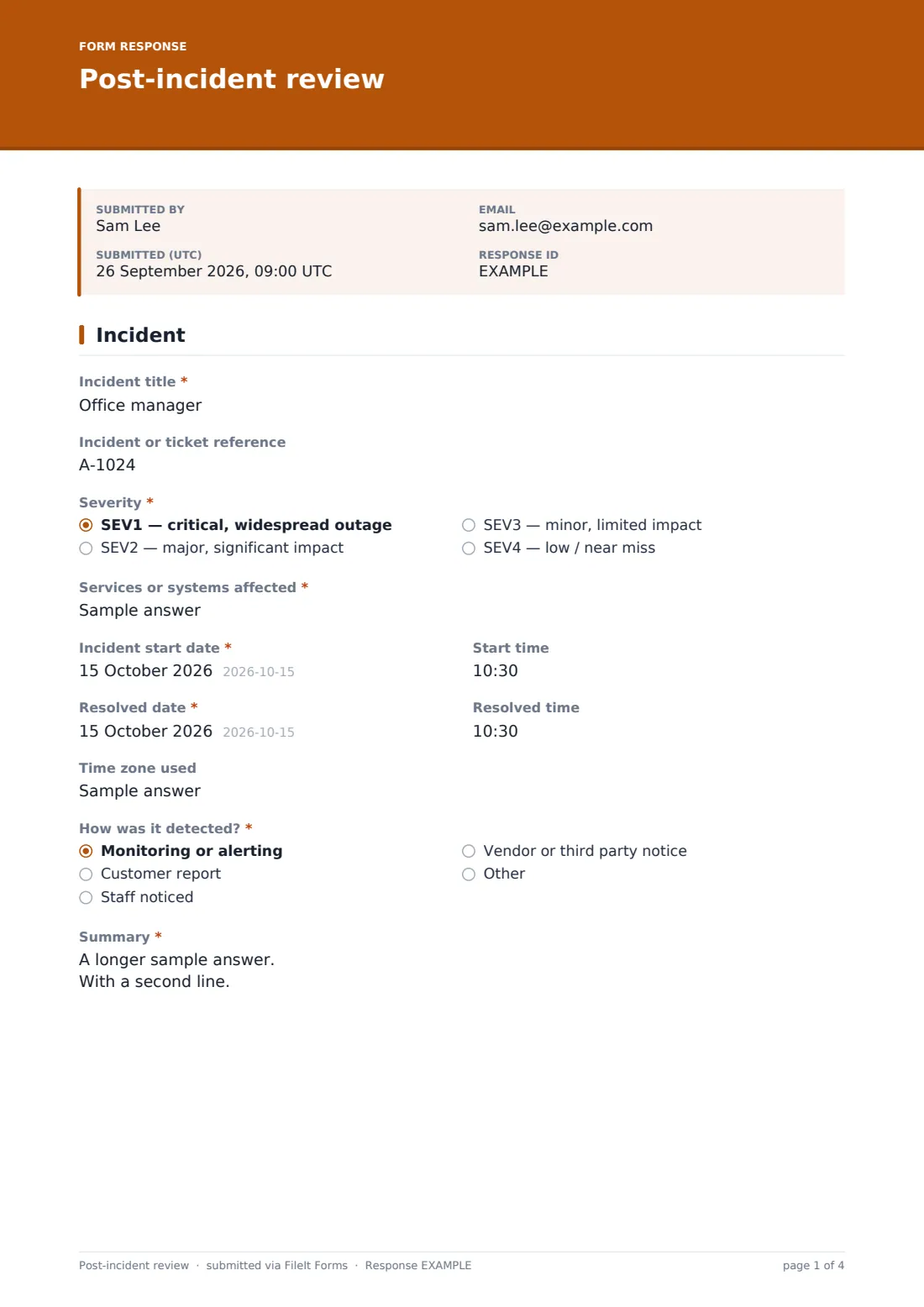
The author records the title, reference, severity from SEV1 to SEV4, services affected, start and resolved dates and times, and the time zone. They say how it was detected — monitoring, a customer, staff or a vendor — and write a short summary a non-technical reader can follow.
2 Timeline & impact
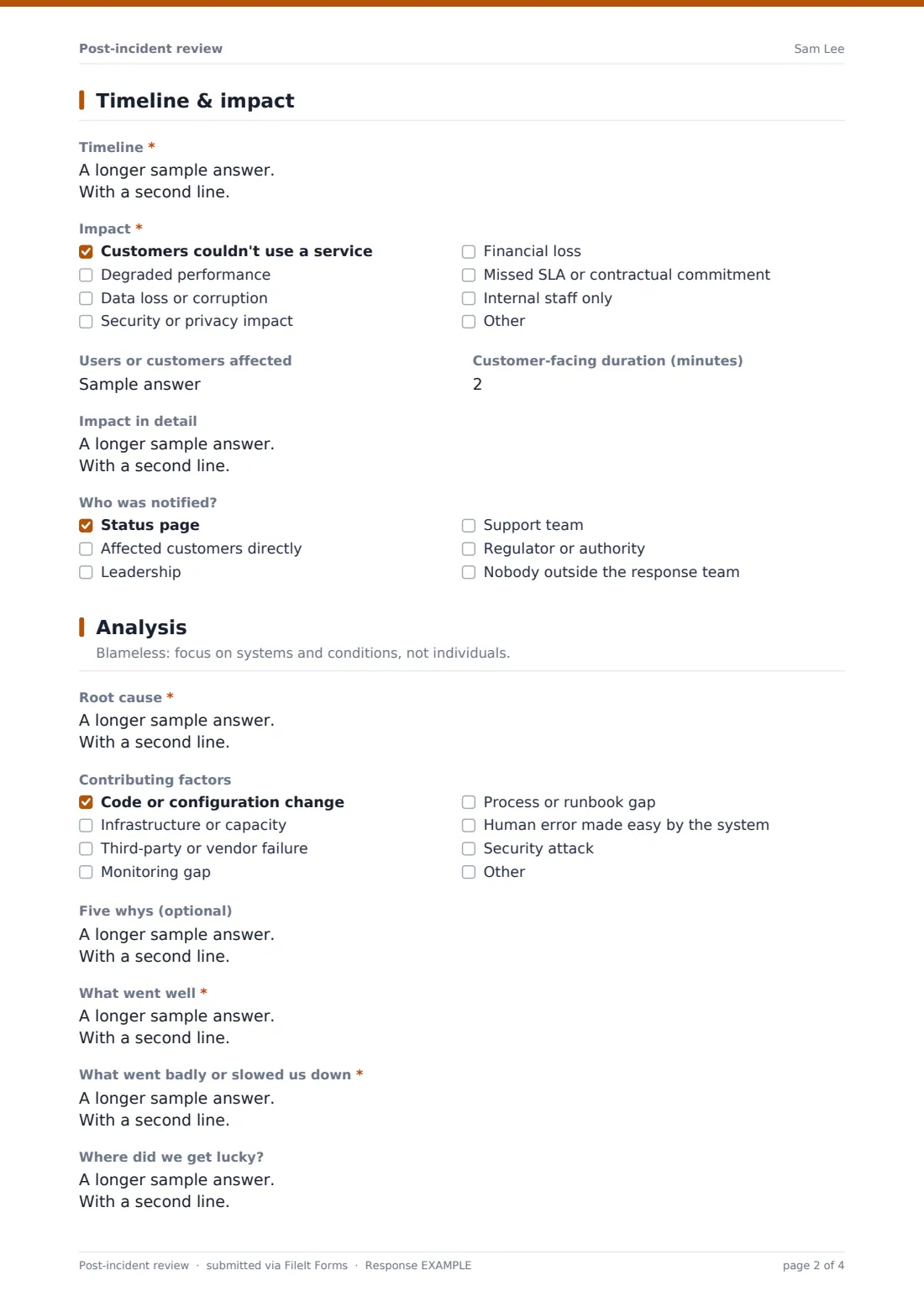
A timeline box takes key events with times, from first signal to resolution. A checklist records the kind of impact, followed by the number of users affected, customer-facing duration in minutes and a detailed impact description. The author ticks who was notified; if security or privacy impact was ticked, a note reminds them to involve the data protection lead.
3 Analysis
Framed as blameless, this page asks for the root cause — what made the incident possible — and contributing factors such as changes, capacity, vendors, monitoring gaps, process gaps or an attack. An optional five-whys is followed by required what went well and what went badly answers, where the team got lucky, and a 1–5 star rating of the overall response.
4 Actions & sign-off
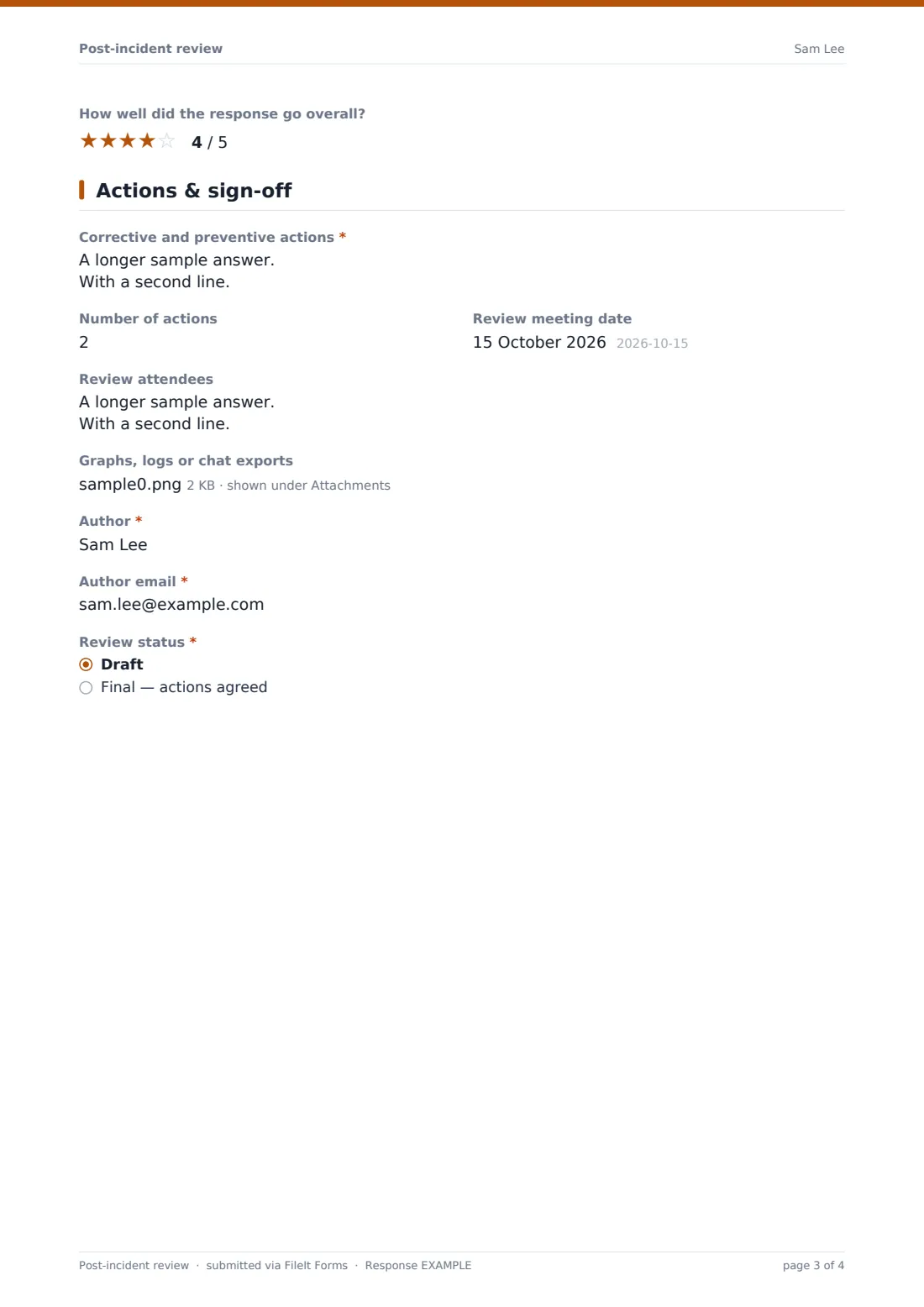
Corrective and preventive actions are listed one per line with owner, due date and ticket, plus the number of actions, review meeting date and attendees. Graphs, logs or chat exports can be attached. The author gives their name and email and marks the review as a draft or final.
Make the template yours
- Change the severity labels to match your own incident levels
- Add your services to a dropdown instead of free text
- Set the default time zone in the placeholder to the one your team uses
- Add a customer-facing summary field if you publish incident reports
- File reviews into a vault folder per quarter to spot repeat causes
- Turn on notifications to engineering leadership
Tips for a better post-incident review form
- Write the review within a few days, while memories and logs are fresh
- Keep it blameless — people share more when they aren't worried about blame
- Look past the trigger to the conditions that let it cause harm
- Give every action a single owner and a date, and track them to done
- Record what went well too, so good practice is repeated
- Remove personal data and secrets from screenshots and logs before attaching them
Every response becomes a PDF in your vault
Each review is saved as a PDF in your FileIt vault with its attachments, and the form owner is emailed. The author can receive a copy to share with attendees.
Use the Responses table to filter by severity or status, and export to CSV to track incident counts, duration and contributing factors over time.
- Start from this template. It opens in the FileIt Forms designer — change any question, add pages, set the rules for when questions appear.
- Share it. Turn on a public link, or send it to people by email, each with their own link. They don’t need a FileIt account.
- Get the answers as PDFs. Each response is saved as a PDF in the vault folder you choose, with uploaded files attached — and listed in a Responses table you can export to CSV.
Post-incident review form: frequently asked questions
Is this post-incident review template free?
Yes. It's a starter template in the FileIt Forms app, available on every plan including free.
Does FileIt track the actions to completion?
No. The form records the agreed actions. Track them in your team's own task or ticket system — the ticket reference field helps link them.
Can I save a draft and finish later?
The review status lets you mark a submission as a draft. You can submit an updated final version later; each submission is saved as its own PDF.
What does blameless mean here?
It means the review focuses on the systems, processes and conditions that allowed the incident, not on individual fault. The form's wording encourages that.
Can I attach monitoring graphs?
Yes. The upload takes images, PDFs, text and CSV files, up to ten.
Should security incidents use this form?
It works for security incidents too, but they may also need your security incident and data breach processes, and a more restricted audience.