What is the bulk waste collection request form template?
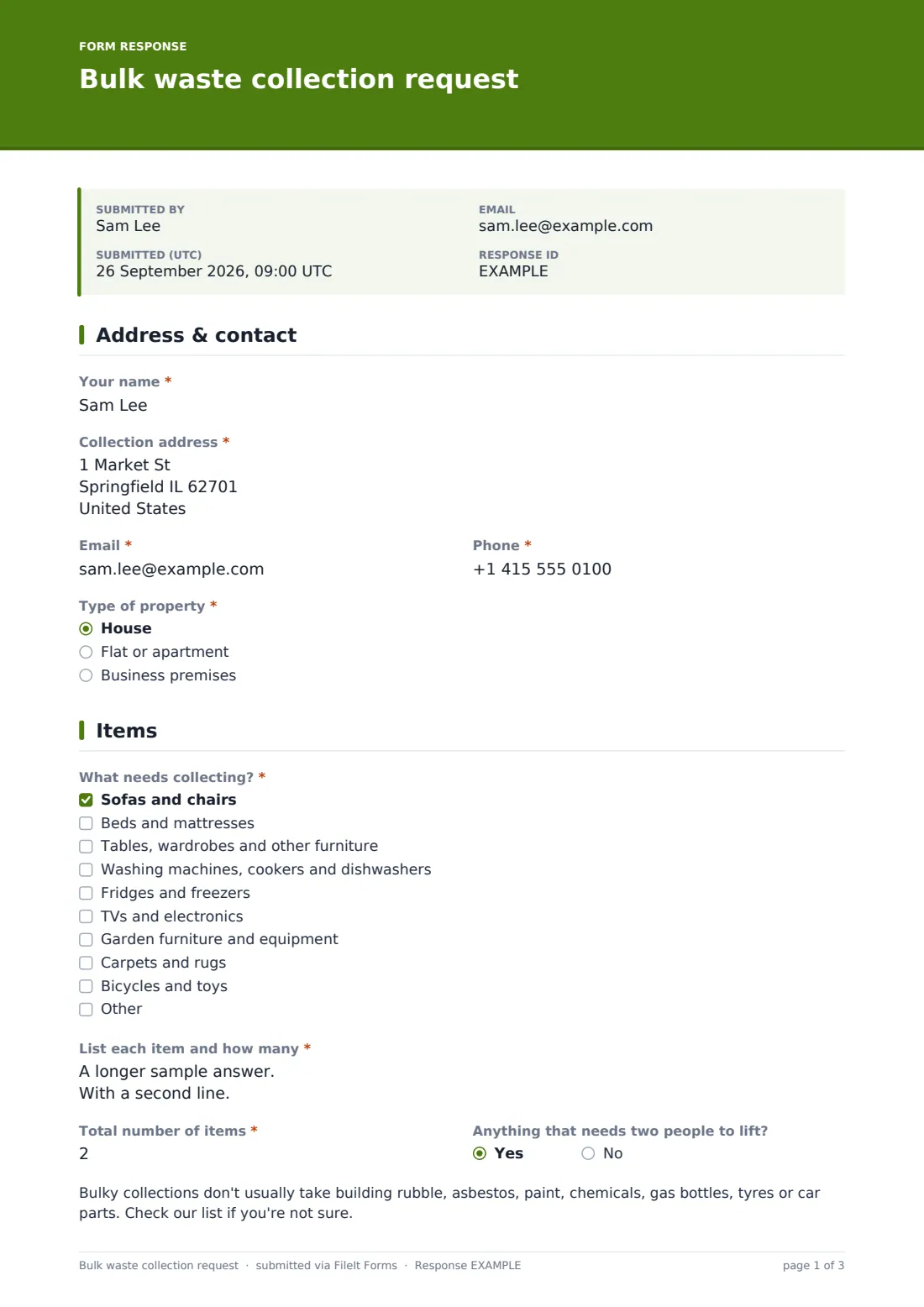
Bulky waste bookings go wrong when the crew finds more items than were booked, or can't find them. This form asks what's being collected and how many, where they'll be left and how to get to them, with photos if the resident has them.
A note tells residents what bulky collections usually don't take, such as building rubble, asbestos, paint, chemicals, gas bottles, tyres and car parts, and to check your list if they're not sure. Business premises see a note that business waste usually goes through a commercial service. Residents who receive a qualifying benefit can upload proof for a reduced fee.
Each request is saved as a PDF in FileIt. The resident agrees that the booking is confirmed only when you've given the date and fee.
- Best for
- Councils, waste contractors, housing associations and property managers
- Filled in by
- Residents
- Time to complete
- About 5 minutes
- Includes
- Name, address, contact, property type, item categories, item list, item count, heavy items, photos, preferred and second dates, placement, access, concession, payment method, booking terms
Who uses a bulk waste collection request form?
- Getting rid of an old sofa and mattress after a move
- Clearing out a garage of old garden furniture and bikes
- Removing a broken fridge-freezer
- A housing association arranging a clear-out for a tenant
- A resident on a qualifying benefit asking for a reduced fee
Questions on this bulk waste collection request form
19 questions over 4 pages · includes file upload, conditional questions, multiple pages, consent checkbox.
1 Address & contact
- Your name*
- Collection address*
- Email*
- Phone*
- Type of property* House · Flat or apartment · Business premises
2 Items
- What needs collecting?* Sofas and chairs · Beds and mattresses · Tables, wardrobes and other furniture · Washing machines, cookers and dishwashers · Fridges and freezers · TVs and electronics · Garden furniture and equipment · Carpets and rugs · Bicycles and toys
- List each item and how many*
- Total number of items*
- Anything that needs two people to lift?
- Photos of the items
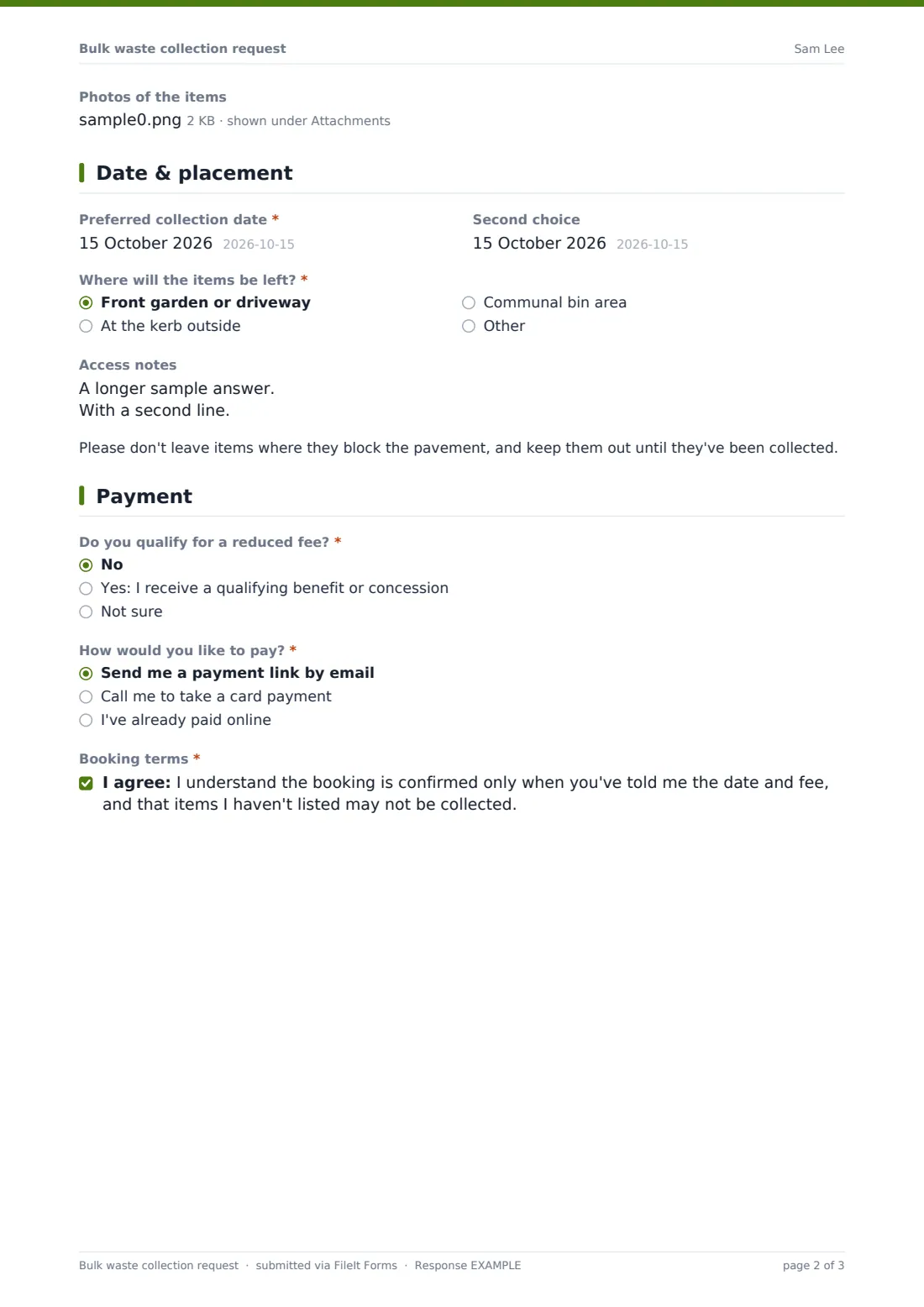
3 Date & placement
- Preferred collection date*
- Second choice
- Where will the items be left?* Front garden or driveway · At the kerb outside · Communal bin area
- Access notes
4 Payment
- Do you qualify for a reduced fee?* No · Yes: I receive a qualifying benefit or concession · Not sure
- Proof of benefit or concession asked only when it applies
- How would you like to pay?* Send me a payment link by email · Call me to take a card payment · I've already paid online
- Payment reference* asked only when it applies
- Booking terms*
The bulk waste collection request form, page by page
1 Address & contact
Name, "Collection address", email, phone and "Type of property". Business premises show a note about commercial waste.
2 Items
"What needs collecting?" lists sofas and chairs, beds and mattresses, other furniture, large appliances, fridges and freezers, TVs and electronics, garden furniture, carpets, and bikes and toys. "List each item and how many", "Total number of items" and "Anything that needs two people to lift?" follow, then the note on excluded items and an optional photo upload.
3 Date & placement
"Preferred collection date" and a second choice, "Where will the items be left?" (front garden or driveway, kerb, communal bin area or somewhere else), access notes, and a reminder not to block the pavement.
4 Payment
"Do you qualify for a reduced fee?" asks for proof if yes. "How would you like to pay?" offers a payment link by email, a call to take a card payment, or a reference if it's already paid online. The resident agrees to the booking terms.
Make the template yours
- Put your prices, item limits and collection days in the cover text
- Edit the excluded items note to match your own list
- Set the date questions to your collection days only, if you have fixed rounds
- Remove the payment page if bulky collections are free in your area
- Change "kerb" and "pavement" to local terms
Tips for a better bulk waste collection request form
- Compare the item count with the list before confirming the fee
- Check photos for anything on the excluded list
- Confirm the date by email so residents don't leave items out too early
- Keep concession proof with the booking in case of audit
- Export bookings to CSV to plan collection rounds
Every response becomes a PDF in your vault
Each request is saved as a PDF in the folder you choose, with photos and concession proof attached, and your waste team is emailed.
The Responses table lists requests by date and address. Export to CSV to build your collection schedule.
- Start from this template. It opens in the FileIt Forms designer — change any question, add pages, set the rules for when questions appear.
- Share it. Turn on a public link, or send it to people by email, each with their own link. They don’t need a FileIt account.
- Get the answers as PDFs. Each response is saved as a PDF in the vault folder you choose, with uploaded files attached — and listed in a Responses table you can export to CSV.
Bulk waste collection request form: frequently asked questions
Is this bulky waste template free?
Yes. It's one of the starter templates in the Forms app, included on every FileIt account, and you can edit any question.
Can residents pay through the form?
The form doesn't take payments. Explain the fee and how to pay in the cover text or confirmation message, or contact the applicant afterwards.
Can we limit how many items are booked?
Yes. The item count has a maximum you can change in the designer.
Do residents need a FileIt account?
No. Residents open your link, answer the questions and submit. No account is needed.
Is this the official form for our council?
It's a starting point. Check it against your own rules and edit the questions to match what your council or city requires.